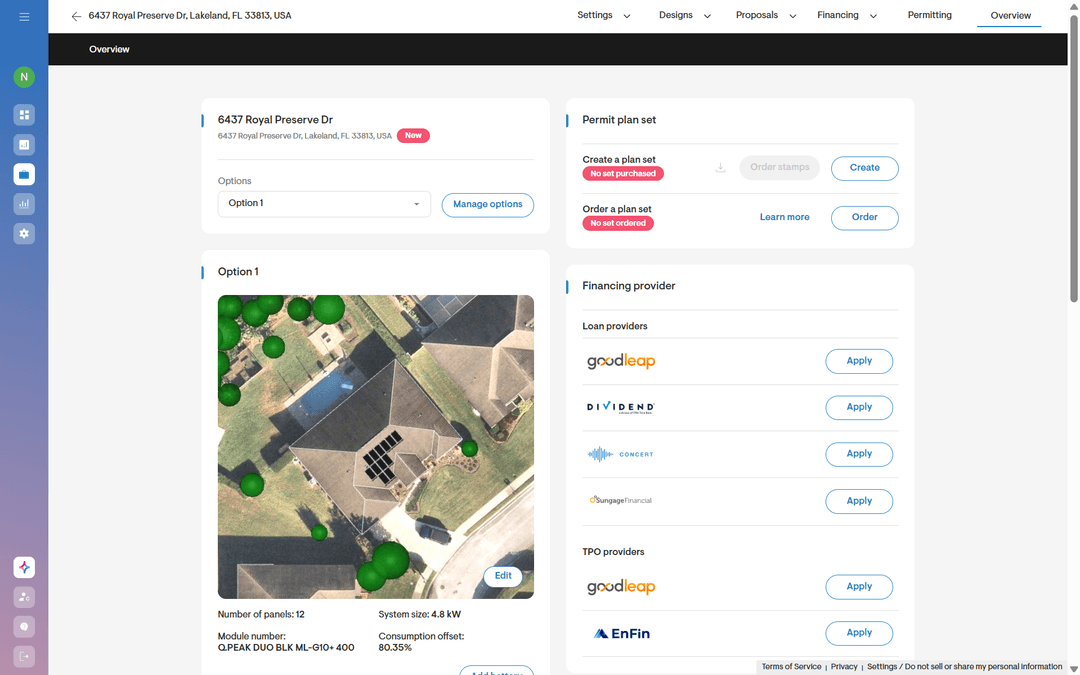
You're sitting with the homeowner, things are going well, and then it happens: "Can we make the system a little bigger?" or "What if we went with a smaller battery instead?" That kind of question kills your momentum. By the time you revert to the client with the changes, they've already signed with someone else.
Solargraf’s new Express editor feature puts that power back in your hands. No waiting on design. No re-quoting from scratch. You make the change, customers see it live, and the deal keeps moving while it's hot.
Why you're going to love this?
Think about how much of your close rate depends on speed and confidence. Homeowners buy when they feel like you're in control of the details — not when you're stalling for someone else's answer. Express editor lets you:
- Answer objections instantly. Homeowner wants fewer panels or a different battery? Adjust it right there and show them the new numbers before they've finished their sentence.
- Reduces training time significantly by eliminating the need to learn advanced design features.
- Keep the energy in the room. No dead air waiting for a callback from design. The conversation never stops.
- Look like the expert you are. Watching a proposal update live, with real financials recalculating in front of them, builds trust fast — it tells the homeowner you know exactly what you're doing.
- Close more, revise less. Fewer back-and-forth proposal cycles means fewer chances for the deal to go cold.
How to access this feature?
You don't need a design background or special training to run Express editor. Here's all it takes:
- Open the proposal your design team already built for the homeowner.
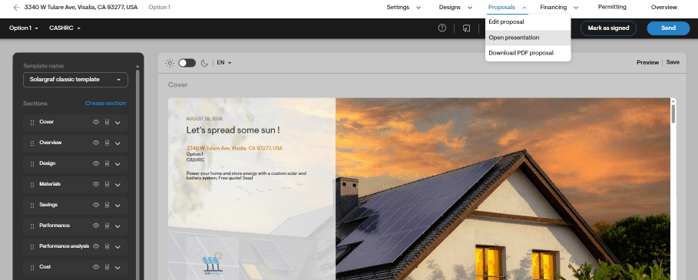
- Click Open Presentation from the top nav bar.
- Expand the left panel arrow to reveal Express editor.
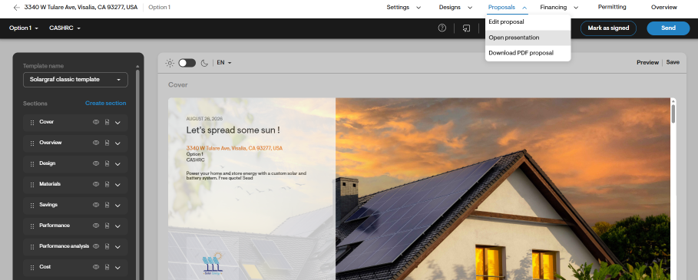
You're now in control of the design, live, in front of your customer.
What's inside the Express editor?
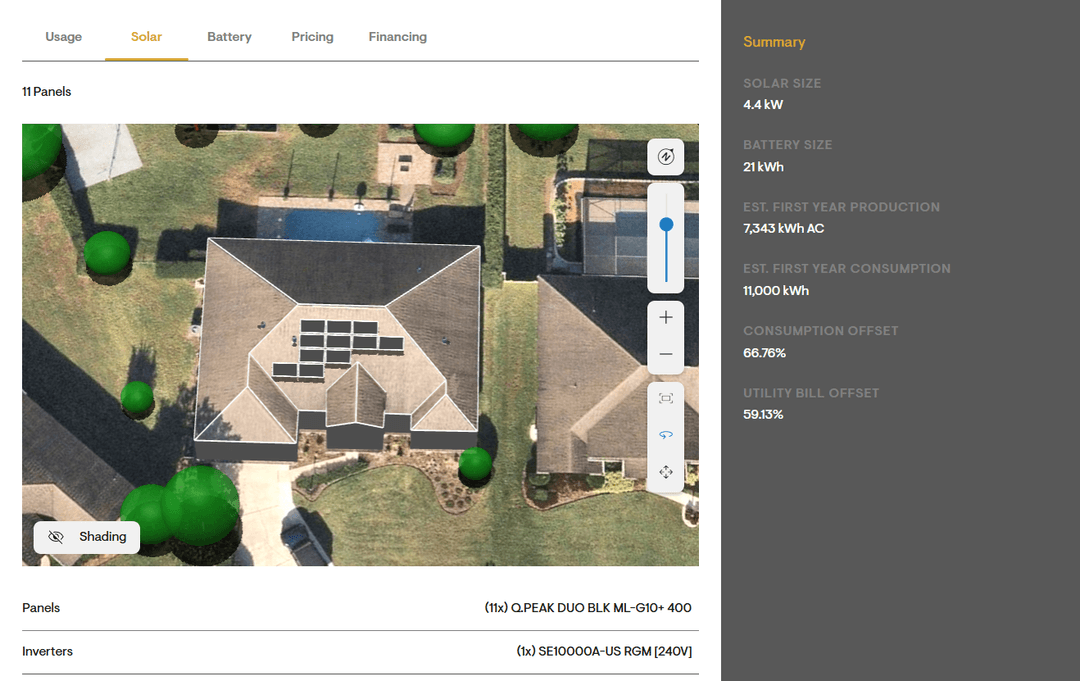
Express editor isn't just about tweaking panel counts — it's a full control centre for the proposal, organized into five simple tabs: Usage, Solar, Battery, Pricing, and Financing. These are the individual tabs you can edit inside Express editor, and how each one helps you close faster:
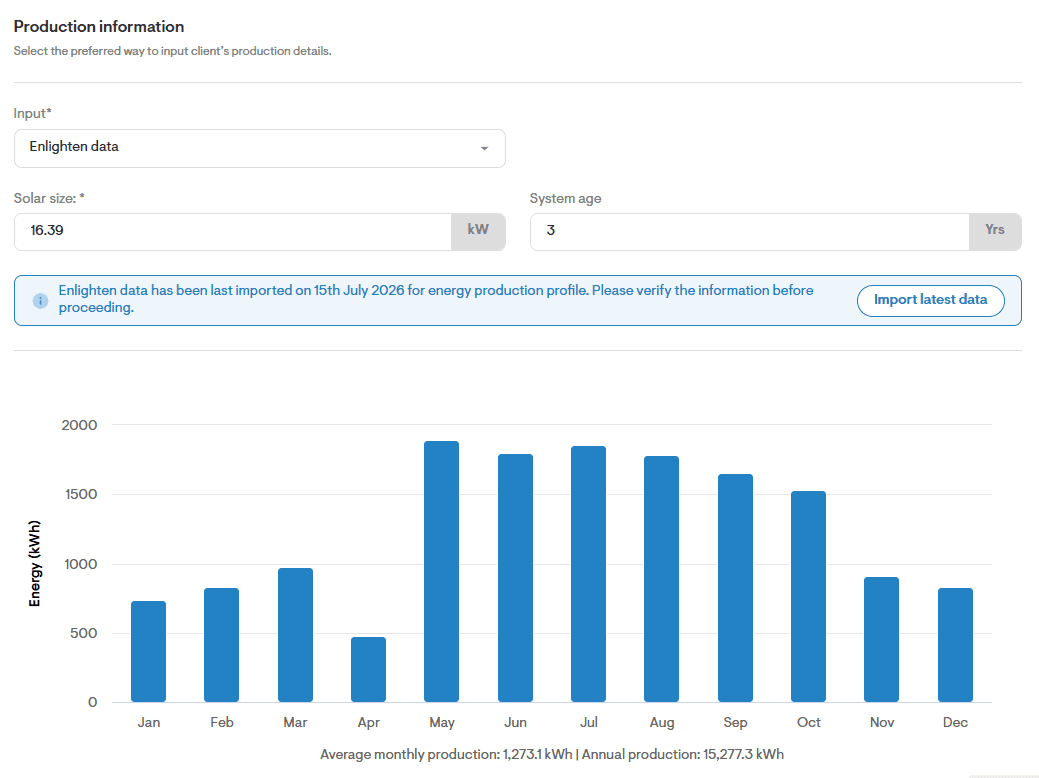
- Usage - Adjust utility, tariff, post-solar tariff, or the homeowner's bills and consumption — right in the moment. No surprises later, no re-quoting. Just course-correct in the room and keep going.
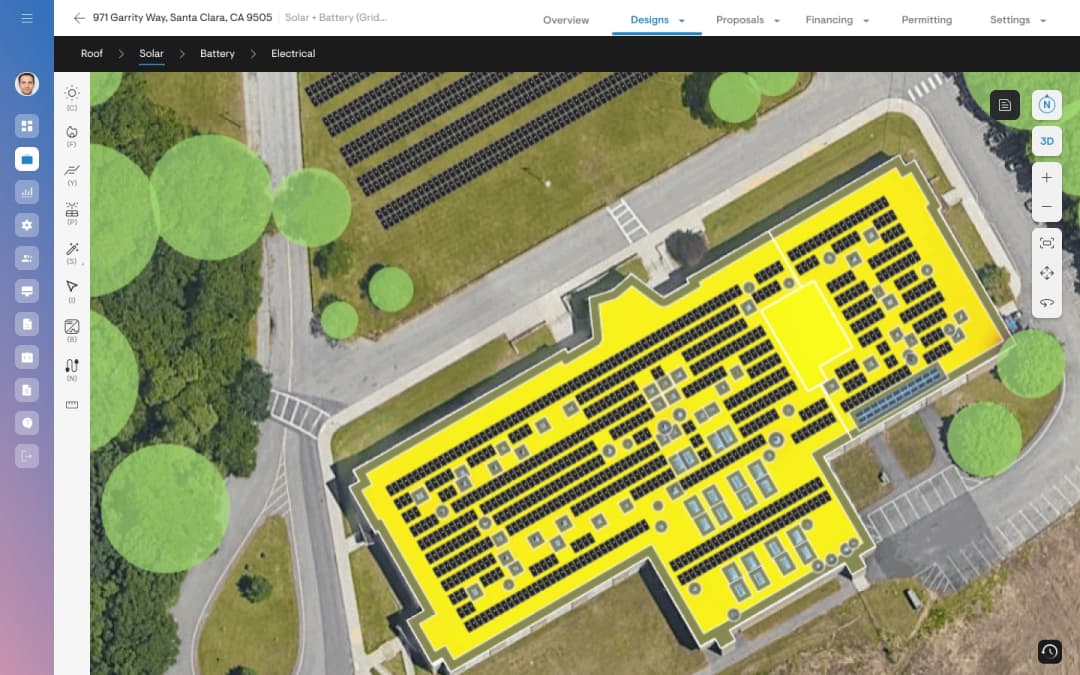
- Solar - Resize the system on the spot until it matches exactly what the homeowner needs. Works for both string inverter and microinverter designs.
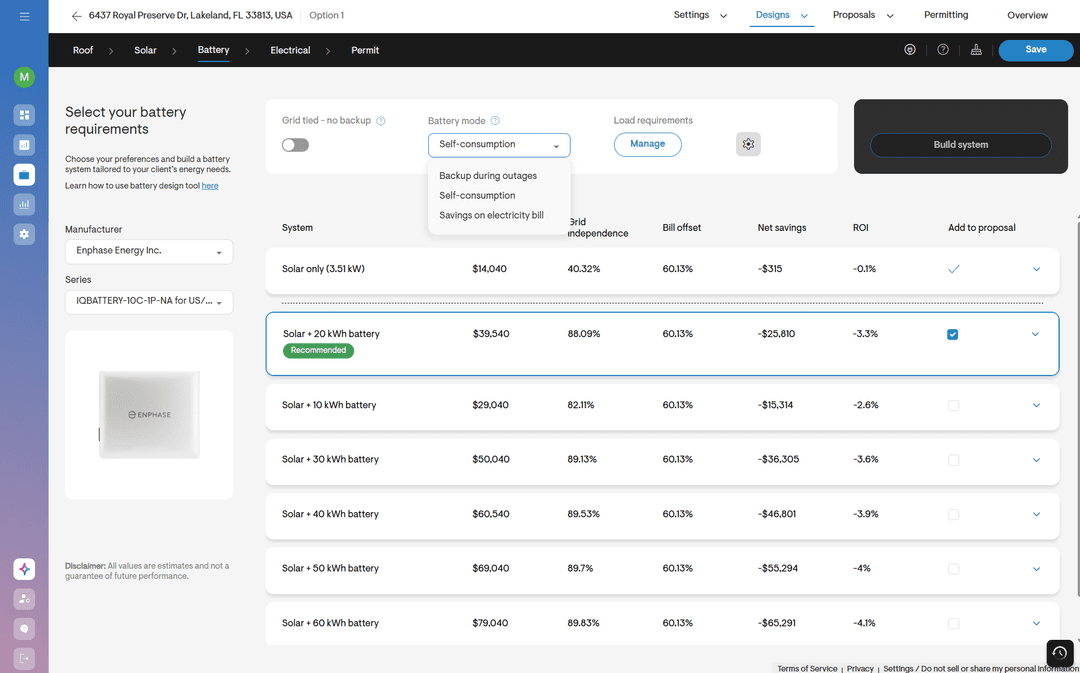
- Battery - Change the manufacturer, model, quantity, or battery mode until you find the right fit. Starter battery or full backup, the homeowner sees the difference live, without you ever leaving the conversation.
- Pricing - Adjust cost per watt, apply discounts, or add adders right from this tab, even ones that weren't part of the original project. No need to go back to project settings mid-conversation. Just update and move on.
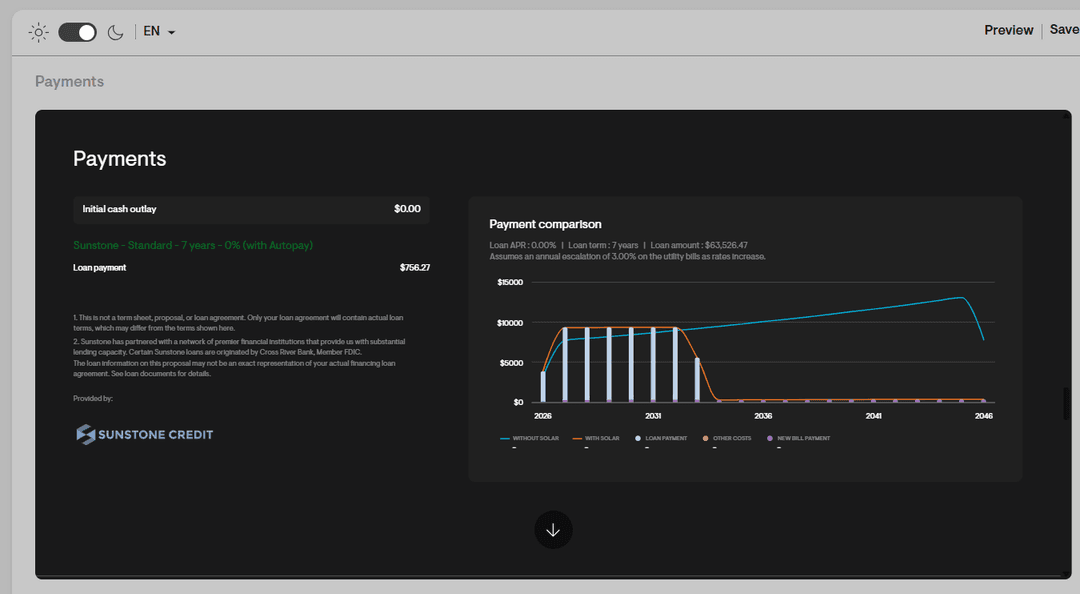
- Financing - Switch between financing options in real time, so the homeowner can compare monthly payments across cash, loan, or lease side by side.
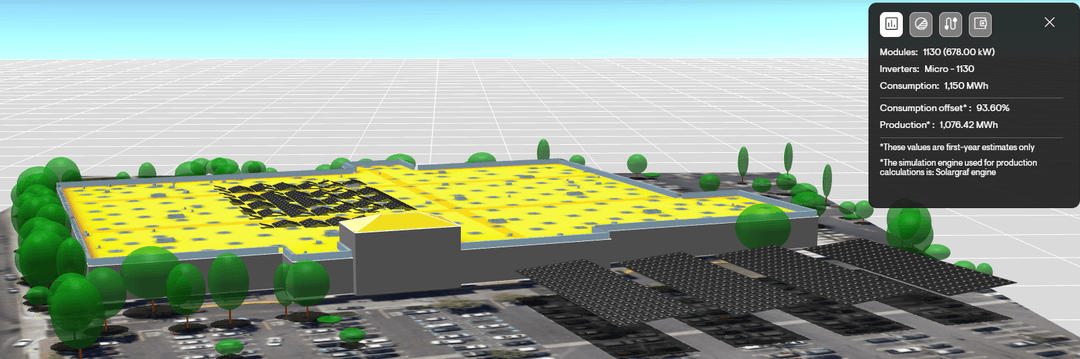
Every change you make flows straight into a live Summary tab, so you always know exactly how your edits move the needle on utility bill offset, system size and other key metrics.
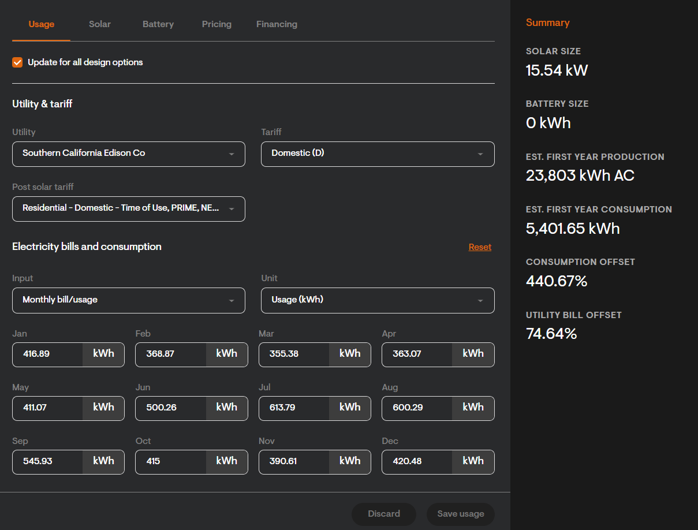
Note: To make changes seamlessly, please ensure you have the required permissions enabled for the relevant tab. Without the necessary access, editing options may not be available.
Bottom line
Every minute spent waiting for a revised proposal is another opportunity for a homeowner to hesitate. Express editor eliminates that delay. Make updates on the spot, let homeowners see the changes instantly, and keep the conversation moving toward a decision, all in a single meeting.
Beyond faster proposal revisions, Express editor dramatically reduces onboarding and training time. Sales teams can quickly create and adjust customer-ready proposals without needing deep expertise in Solargraf's design tool, helping them become productive much faster.
If you haven't tried it yet, open your next proposal in Presentation mode and experience the difference. It could become the most valuable time-saving tool in your sales toolkit.