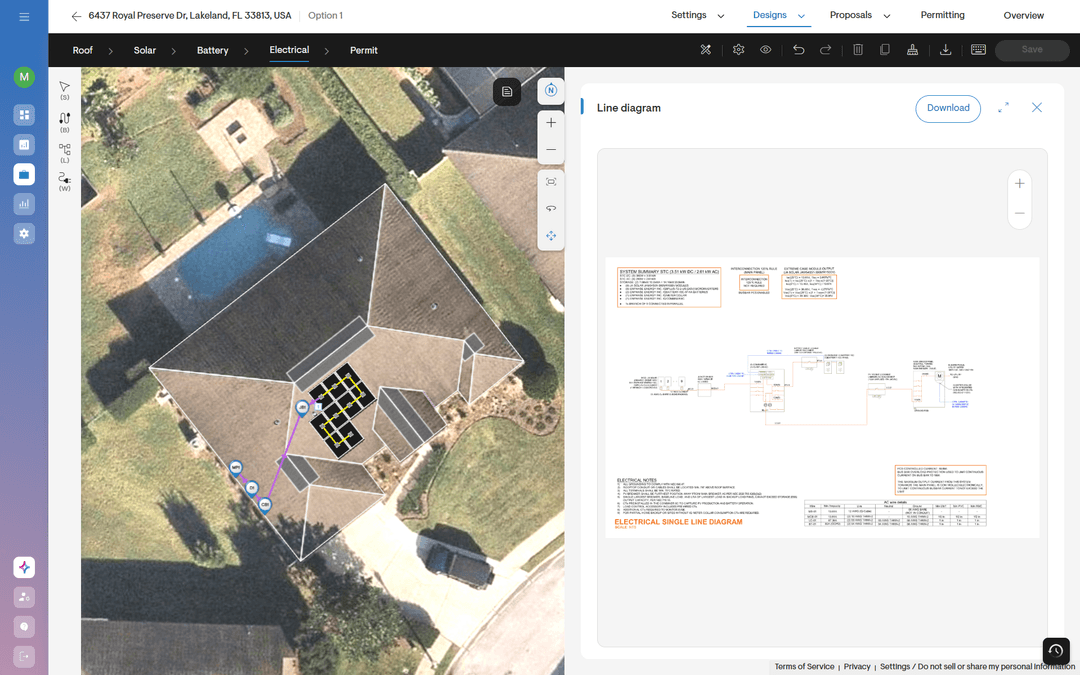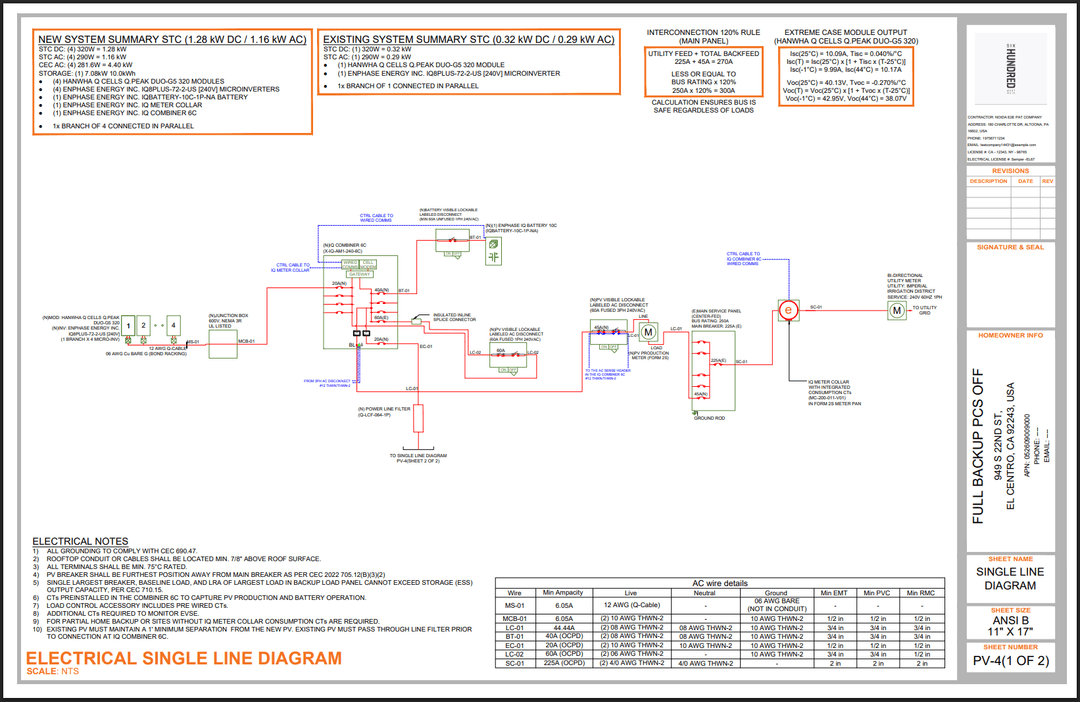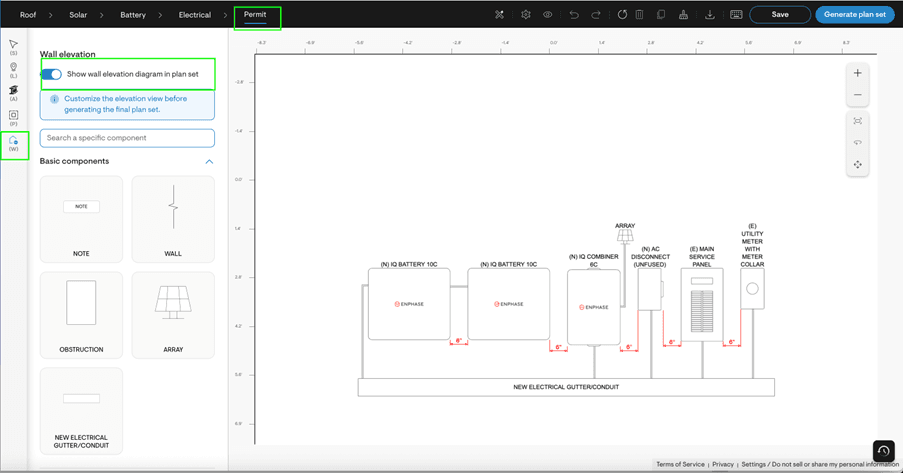
Permit requirements continue to demand greater clarity — especially for battery projects where AHJs want to see exactly how wall-mounted equipment will be installed.
In real-world installations, however, walls are rarely simple. Equipment may need to be stacked. Space may be limited. Windows or doors can restrict placement. And until recently, adjusting wall elevations inside Solargraf meant exporting the plan set, editing externally, and re-uploading the final version.
The new Solargraf Wall elevation canvas feature brings that flexibility directly into the Permit workflow — allowing you to design, adjust, and finalize wall layouts before generating the plan set.
Designed for real-world installations
Below is a closer look at what you can now do inside the wall elevation canvas.
Toggle control for permit sets
Not every AHJ requires a wall elevation sheet. With a simple toggle, you can choose whether the wall elevation is included in the final permit package.
- Turn it ON to automatically include the elevation page in the plan set.
- Turn it OFF to exclude it entirely when not required.
This ensures your submission matches local jurisdiction requirements without additional edits.
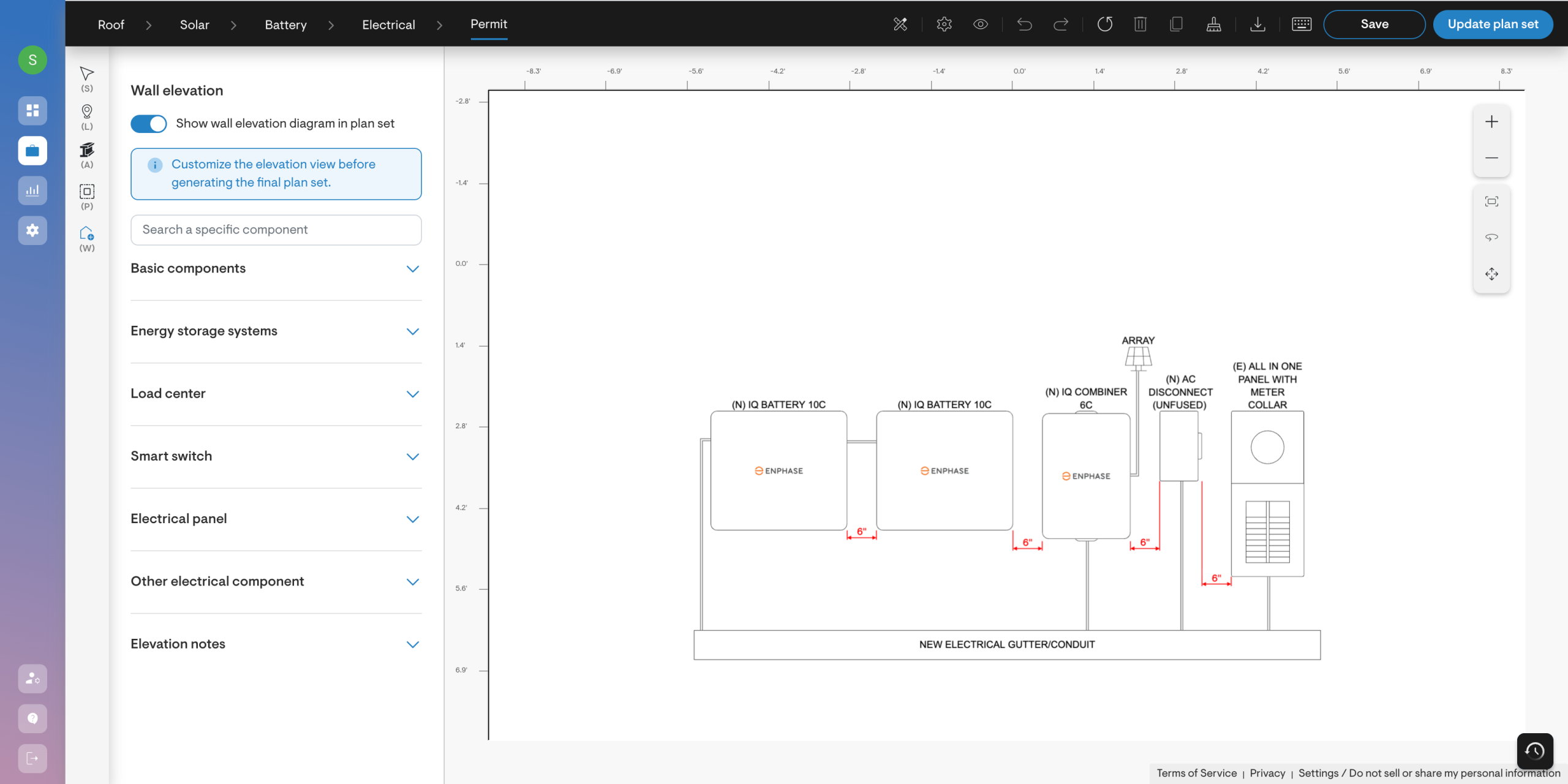
Flexible component placement
The component library allows you to add and position common wall-mounted equipment directly onto the canvas, including:
- Batteries
- Disconnects
- Combiner boxes
- System controllers and gateways
- Main service panels
- Utility meters
- Conduits
You can search for a specific component, select it, and place it precisely where needed. Components can be stacked vertically, spaced apart, or positioned relative to other equipment to reflect actual installation intent.
Multi-wall support
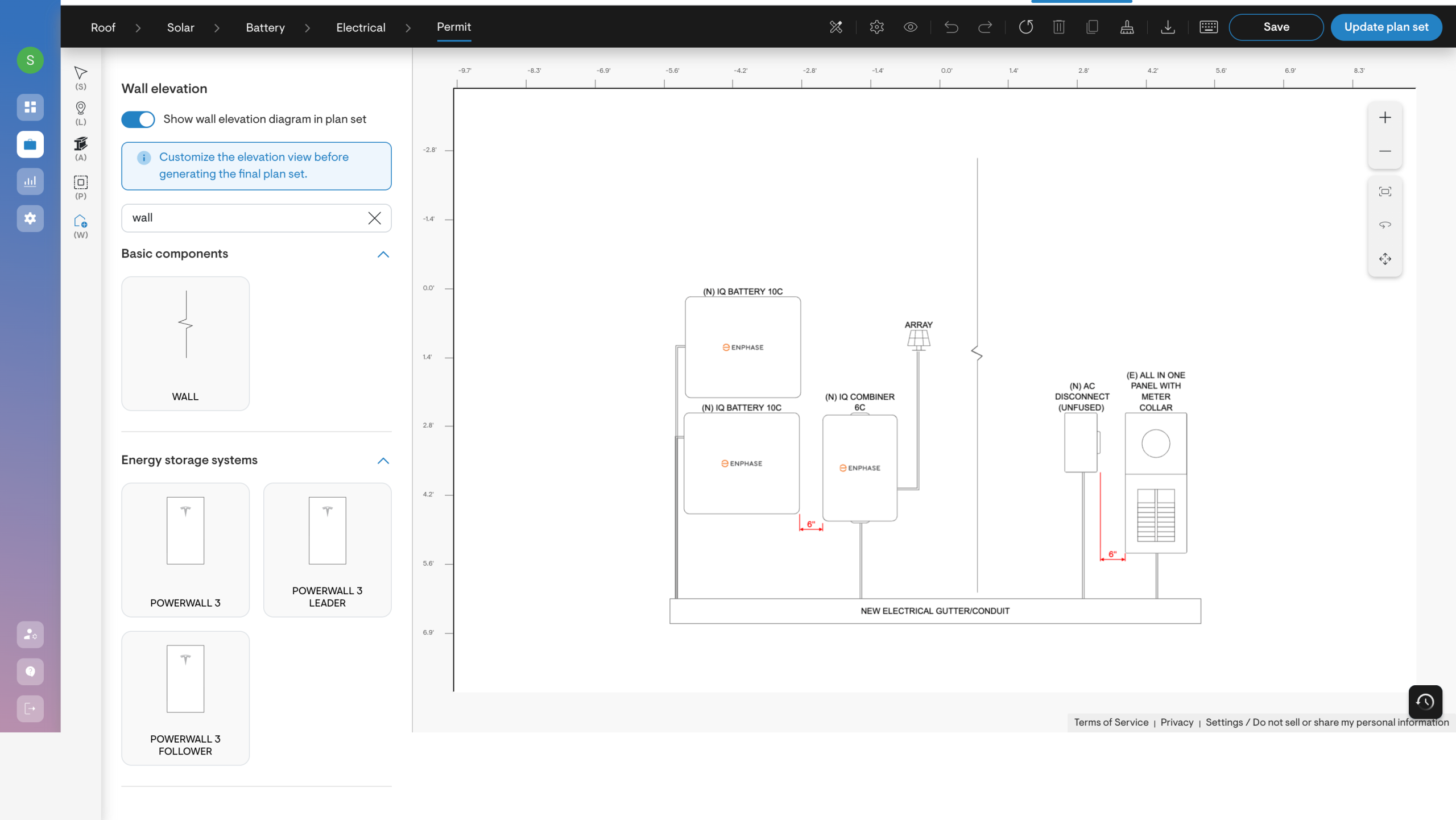
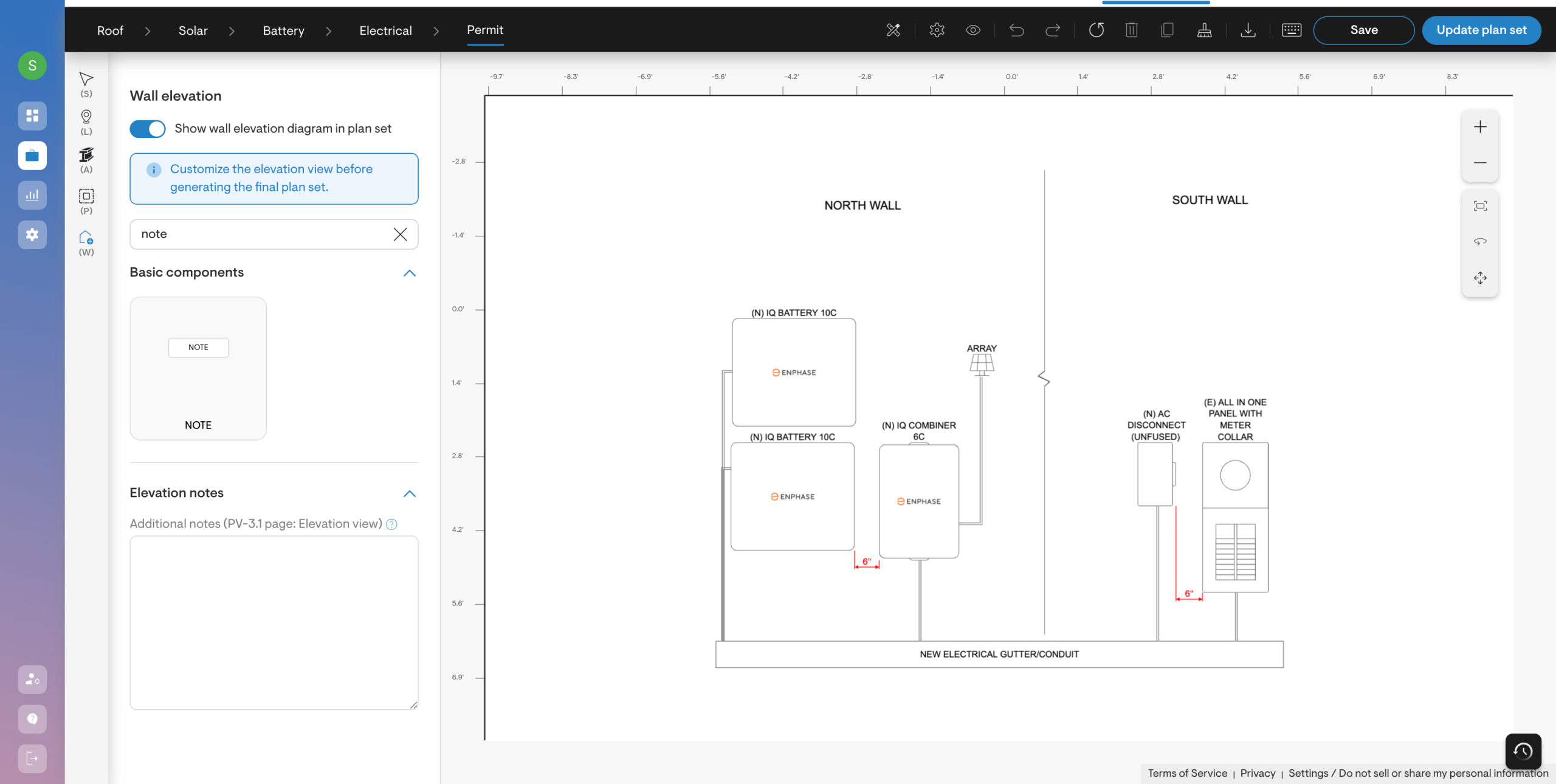
If all equipment cannot fit on a single wall, you can create multiple wall sections within the same elevation view.
- Add additional walls
- Give them a name if needed
- Distribute equipment across each wall independently
This is particularly useful when components must be split across different areas or when layout constraints require separation.
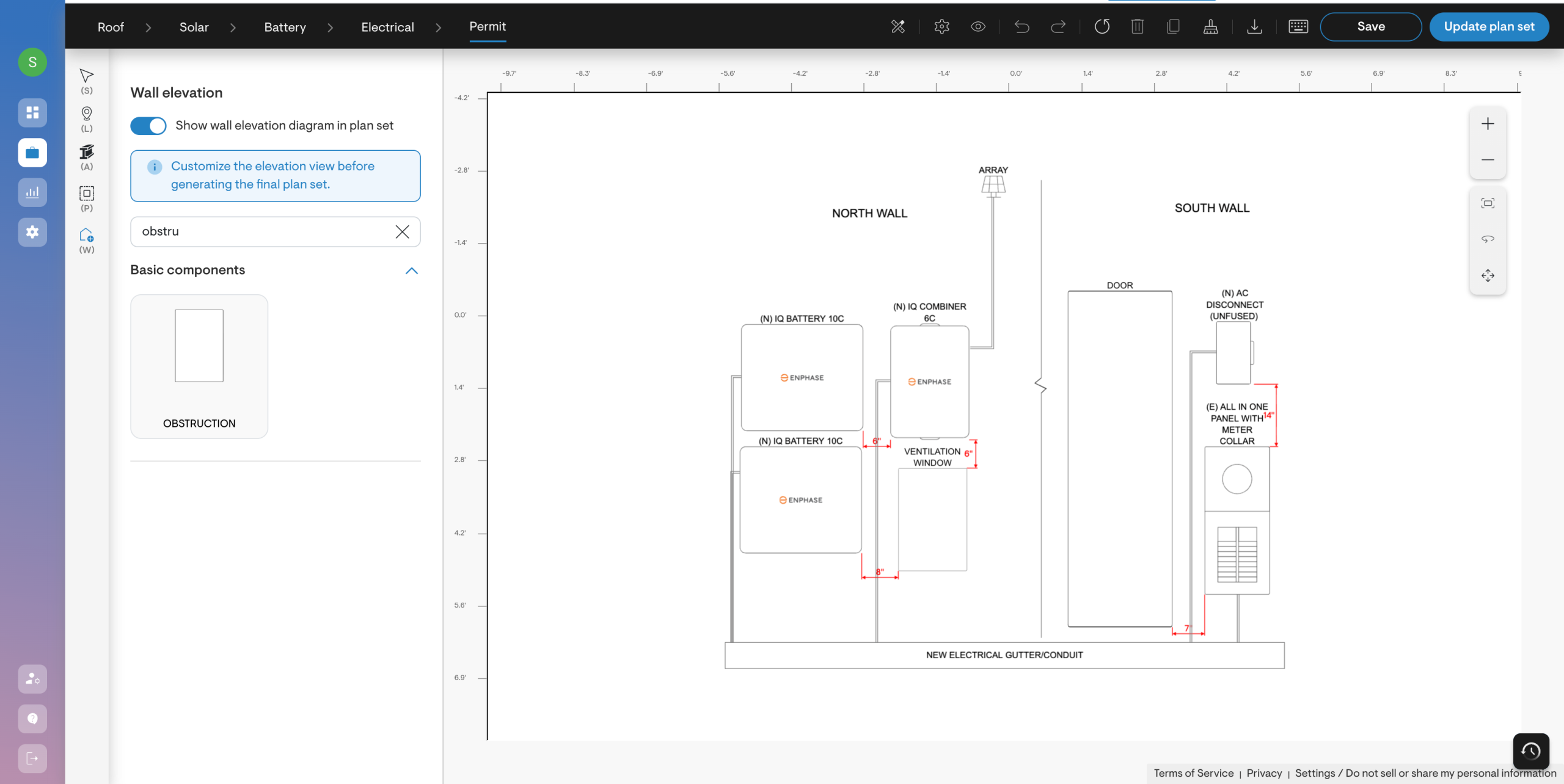
Obstruction modelling
Real walls often include obstructions such as windows, doors, or other physical barriers.
You can:
- Add obstruction zones directly onto the wall
- Resize them to match realistic dimensions
- Position equipment around them accordingly
This makes your wall elevation more accurate and better aligned with actual site conditions.
Built-In layout safeguards
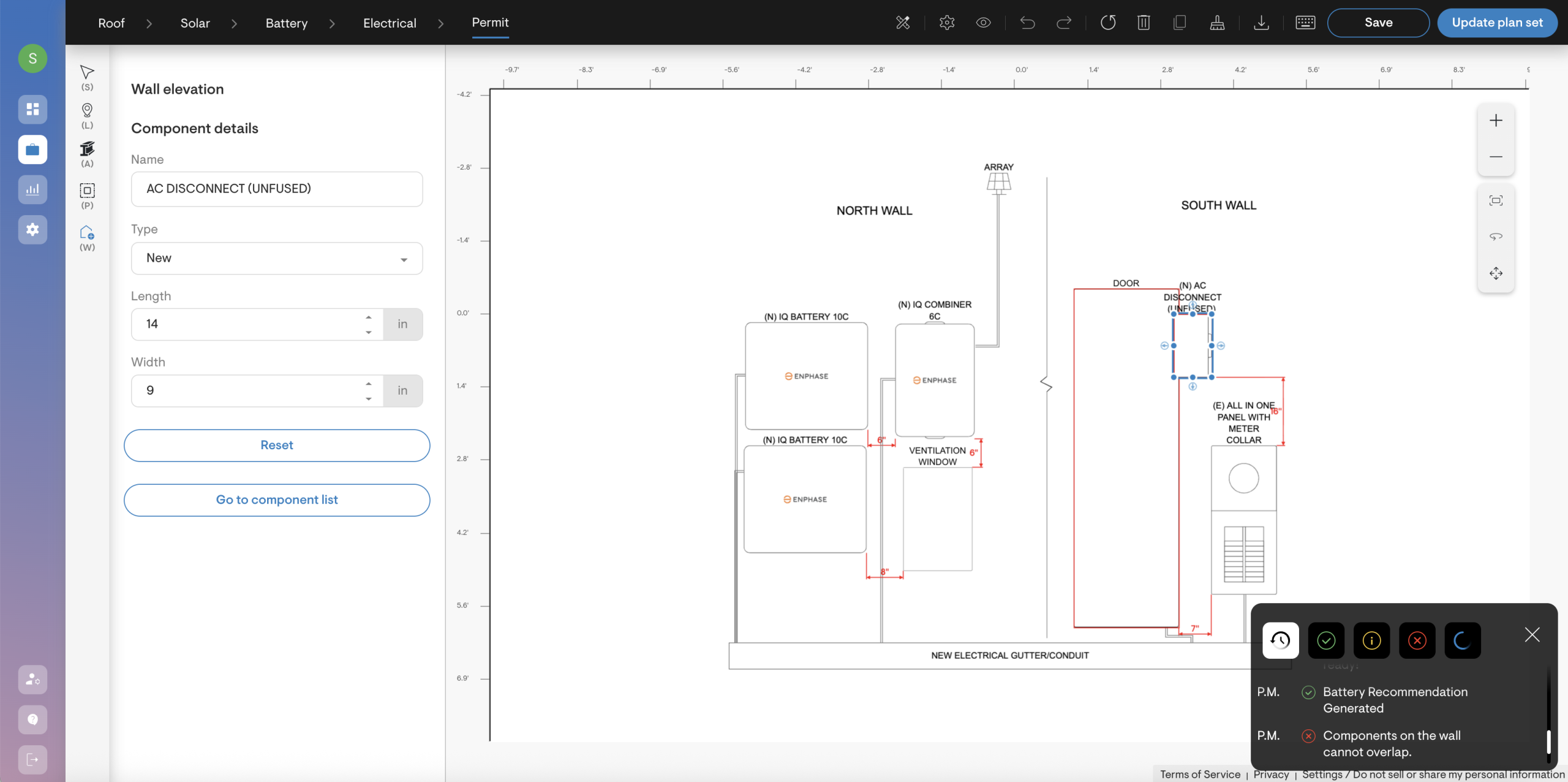
To maintain clean and compliant drawings, the canvas prevents component overlap.
If you attempt to place one component over another, the system will alert you. This helps ensure proper spacing, avoids unrealistic layouts, and reduces the likelihood of permit revisions.
Measurement visibility controls
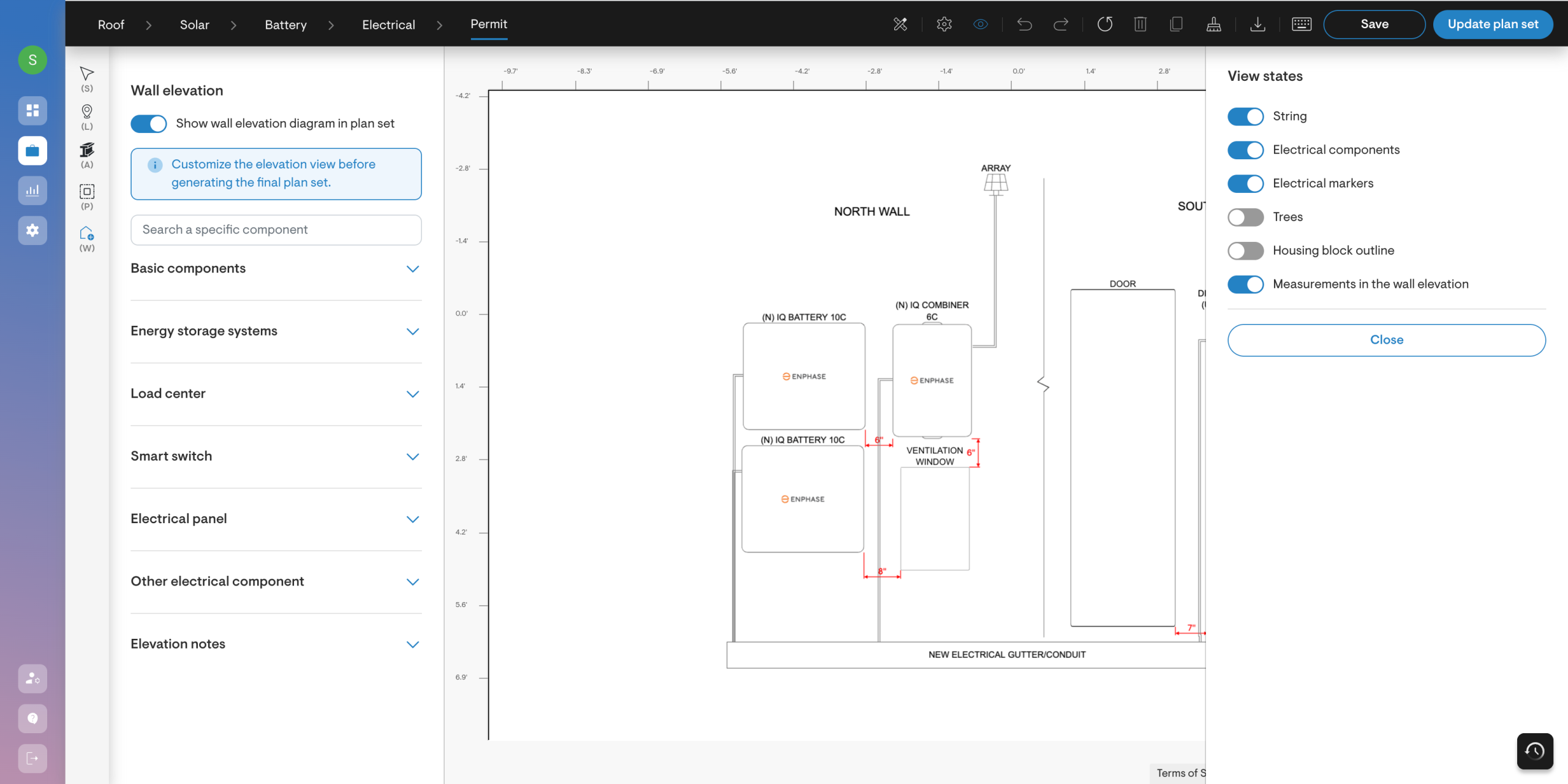
By default, wall elevations display dimensions to indicate spacing and height.
However, not every AHJ requires visible measurements. You can:
- Show or hide measurements entirely
- Remove individual dimension markers (select a dimension and press delete)
This allows you to tailor the visual presentation based on jurisdictional expectations.
Easy navigation & reset
You can:
- Pan using trackpad gestures (use two fingers to move)
- Zoom in and out for precise placement
- Use Fit to Screen to quickly re-center the layout
- Reset to the original default arrangement at any time
This makes it easy to experiment with different configurations while maintaining control over the final output.
Elevation notes for permit documentation
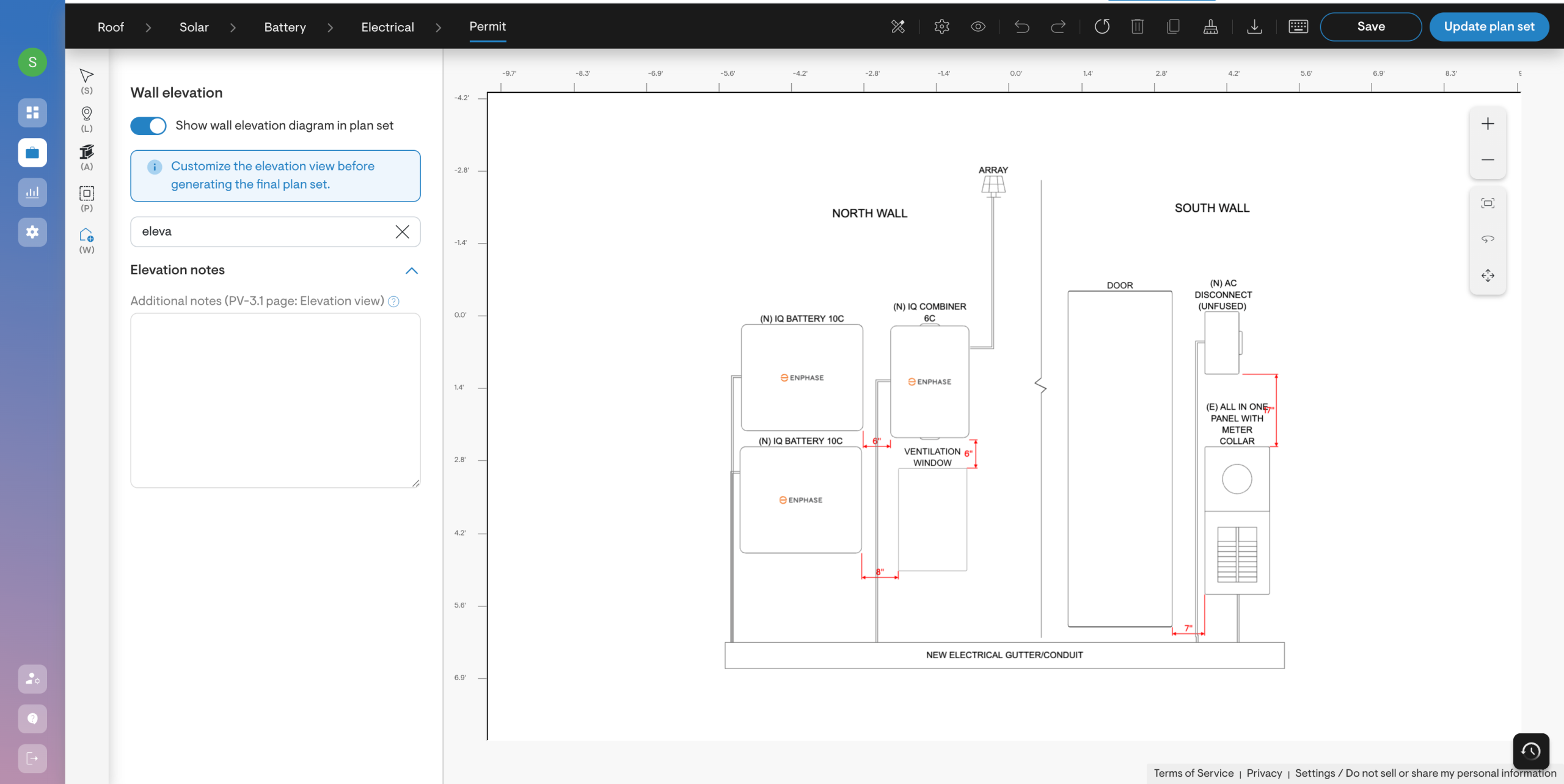
You can add dedicated elevation notes that appear directly in the final plan set.
These notes are separate from on-canvas labels and are intended specifically for permit documentation. This ensures that important installation details, clarifications, or compliance statements are clearly included in the submitted package.
Ready to see it in action?
From the flexible placement of components to easy navigation and wall obstruction modelling, Solargraf enhances the permitting for solar installers.
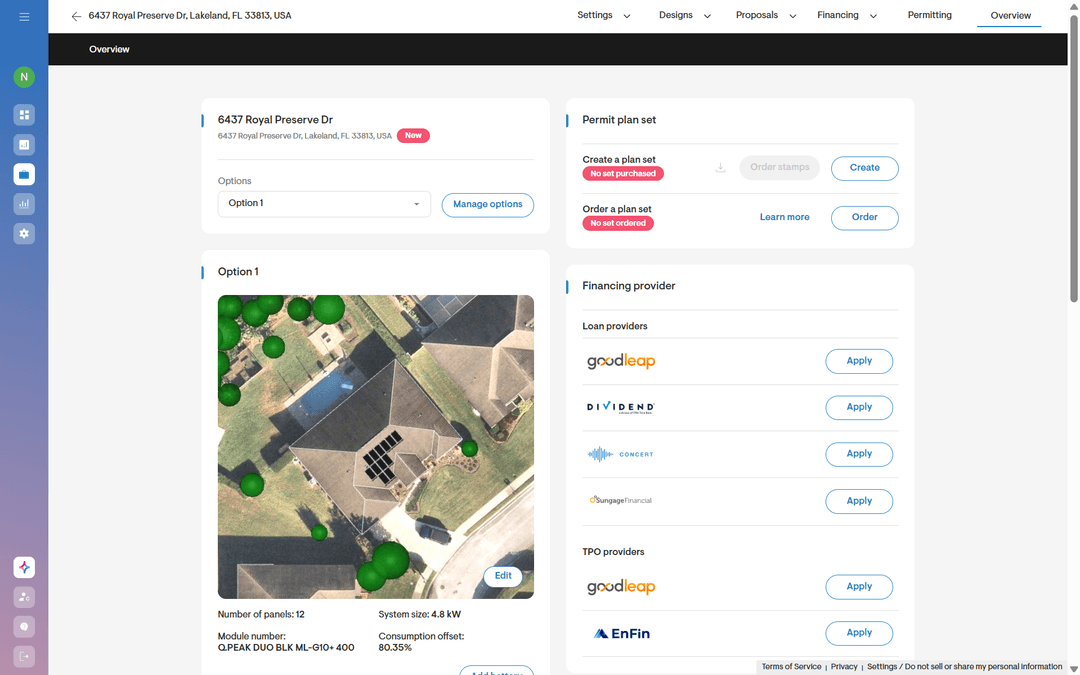
Head to the permit design section in Solargraf and explore the new Wall Elevation Canvas.
Design it your way. Submit with confidence. No extra software required.