Solargraf delivered key enhancements in Q4, 2025 that strengthened design precision, proposal flexibility, financing clarity, permit accuracy, and workflow automation. Each improvement was built to streamline projects end‑to‑end, helping installers work more efficiently while maintaining consistency and accuracy at scale. Here’s a focused recap of the Q4’25 enhancements.
Design enhancements
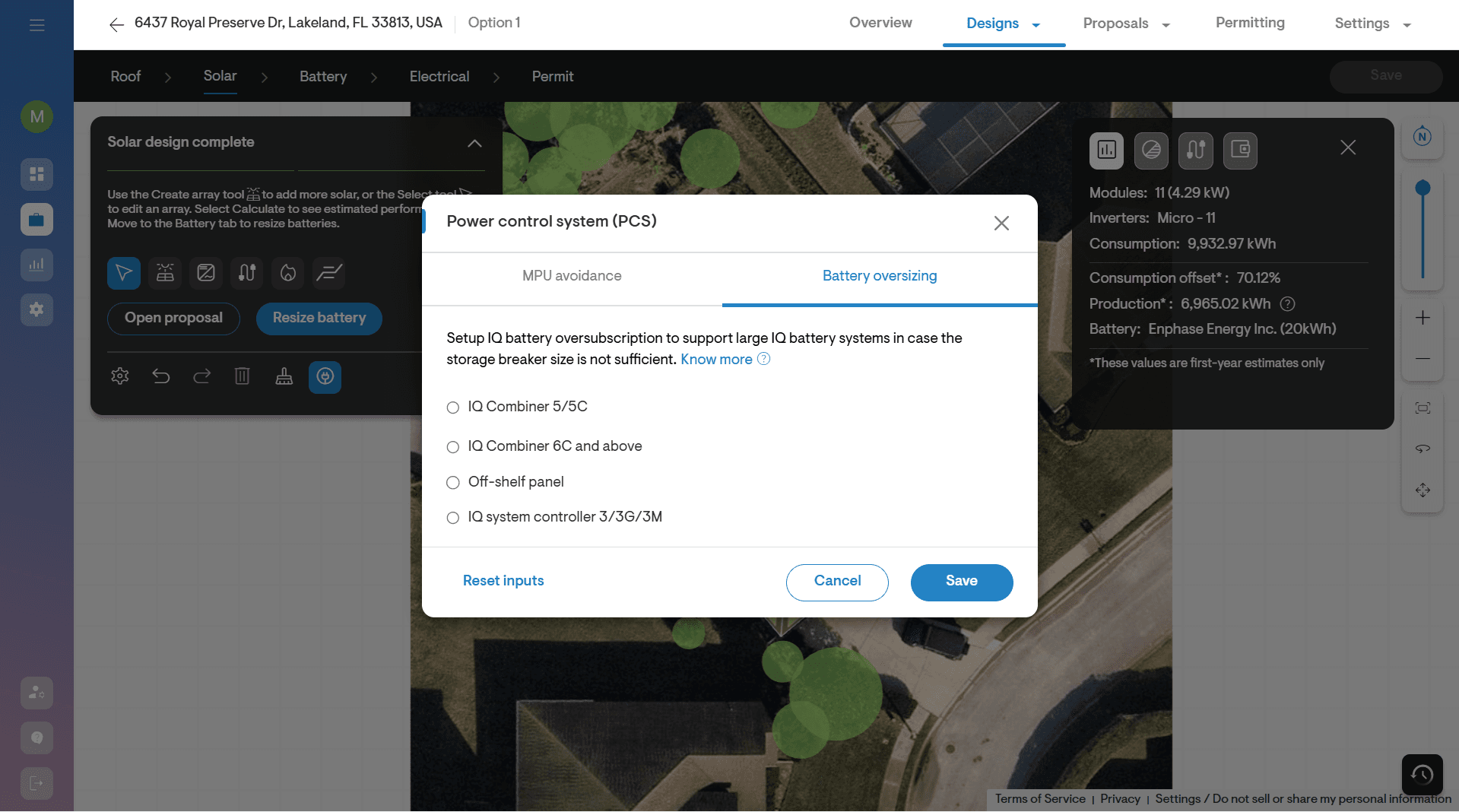
The design updates improved panel placement accuracy, reduced clicks, and gave teams tighter control over layouts, resulting in faster, more precise system designs with per ‑panel production insights.
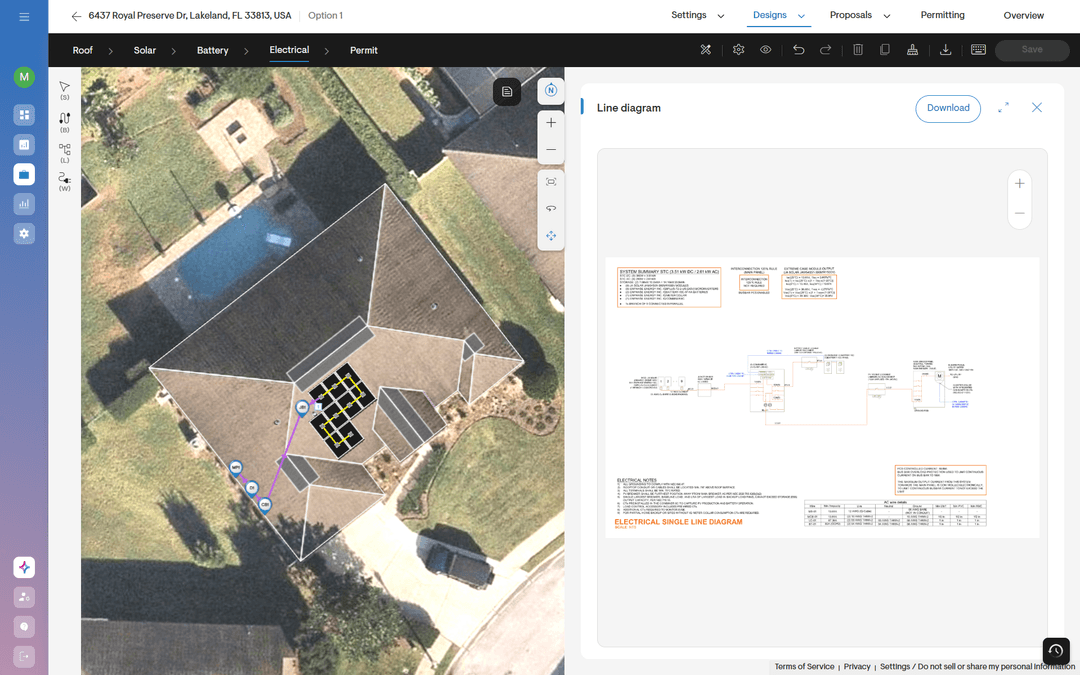
New design experience
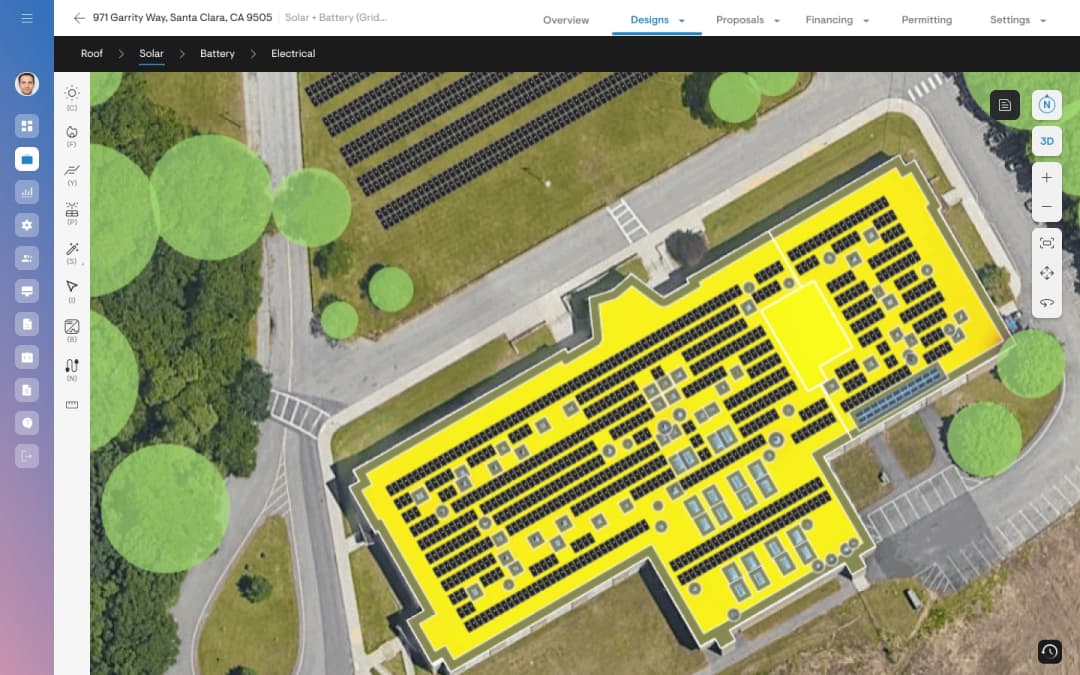
Solargraf introduced a refreshed, intuitive design interface with guided flow, allowing users to design systems with fewer clicks. Overall, it simplifies the entire design process and makes it very easy for installers to create better designs.
System visualizer
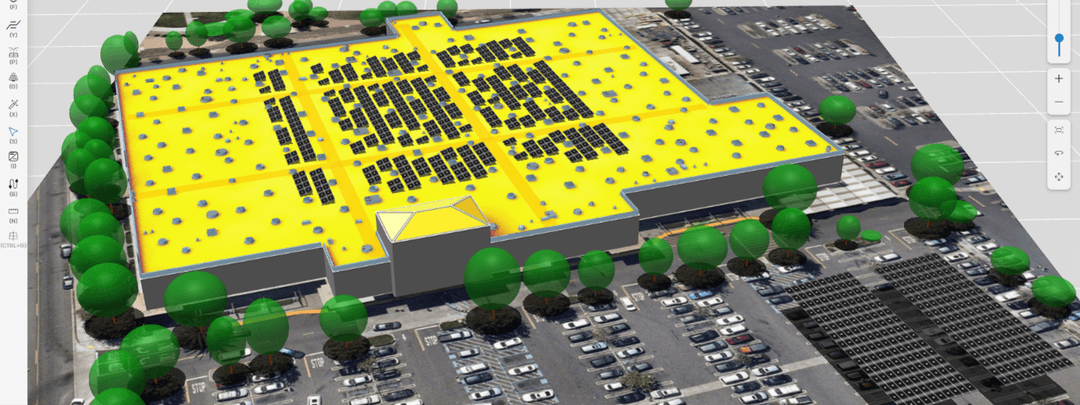
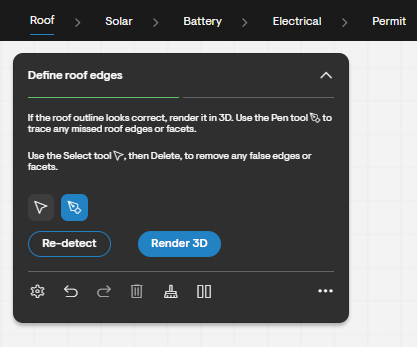
Installers gained the ability to view sun position, shading, and each panel’s production estimates at any hour of the day, helping them make more informed decisions about shading and panel placements for system design.
Utility enhancements
Utility workflows became more configurable, with accurate BOM generation, clear tariff naming, and flexible data exports that improved downstream analysis and material planning.
Pegasus racking BOM integration
Installers can now auto‑generate Pegasus racking bills of materials directly from their solar designs, ensuring faster and more accurate material planning.
ToU and rate plan name
Users can edit TOU period names for custom tariffs with uniqueness validation, while Genability‑powered tariffs continue to display the official utility names.
New grid data format options
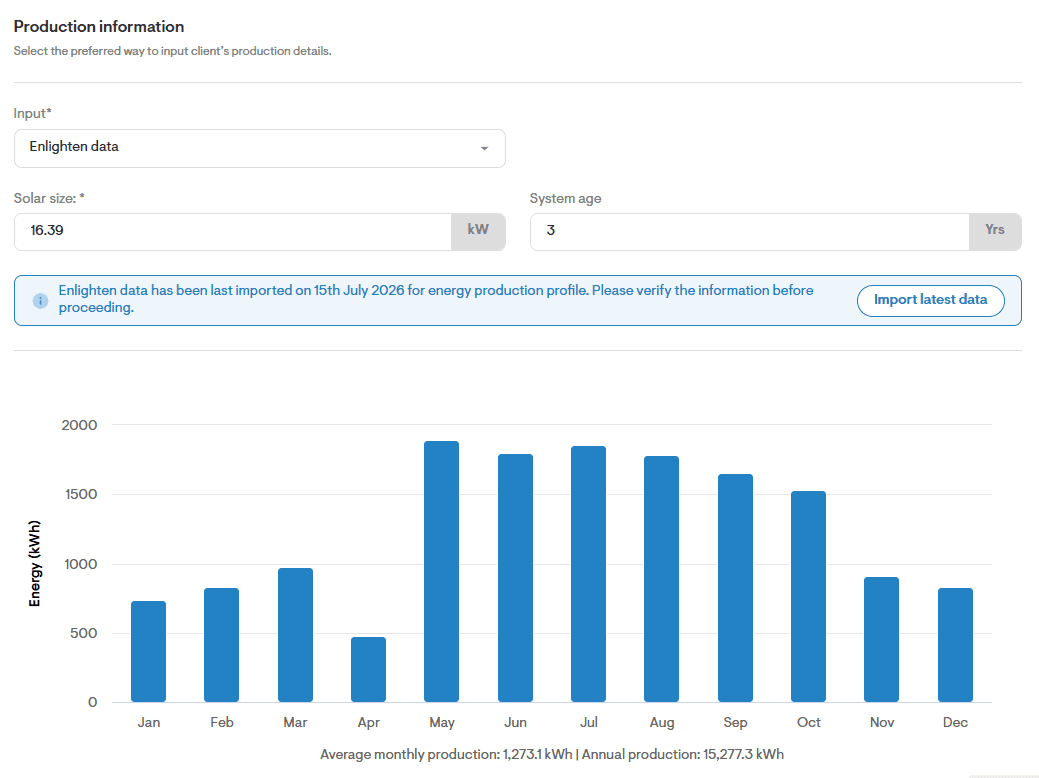
Users can choose how grid import/export data appears in CSV exports, with options including no export, separate import/export columns, or stacked beneath imports.
Battery enhancements
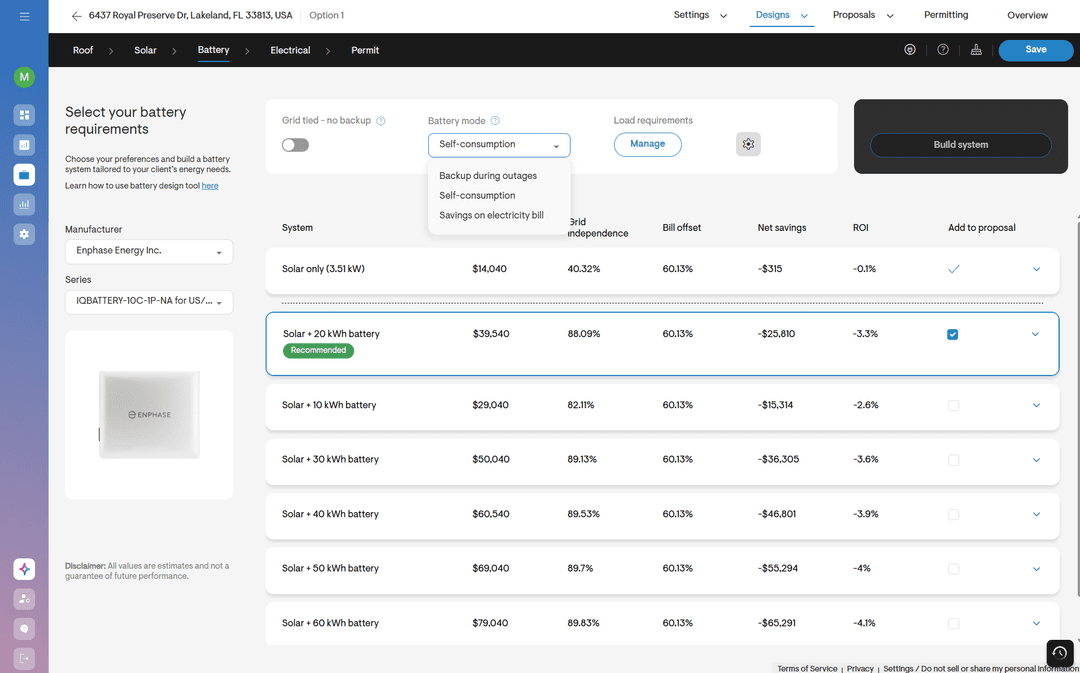
Storage modeling gained capacity flexibility and versatility, enabling right‑sized designs and battery‑only offerings without any manual interventions.
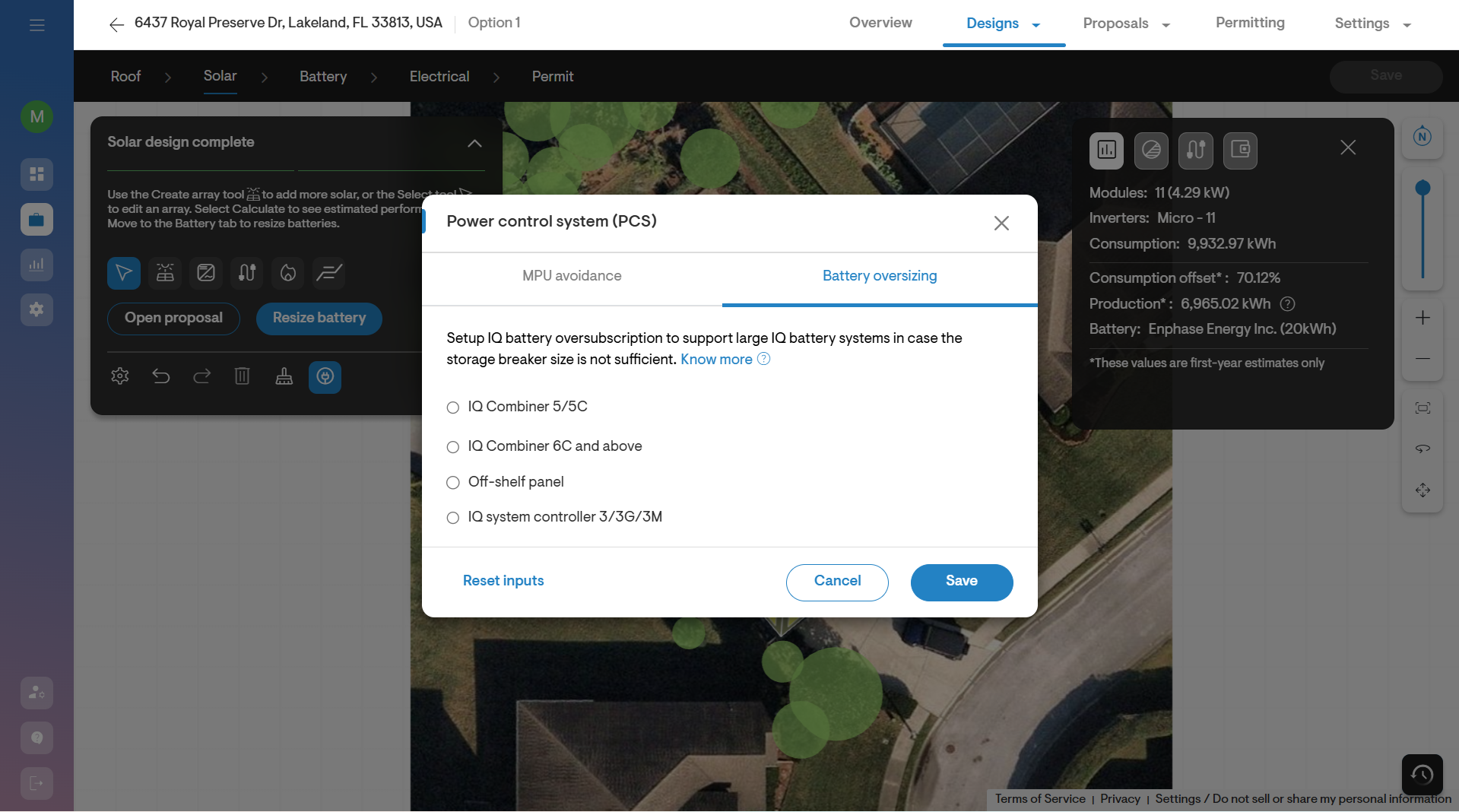
Battery oversizing for Enphase
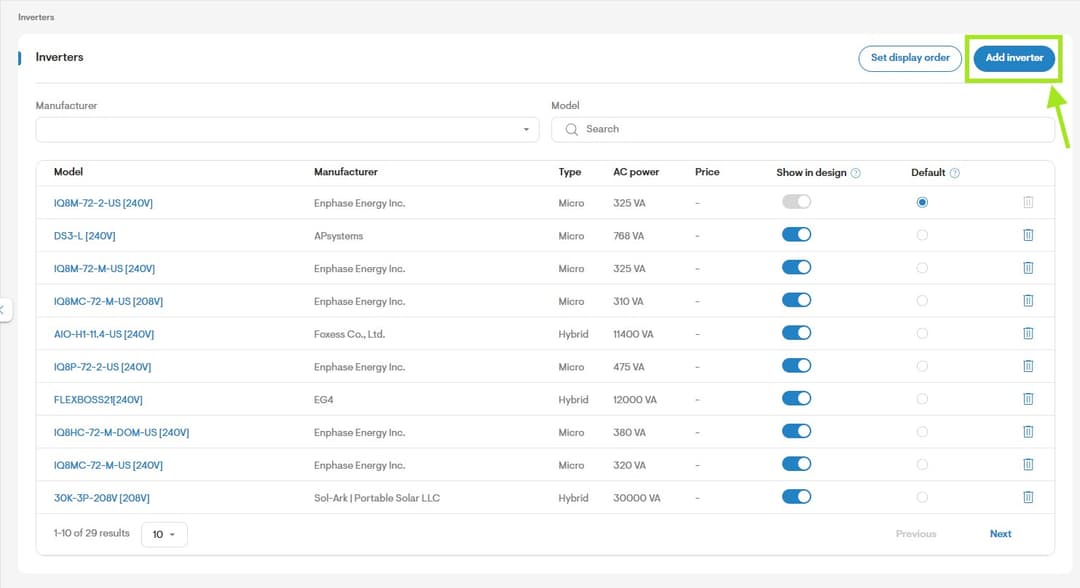
Solargraf now supports Enphase battery systems beyond 40 kWh by enabling oversizing through PCS integration, supporting larger backup scenarios without manual workarounds.
Battery add-on with no solar
Installers can now model battery add-on systems for homes with no existing solar system.
Financing enhancements
Financing operations were smoother and more transparent, enabling reduced platform switching, clearer EPC economics, and easier lender workflows for faster credit decisions.
Lightreach support with old web quote
Installers could submit LightReach credit applications using the legacy web quote flow, avoiding unnecessary tool switching.
Import updated Goodleap loans
Teams can import the latest GoodLeap loan products without ITC directly into company settings and apply them in projects.
TPO application details on submission
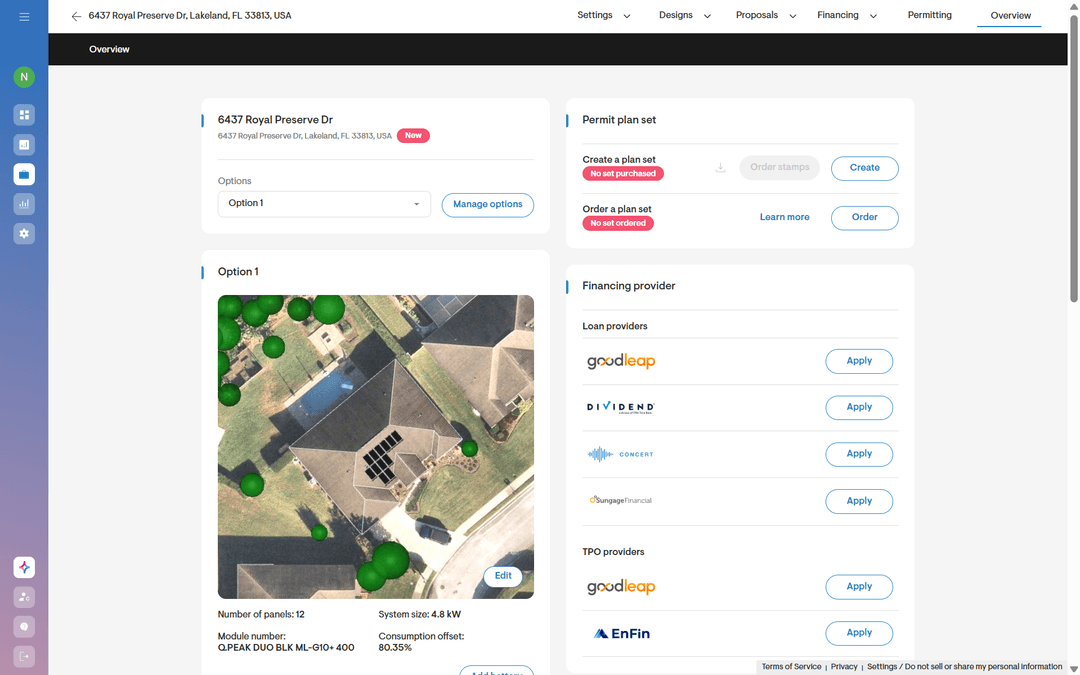
Installers can now view financing, design, and application details directly on the application submission screen for Goodleap, Enfin, and LightReach projects.
Total EPC payment in pricing matrix
Installers can now view EPC payments received based on financing and pricing options chosen for Goodleap, Enfin, or Lightreach TPOs directly in the web quote pricing matrix.
Cancel Goodleap TPO application
Users can now cancel Goodleap TPO applications from Solargraf directly and submit fresh applications when necessary.
Proposal enhancements
Proposal creation became more customized, data‑rich, and controlled, helping sales representatives quote confidently, and sell faster.
Commission on pricing
Installers can now add a commission to the company or proposal pricing page, which is included as a private extra cost ensuring cleaner internal pricing.
Advanced custom proposals
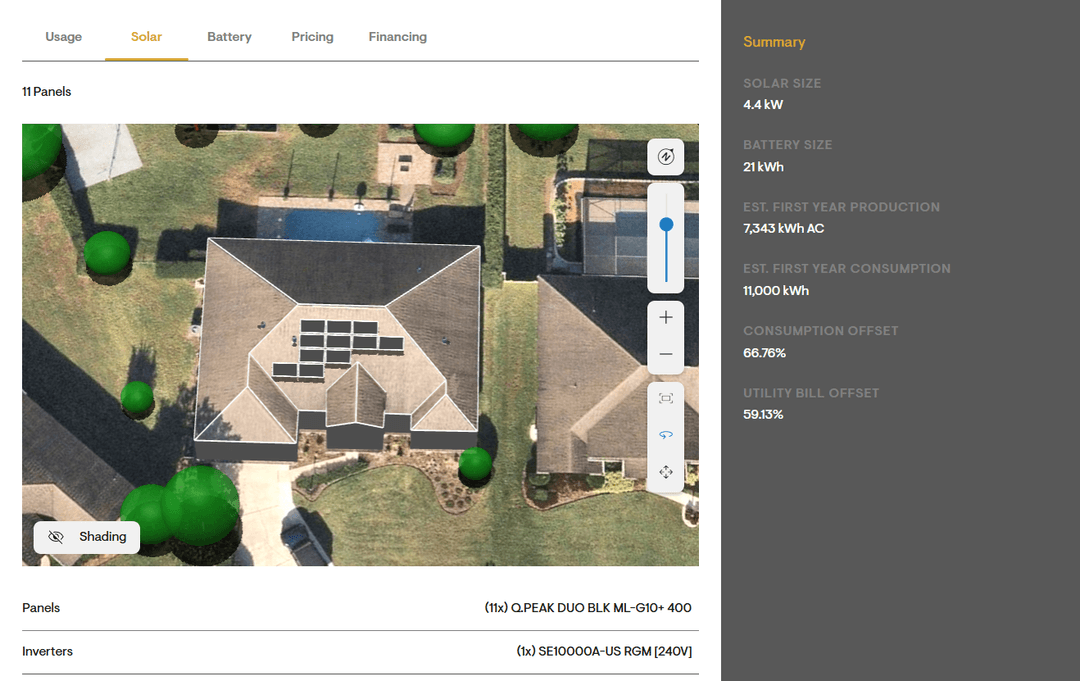
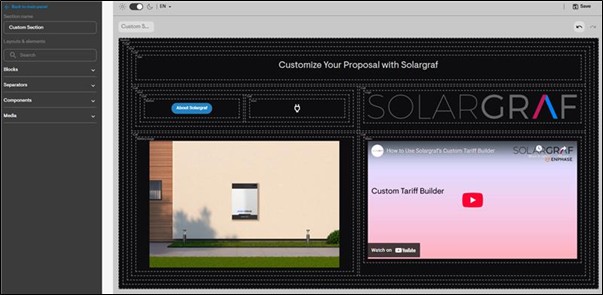
Users can customize proposal layouts with grids, separators, and editable content, including text, images, videos, logos, icons, and buttons, to create fully personalized and branded presentations.
Advanced customization: charts and tables
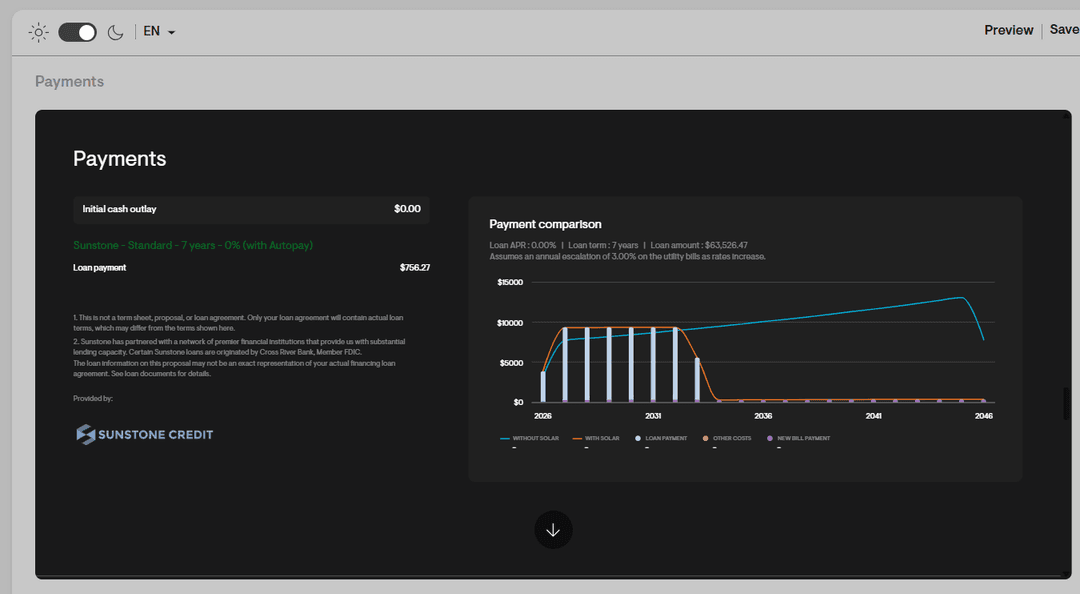
Teams added real‑time charts and tables to proposal slides, making proposals more data‑driven and responsive during sales conversations.
API enhancements
Expanded APIs and webhooks now provide deeper design, pricing, and status data access for increased automation and data fidelity, enabling cleaner integrations, fewer manual updates, and faster system handoffs.
Design option reference ID support
Installers can now set and retrieve design options via API using their reference ID.
Webhook for lock/unlock status
Installers can now configure webhooks to notify their CRM systems whenever a design is locked or unlocked.
Cost & discount details via API
Installers can now retrieve all extra costs and applied discounts, on a proposal via API.
Incentives and rebates via API
Installers can now retrieve detailed information about incentives and rebates applied to a proposal through the Retrieve Pricing public API.
Permit enhancements
Permit packages now reflect standard installation practices and wiring rules, reducing revisions, improving accuracy, and leading to quicker approvals with less manual cleanup.
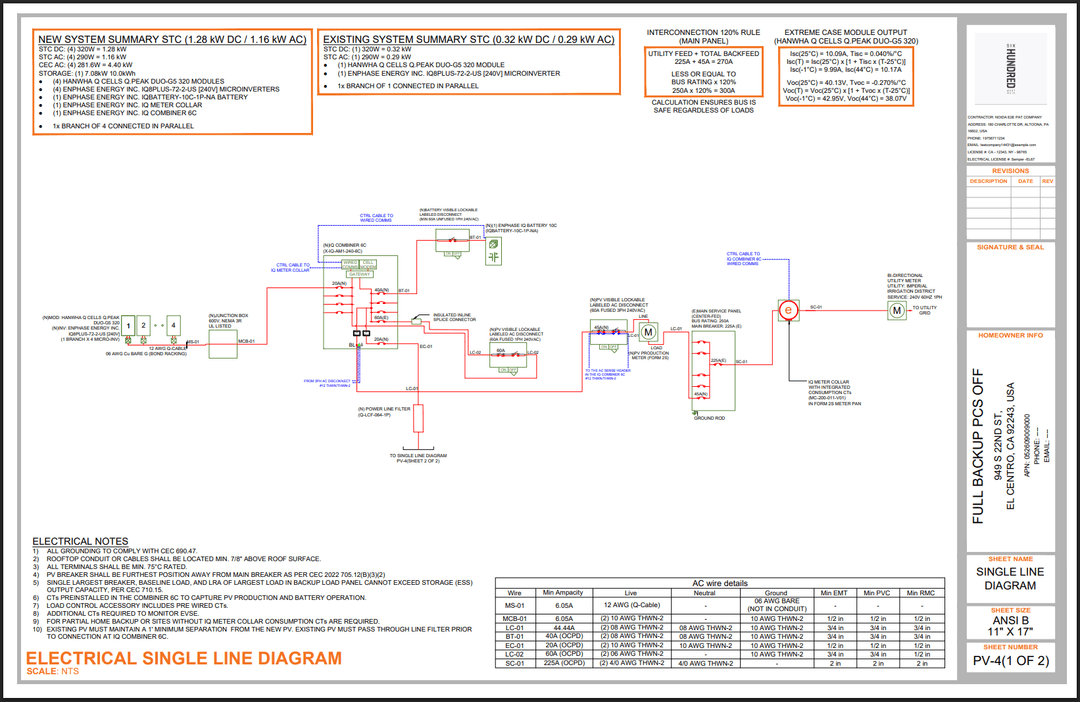
AC conduit preference in SLD
Installers can choose the preferred AC conduit to reflect in the wire details section of the electrical line diagram and the wiring calculations page.
Auto switch to AL wire in SLD
Installers can now enable a setting to automatically use copper wiring up to 6AWG and switch to aluminum for larger wire sizes instead of all copper wiring in the plan sets.
More interconnection support
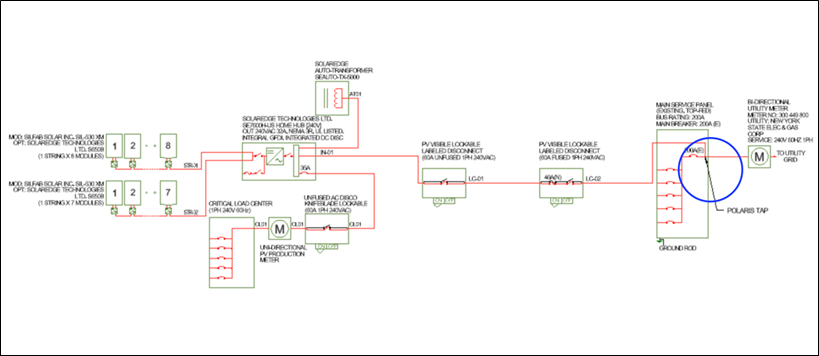
Installers can now generate line diagrams for line-side connections, using Connect DER meter-can tie-ins and Polaris tap connector.
BOM customization for DIY permit plan set
Users can now choose to display the Bill of Materials (BOM) table on the PV-2 site plan page in the final permit plan set, for more control over plan presentation.
Building information for DIY permit plan set
Users can now choose to show building details, stories, occupancy classes, and construction types on the PV-1 cover sheet, which are auto-filled from the AHJ database.
Project settings and configurations
Everyday operations move faster with streamlined navigation, standardized multi‑state setups, and clearer document‑status tracking.
Residential / commercial filter
Installers can now filter their projects list by residential and commercial zones.
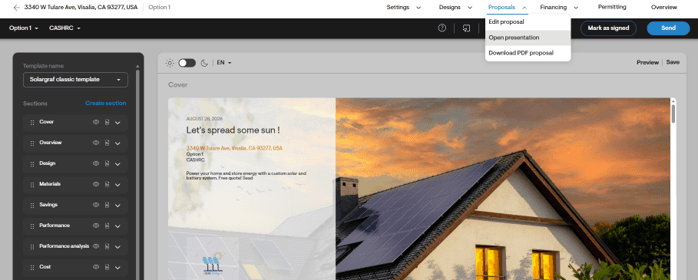
View proposal presentation
Users can now open the proposal presentation view directly from the project navigation menu for better experience.
Improved leads page experience
Leads page now features a new table view, allowing users to scan more lead details, as well as edit, delete, and create proposals directly.
Loss templates for multiple states
Solargraf allows you to create regional templates for areas with similar climate conditions by applying loss templates to multiple states.
DocuSign status history updated
Installers can now view the status history of all clients and counter signees, and track sent and signed statuses for each document.
CC’d emails in status history
Installers can now view details of CC’d email addresses in the status history when documents are sent via DocuSign.
Dealer config migration: Utility and documents
Users can now select and copy utility settings and specific document templates from parent company to child companies.
What’s coming next?
We’re already working on the next set of enhancements to give you more accuracy, flexibility, and speed across your workflows. Soon, you’ll be able to select separate pre‑solar and post‑solar tariffs for non‑Genability configurations, and we’ll introduce support for Community Choice Aggregator tariffs to improve NEM 3.0 modeling. We’re also extending advanced proposal customization, allowing you to modify pre‑made sections or build new ones from the ground up. You’ll gain access to an analytics dashboard for clearer visibility into project performance, sizing trends, pricing, user activity, and permitting. Finally, wall elevation canvassing will enable more realistic and detailed design modeling.
Conclusion
The fourth quarter of 2025 brought several impactful updates and enhancements, from a more intuitive design experience and expanded utility workflows to richer financing tools, advanced proposal customization, and smarter permit documentation. Solargraf continues to evolve, keeping your needs at the center, making your operations easier and your projects more successful. We look forward to bringing you more integrations and configuration options in the coming months, making it easier for you to design, sell, and deliver with greater confidence.
Want to know more?
Join our upcoming webinar to dive deeper into our enhancements.
Schedule a demo for a personalized walkthrough on understanding how Solargraf can add value to your business.
Thanks for being part of our growing community, we can’t wait to show you what’s next.