Overview
Designing an expansion for an existing solar system often requires too much manual work. Installers must find the customer’s system in Enlighten (Enphase’s monitoring and management software platform for tracking the performance of Enphase solar and home energy systems), review production and consumption history, transfer the information into Solargraf, and then build a proposal around data that may be incomplete or difficult to access.
Solargraf’s Enlighten integration simplifies that process. Installers can select an existing Enphase system, bring its real production and consumption data into Solargraf, and move directly into an expansion or battery-only proposal with fewer manual steps.
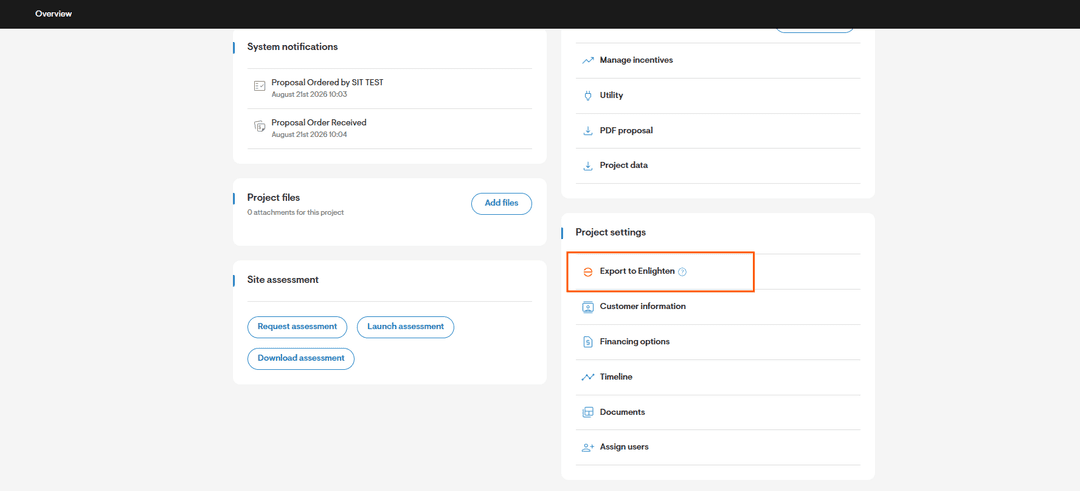
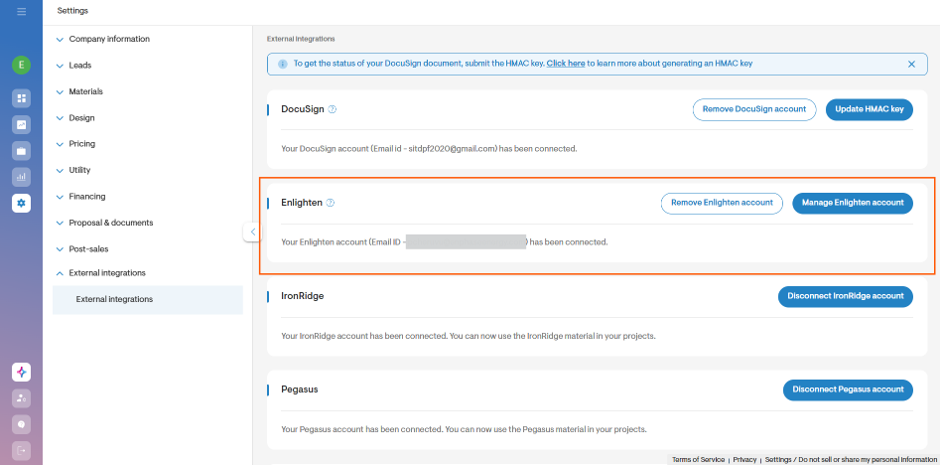 Figure 1: Connect your Enlighten account to Solargraf under External integrations
Use real site data instead of guesswork
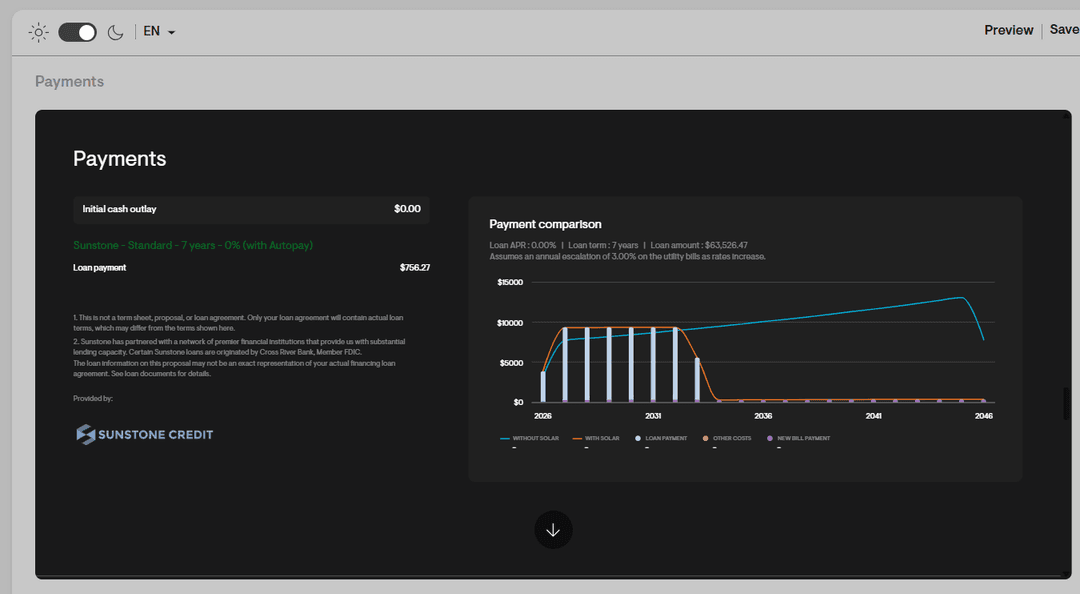
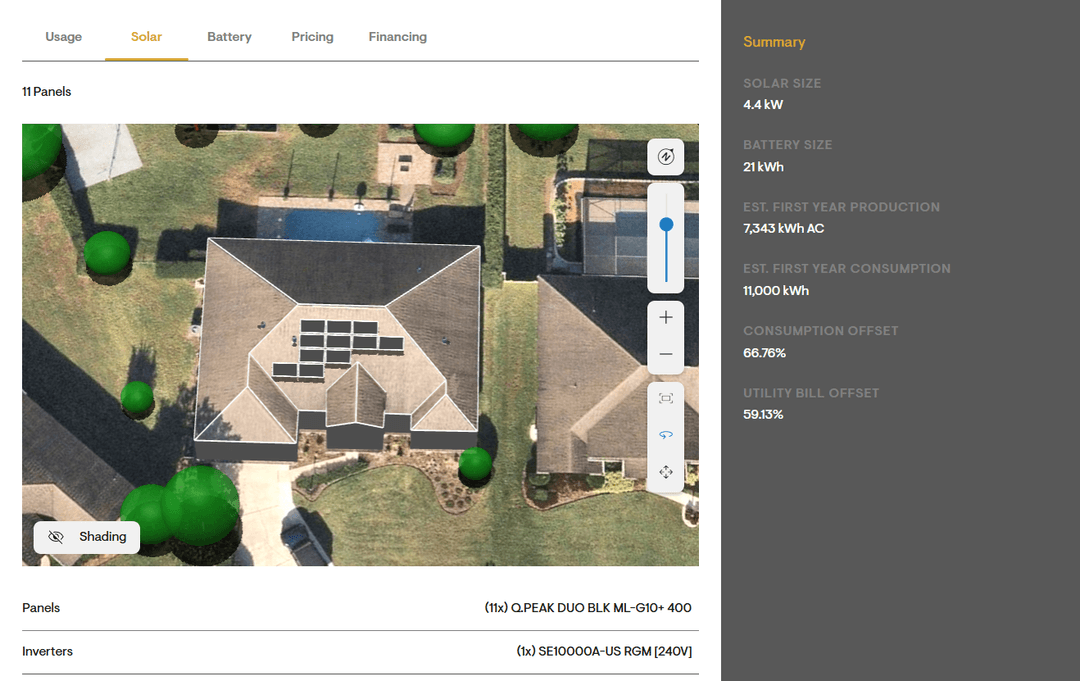
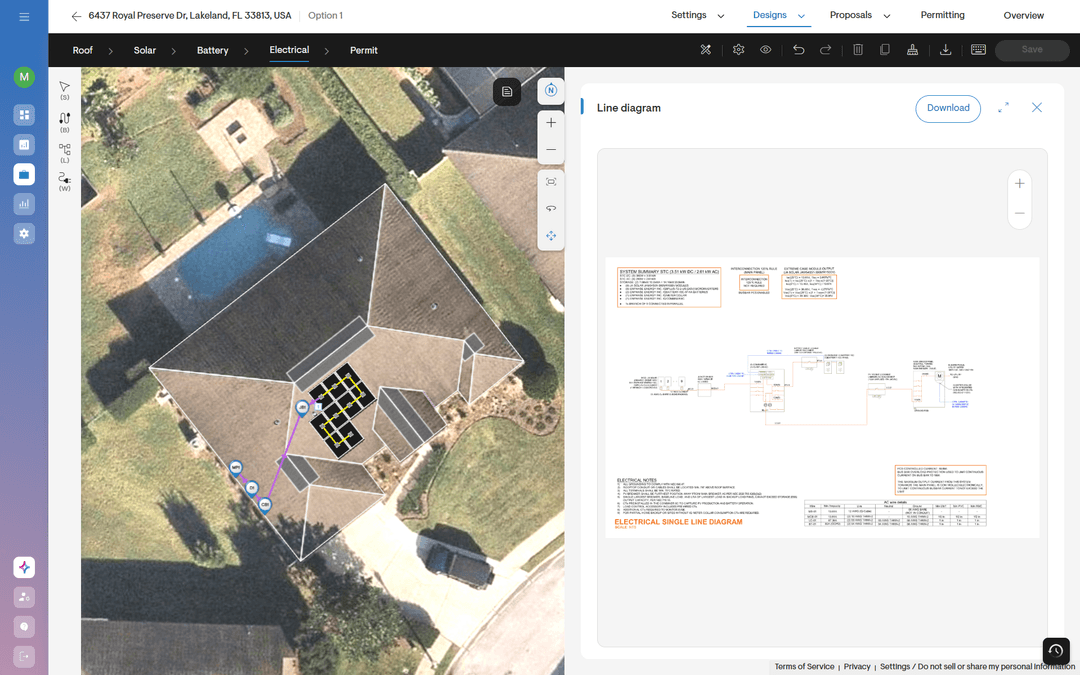
The integration retrieves historical data from the customer’s existing Enlighten system, including available production and household consumption history. Solargraf also imports key system details, such as the site address, system size, and system age.
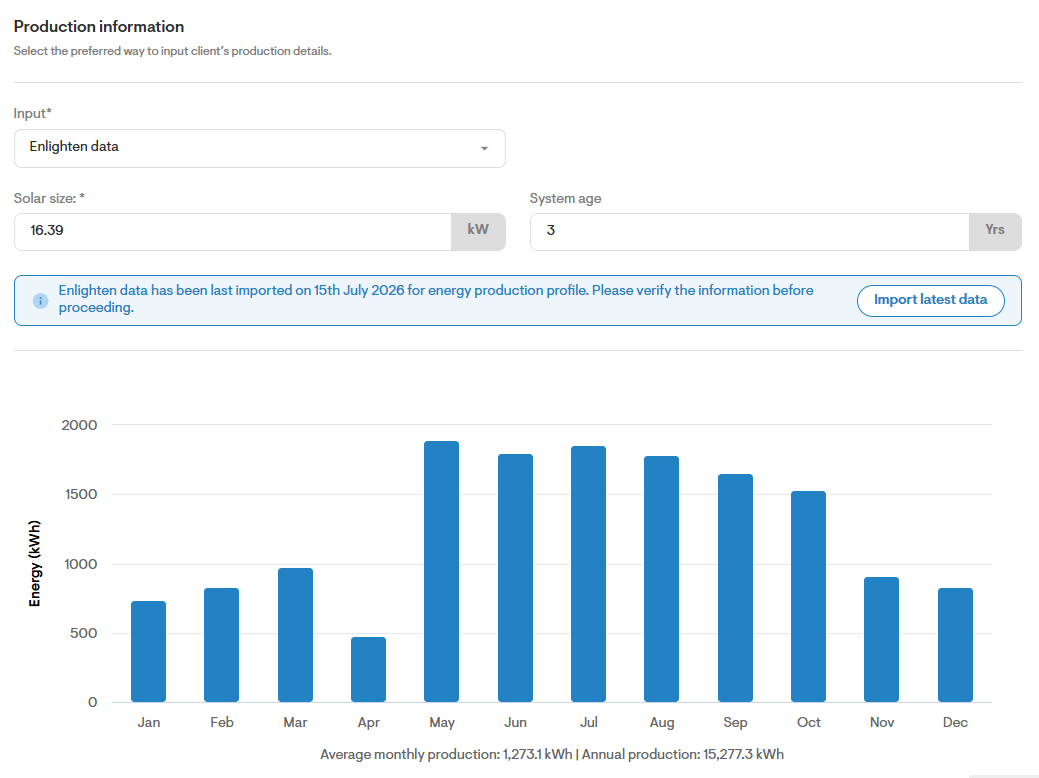
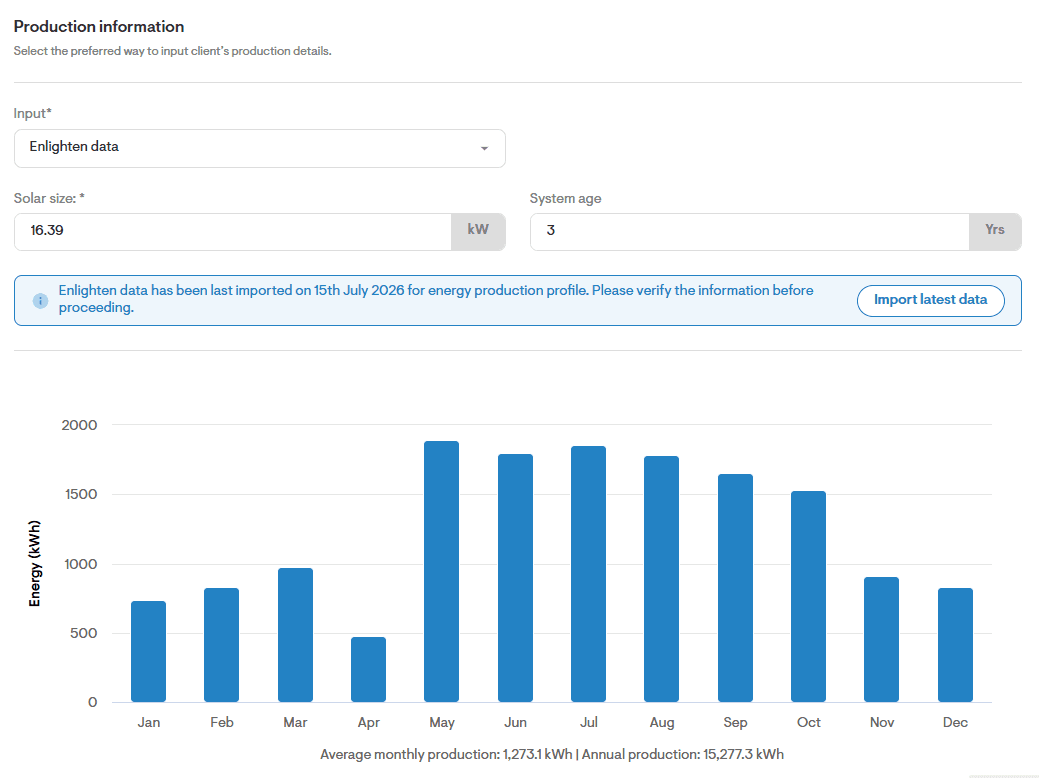
Figure 2: Solargraf pulls existing system data along with production details
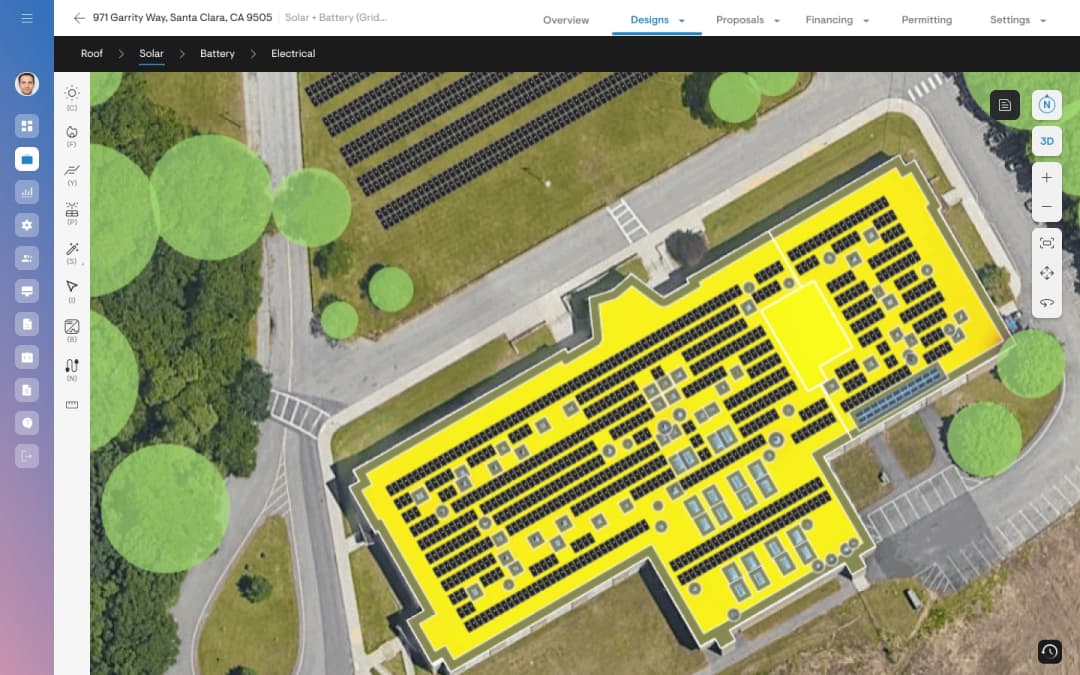
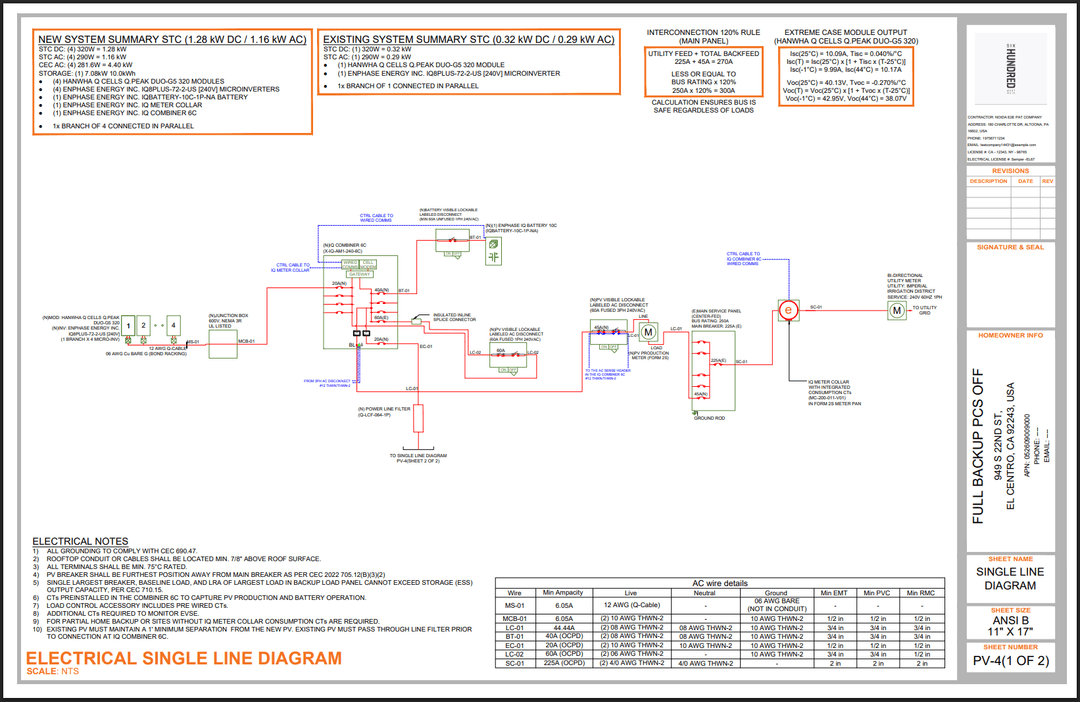
The imported information appears in the Pre-design page, where installers can review the data before continuing with the proposal.
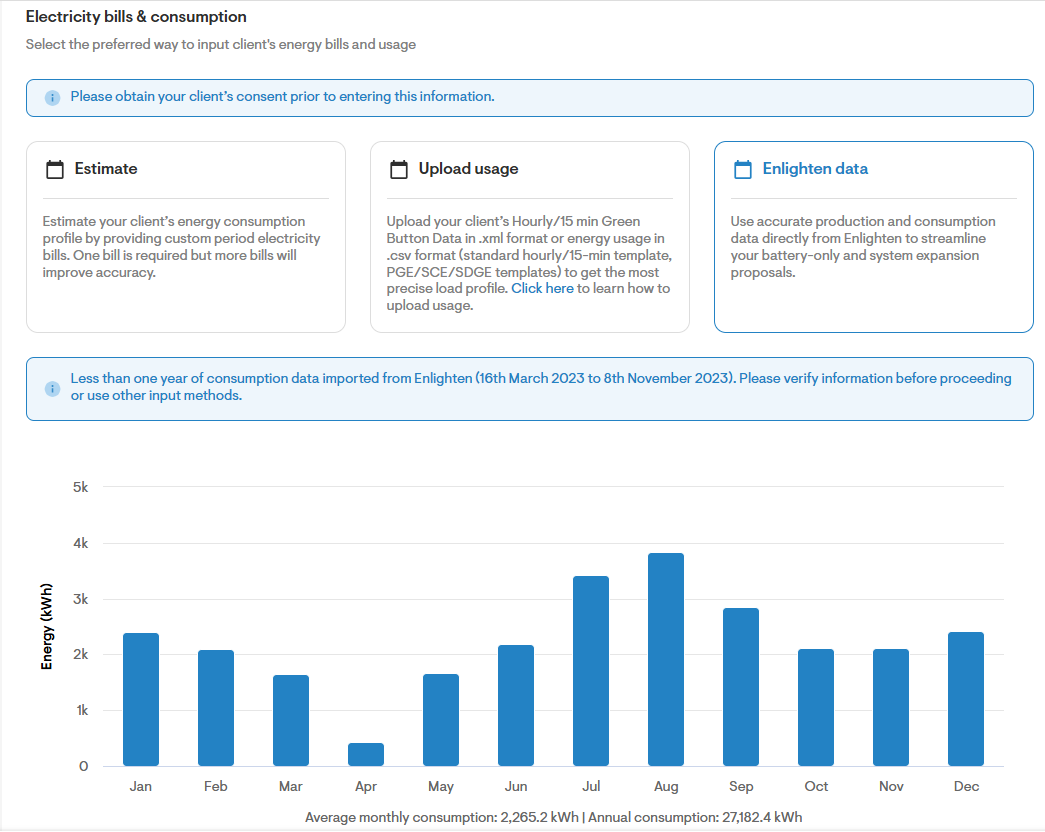
Figure 3: Solargraf pulls current consumption of home on predesign page
This gives installers a clearer view of how the existing system performs and how much energy the home currently uses. They can then size the proposed expansion or battery using information tied to the actual site—not assumptions based on outdated bills or generic estimates.
Refer to our knowledge base article for a detailed end to end workflow & steps for the integration - https://solargrafsupport.enphase.com/s/article/Enlighten-Solargraf-Integration-for-System-Expansion-and-Battery-Only-Proposals.
Why it matters for your business
Improve design accuracy
Actual production and consumption history gives you a stronger foundation for sizing the proposed expansion. You can evaluate the customer’s current energy profile instead of basing the design entirely on assumptions.
Move from data collection to proposal faster
The integration reduces the need to manually retrieve information from Enlighten and re-enter it in Solargraf. Less administrative work means more time for customer conversations and proposal follow-up.
Build credibility with homeowners
Homeowners can see that the proposal reflects their existing system and actual energy use. A data-backed recommendation is easier to explain and can help address concerns about whether the expansion is appropriately sized.
Reduce oversizing and under sizing risk
Using real system data helps you identify the gap between current production and household demand. That supports a more precise expansion recommendation and reduces the risk of designing too much or too little capacity.
Make the expansion workflow easier for installers
Start with fewer clicks
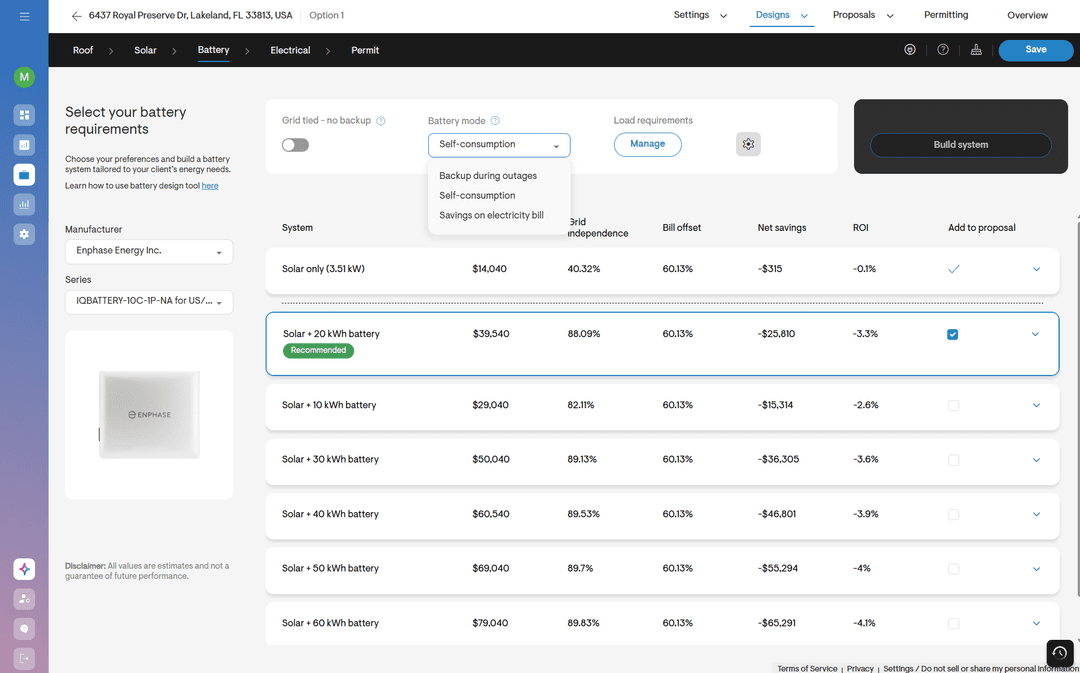
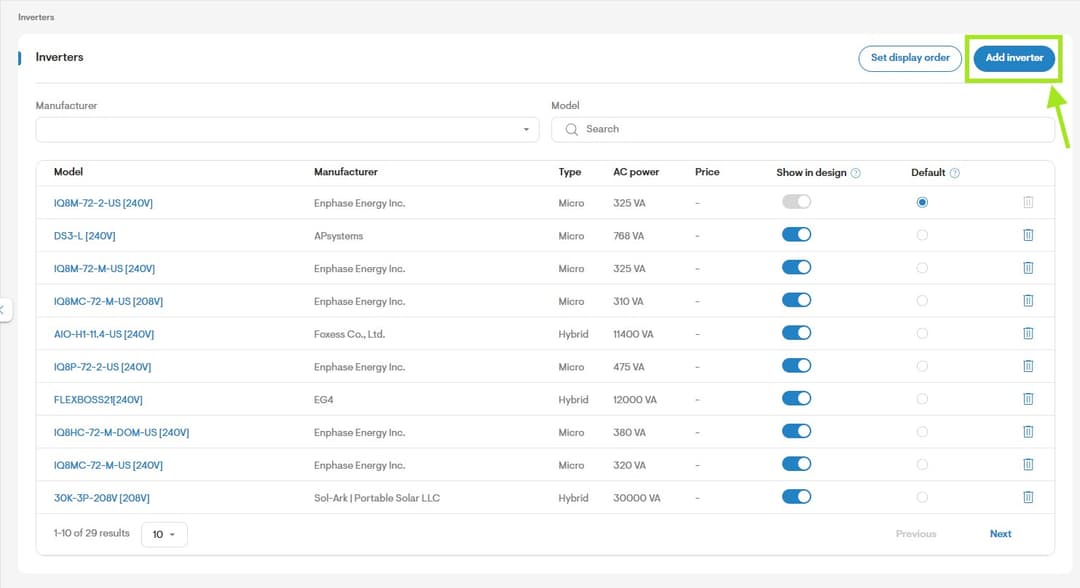
After connecting an Enlighten account, installers can enter the customer’s address, select Use Enlighten system data, choose the existing system, and continue directly to the Pre-design page. Solargraf handles the data transfer in the background.
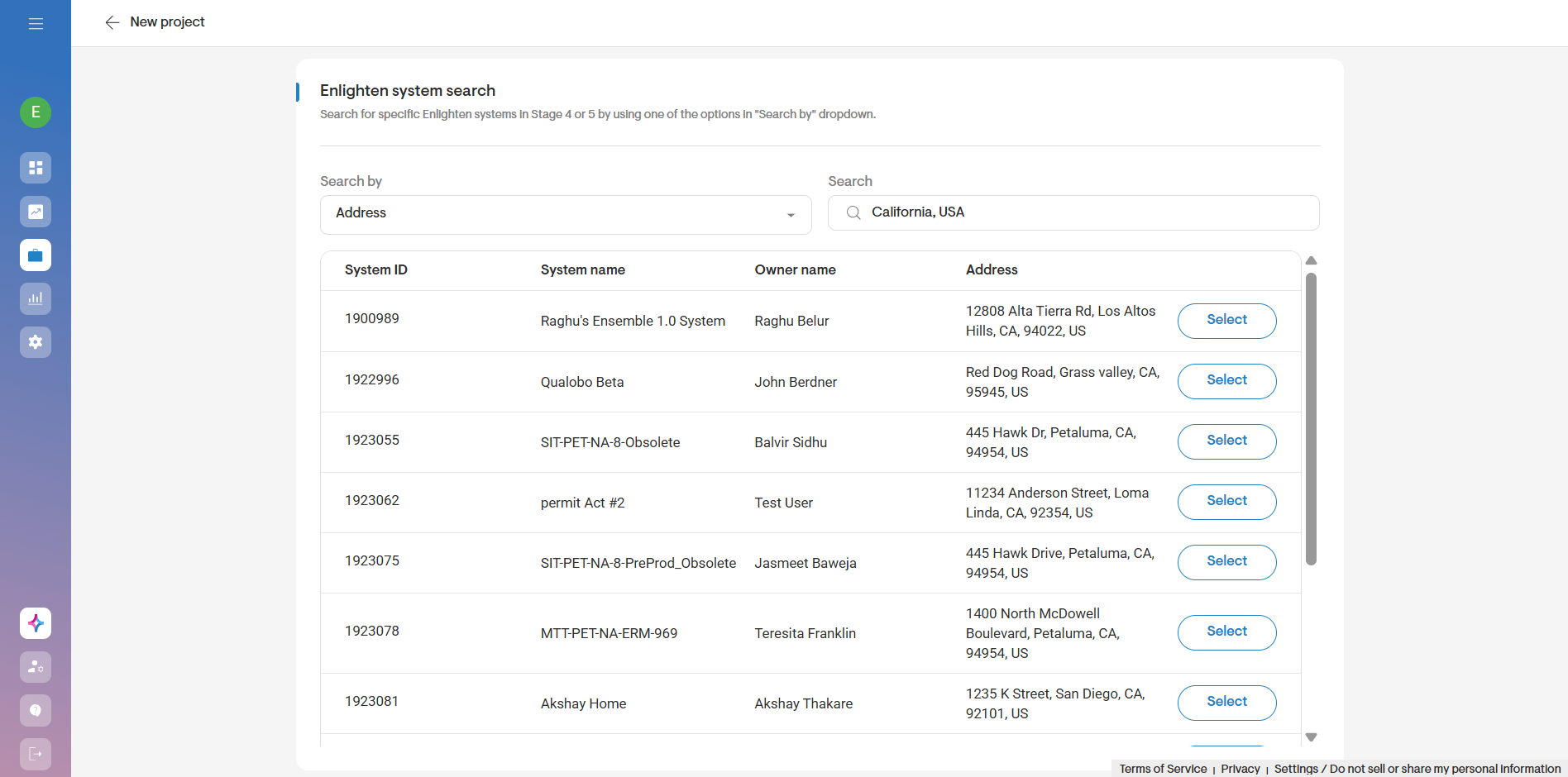
Figure 4: Installers can select the system to create a system expansion proposal
Spend less time collecting information
There is no need to switch between platforms to locate production history, consumption details, and existing system specifications. The relevant information is brought into the Solargraf project as part of the setup process.
Create a proposal from a stronger starting point
Imported data helps installers understand the customer’s current energy profile before designing additional PV or storage. This makes it easier to recommend an expansion that fits the customer’s actual needs.
Give homeowners a more credible recommendation
Homeowners who already have solar typically know how their system performs—or know when it is not meeting their needs. Showing that the proposal reflects their existing production and consumption history makes the recommendation easier to explain.
Whether the customer recently added an EV, expanded the home, increased electricity usage, or wants battery storage, installers can connect the proposed design to the customer’s real energy profile. That clarity can help build confidence during the sales conversation and reduce delays caused by questions about how the system was sized.
Example
A homeowner’s energy use has increased after purchasing an electric vehicle. The installer opens a new Solargraf project, selects the customer’s existing Enlighten system, and continues with the imported production and consumption data.
Instead of manually gathering system information and estimating the home’s current needs, the installer moves directly into the expansion design workflow with site-specific data already available. The result is a more efficient path from customer request to a clear, supportable proposal.
Create your next expansion proposal faster
Connect Enlighten to your Solargraf account and bring real production, consumption, and system data directly into your project workflow. By starting with accurate information from an existing Enphase system, you can spend less time gathering data, create more precise expansion and battery recommendations, and provide homeowners with proposals that are backed by their actual energy usage. Try the Enlighten integration to streamline expansion projects, improve proposal accuracy, and move from assessment to design with fewer manual steps.
Please note that the feature is currently in beta. Reach out to your account manager to get it enabled for your account.
Want to know more?
Join our upcoming webinar to dive deeper into our enhancements.
Schedule a demo for a personalized walkthrough on understanding how Solargraf can add value to your business.
Thank you for being part of our growing community; we can’t wait to show you what’s next.