Overview
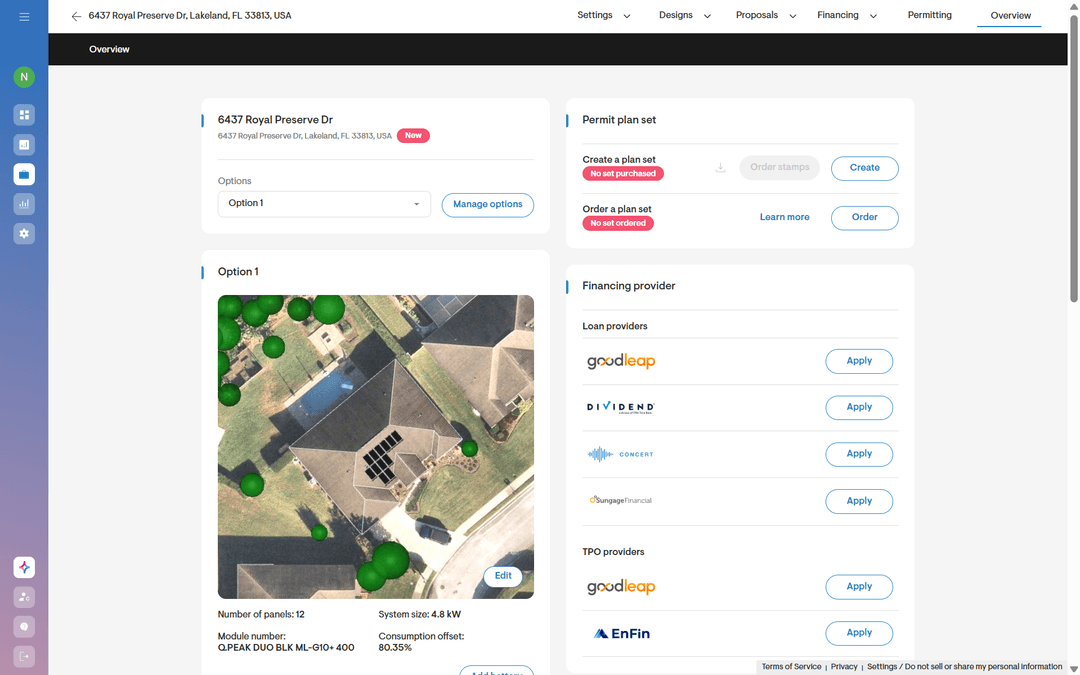
After completing a solar design in Solargraf, installers and commissioning teams often have to recreate the same project in Enlighten, Enphase’s monitoring and management software platform for tracking the performance of Enphase solar and home energy systems. That means entering the site address, adding system details, and rebuilding the panel array layout manually—work that takes time and can introduce errors before installation even begins.
Solargraf now lets installers export a completed project using Enphase hardware directly to Enlighten, including site details and the designed panel array layout. With fewer clicks between design approval and activation setup, teams can keep projects moving and reduce duplicate work.
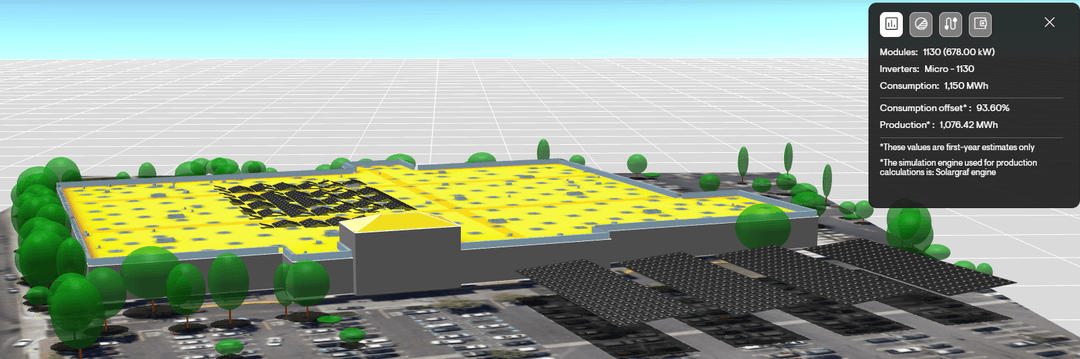
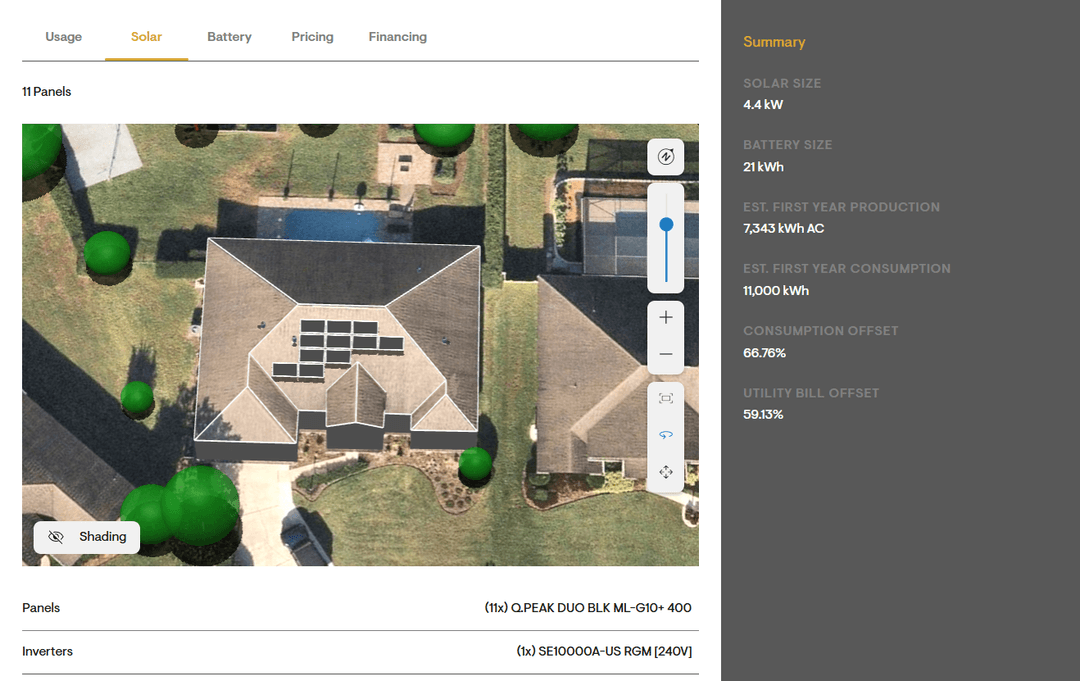
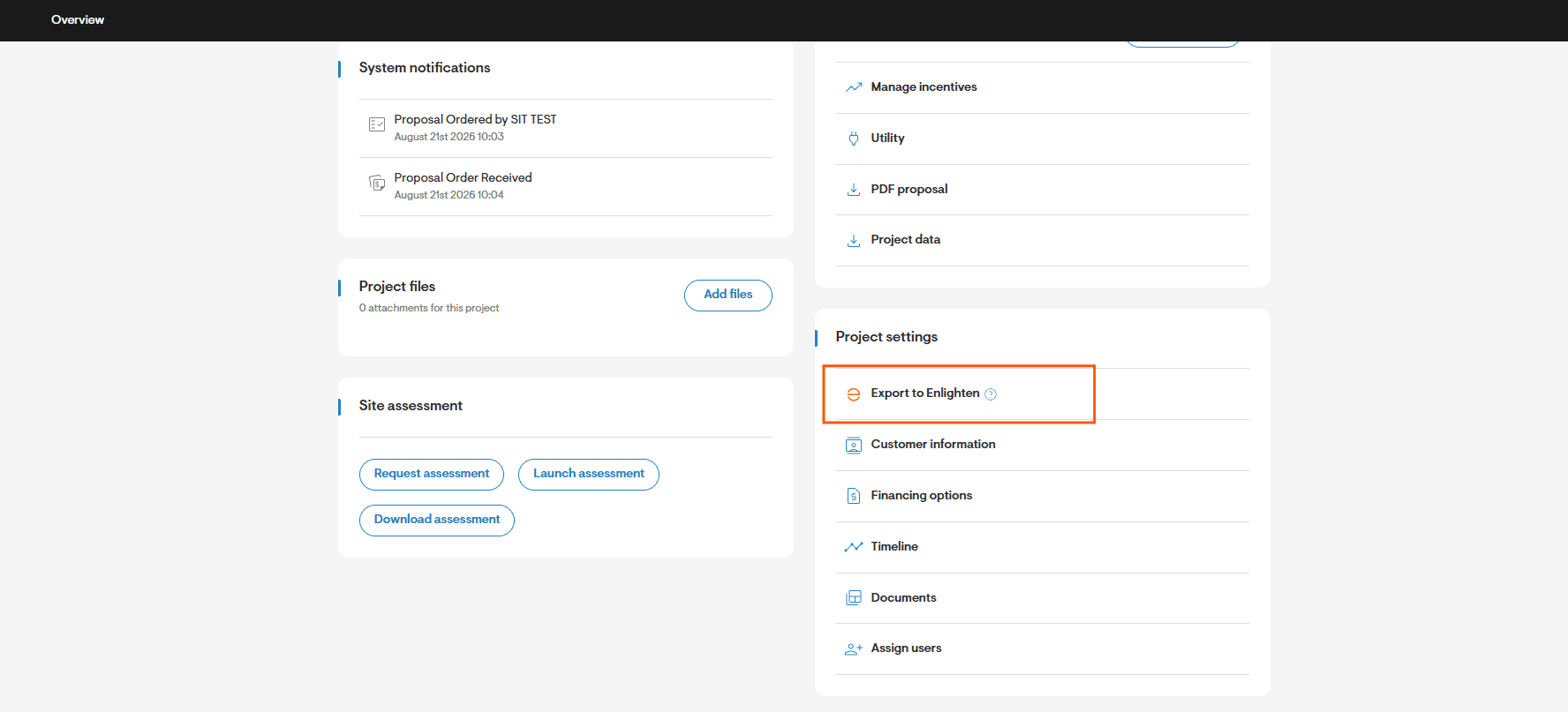
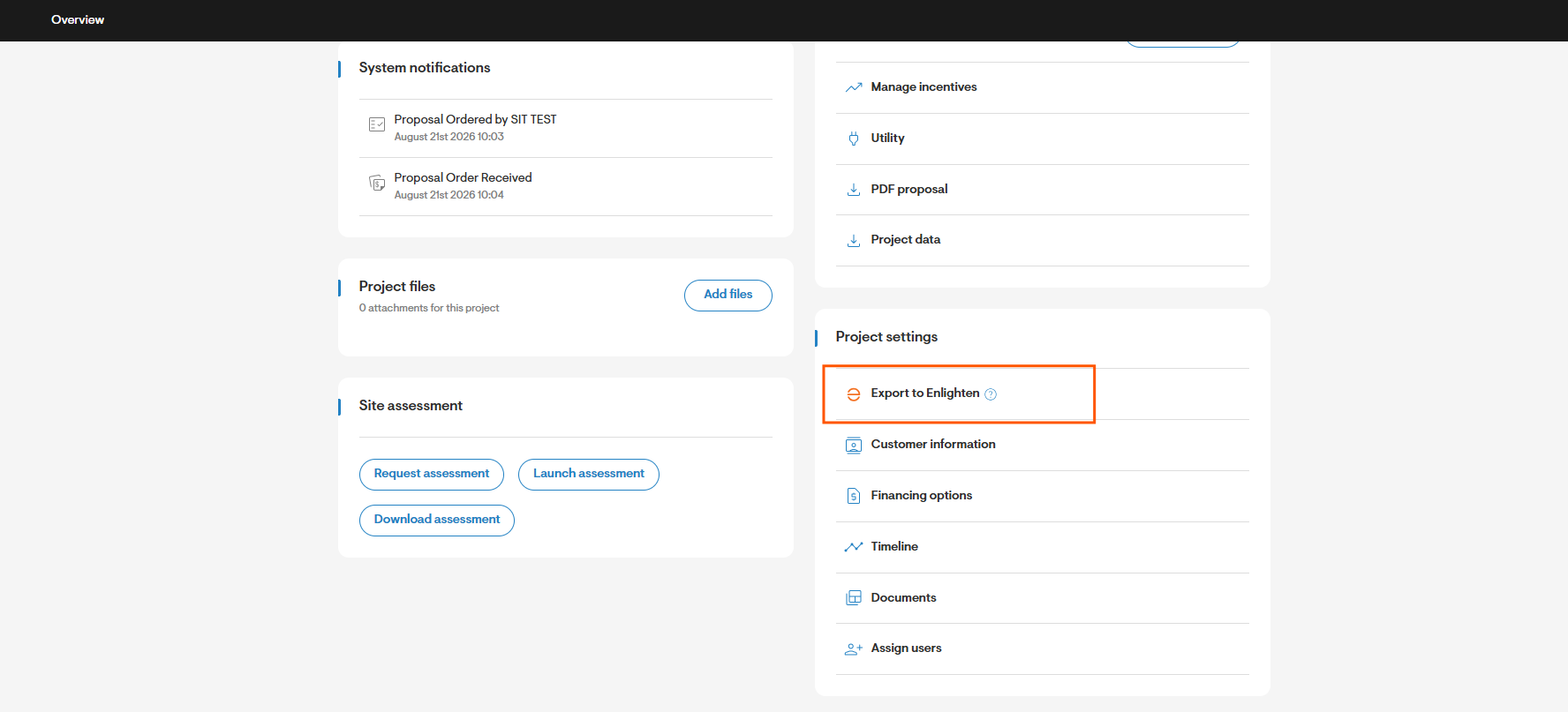 Figure 1: Export the project information & panel array details to Enlighten on Solargraf project overview page
Create the Enlighten site from the Solargraf project
The new export capability transfers key project information from Solargraf to Enlighten. This includes the customer’s site details, system information, and the panel array layout created in the Solargraf design tools.
When the export is completed, Enlighten creates the homeowner (for cash or loan) or system host (for lease or PPA), creates an Enlighten site with the project information, and creates the panel layout with the exact array configuration from Solargraf. Installers no longer need to start with a blank Enlighten site or manually recreate the approved panel layout.
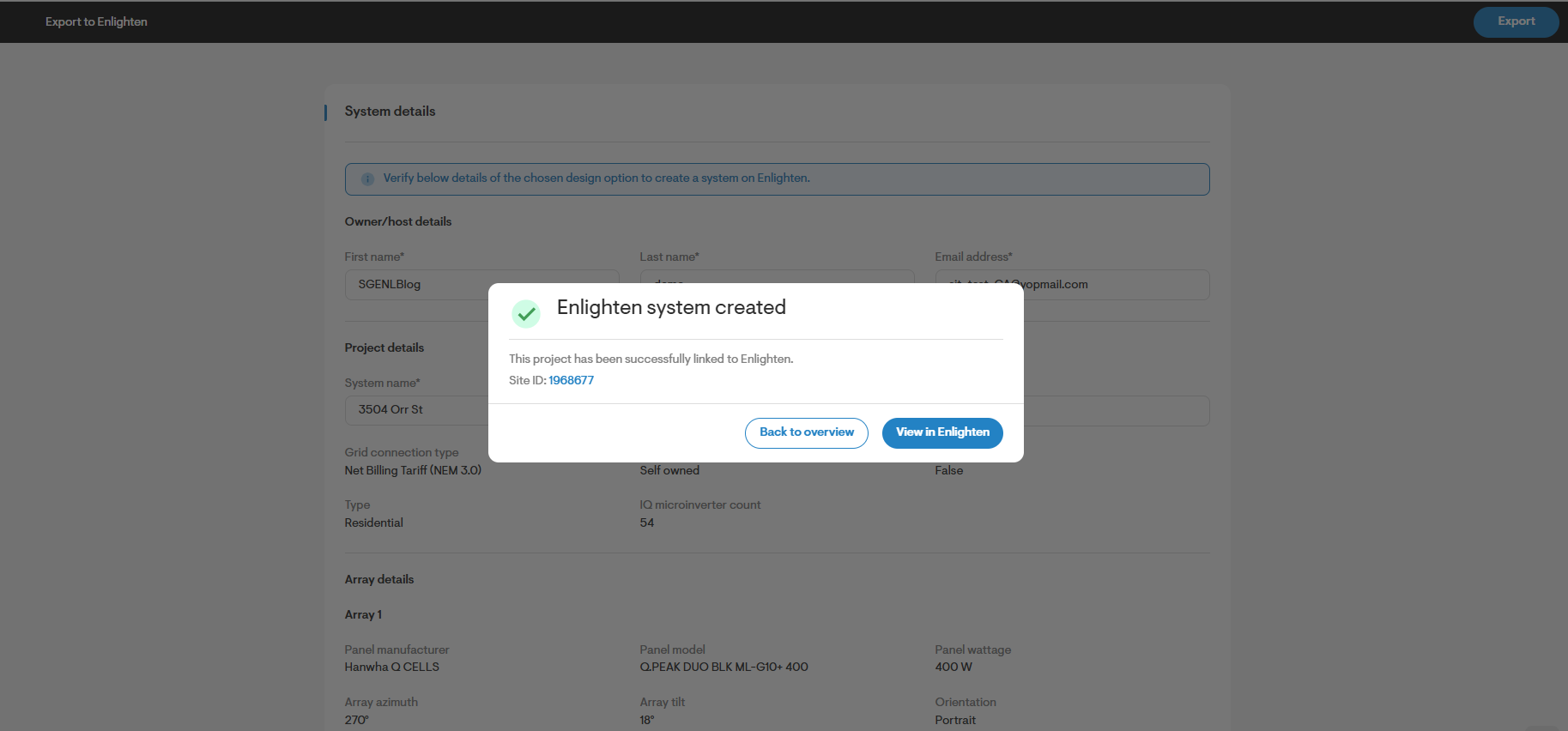
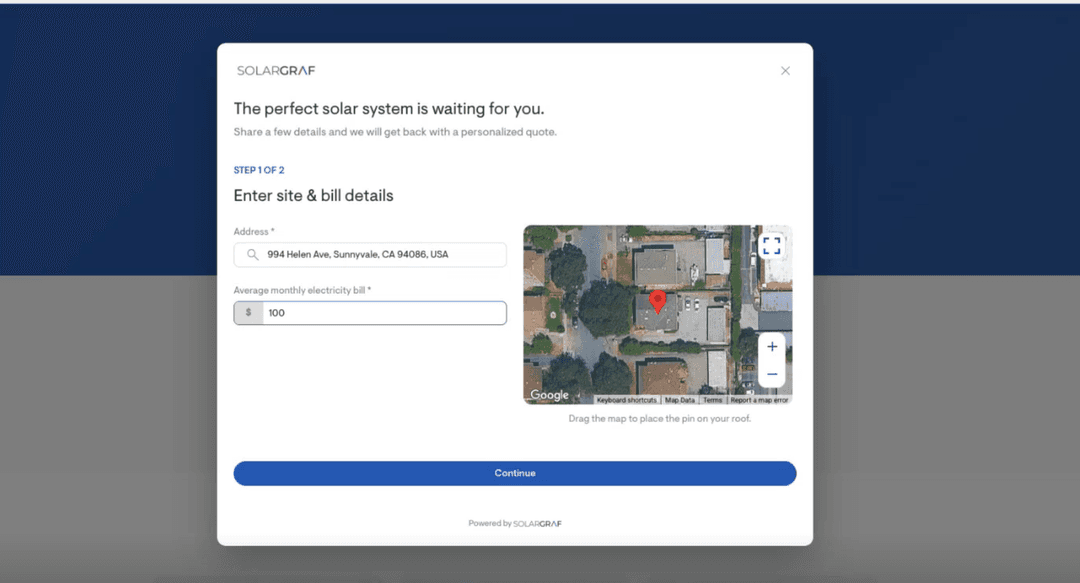
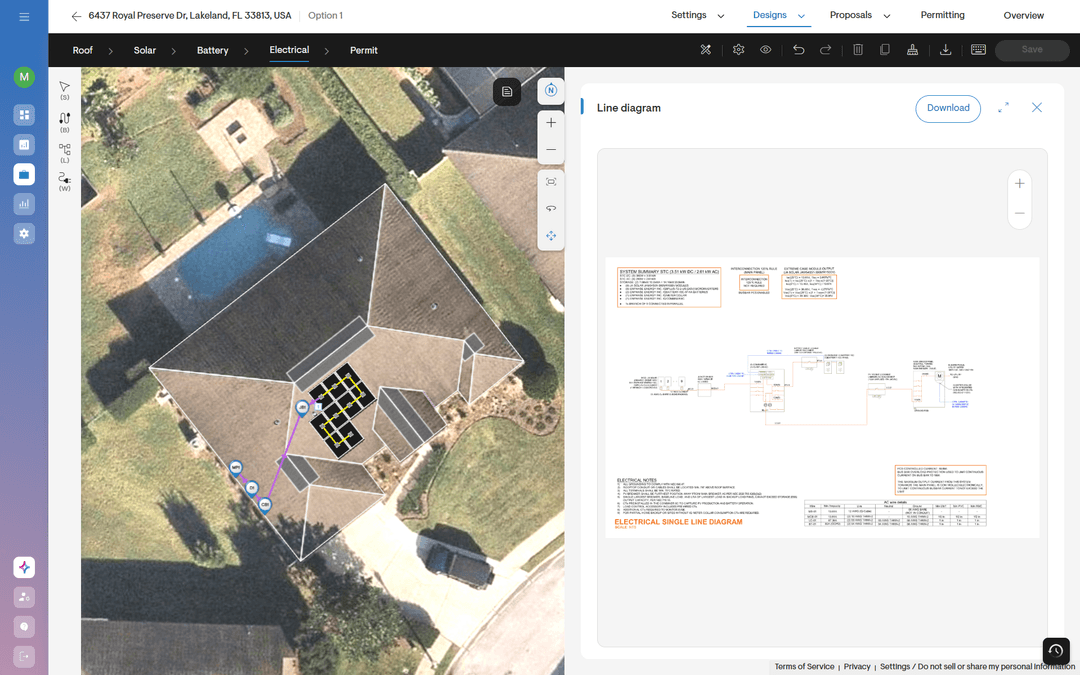
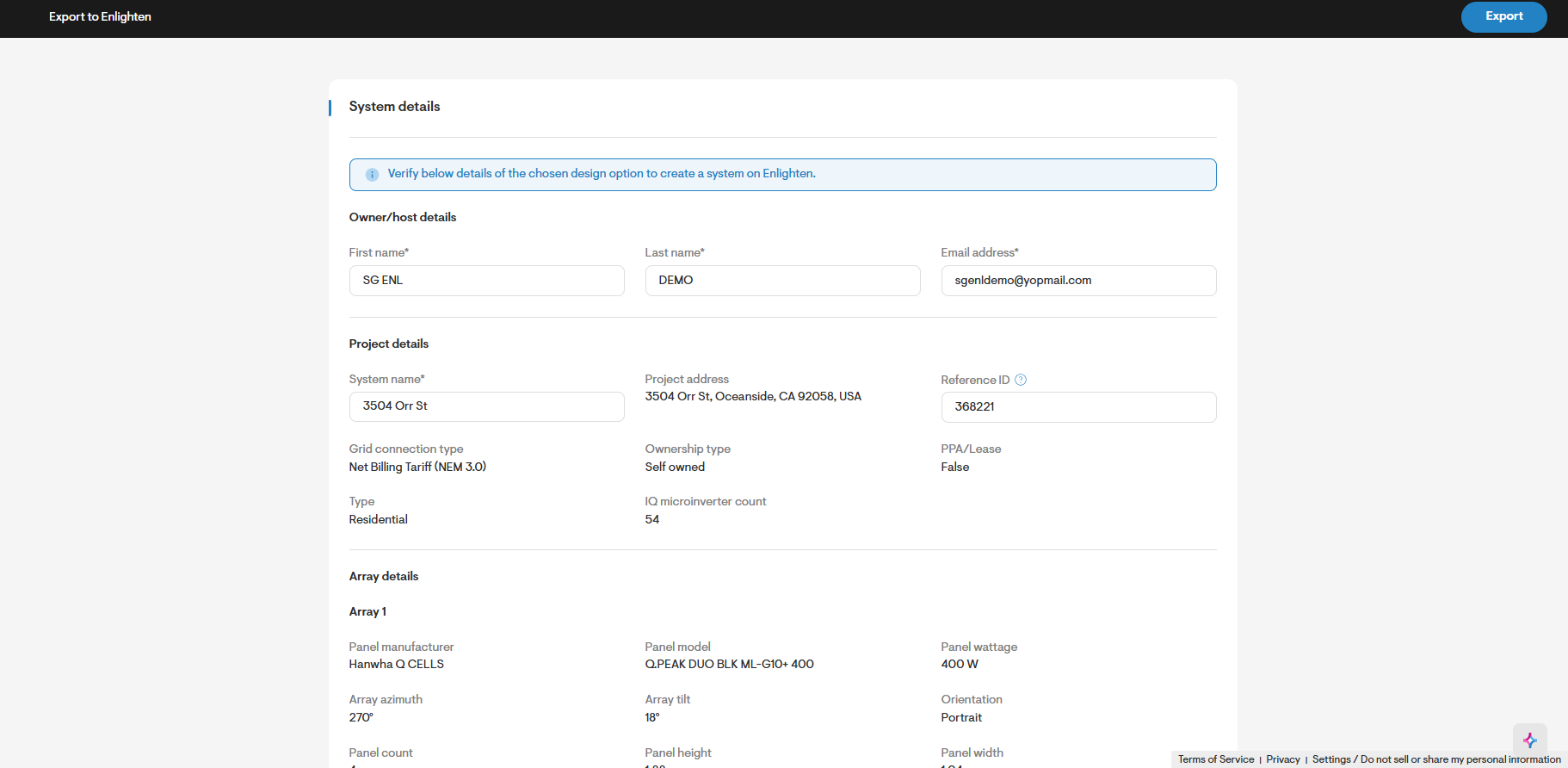
Figure 2: Export Solargraf design & panel array information to create and Enlighten site
Why this matters for installers
Eliminate duplicate data entry
The same site information no longer needs to be entered separately in Solargraf and Enlighten. Installers can use the completed Solargraf project as the source for creating the Enlighten site, reducing administrative work across teams.
Reduce panel layout and configuration errors
Manually rebuilding an array creates opportunities for mismatched panel counts, incorrect placement, or differences between the approved design and the monitoring layout. Exporting the Solargraf design helps keep the Enlighten array aligned with the final project.
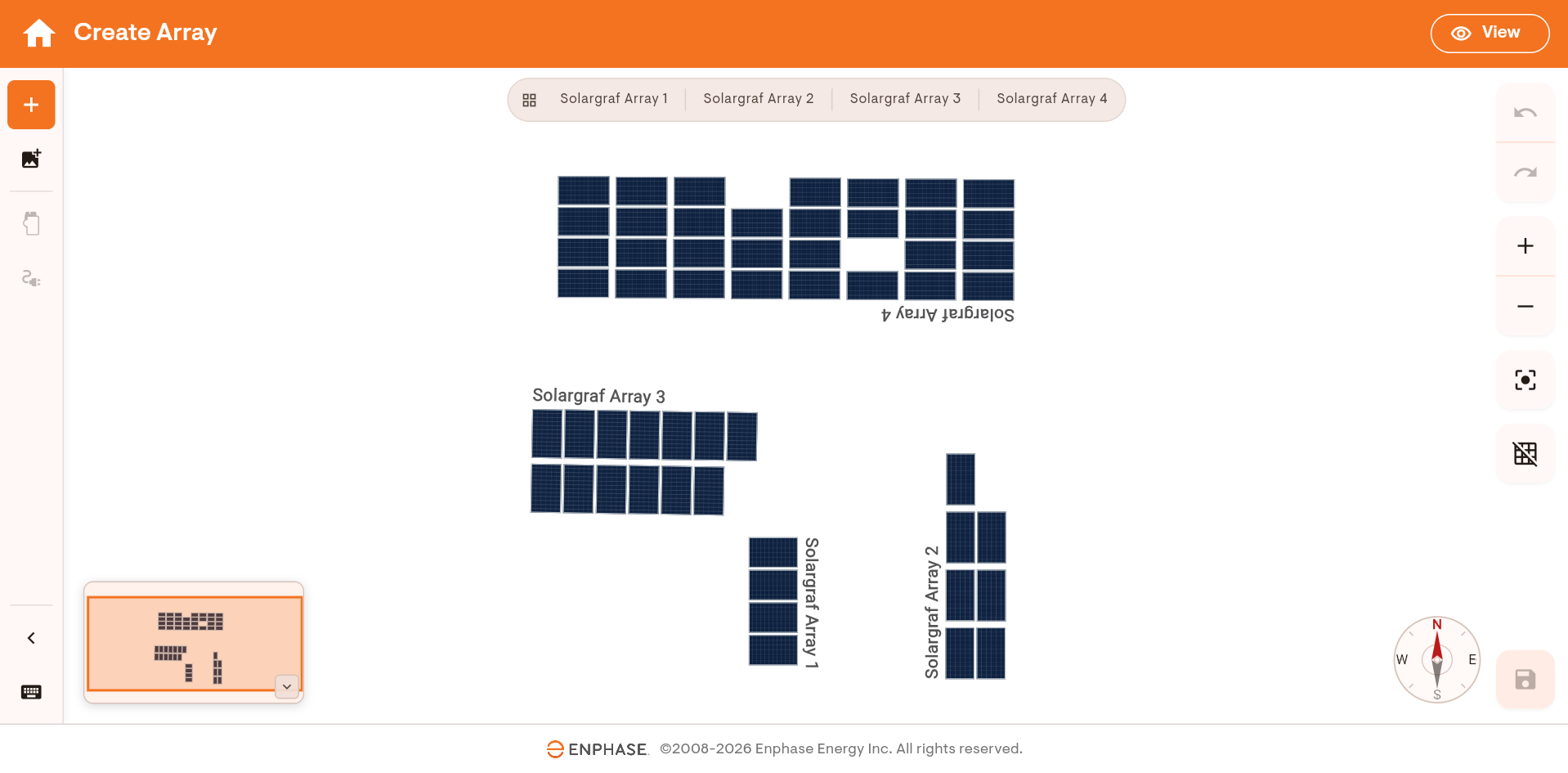
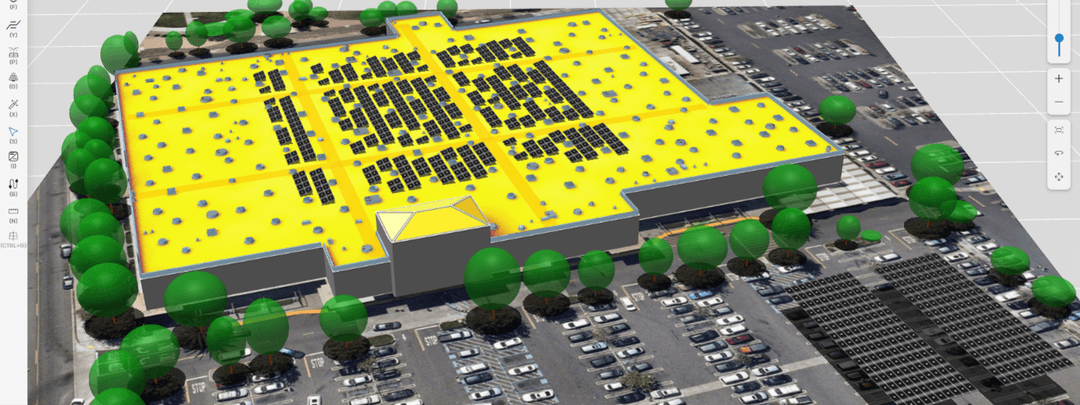
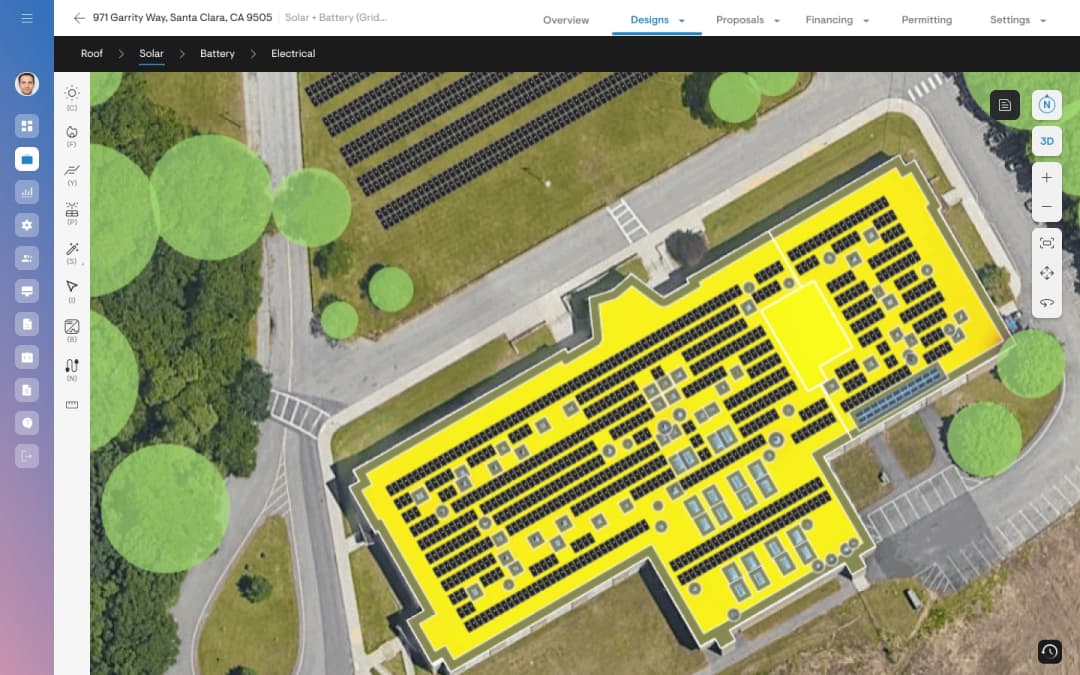
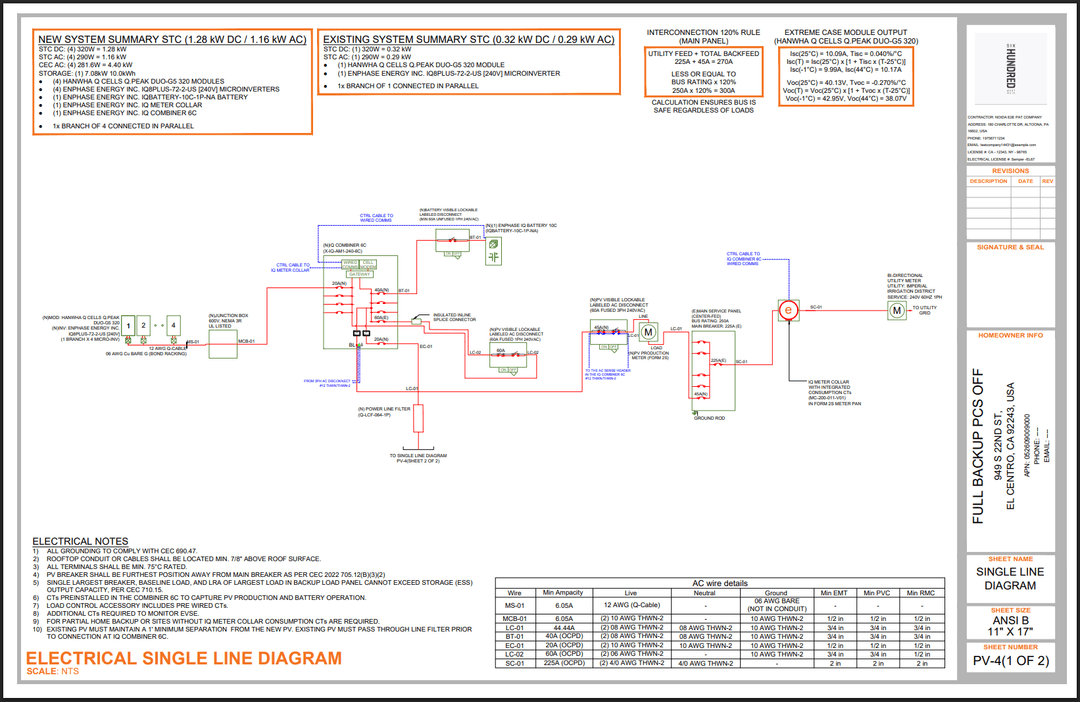
Figure 3: View panel array layout on Enlighten which mimics the design on Solargraf
Speed up the design-to-commissioning handoff
Once the site and array are created in Enlighten, installation and commissioning teams can begin with project information already in place. This reduces the delay between design sign-off, field installation, and monitoring setup.
Keep project records consistent
Sales, design, installation, and commissioning teams can work from the same site details and panel configuration. A consistent record makes it easier to review the project, validate the installation, and resolve questions if the design changes.
Make site creation easier with minimal clicks
The export process is built into the completed Solargraf project. After finalizing the design, the installer selects the Enlighten site creation option, reviews the relevant project information, and confirms the export.
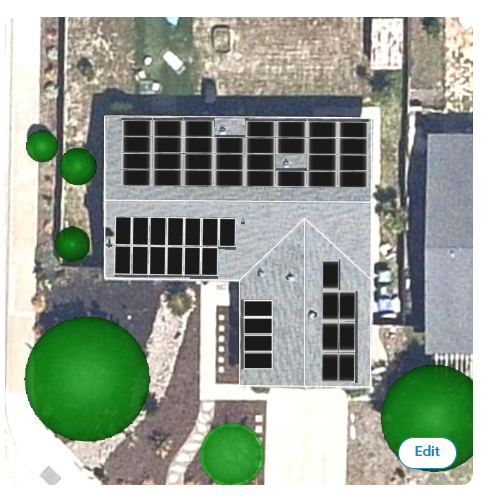
Solargraf then sends the project information to Enlighten, where the site is created and the panel array is populated. A confirmation message provides access to the newly created Enlighten site so the team can access the site on Enlighten. Installers can check the project details and panel array layout on the Enlighten activation page.
Refer to our knowledge base article for a detailed end to end workflow & steps for the integration - https://solargrafsupport.enphase.com/s/article/Enlighten-Solargraf-Integration-to-Create-Enlighten-system .
A faster handoff for every installation
An installer completes a residential design in Solargraf and receives approval from the homeowner. Instead of sending the design to an operations team for manual entry, the installer exports the project directly to Enlighten. The site address and panel array are already available when the commissioning team begins its work, reducing handoff friction and helping the team move forward with fewer corrections.
Start creating Enlighten sites from Solargraf
Use the Enlighten export feature in your Solargraf account to create sites and transfer panel array layouts with fewer manual steps. By automatically carrying project information and approved array designs from Solargraf into Enlighten, your team can reduce duplicate work, minimize setup errors, and accelerate the transition from design to commissioning. Try the Enlighten integration and simplify the way your projects move from proposal to activation.
Please note that the feature is currently in beta. Reach out to your account manager to get it enabled for your account.
Want to know more?
Join our upcoming webinar to dive deeper into our enhancements.
Schedule a demo for a personalized walkthrough on understanding how Solargraf can add value to your business.
Thank you for being part of our growing community; we can’t wait to show you what’s next.