Help Center Financial Setting
Where to find financing credentials for Solargraf
Published on 30 Jun 2023
Mosaic
- What credentials does the installer need for Solargraf?
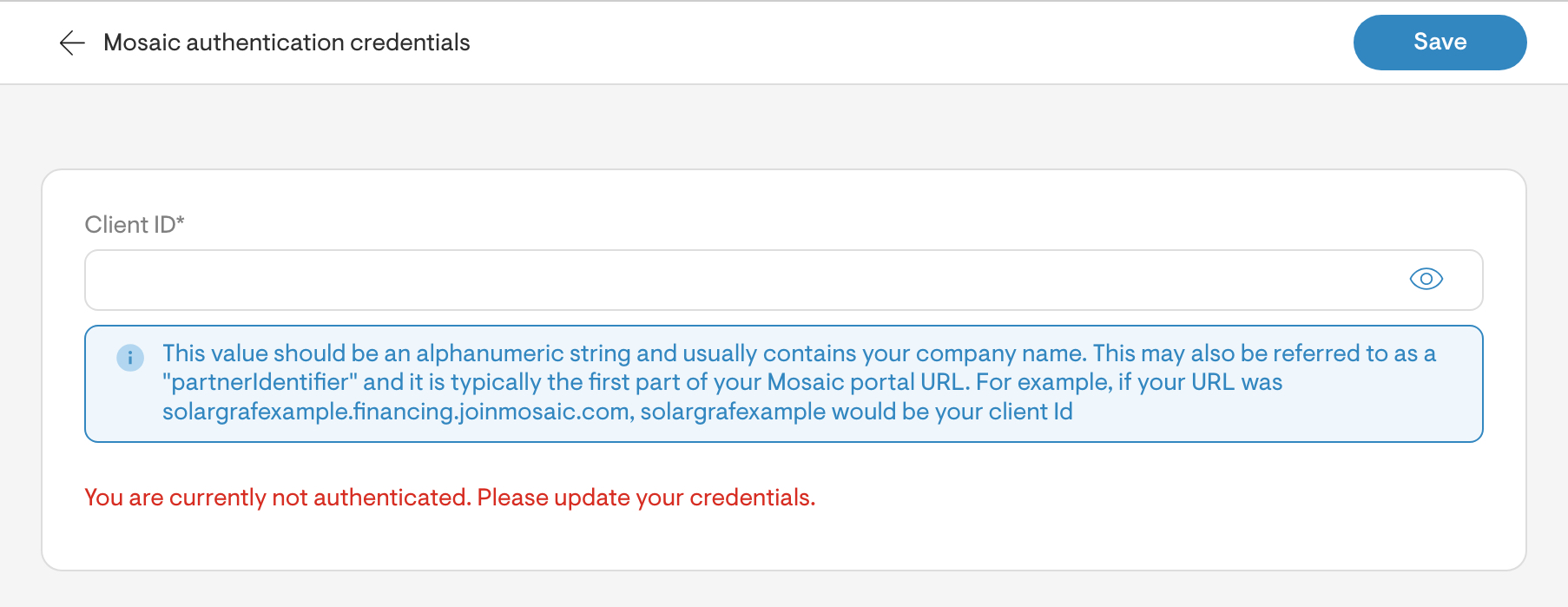
Client ID
If your Mosaic Portal URL was:
SolarABC.financing.joinmosaic.com
SolarABC would be your client ID.
- Where to find this information?
From: partner@joinmosaic.com
Subject: Congratulations – Installer Name – You’ve been approved!
In this email a partner link is normally shared with the installer, that will look something like the below:
solarABC.financing.joinmosaic.com
The Client ID in the above link would be “solarABC”
Still can’t find the credentials?
GoodLeap
- What credentials does the installer need for Solargraf?
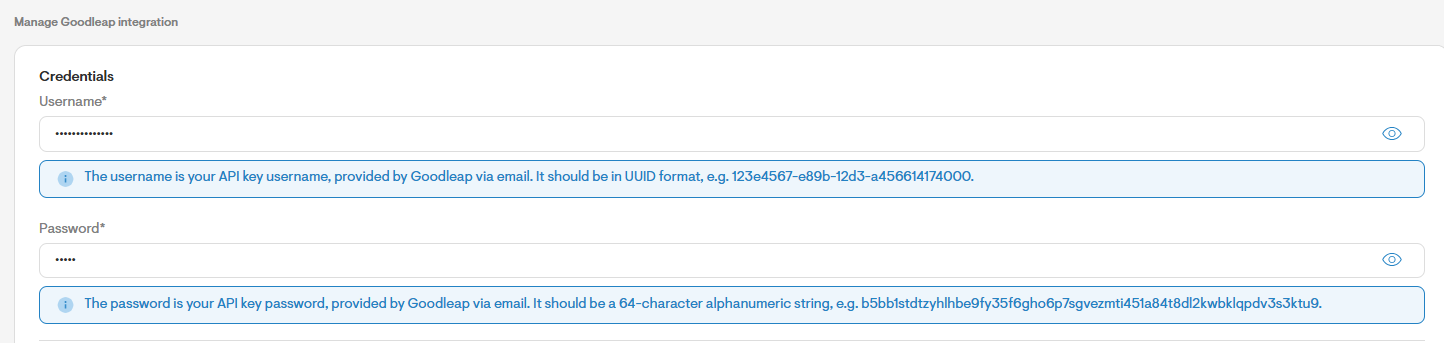
Username and Password
Your username and password are typically provided as part of your credentials from GoodLeap.
The username is referred to as your “API key Username” and is typically an alphanumeric number.
e.g.: 123e4567-e89b-12d3-a456614174000
The password is referred to as your “API key Password” and is typically a 64-character alphanumeric string.
e.g.: b5bb1stdtzyhlhbe9fy35f6gho6p7sgvezmti451a84t8dl2kwbklqpdv3s3ktu9
Where to find this information?
You should get an email with the following information:
From: acovington@goodleap.com
Subject: Solargraf – GoodLeap Approval
Still can’t find the credentials?
Any further questions contact acovington@goodleap.com
Dividend
- What credentials does the installer need for Solargraf?

Installer ID
Your installer ID is provided by Dividend. This is typically a 15 character alphanumeric string, beginning with zeroes.
E.g.: 001G000001dgHFH
Where to find this information?
Installer ID is a 15-digit string of alphanumeric characters. Dividend will send you, the installer, an email to directly input the credentials into Solargraf.
Partner ID
An email is typically sent from a Dividend Salesforce.com email. It will have a partner installer link. Similar to the below:
https://partner.dividendfinance.com/application/SolarABC
The installer name will be the last section, so in this case it will be “SolarABC”
- Still can’t find the credentials?
Contact Dividend Customer service.
EnFin
- What credentials does the installer need for Solargraf?
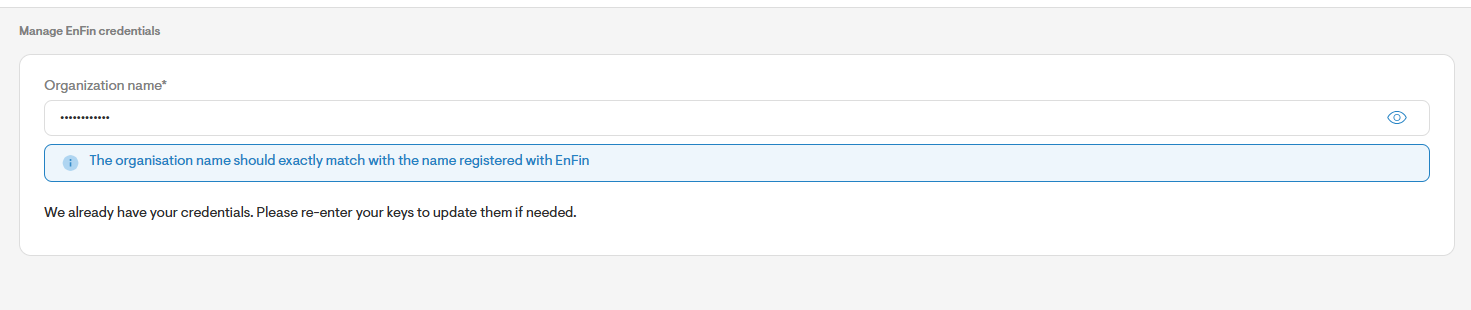
The Organization name which should exactly match with the name registered with EnFin.
- Still can’t find the credentials?
Contact Dividend Customer service
LightReach
- What credentials does the installer need for Solargraf?
The Organization alias.

- Where to find this information?
Email partneractivation@palmetto.com with the subject “Activation Request: SolarGraf-LightReach Integration” and include in the body, “I consent to making my LightReach account visible to the SolarGraf integration and request my LightReach organization alias.