Help Center Financing Set Up
How to Add API Credentials for Financing in Solargraf
Published on 25 Oct 2022
The following guide describes how to add the API credentials for the financing integrations in Solargraf.
Company Settings
The financing credentials can be added from two places via the company settings.
To add the credentials, navigate to Settings.
Go to Financing options section and click the desired fiancing partner
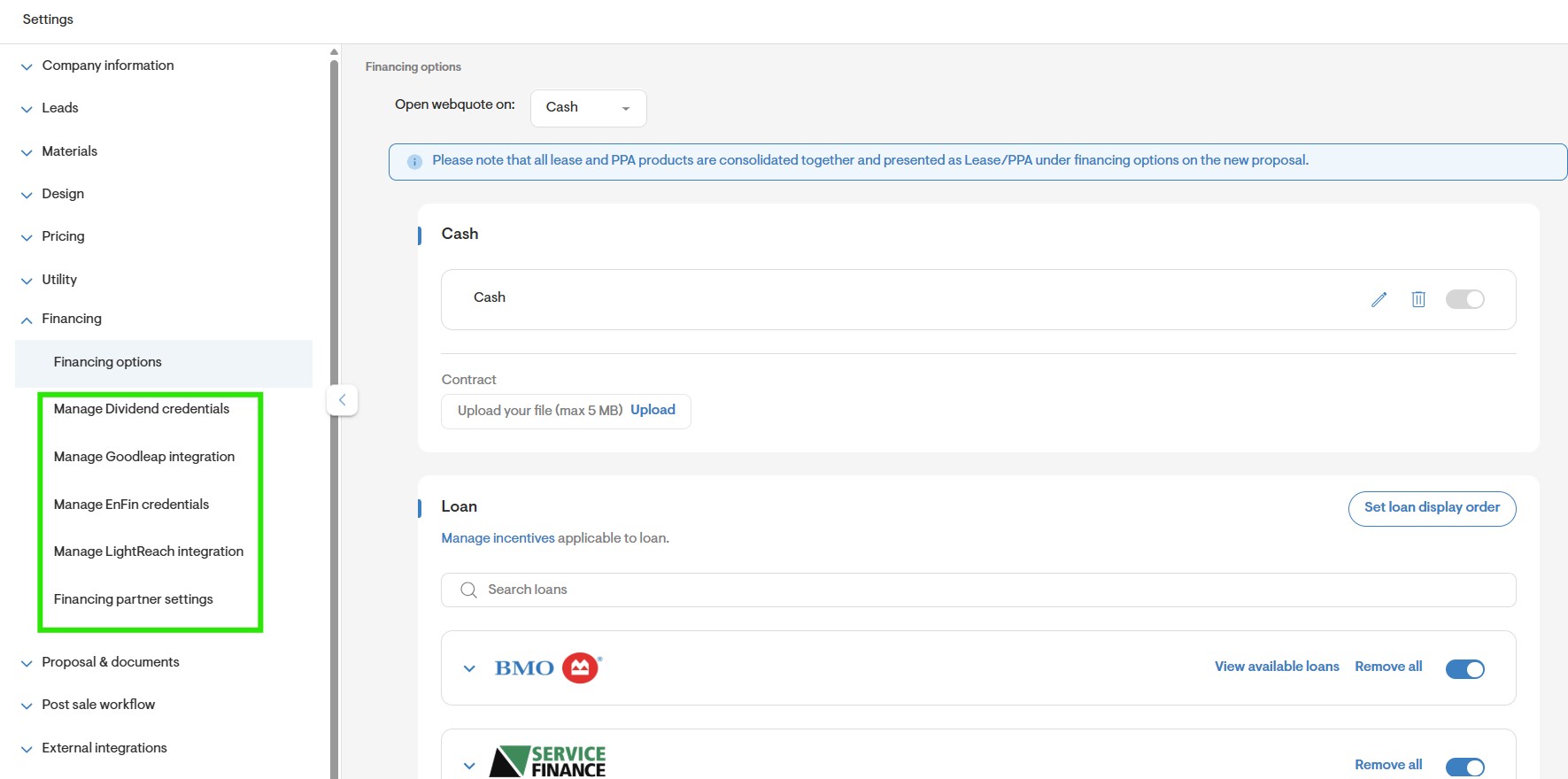
- You'll be directed to a new screen where you can enter your required credentials which may vary per financing provider.
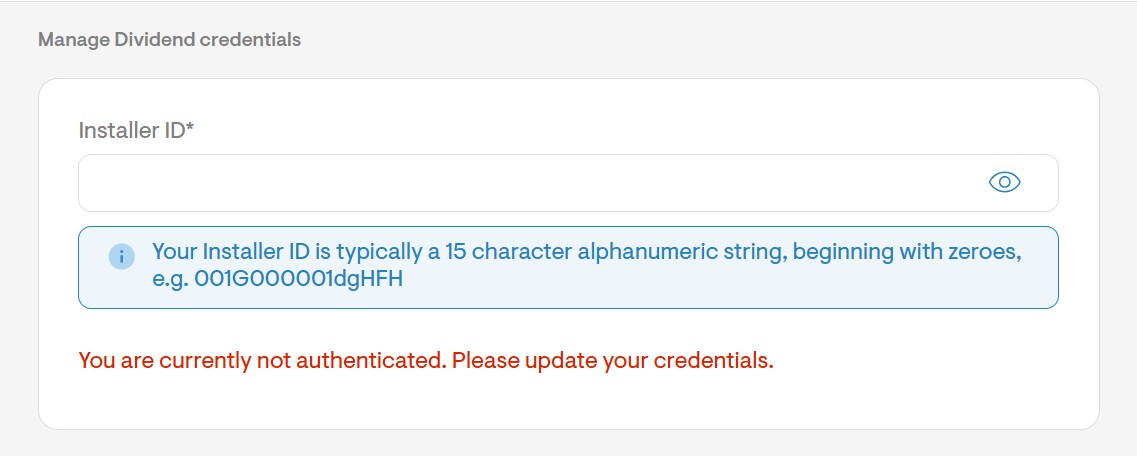
Click the Save button.
You can also add the credentials by going to Financing partner settings and selecting Become a partner button next to the desired loan.
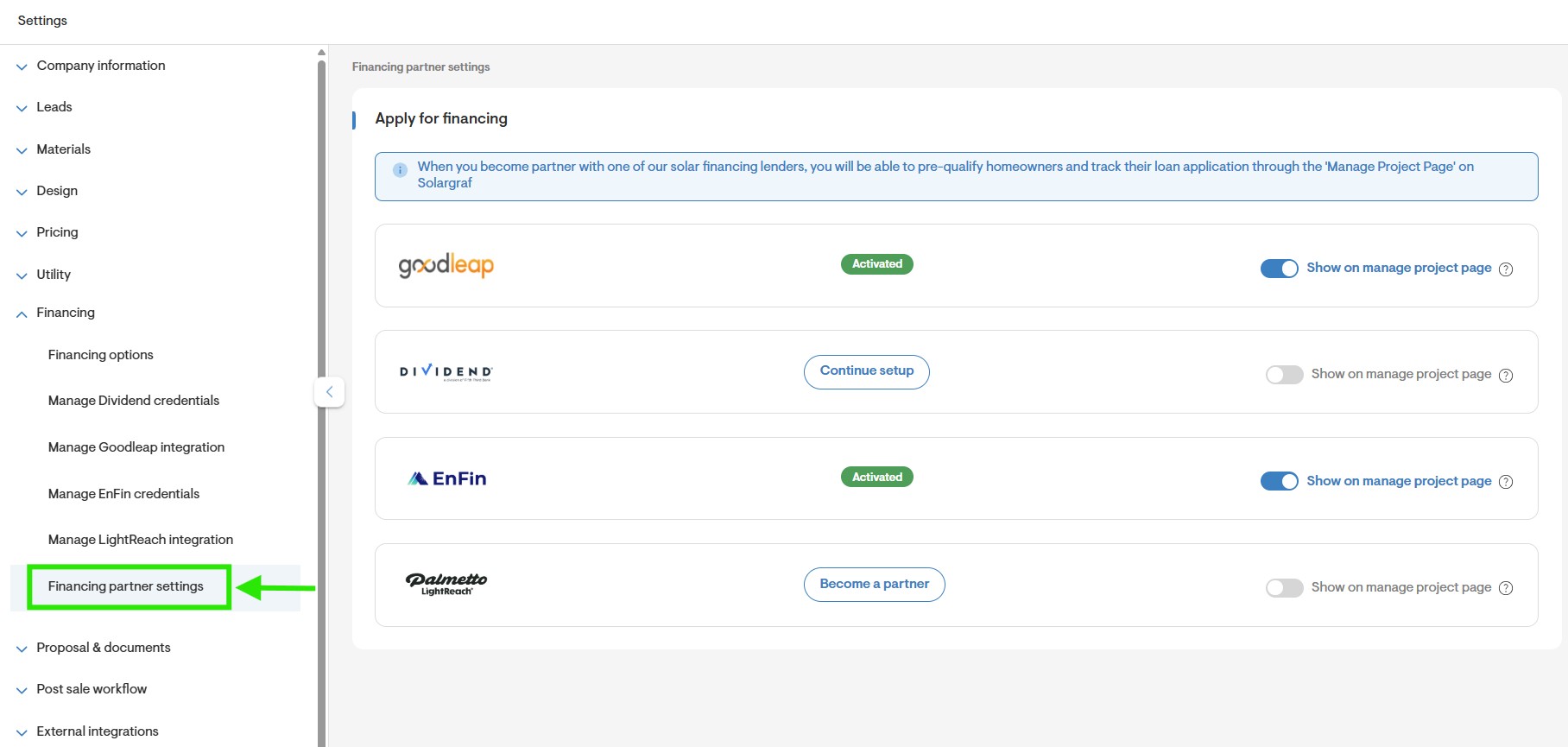
Upon clicking Continue setup, a new screen will appear, presenting a pop-up with the required fields to complete your credentials.
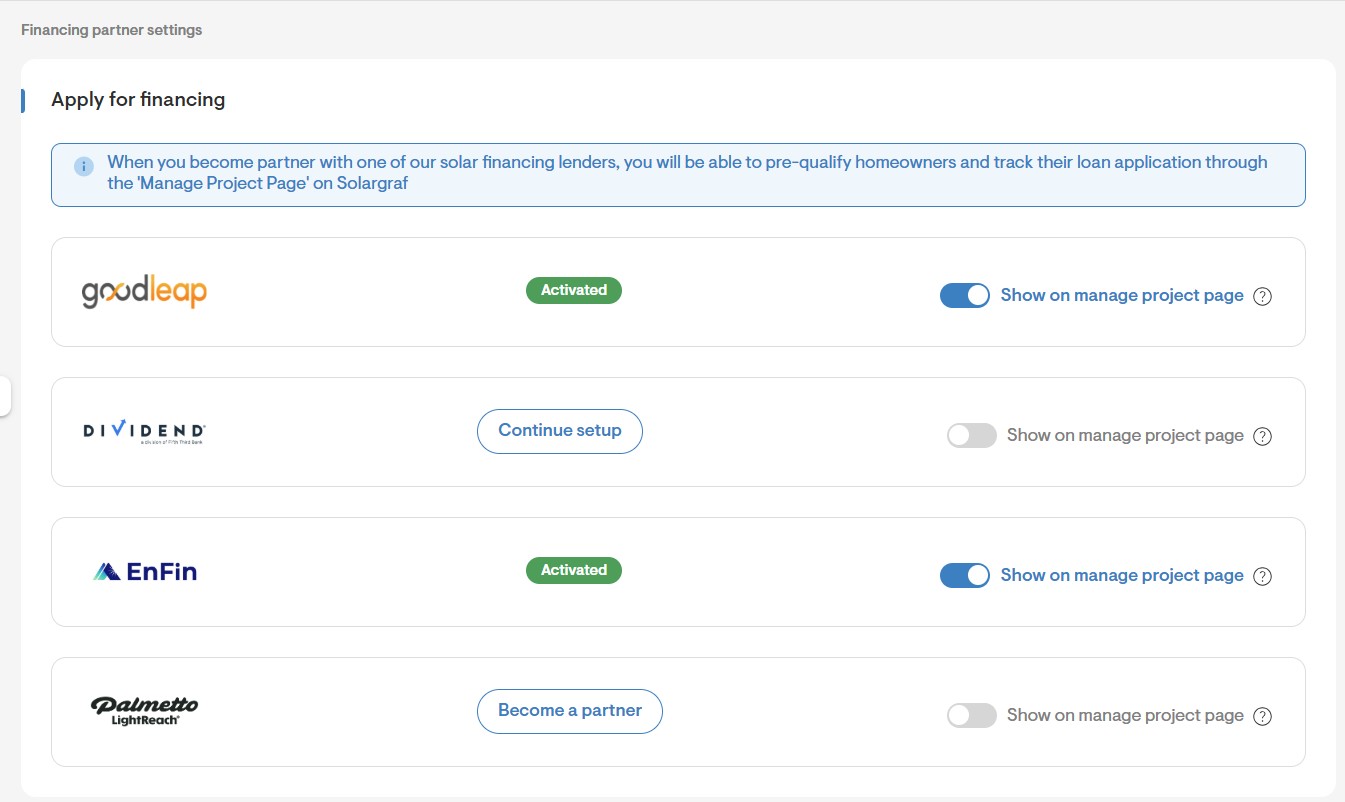
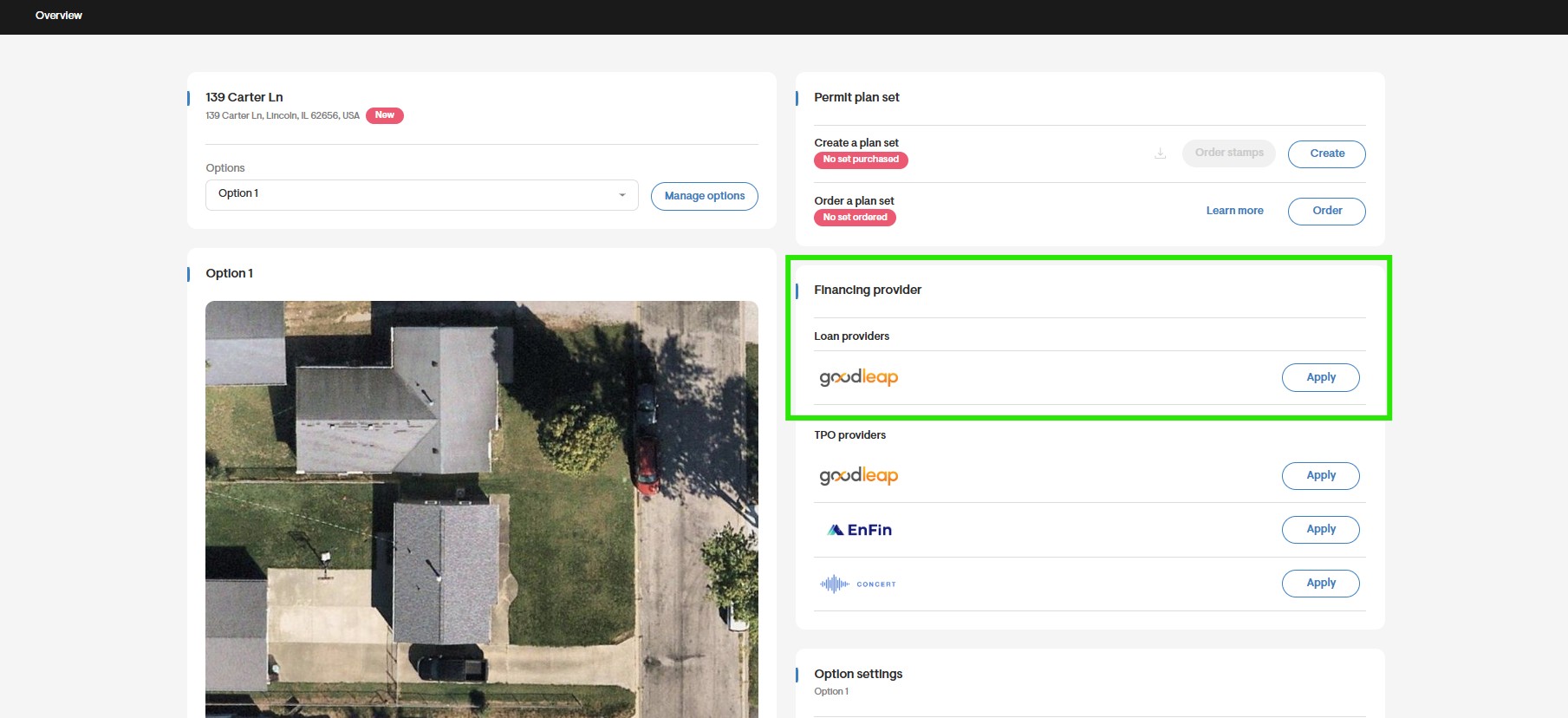
- Once the credentials have been successfully added, you should be able to see the loan provider on a project level and an apply button will be available as long as a loan from that provider is enabled for that project.
Where to Find your Financing Credentials
For more information on where to find your financing credentials, you may refer to this article: Where to Find Financing Credentials for Solargraf.
Troubleshooting
When entering the credentials for one of the financing partners, make sure you have entered the correct keys for the integration. If you are unable to successfully complete the integration, it is recommended you reach out to your financing account manager and ensure that the credentials provided are accurate. Additionally, you may reach out to our Solargraf support team and they may assist you in completing the integration.