Help Center Financial Setting
FAQ: Financing options
Published on 10 Dec 2021
Can I set up a down payment?
Yes, you can set up a down payment by navigating to the Financing Options section, clicking the pencil icon next to the loan, entering the down payment amount in the designated field, and saving your changes.
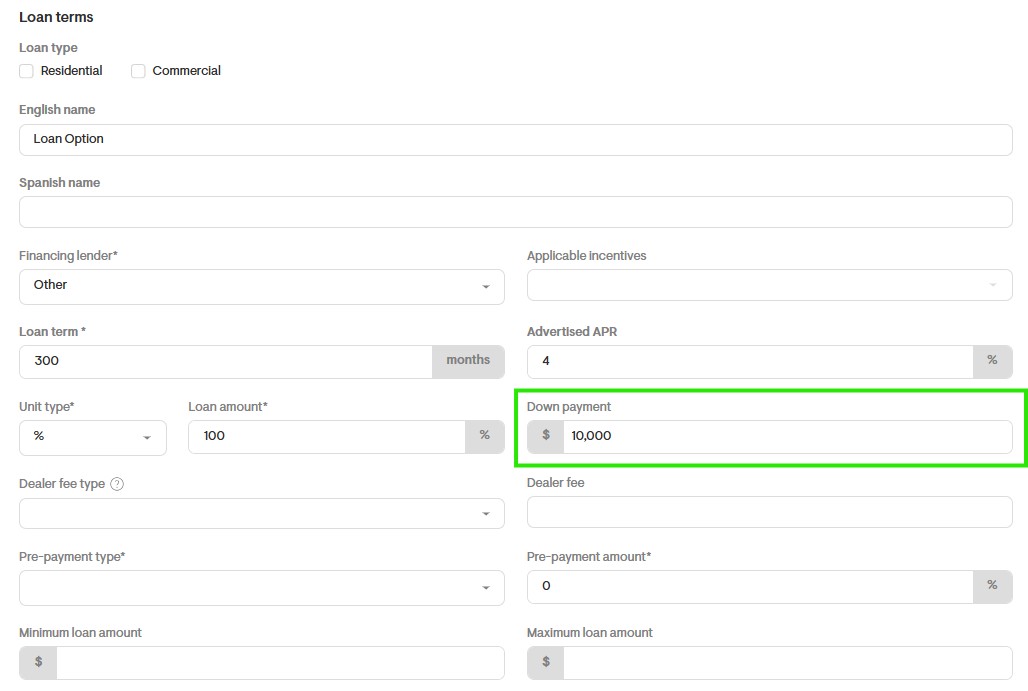
Please note: At this time, down payments can only be applied to loan deals. The option is not available for cash deals.
How can I remove a financing option (cash, loan, etc.) from the proposal?
To remove or hide a financing option, go to the Financial Options section and click on the option you want to update. You can either delete it entirely keeping in mind that you’ll need to re-add it from scratch if you want to use it again later or simply edit the option and uncheck the Show This Option to Your Client box. If this box is unchecked, the financing option will not appear in the proposal.
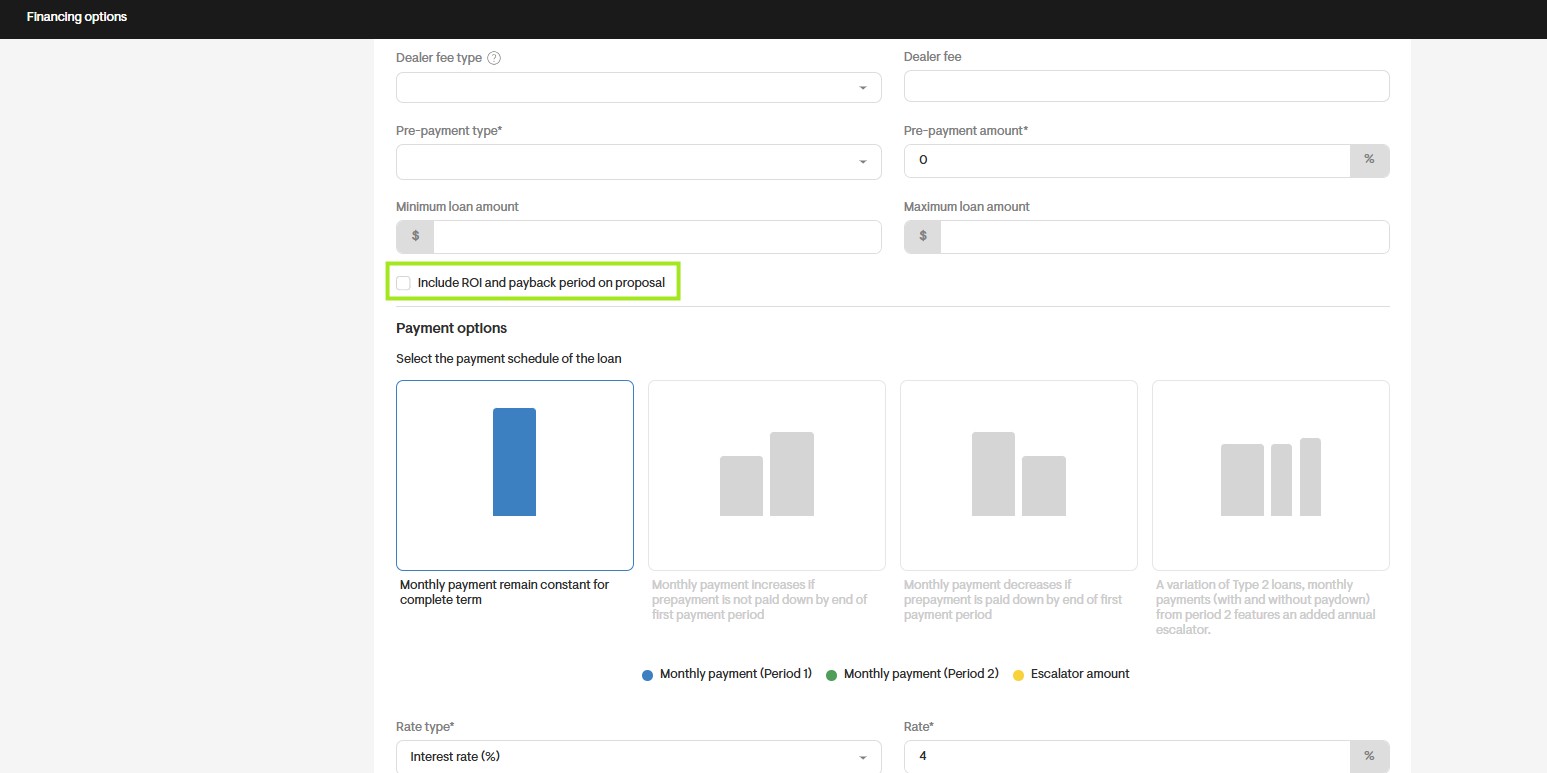
How can I disable ROI and Payback Period on my project?
To disable the ROI and Payback Period on a project, navigate to the Financing Options section from the project’s overview page. If you want to disable these metrics for all available payment methods such as Buy, Loan, Lease, and PPA you’ll need to edit each one individually.
To do this, click on the payment option, uncheck the box labeled Includes ROI and Payback Period on Proposal, and then click Save Item at the bottom of the page. Repeat this process for each payment method associated with the project.