Help Center Proposal Setting
Manage Signatures on Solargraf
Published on 15 Dec 2022
This guide will walk you through how to manage signatures on your Solargraf proposal.
- Go to your Settings.
- Select Proposals & documents and from that dropdown select Signature.
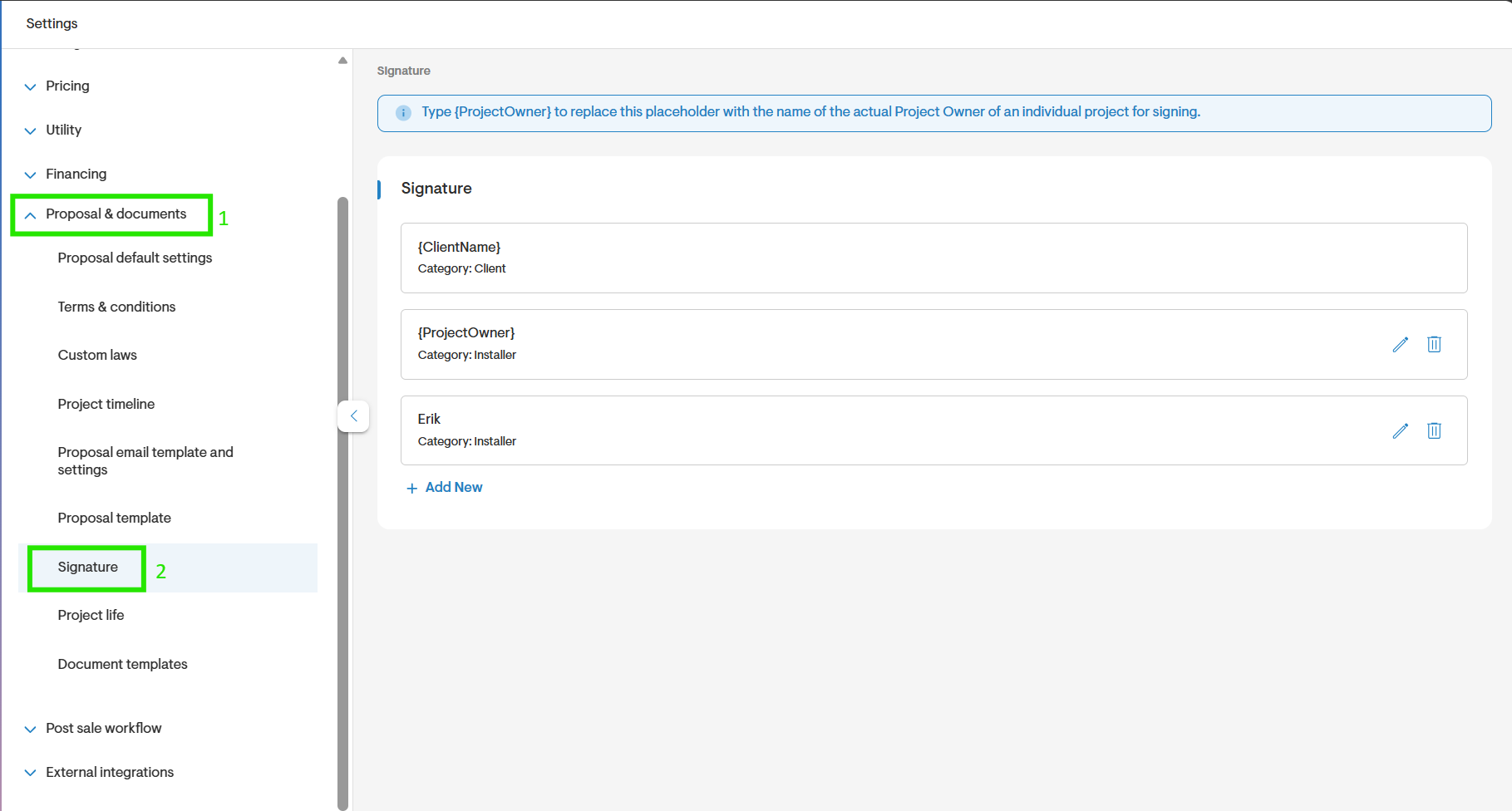
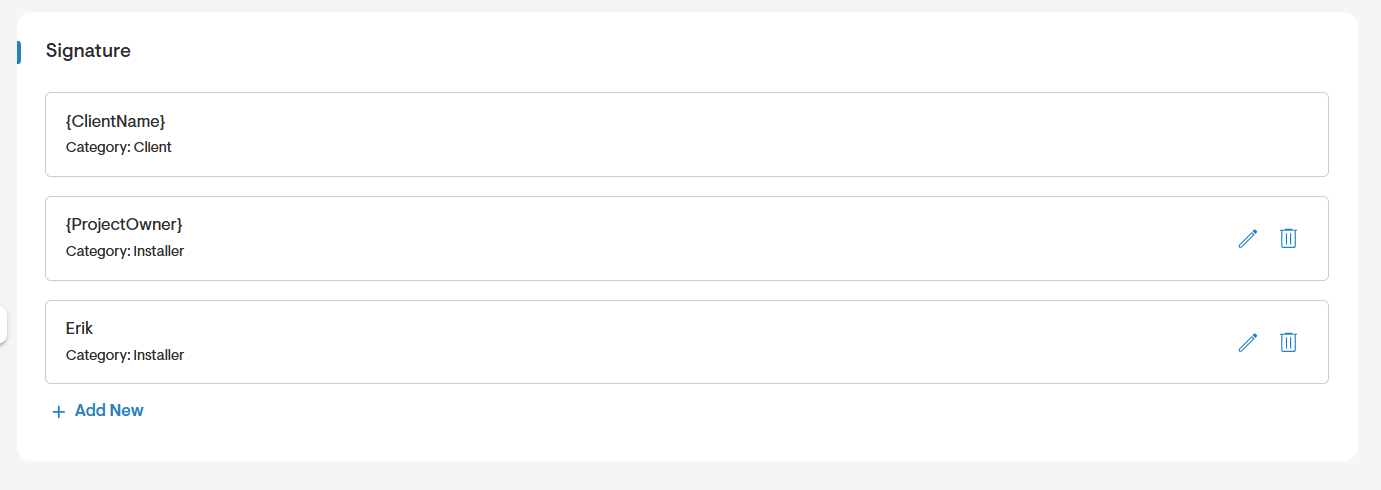
- In this page you will see the signatures that have been created, you can edit them or select the bin to delete them.
- The client signature will there by default but you may add more if needed.
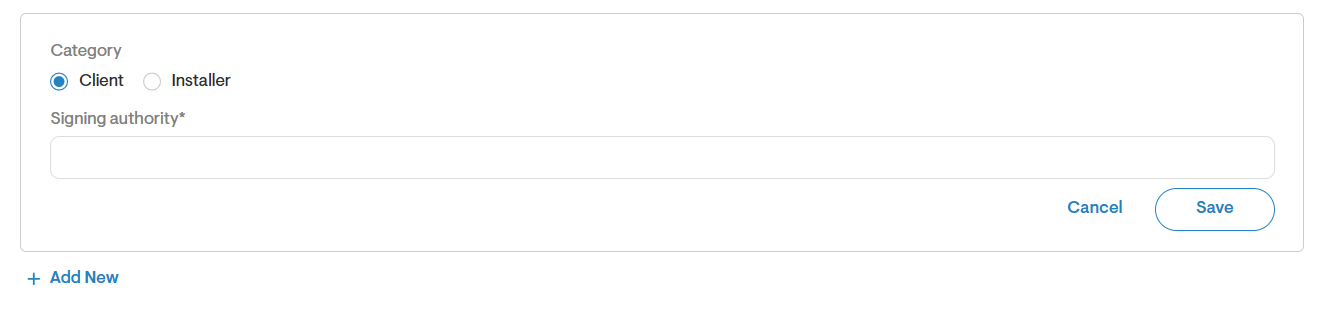
- Click Add New to add a new signature, select the category (client or installer).
- Determine the signing authority.
- Save your changes.
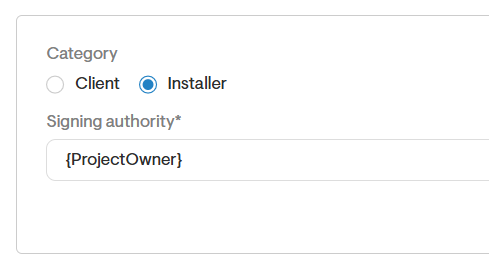
- To find a list of placeholders when adding a signature, type in { to view options. You can then add in the {ProjectOwner} placeholder to automatically populate the assigned installer's signature.