Help Center Proposal Setting
Language Settings
Published on 25 May 2023
The following guide provides information on how to setup proposal language settings.
Company Settings
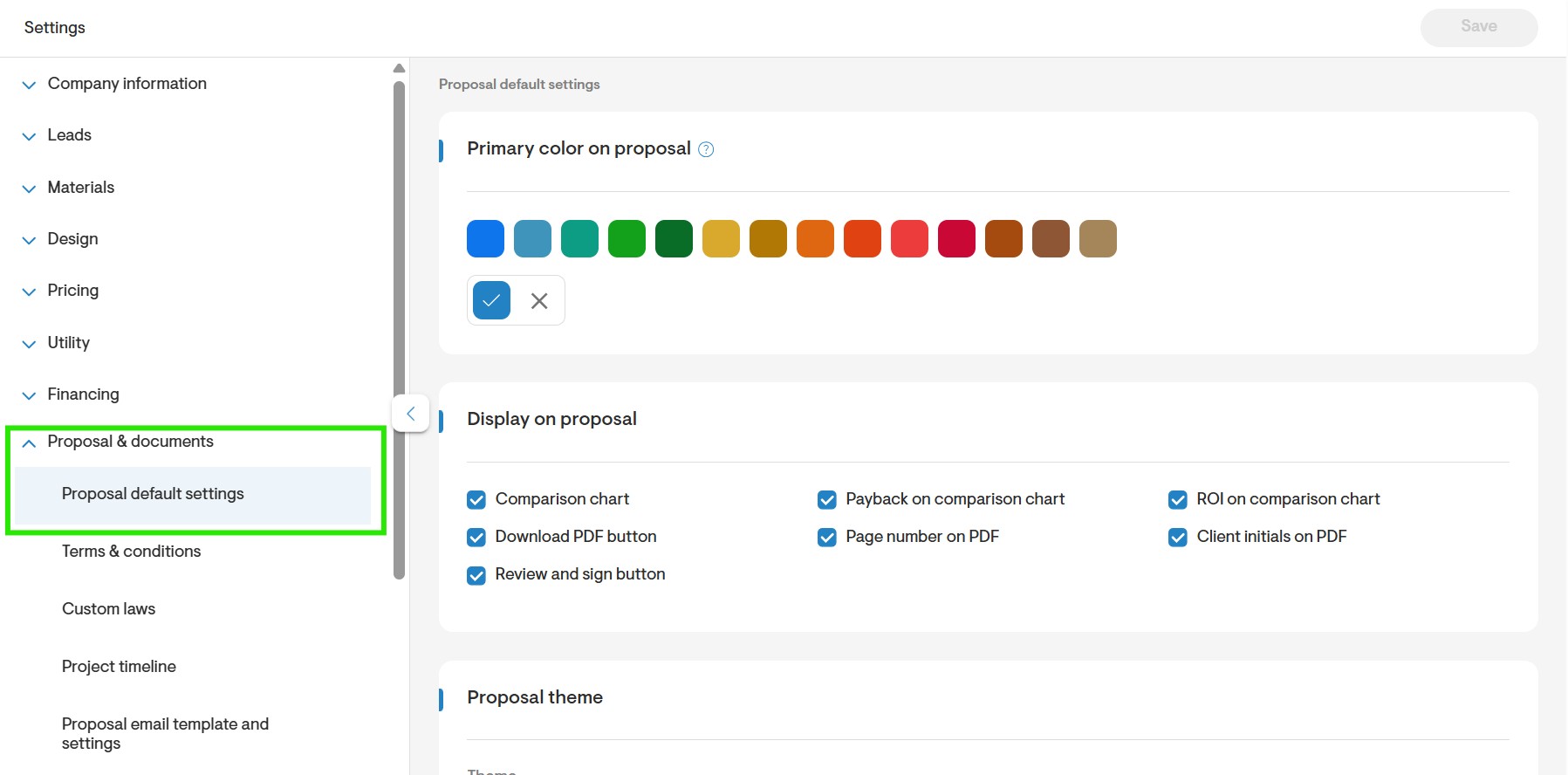
To configure it, go to your Company Settings page, scroll to the Proposal & Documents section, and open Proposal Default Settings. From there, adjust the Languages Supported on the Proposal to match your client communication needs.
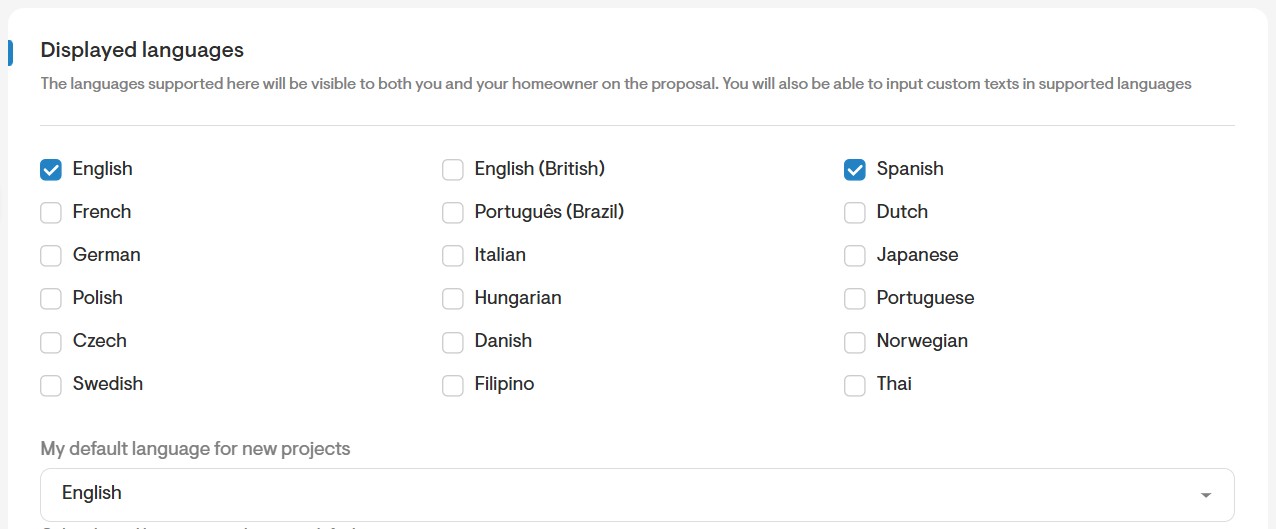
- You will see a list of available languages. Check the box next to the languages you would like to use on your proposal. You may also select the default language for new projects from the dropdown menu.
Proposal Settings
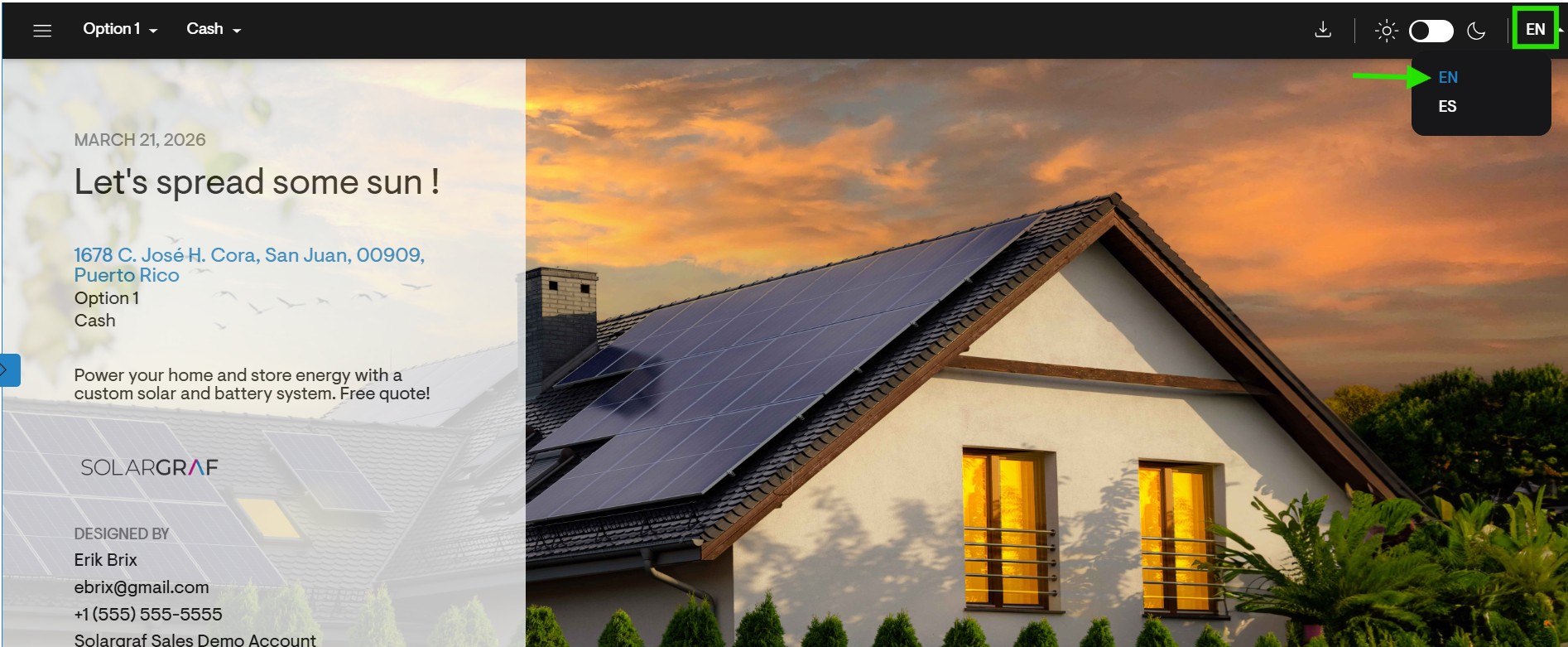
- You may select which language to view on the webquote from the dropdown menu. This menu can be found on the top right of the webquote as shown below.
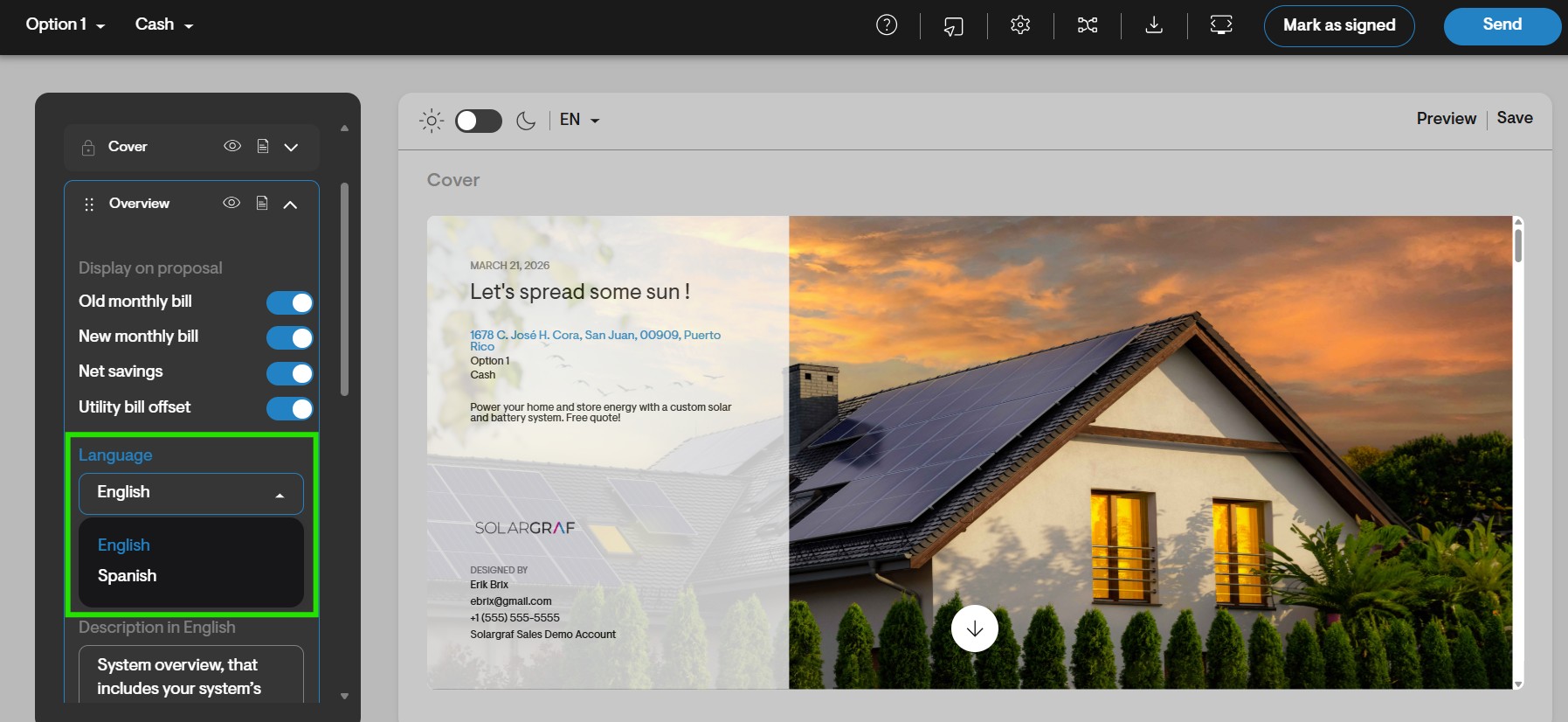
- You will also find the option to add multiple language translations when editing sections of your webquote. For example, you can select which language you are adding when editing the sections of the Cover section.
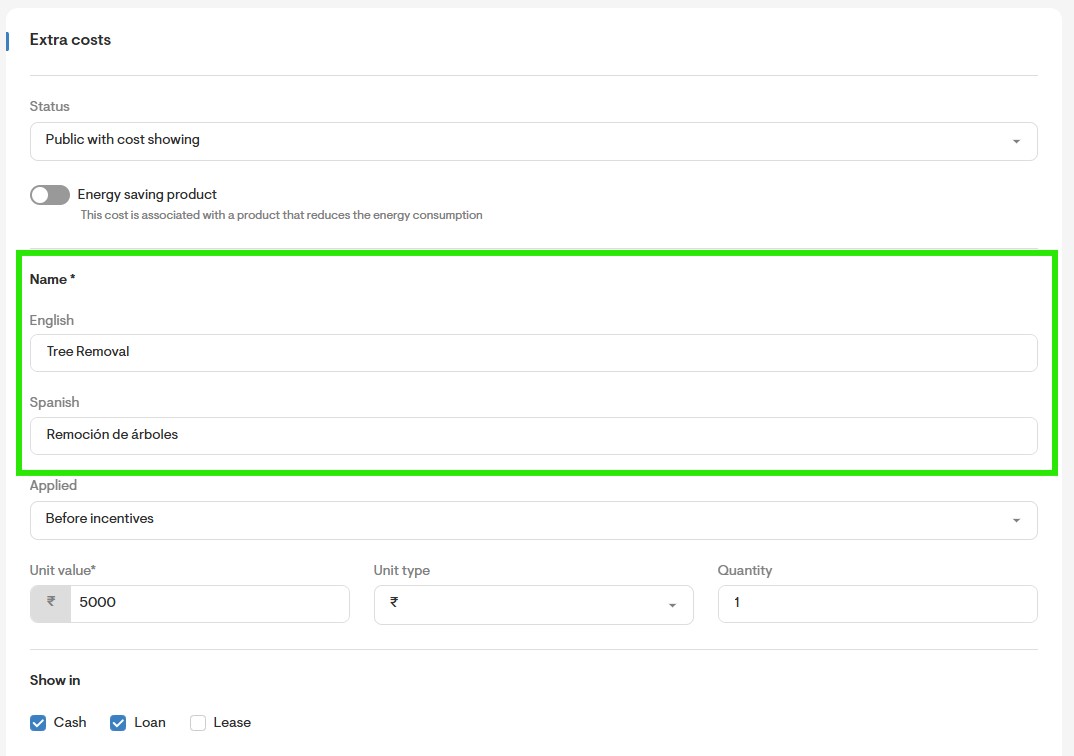
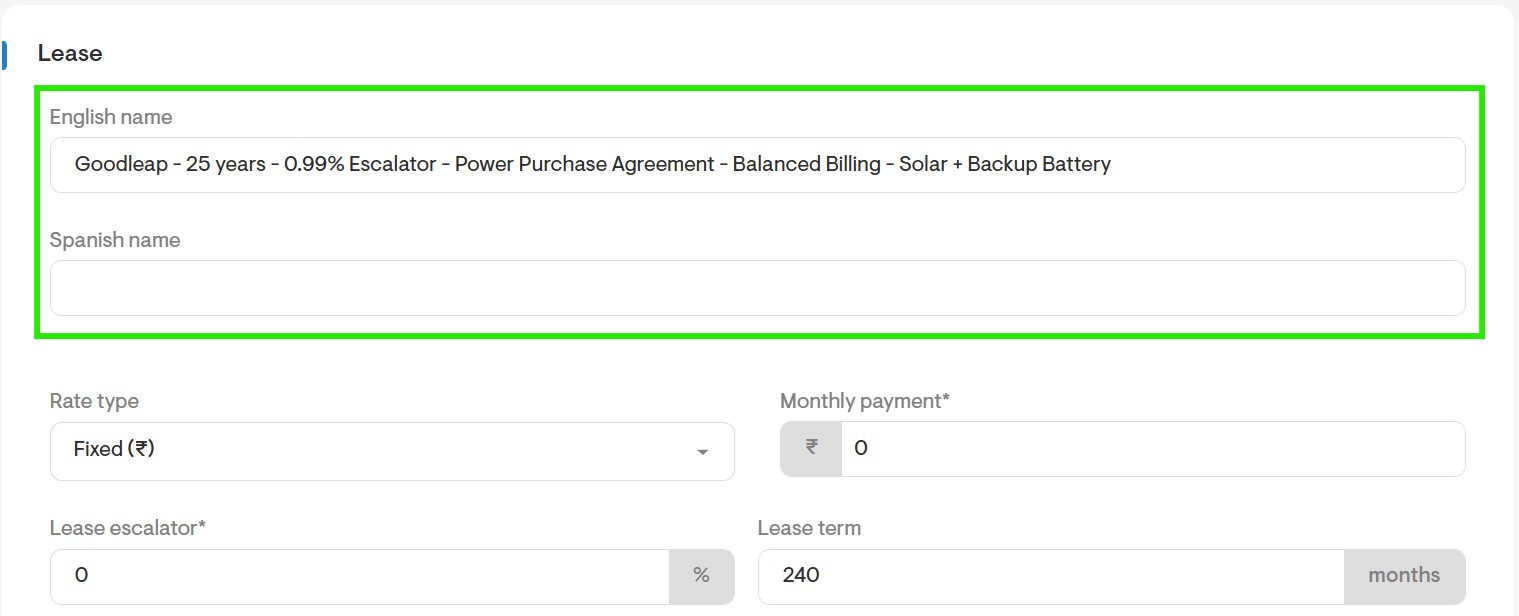
- You may also add different language translations when adding pricing items or financial options as shown below.