Help Center Proposal Setting
How to: Add Two Logos to Your Webquote
Published on 6 Feb 2023
The following guide describes how to add two logos to your Web-quote template. The capabilities listed below are available only to users who have enabled the ‘Use enhanced proposal format’ toggle. You can change this setting in your user preferences.
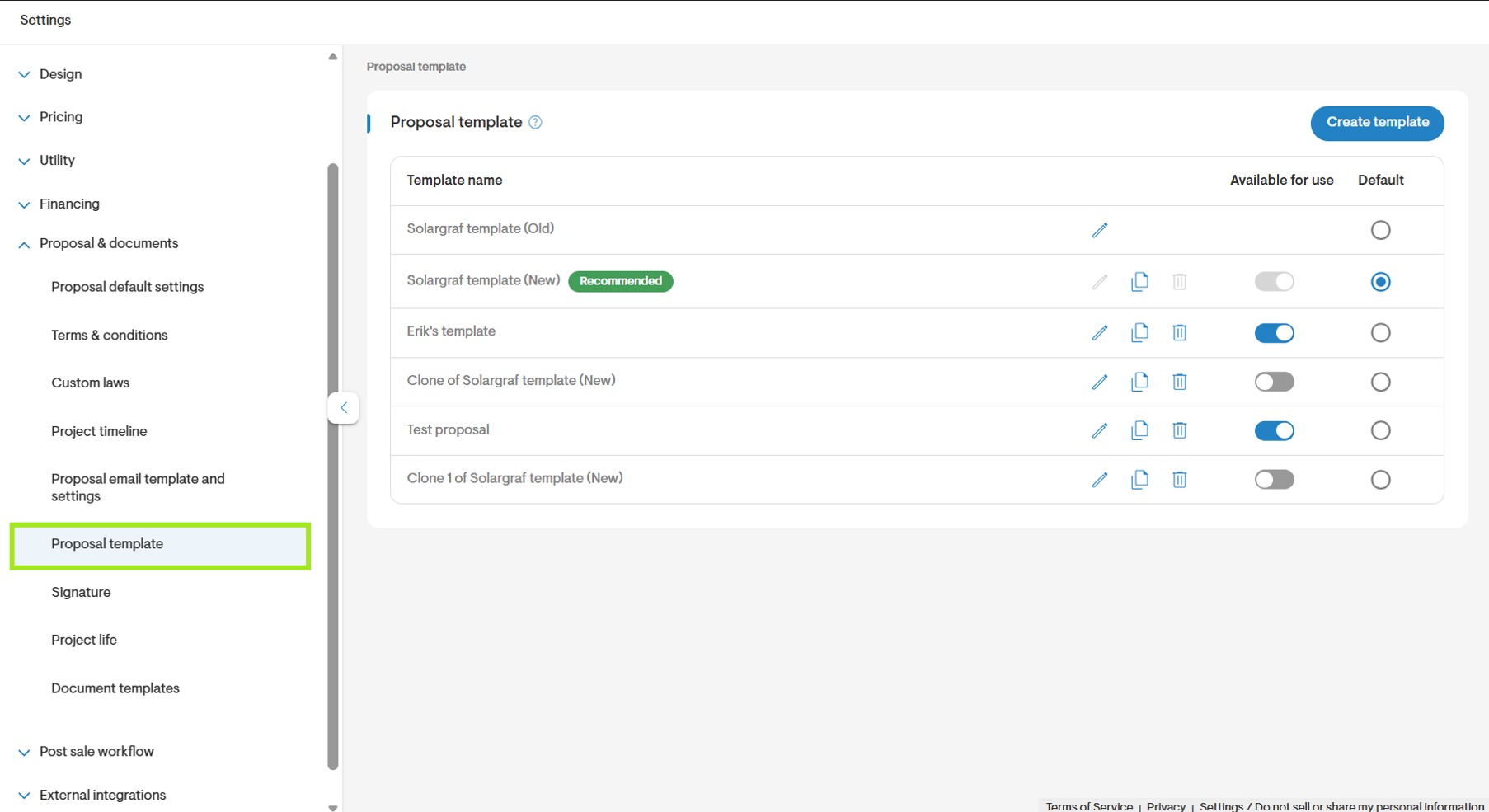
Step 1: Go to Company Settings
- Open Proposal > Proposal template and edit a template option by selecting the pencil icon.
Step 2: Open the Cover Section

Step 3: Upload a Secondary Logo
- Click upload to upload an image as your secondary logo.

- Choose to Save Changes or Save & apply retroactively.
Step 4: The Proposal
- Both Logos will now be displayed on the proposal.
