Help Center Getting Started
How to Post Feedback to Solargraf
Published on 18 May 2023
The following guide provides information on how to post feedback to Solargraf.
__________________________________________________________________________________________
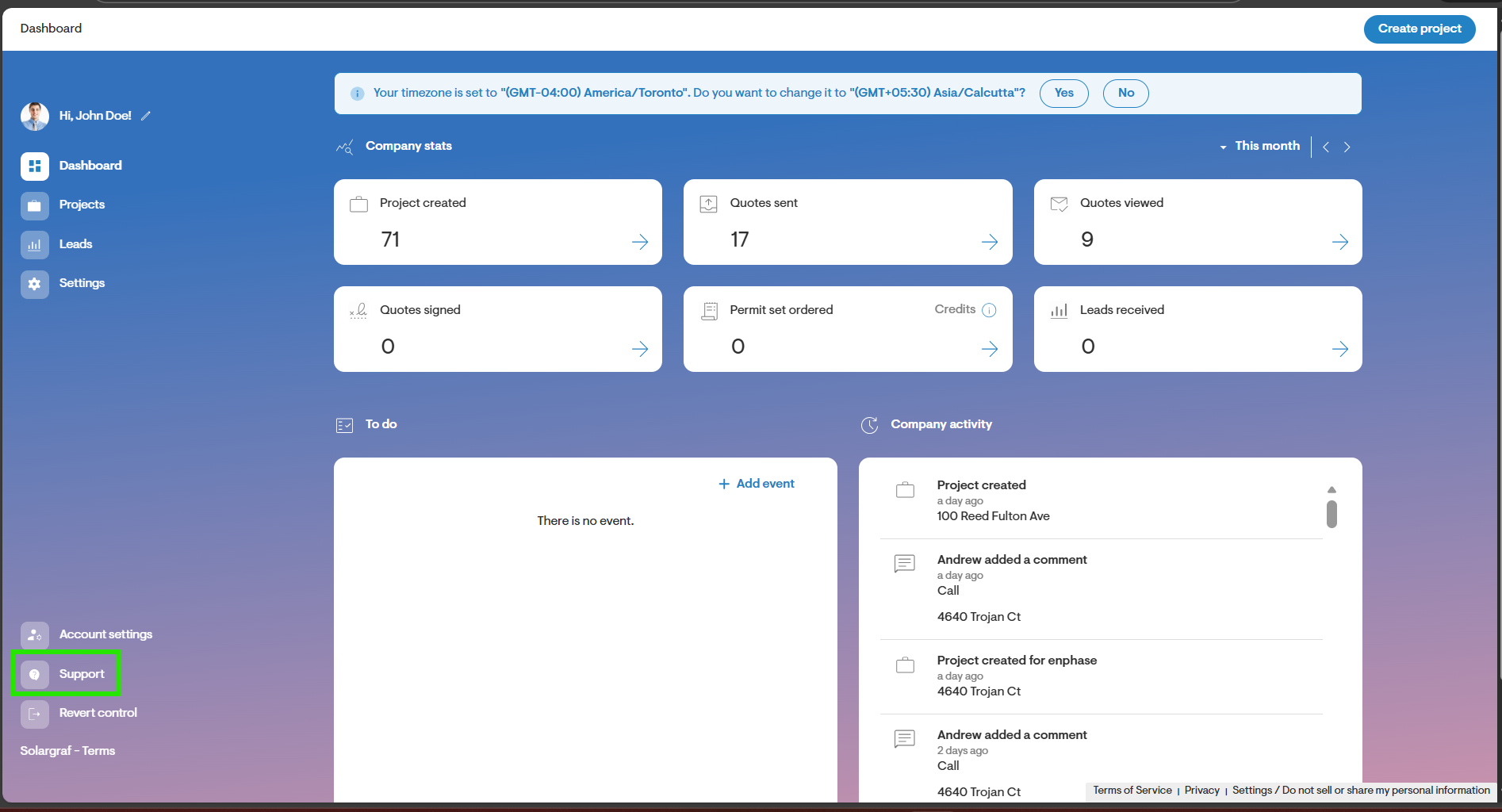
Step 1: Go to the Support page
- Start by navigating to the Support page. Click the menu icon on the top left of the Dashboard page and click Support.
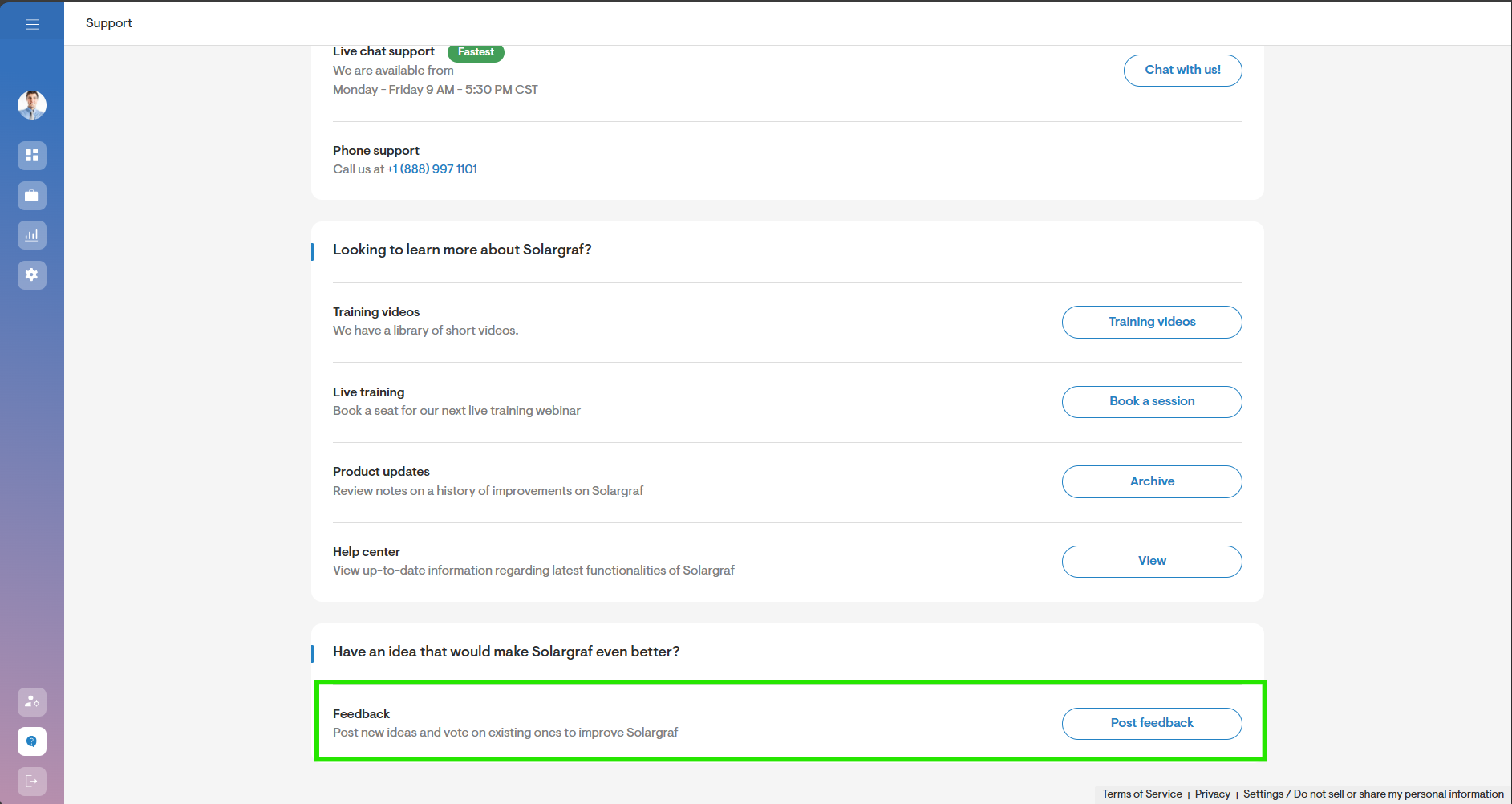
Step 2: Click Post Feedback
- Click Post Feedback at the bottom of the page.
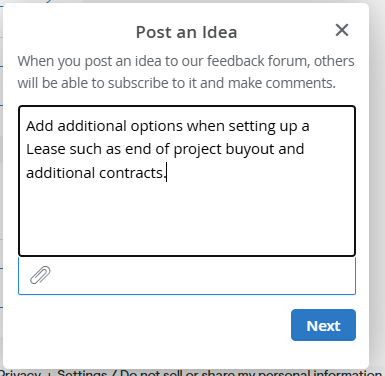
Step 3: Enter a Description of your Idea
- Enter a brief description of your idea. Try to include keywords in your description.
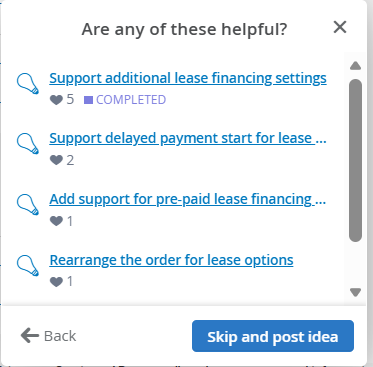
Step 4: Select from list of Ideas
- You will be presented with a list of similar ideas based on the description you provided.
- You may select the idea that closely resembles your feedback.
- Alternatively, you may click Skip and Post Idea to post a new idea.
Step 5: Enter an Idea title and select a Category
- To submit a new idea, start by entering the idea title.
- Then, select the category under which this idea falls.
- Finally, click Post Idea.
View Your Ideas
- To view the ideas you have submitted to Solargraf, go to https://enphase.uservoice.com/forums/922393-solargraf-features.