Help Center Getting Started
How to export your projects list
Published on 7 Sept 2023
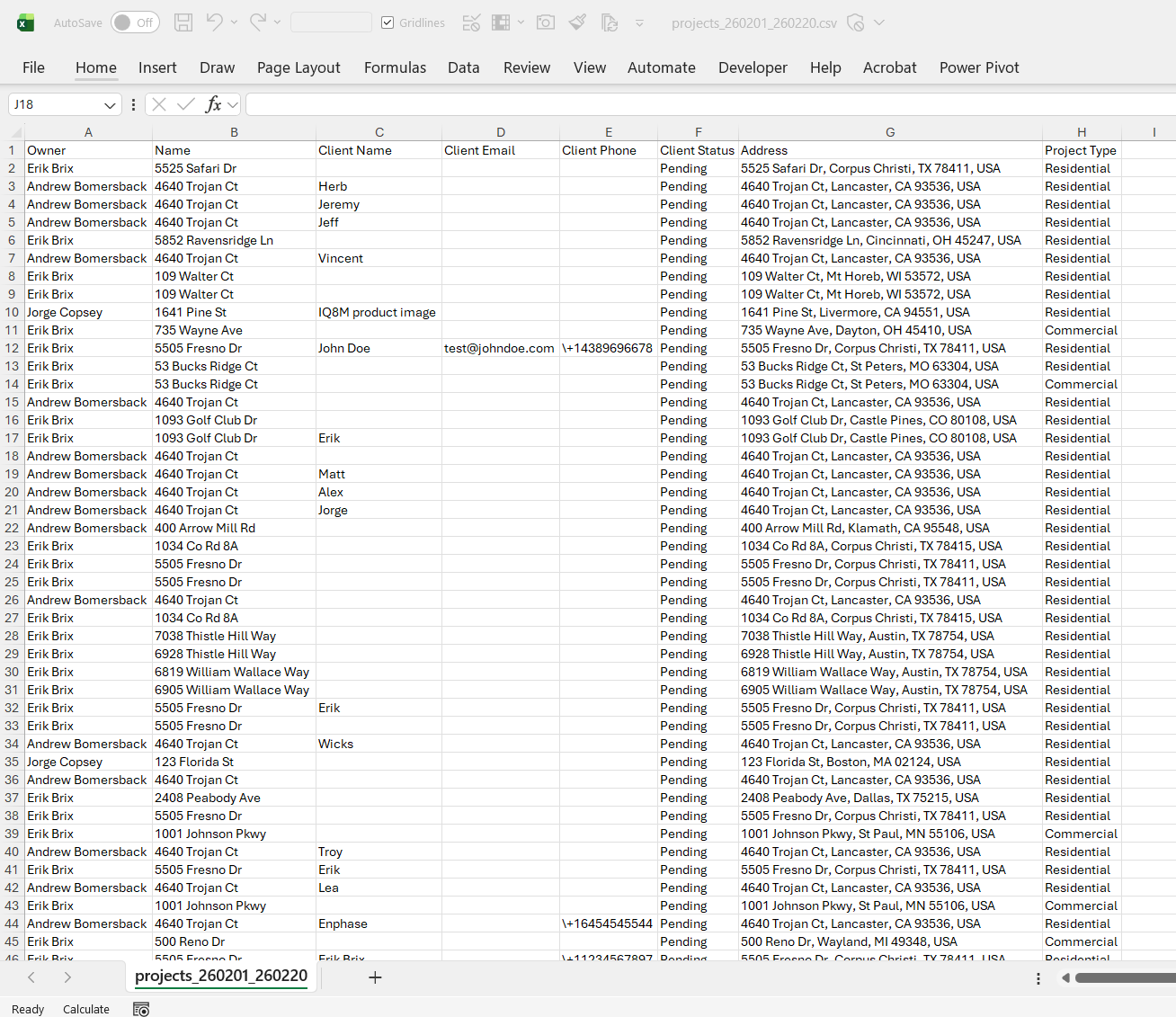
The following guide provides information on how to export your list of Solargraf projects in CSV format.
Navigate to the Projects Page
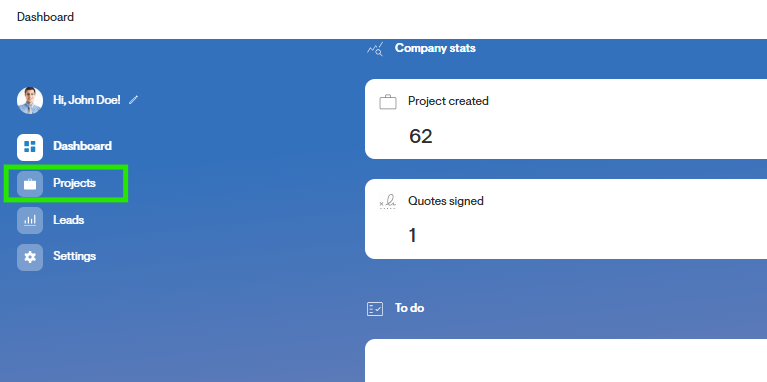
From the Dashboard, click the menu icon on the top left of the page.
Then, click the Projects page.
Click the Download Button
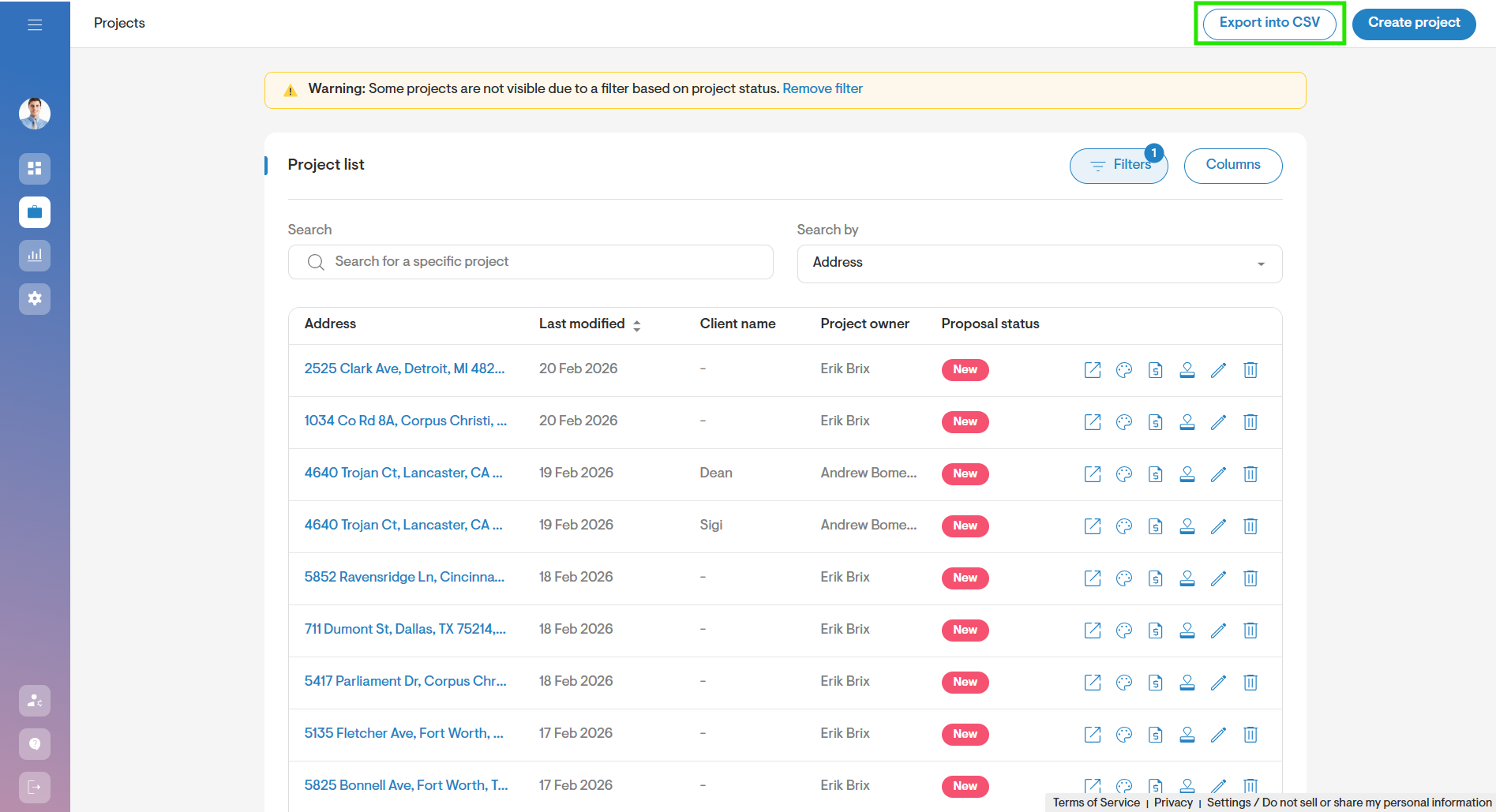
On the Projects page, click the Export into CSV icon on the top right of the page.
Select the Date Range and Fields to Export
Select a data range for the list of projects you would like to export. This date indicates the date the project was created.
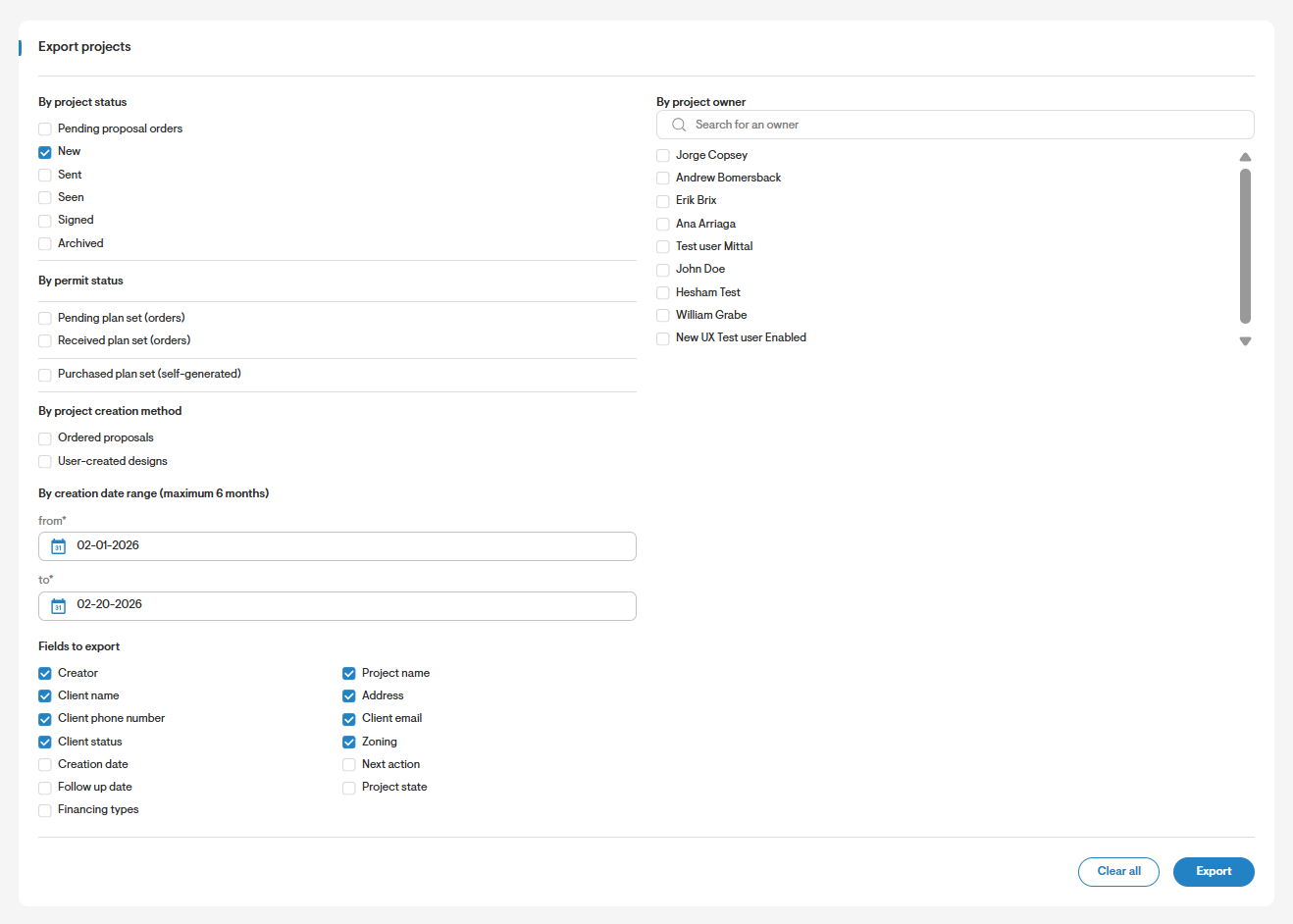
Choose the data fields you want to export by checking the box next to each field. Once you see the blue checkmark, it indicates that the data will be included in the CSV file.
If you want to unselect all fields, you can use the 'Clear All' button.
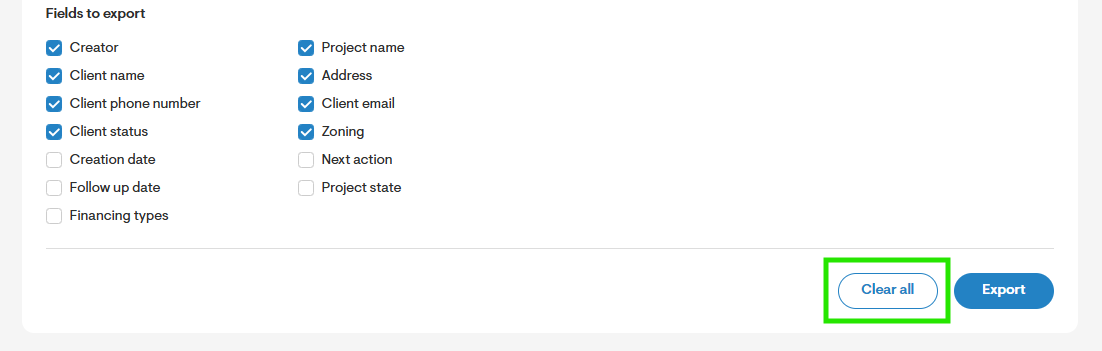
Once you have selected the date range and fields to export, click the Export button. This will download a CSV file to your device, with the desired information included.