Help Center Getting Started
Fullscreen/Minimize chat window in Sol
Published on 20 Aug 2026
The Sol chat window can now be expanded to fullscreen size, giving you more space to read and interact during longer conversations with Sol.
How to enter fullscreen
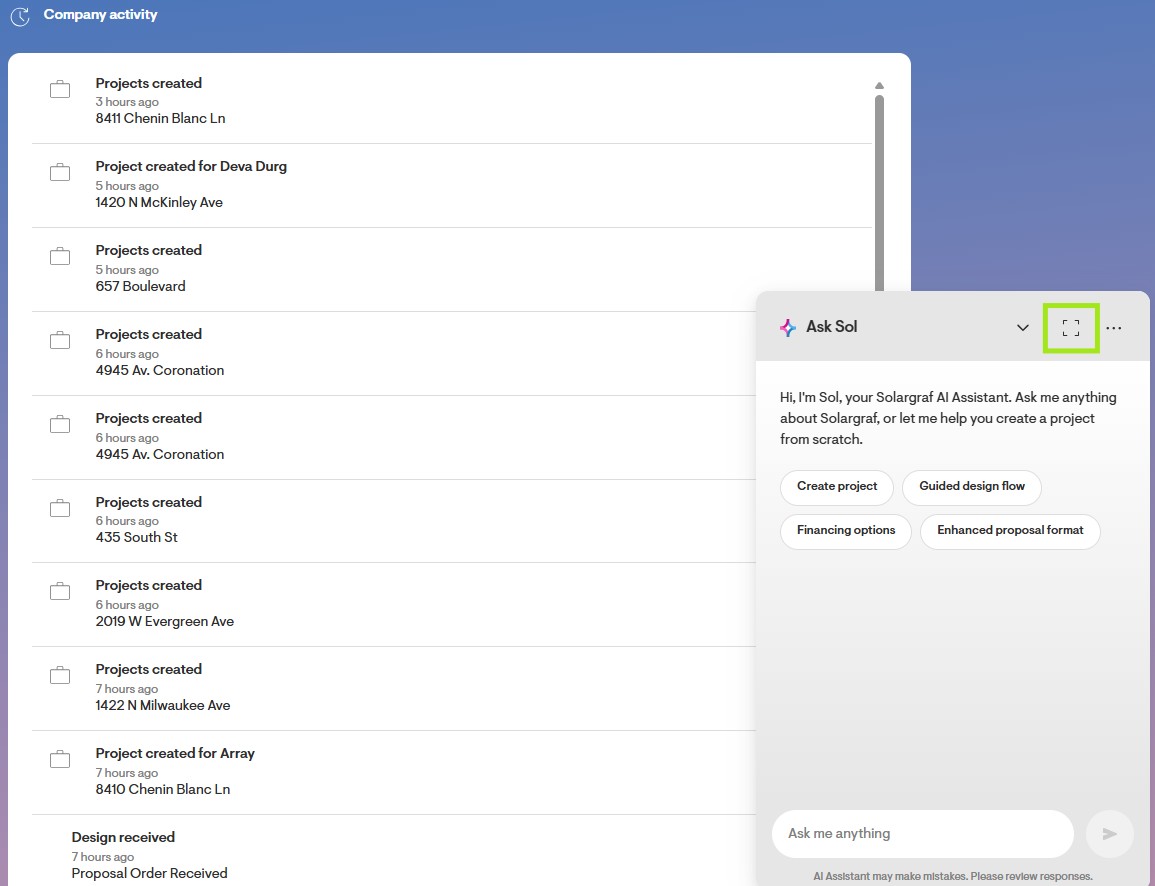
Click the Ask Sol button in the bottom left navigation menu to open the Sol chat window.
Click the Fullscreen icon in the header of the Sol chat window. The window expands to fill your entire screen.
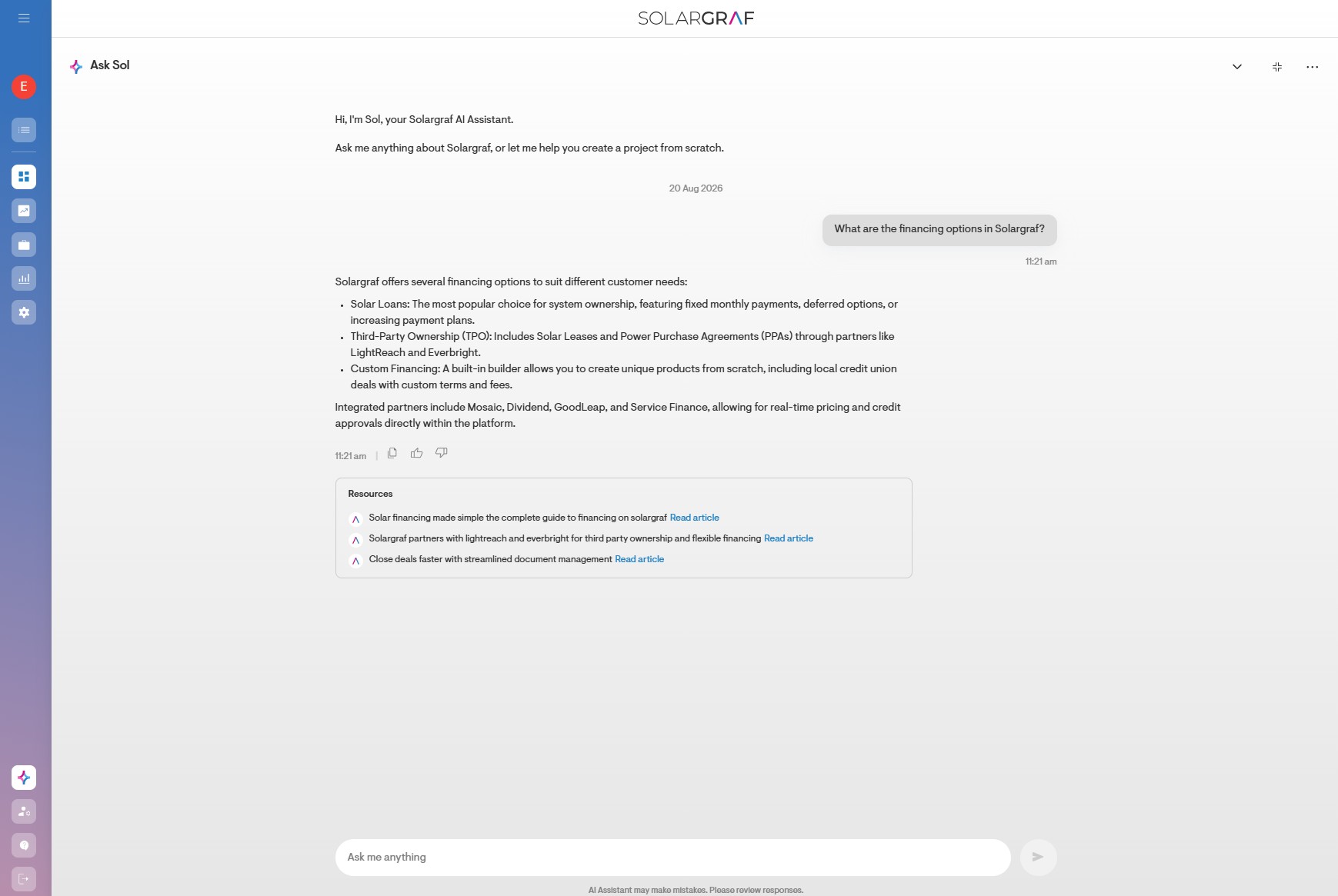
Converse with Sol as you normally would.
How to exit fullscreen
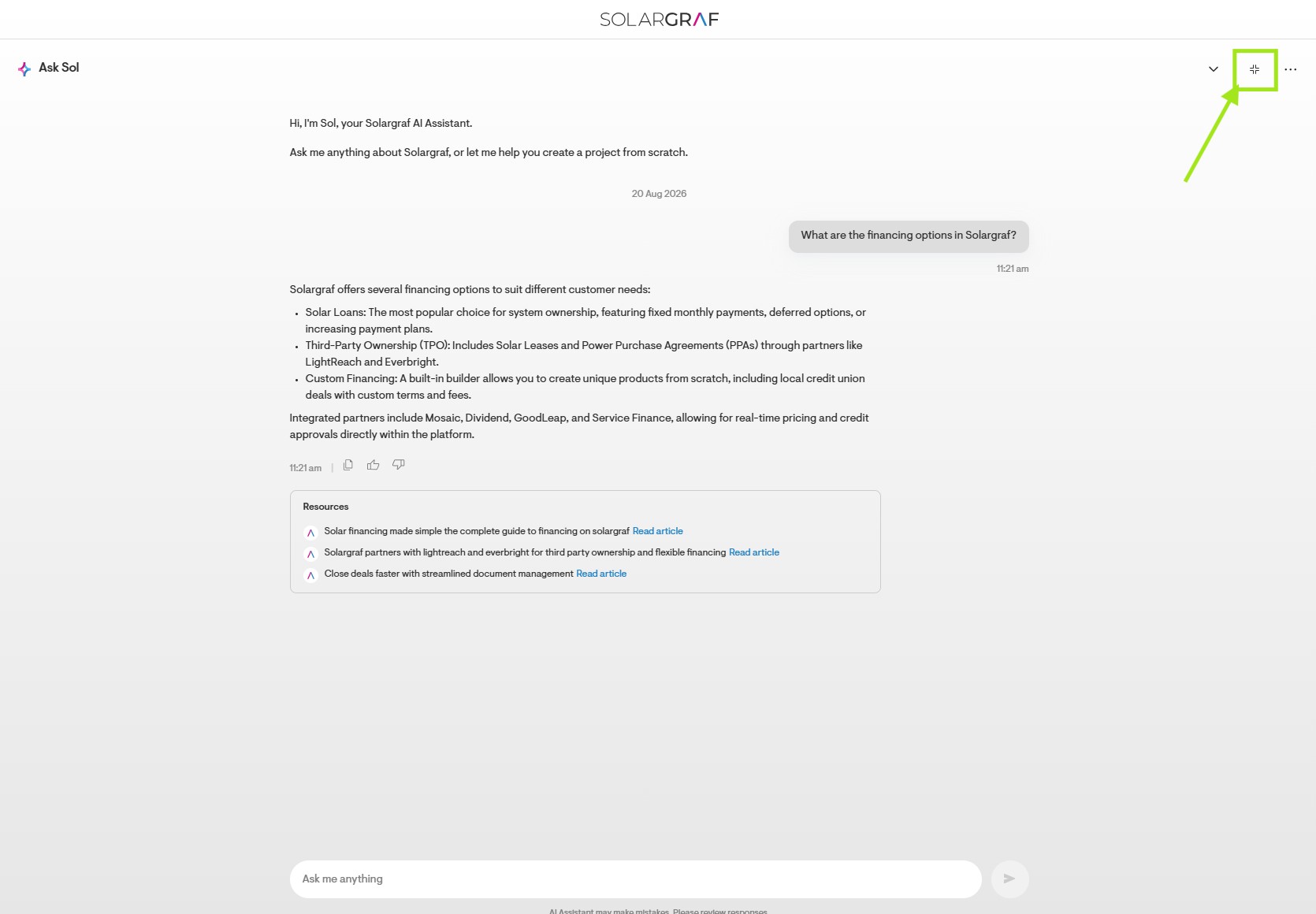
Click the Exit fullscreen icon in the header to return to the standard chat window size.
How to minimize the chat window
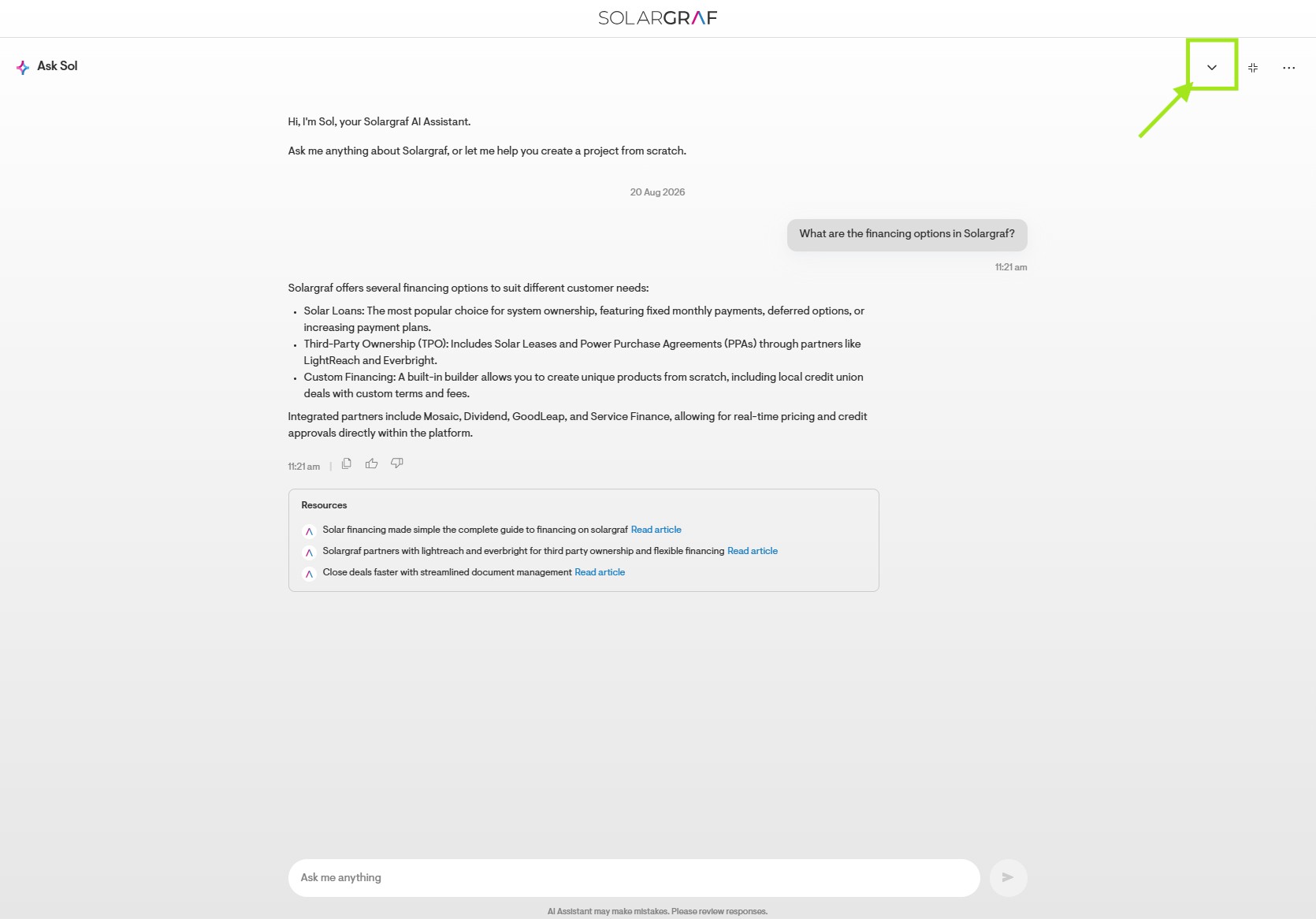
Click the Minimize icon to collapse the chat window to an icon in the bottom right corner of your screen.