Help Center Getting Started
Find Projects Using AI Search in Solargraf
Published on 15 Oct 2026
Use this guide to learn how AI-powered search on the project listing page in Solargraf can help you quickly find projects using natural language queries, eliminating the need to manually filter through project lists.
We have introduced AI-powered search to make project discovery faster and more intuitive. Instead of relying on exact filters or project names, use simple English commands to retrieve the most relevant results.
Searching for projects using AI search
- Open the project listing page in Solargraf.
- Click the AI search icon next to the search bar to enable AI search.
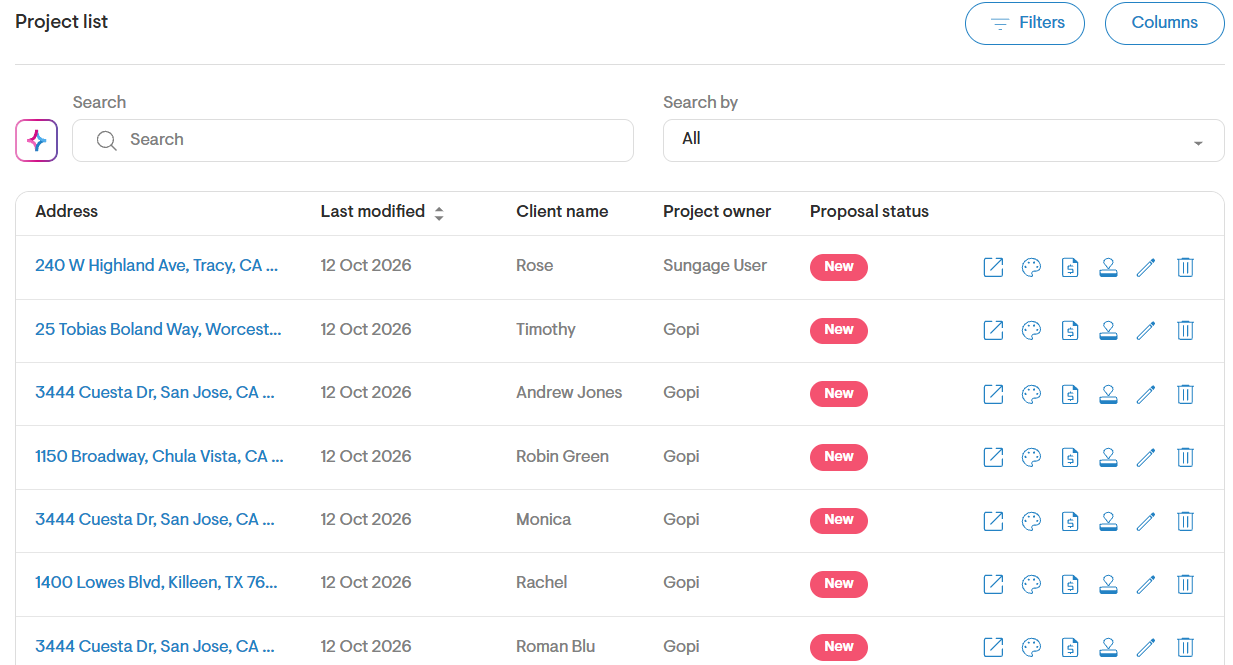
- Enter your search query. For example:
- Show all residential projects created by John Doe
- Find all signed projects in San Diego
- List all projects created last month in Texas
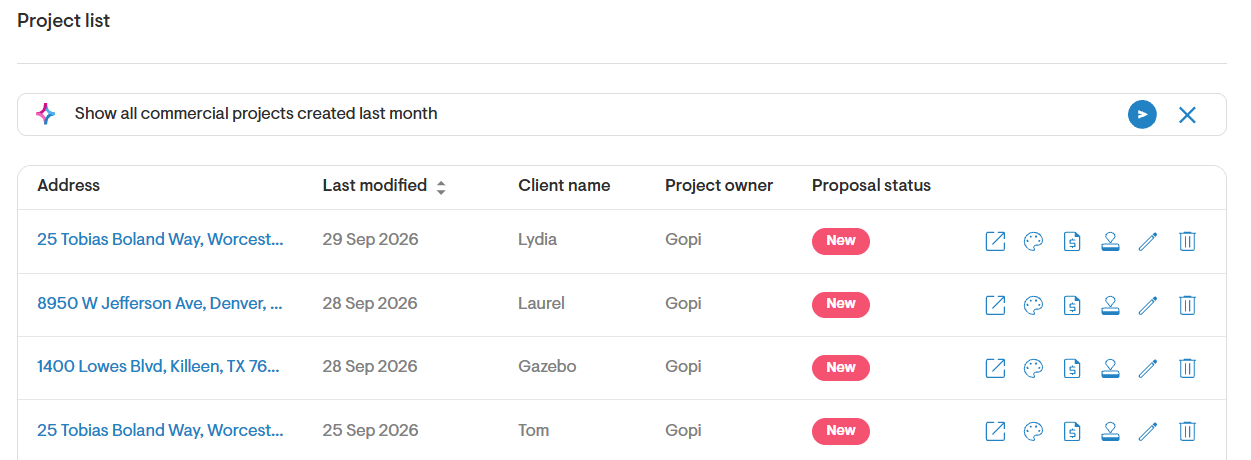
- Press Enter or click the send icon to run your query.
- AI search will analyze your request and return matching projects based on the information available within your account.
- Review the search results and open any project directly from the list.
- You can also export the search results to a CSV file for further analysis or reporting.
- Refine your search by providing additional details such as user name, project type, location, status, or creation date.
- If no matching projects are found, try rephrasing your query or using broader search criteria.
Tips for best results
- Start with a simple query, confirm the returned projects, and then add another attribute to narrow the results.
- Include key details such as location, salesperson name, project type, or date range.
- Be as specific as possible when searching large project portfolios.
We strongly encourage you to try AI search with the various filters and criteria available on the project listing page. We’re continuously expanding the range of searchable attributes and supported query types to make project discovery even more powerful. If a query is not supported, try rephrasing your request using different terms or criteria. If the requested operation is still unavailable, AI search will return an action not supported message.