Help Center Financing Set Up
How to Add a Lease
Published on 21 Jul 2023
The following guide provides information on how to add a lease to your Solargraf project.
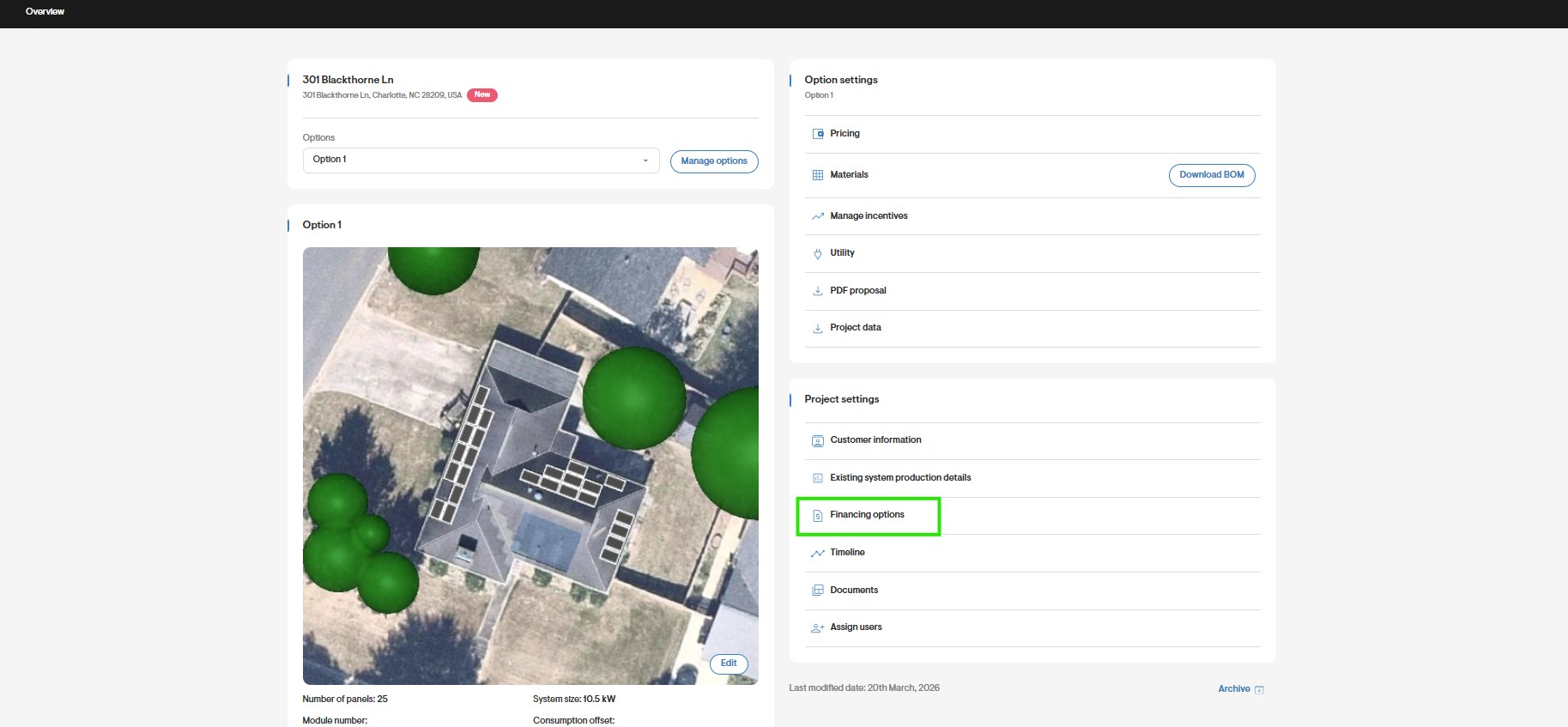
Go to Financial Options
- From the Overview page on your Solargraf project, click the Financing Options page.
- This will take you to the Financing Options page where you can add a cash option, loan, lease or power purchasing agreement (PPA).
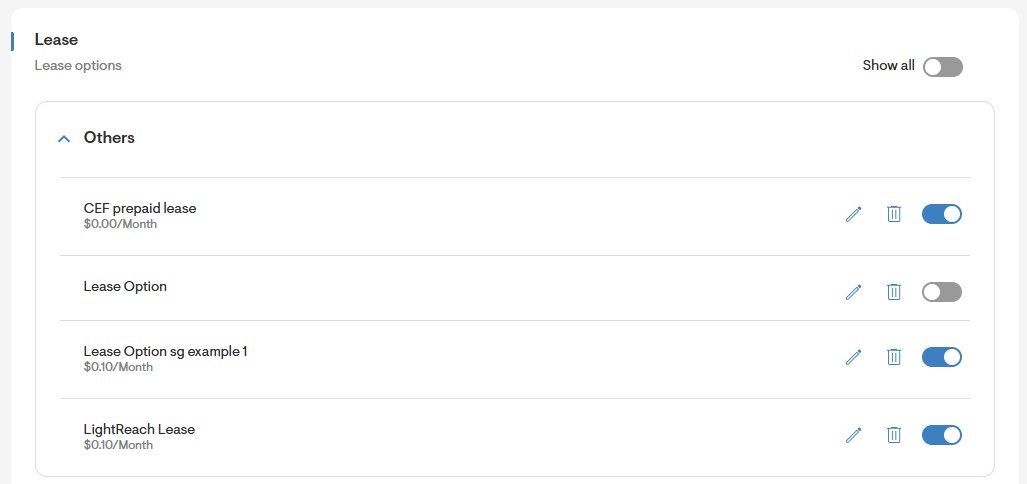
Click Add New Lease Option
- Scroll to the bottom of the Financing Options page and under Lease, click Add New Lease Option.
Complete the Lease Form
- Fill out the lease name in all the visible languages. Then add the financing lender, rate type, monthly payment, lease escalator, and lease term.
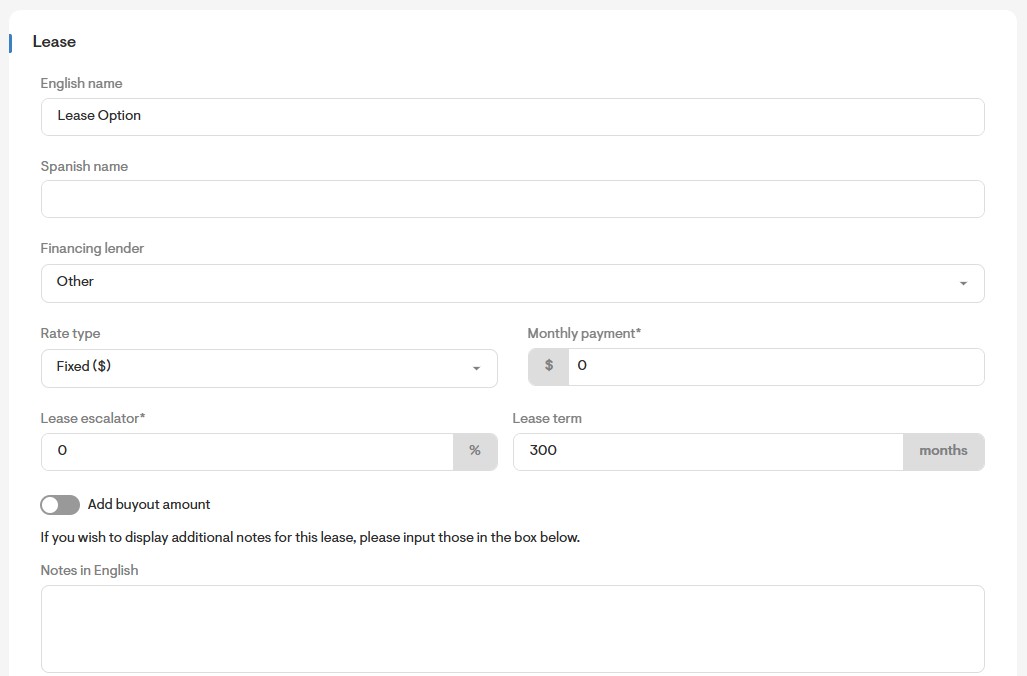
- You may also toggle on the option to add buyout amount.

- You may add any relevant notes in the notes field for each language which will be displayed in the Web Quote.
Click Save Item
- When you have completed all the information for the lease, click Save Item.
- You will now be able to select and view the added lease option on your webquote.