Help Center Release Notes
Solargraf Releases - October 26th, 2026
Published on 26 Oct 2026
Here’s what’s new in this Solargraf release.
Projects
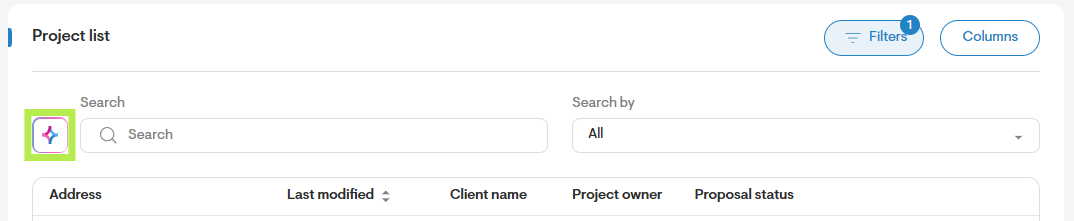
AI search for project listing
You can now ask AI to help find your projects. On the project list, click the sparkle icon next to the search field, then type a request like “List all New York projects with a follow-up date that are overdue.” AI search looks through all the projects you can access and replaces any manual filters you had applied. You can export the results straight to CSV.
Learn more about it here.
Proposals
Master utility name for CCA utilities
Proposals for California projects that use a Community Choice Aggregator (CCA) can now show the master utility name below the utility name. Turn this on with the Master utility name toggle in your proposal template settings. It’s off by default.
Pricing
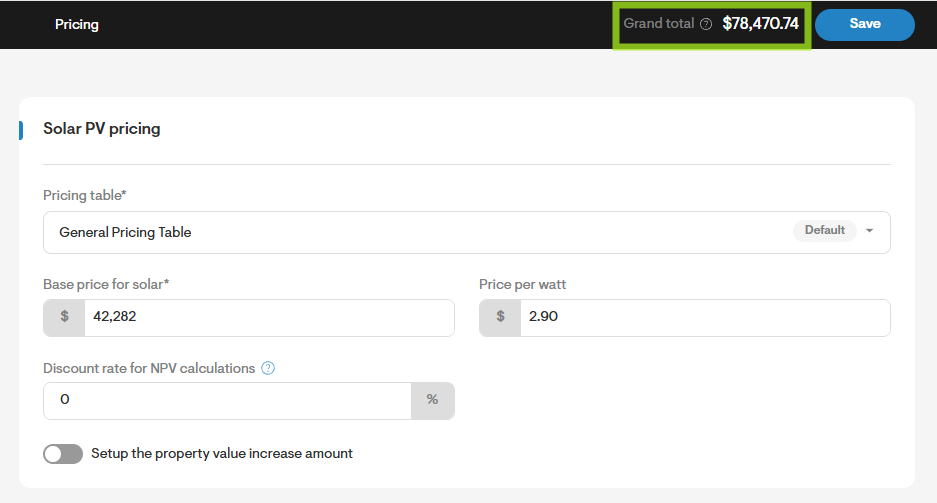
Grand total on project pricing
You can now see a live Grand total directly on the project pricing page. As you adjust solar, battery, adder, and discount amounts, the total updates automatically so you can see the full project price at a glance.
Design tool
Select several objects at once with the lasso
In 2D or 3D roof design, use the Select tool to click and drag over several objects and select them all at once, with no need to hold Shift. Roof facets are only selected if they’re fully inside the selection.
Electrical design
Main service panel updates for three-phase designs
For three-phase service voltages, the main service panel (MSP) now has two tie-in methods:
- Load-side breaker tie-in: the default, with up to 4 input wires
- Line-side tap: 1 input wire
The Tesla configuration fields are also hidden for these voltages.
API
Webhook for financier contract status updates
A new financier_contract_status_changed webhook event tells you when a GoodLeap or LightReach contract status changes on a project, such as when a contract is sent or signed. You can use it to keep your CRM up to date. See the developer documentation for details.