Help Center TPO / PPA
Send a LightReach battery only lease financing application
Published on 17 Feb 2026
This guide explains how to use LightReach battery only lease financing in Solargraf, including prerequisites, setup steps, and common reasons the option may not appear.
Prerequisites
Ensure that your LightReach credentials are entered in Solargraf by following the steps in this article .
LightReach leases for backup battery are currently supported in these state & utility combinations: View supported utilities .
LightReach battery only lease products are currently supported only for backup battery.
Step 1: Design the battery only add-on system
Create your battery only add-on design in Solargraf with system type set to battery only add-on on the predesign page.
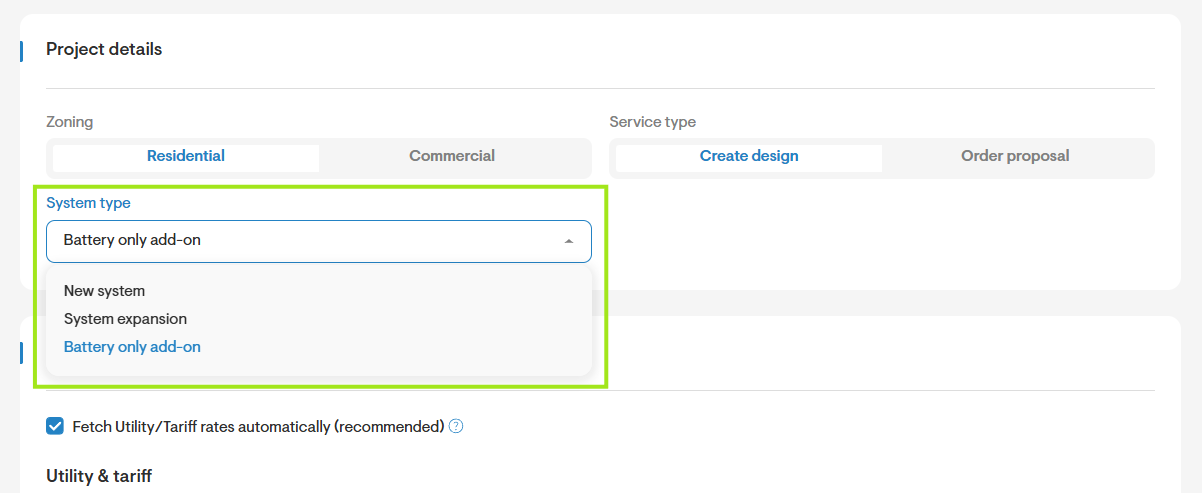
Use only equipment that is on the approved AVL. Battery equipment supported by LightReach backup battery leases are listed here .
LightReach battery only lease products are currently supported only for backup battery. Hence, ensure that the battery added on design is in non-grid tied mode to import battery only lease products.
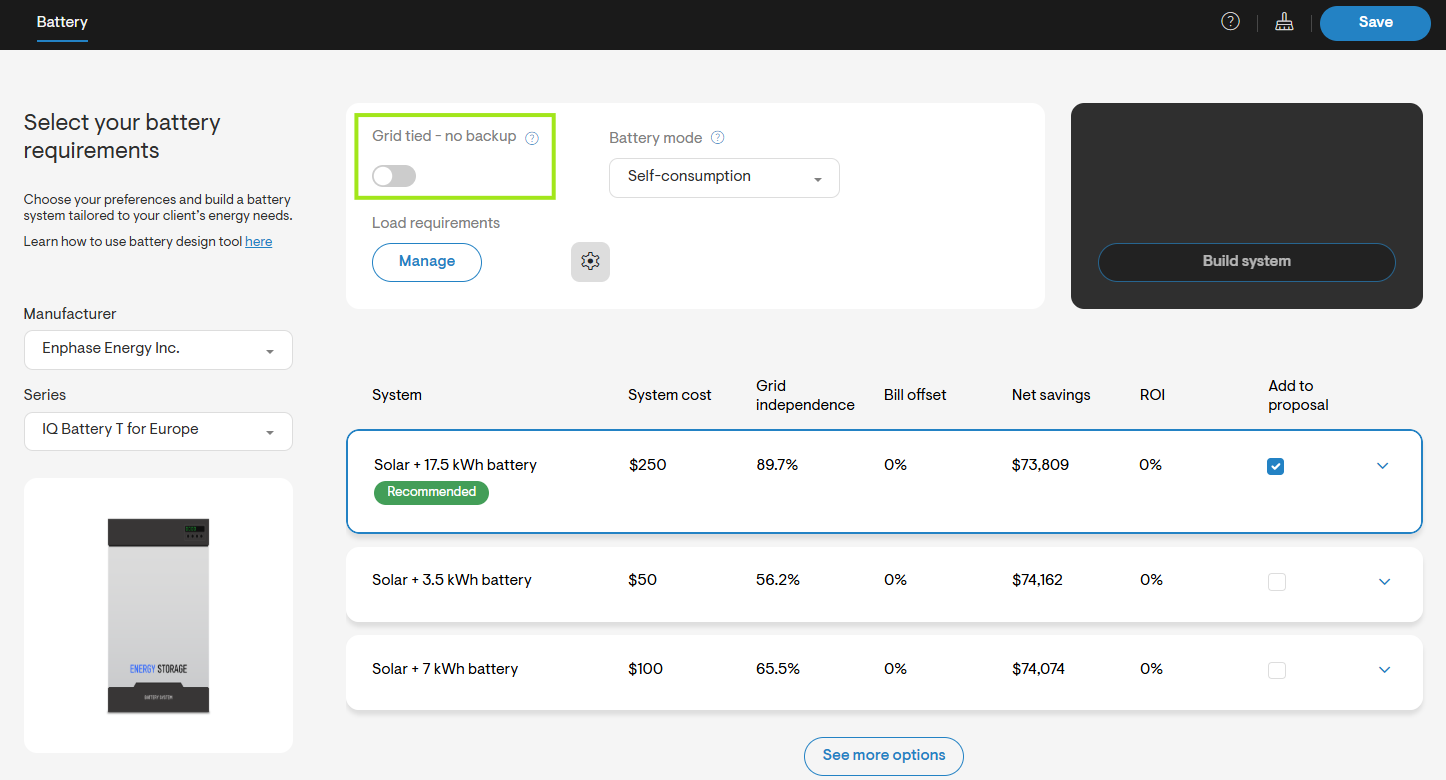
Set pricing before selecting financing (cash-equivalent pricing must be defined). LightReach backup battery leases do not support any extra costs apart from the battery pricing.
Step 2: Import LightReach Backup Battery Leases
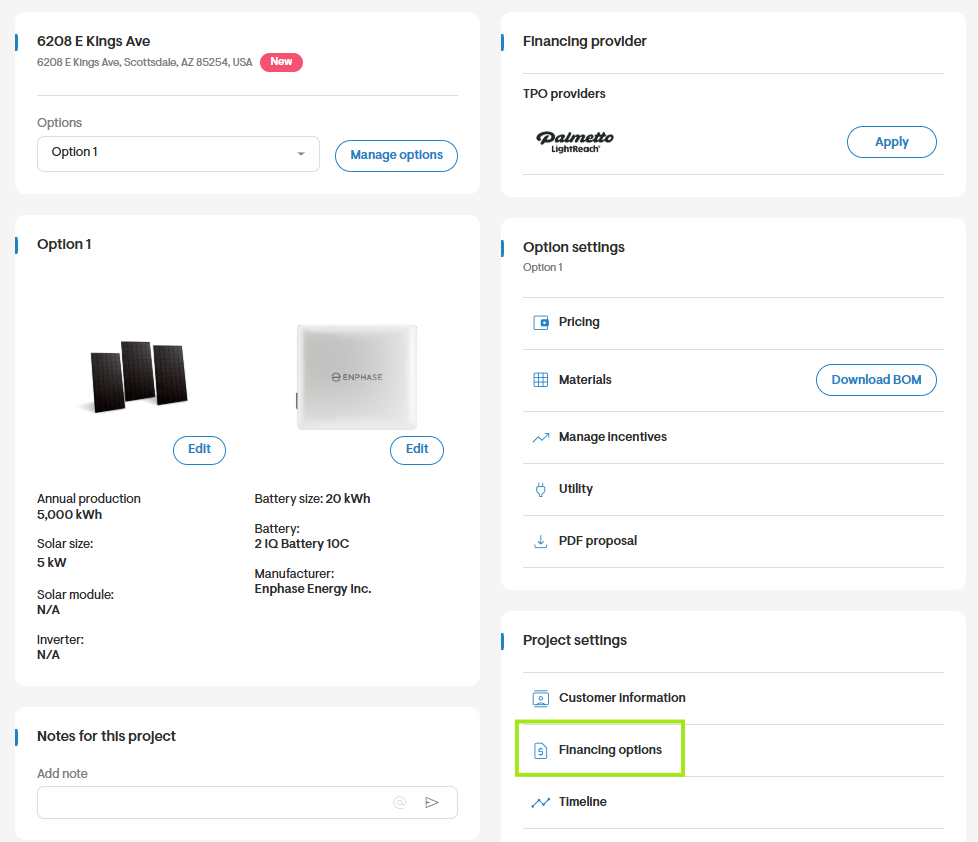
Once the pricing is verified, on the overview page, click on financing options.
Scroll to the Lease section, select View available products, and import the desired battery only TPO products for LightReach.
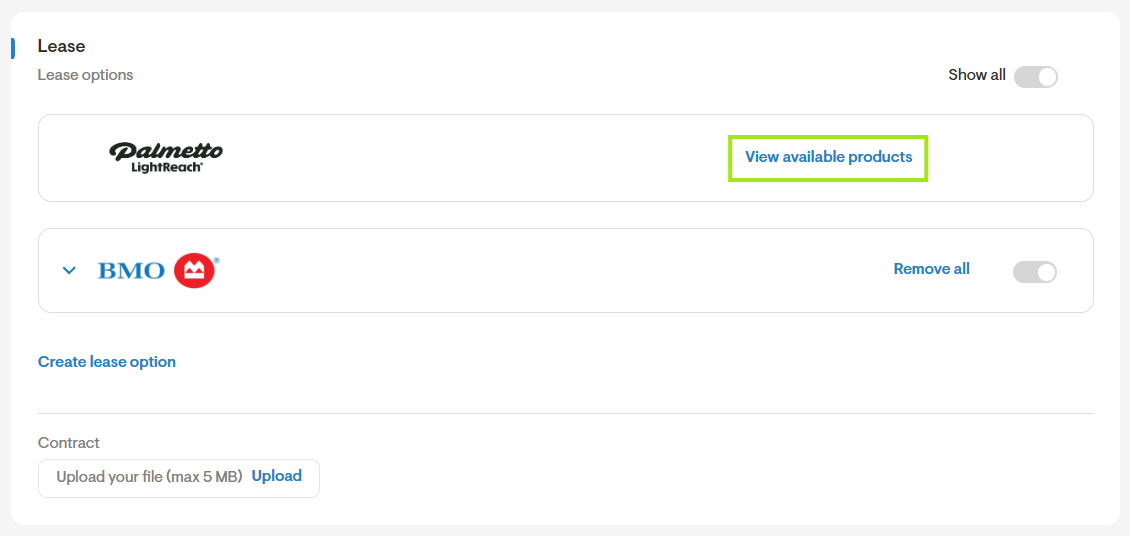
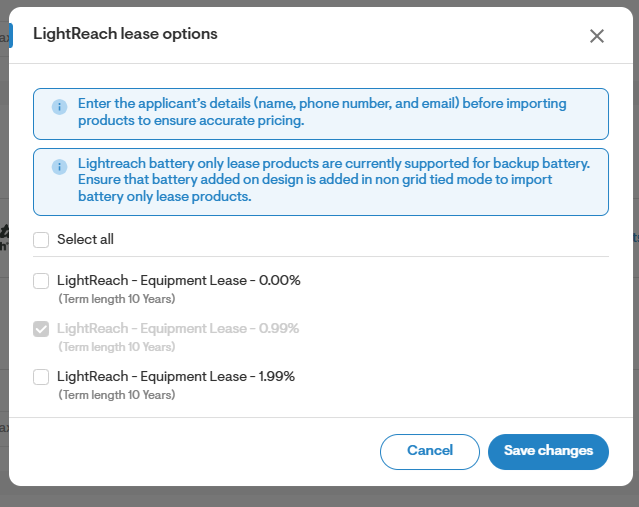
Using the checkboxes, enable the necessary battery only lease options for this project. You may also select all at once to enable them all. Save your changes.
Step 3: Select a Lease Product
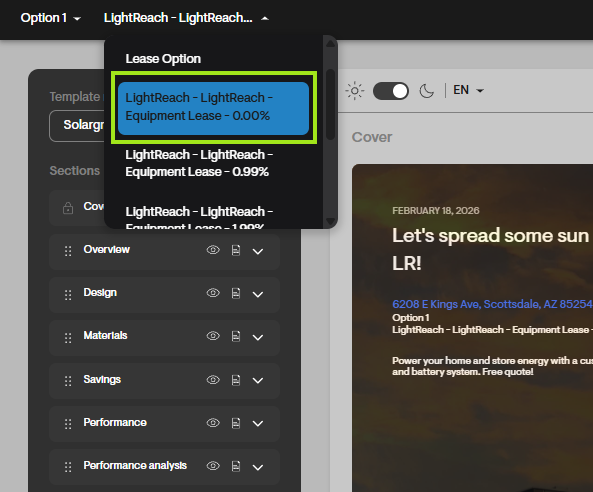
- Choose a LightReach battery only lease product on the webquote to view monthly payments and other details.
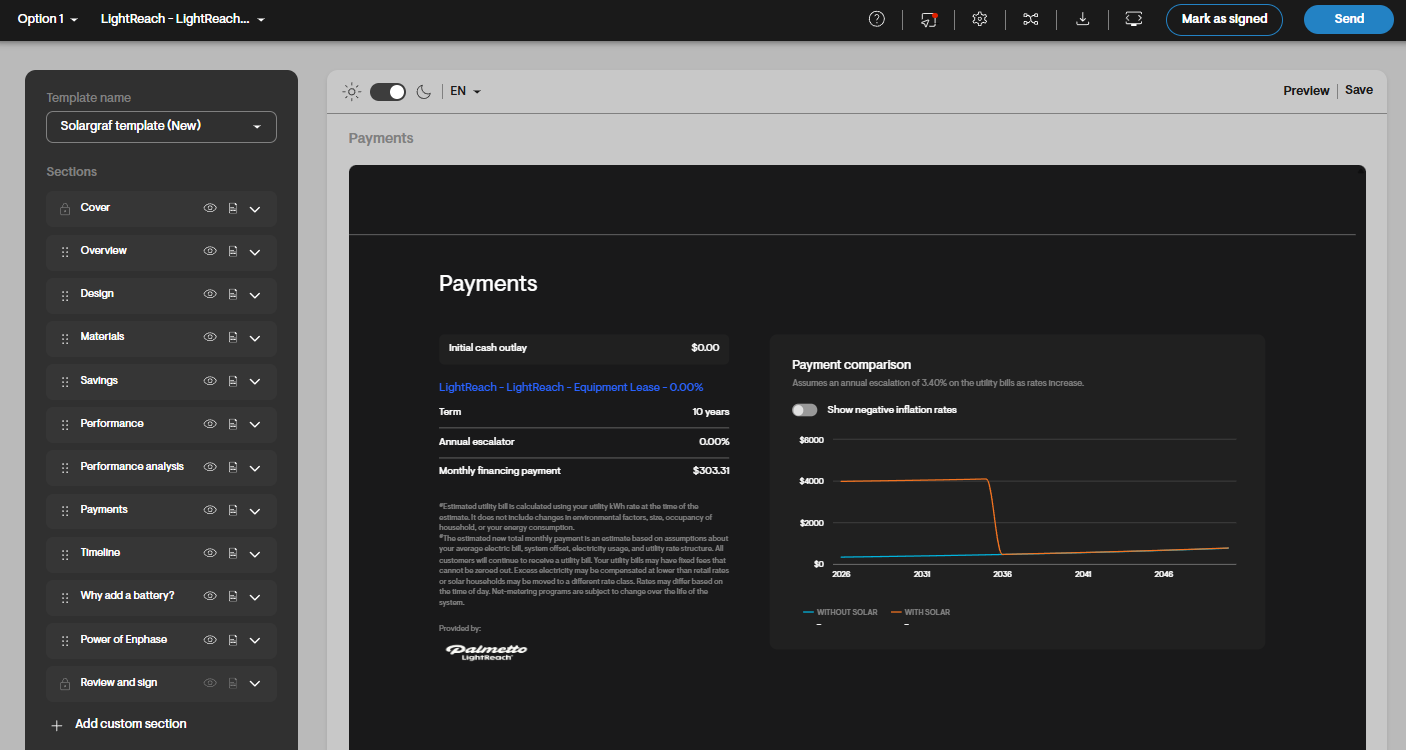
- Review the monthly payments in the payments section of the proposal.
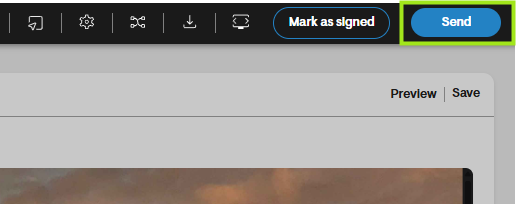
- Once satisfied with the pricing, send the quote to the homeowner.
Step 4: Apply for TPO
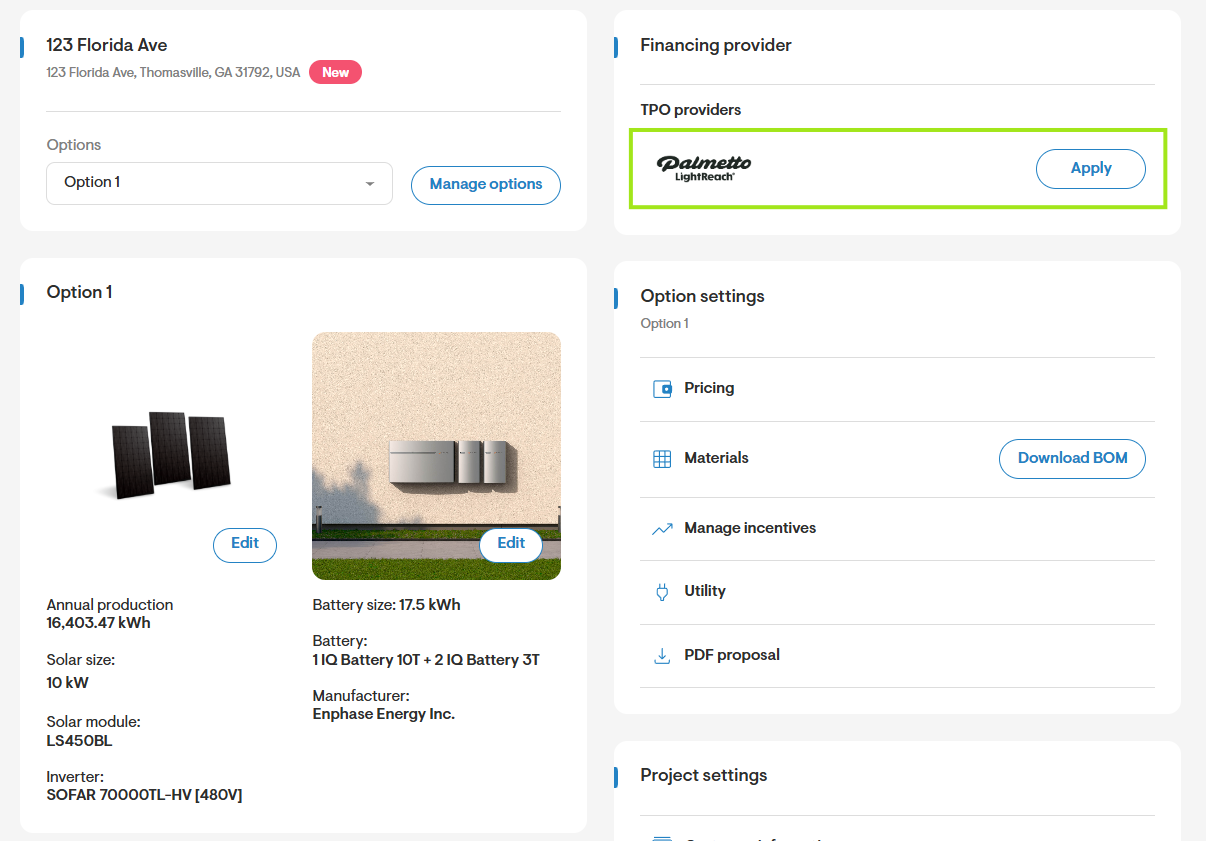
- On the Project Overview page, click Apply next to LightReach TPO.
- Select the financial option.
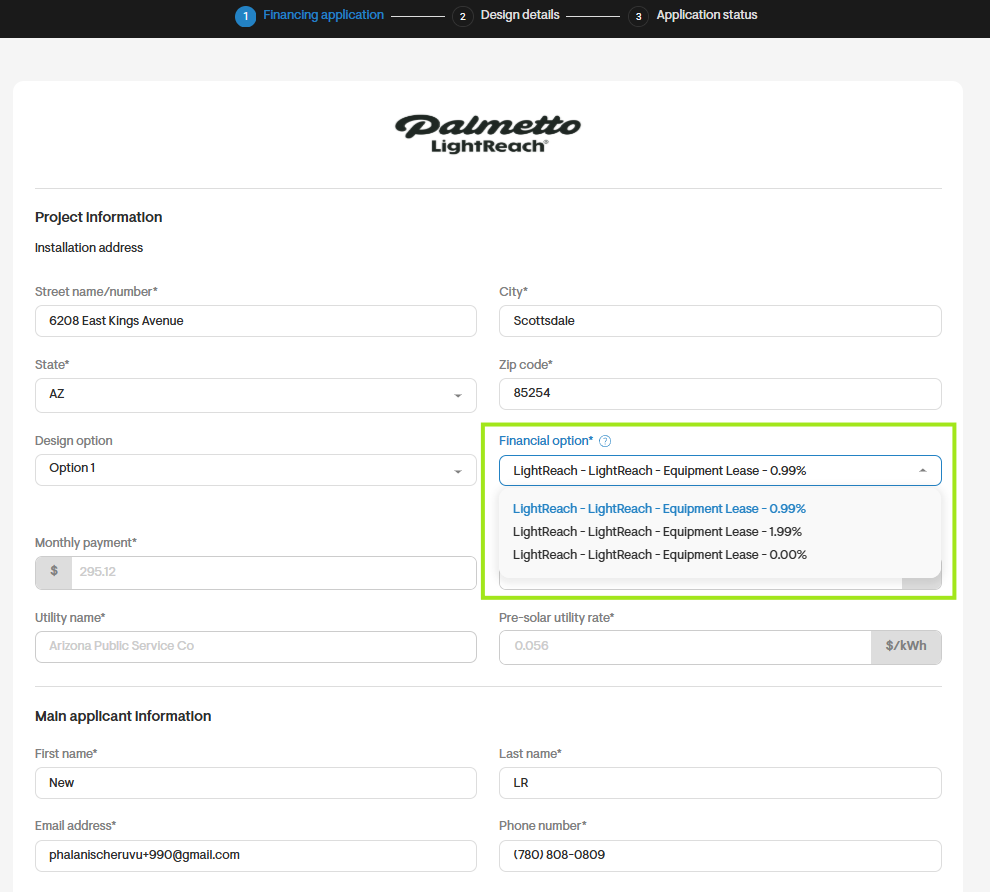
- Fill out the form with the applicant and sales rep details.
- Verify the information.
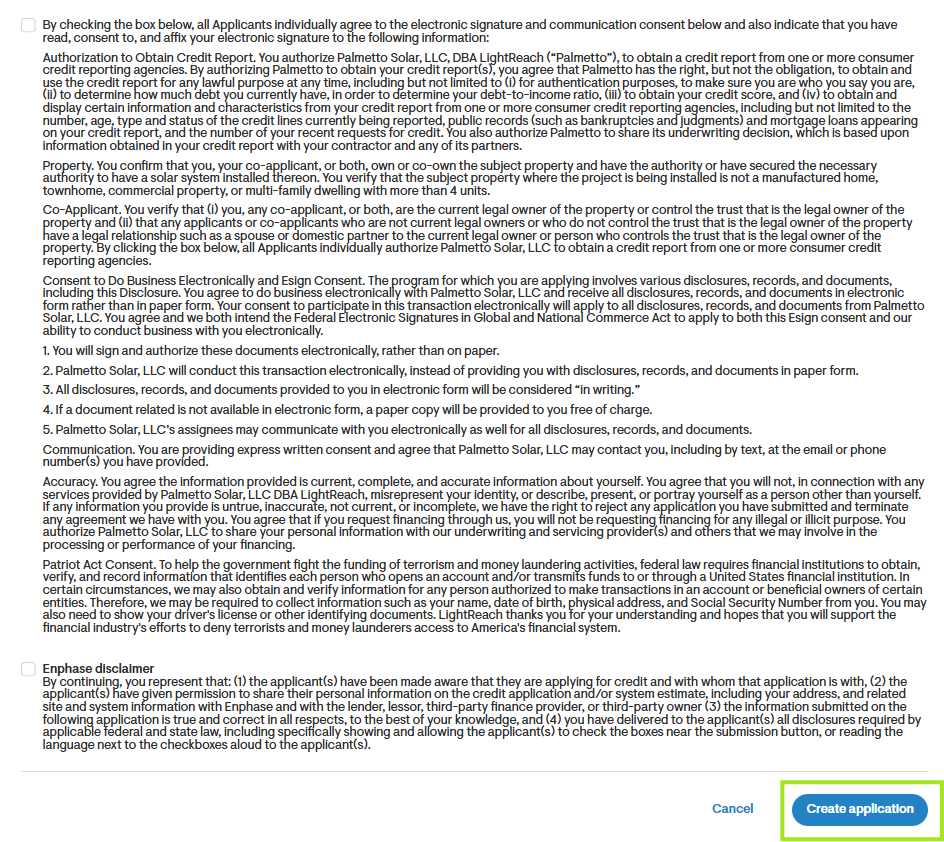
- Review and accept the LightReach disclaimers & Enphase disclaimers and click on Create application.
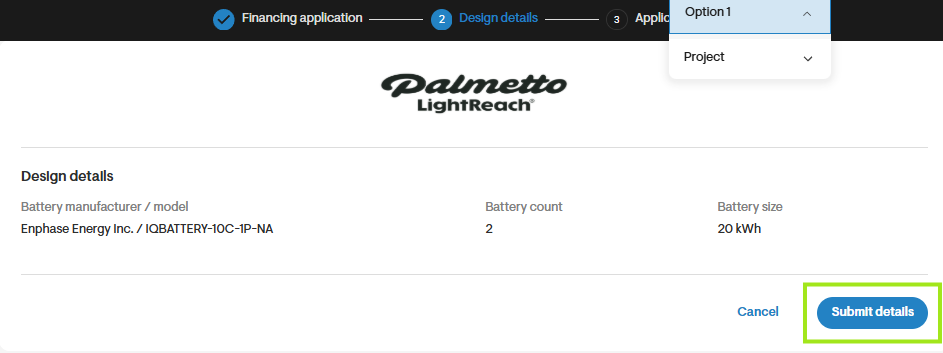
- Review design details and click on Submit design details.
Step 5: Post-Application Actions
- View the submission status on the application status page.
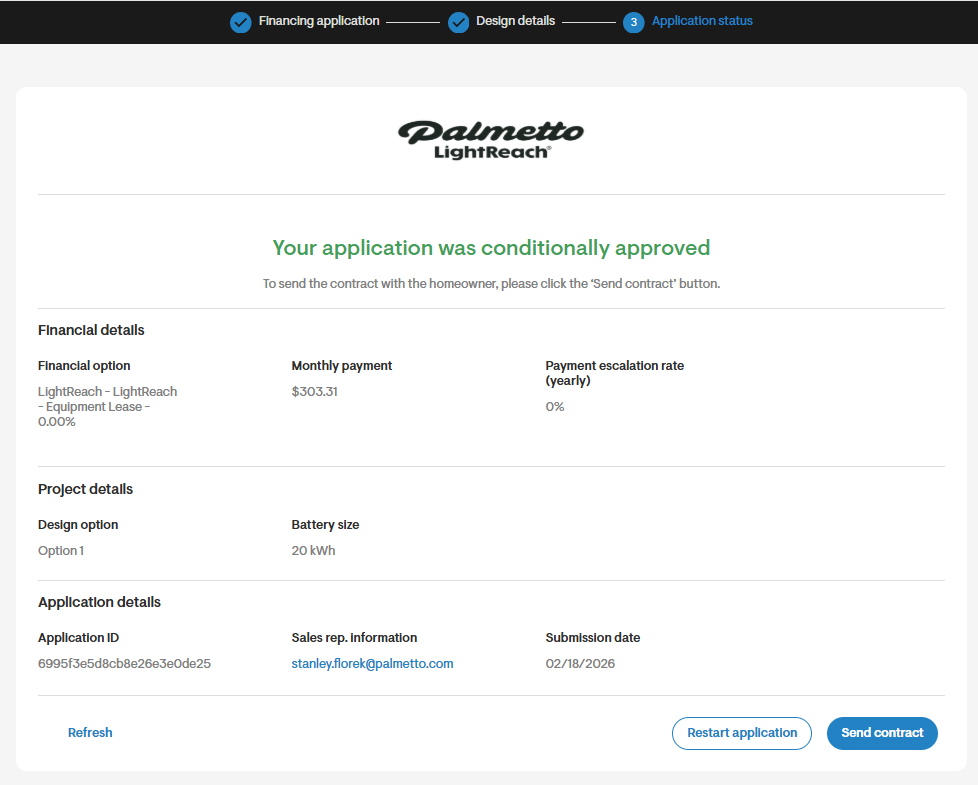
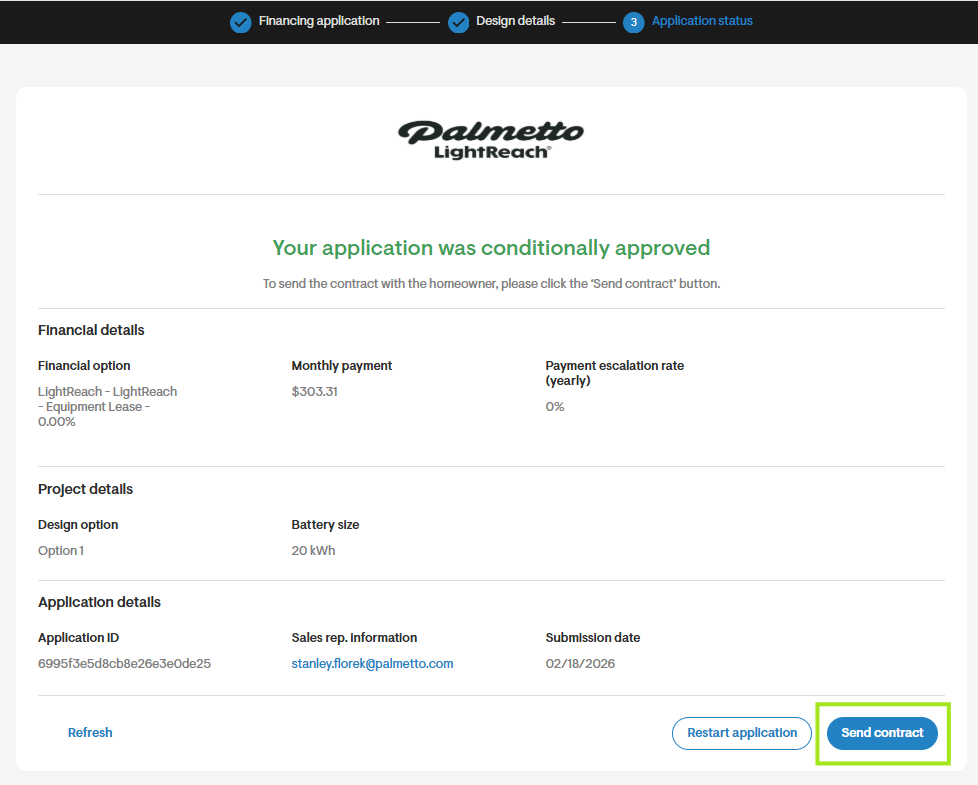
- If the homeowner is approved or conditionally approved, request LightReach to send documents to the homeowner by clicking on the Send contract button.
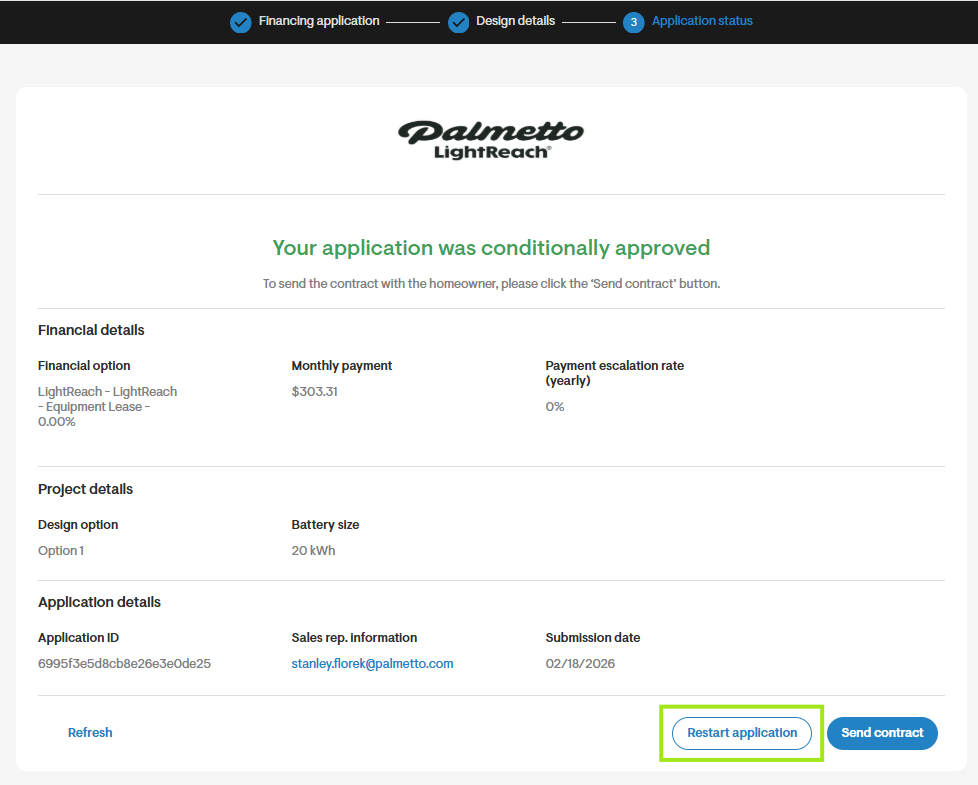
- To submit a change order from the application status page, click Restart application. Solargraf will pre-fill details from the latest design on the application page. Proceed to submitting design details as per the process steps. The homeowner will receive the updated documents.
Common reasons LightReach battery only lease option may not appear
Equipment not on the AVL
Because LightReach battery only lease supports approved equipment only, using non-approved items will prevent the product from appearing. Be sure to use equipment listed on the approved LightReach battery only lease AVL.Project address in a non-supported state or utility
If your project is not located in one of the supported state & utility combinations, LightReach battery only lease products will not be available.Battery added in grid tied mode
Since LightReach battery only lease products are currently applicable only for backup battery, if the battery is added in grid tied mode, LightReach battery only lease products will not be available.System price exceeds allowed limits
If the pricing set on design exceeds backup battery thresholds set by LightReach, you will receive an error message that the cost of the backup battery exceeds the price cap. Price caps set by LightReach for supported battery models are as below:
| Manufacturer | Name | Model number | Price cap per unit |
|---|---|---|---|
| Enphase | IQ Battery 10C | IQ Battery 10C | 22500 |
| Tesla | Powerwall 3 | Powerwall 3 | 22500 |
| Franklin (Pre-Approval Required) | aPower2 | aPower2 | 25000 |
| Lion Energy (Pre-approval Required) | Sanctuary 3 | Sanctuary 3 | 22500 |
Project has design option with system type as system expansion
If the project has a design option with system type set to system expansion, then you will no longer see the option to import LightReach battery only leases under financing options as LightReach does not currently support system expansion.