Help Center External Integration
IronRidge racking bill of materials
Published on 15 Aug 2025
The following guide provides information on how to get IronRidge racking bill of materials (BOM) for Solargraf designs.
Connect IronRidge account with Solargraf
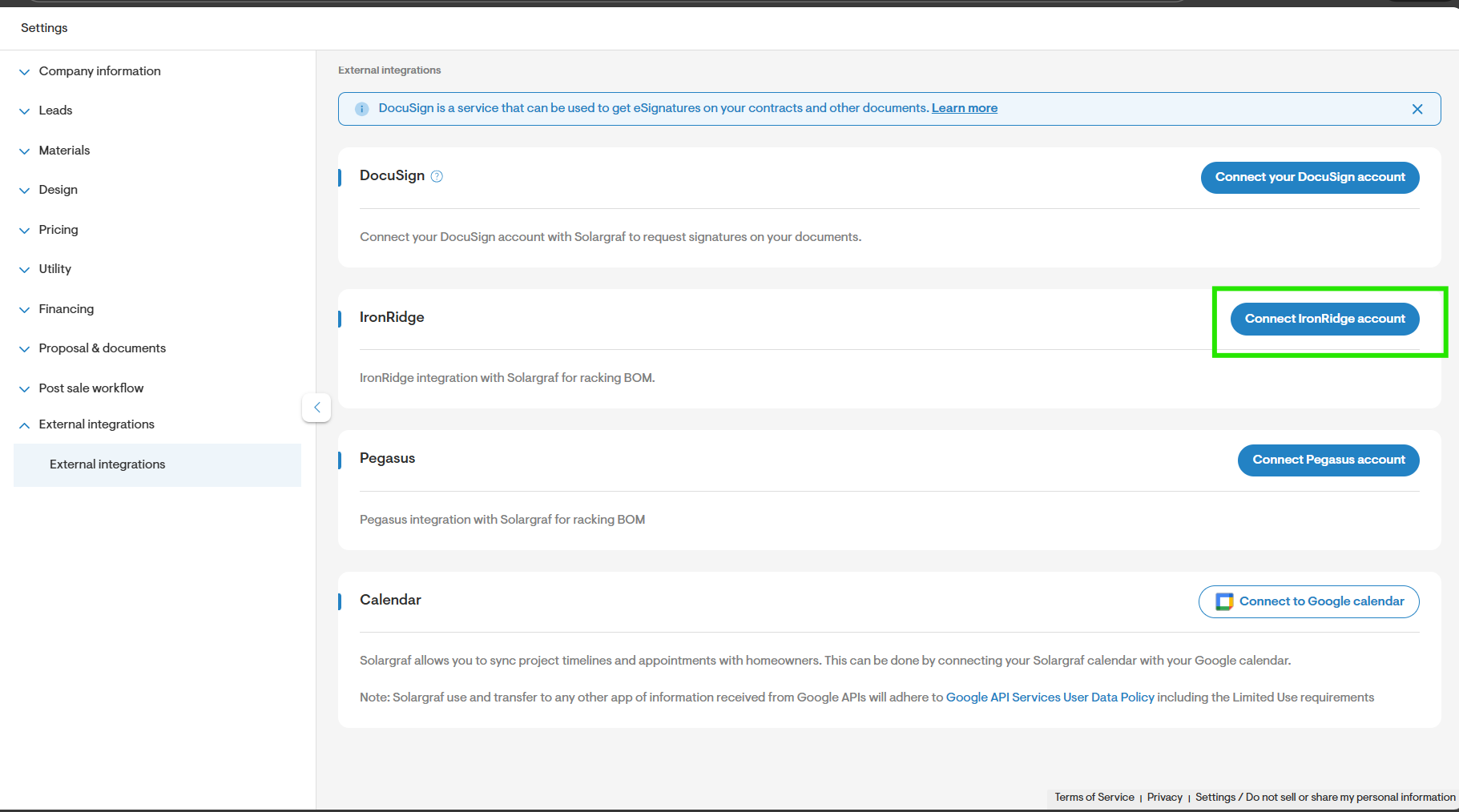
- Navigate to company Settings > External integrations and click on Connect IronRidge account.
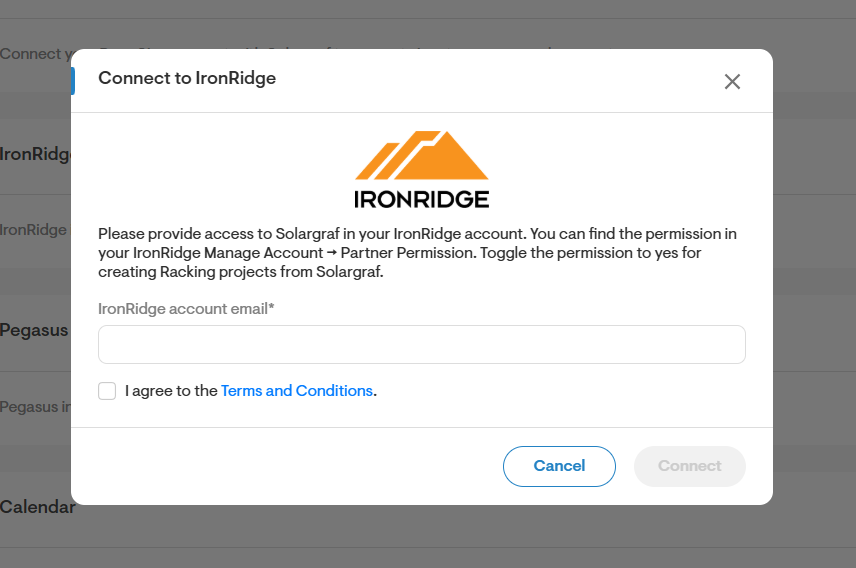
- Enter your IronRidge email and click on “Connect” to use your IronRidge account for Bill of material calculations.
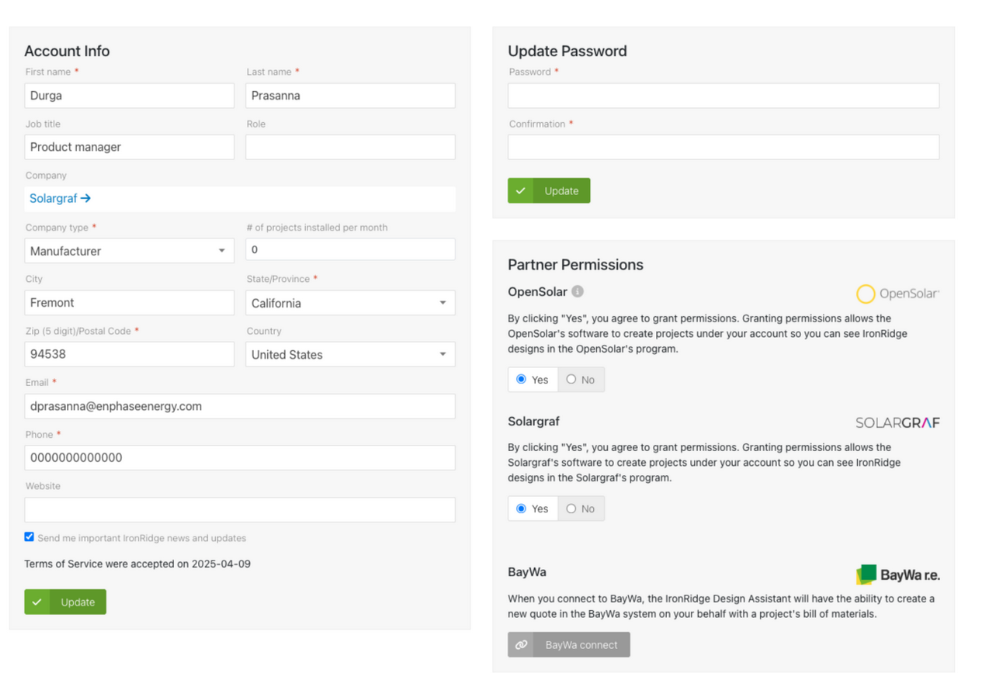
Note: Please ensure that Solargraf has been granted access through your IronRidge account to enable seamless integration and access privileges. This setting can be found under IronRidge account settings → Partner permissions.(https://base.ironridge.com/account/edit)
Invoke IronRidge bill of material calculator for a design
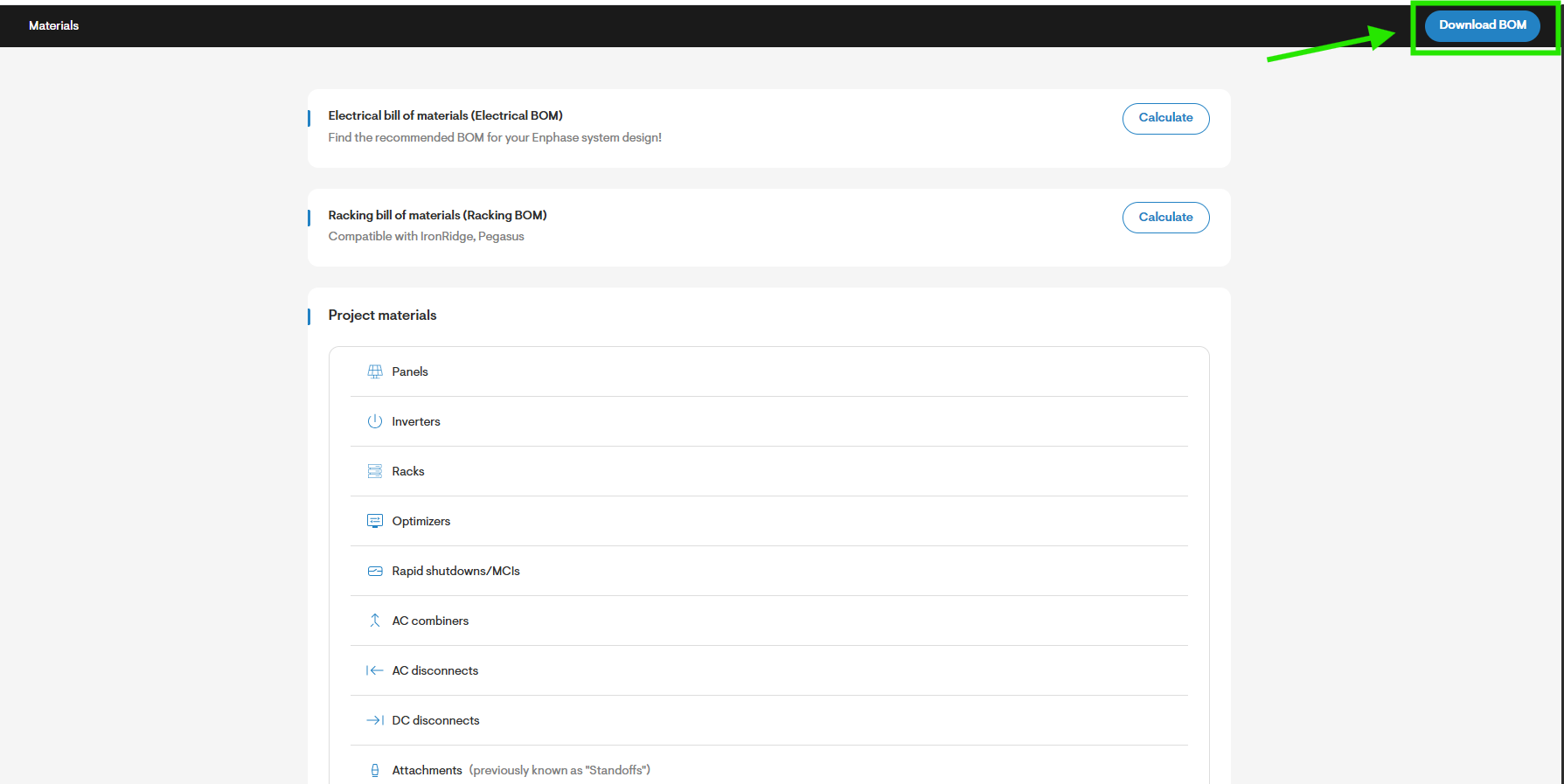
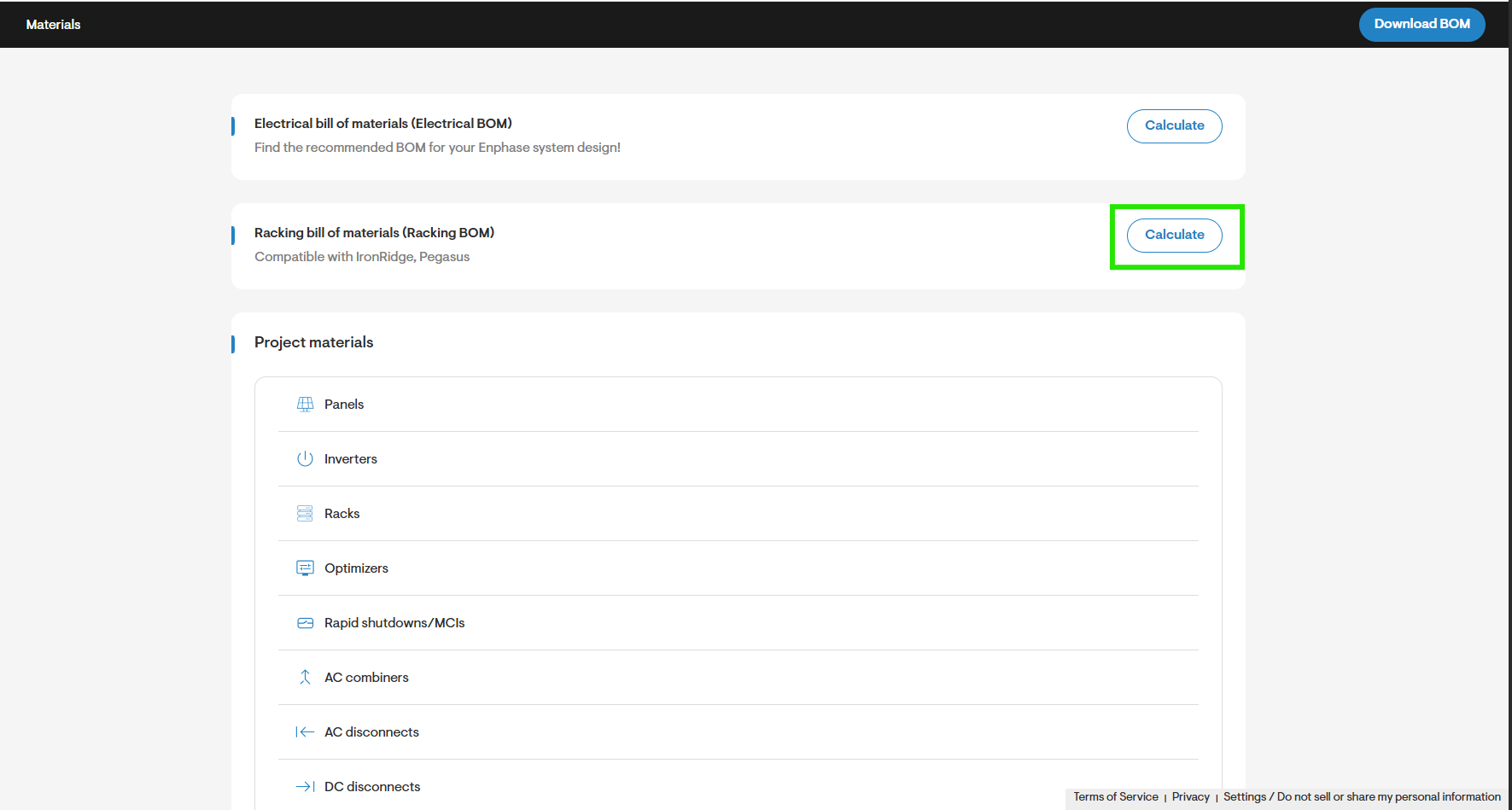
- Navigate to the project's Overview > Materials and click Calculate next to Racking bill of materias (Racking BOM) to invoke the IronRidge bill of material (BOM) calculator.
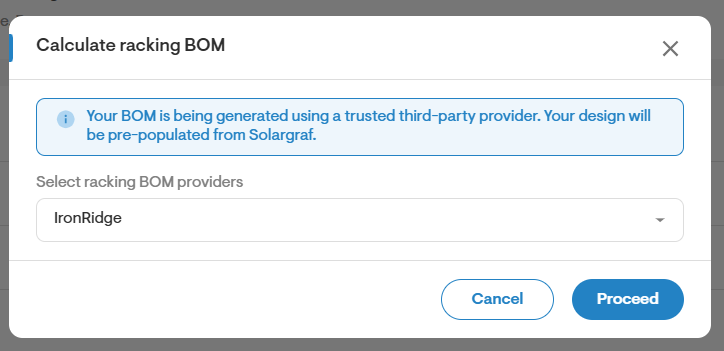
- Select IronRidge as your preferred racking provider.
Provide additional design inputs to the calculator
- The Racking bill of materials calculator requires additional design inputs that are not readily available as a part of your design.
- Fill in the design inputs.
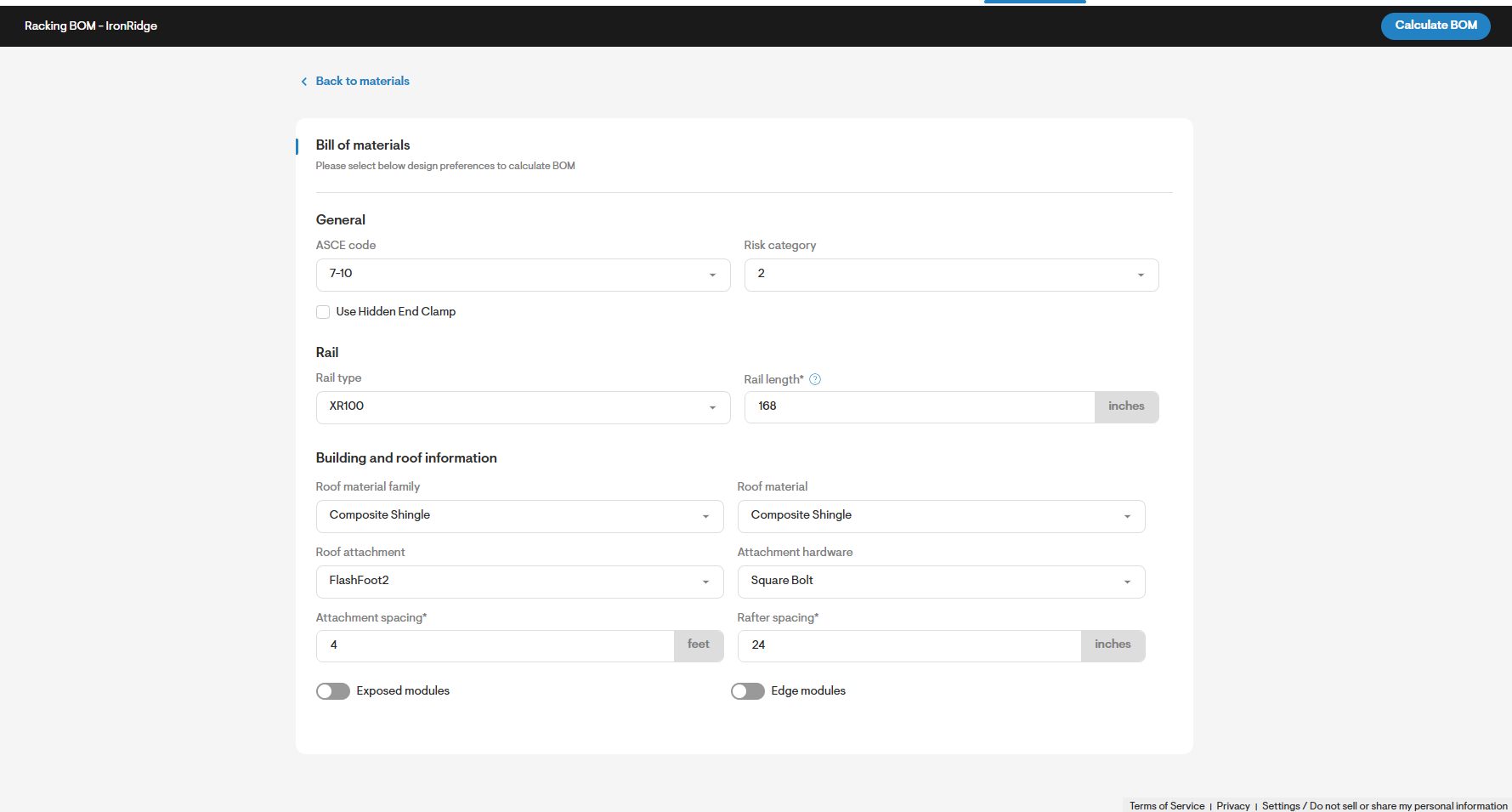
- Click on Calculate BOM to receive the BOM.
Review Bill of Materials (BOM) and download
- Review the bill of material (BOM) suggestions.
- Click on Download BOM to download the BOM as CSV.
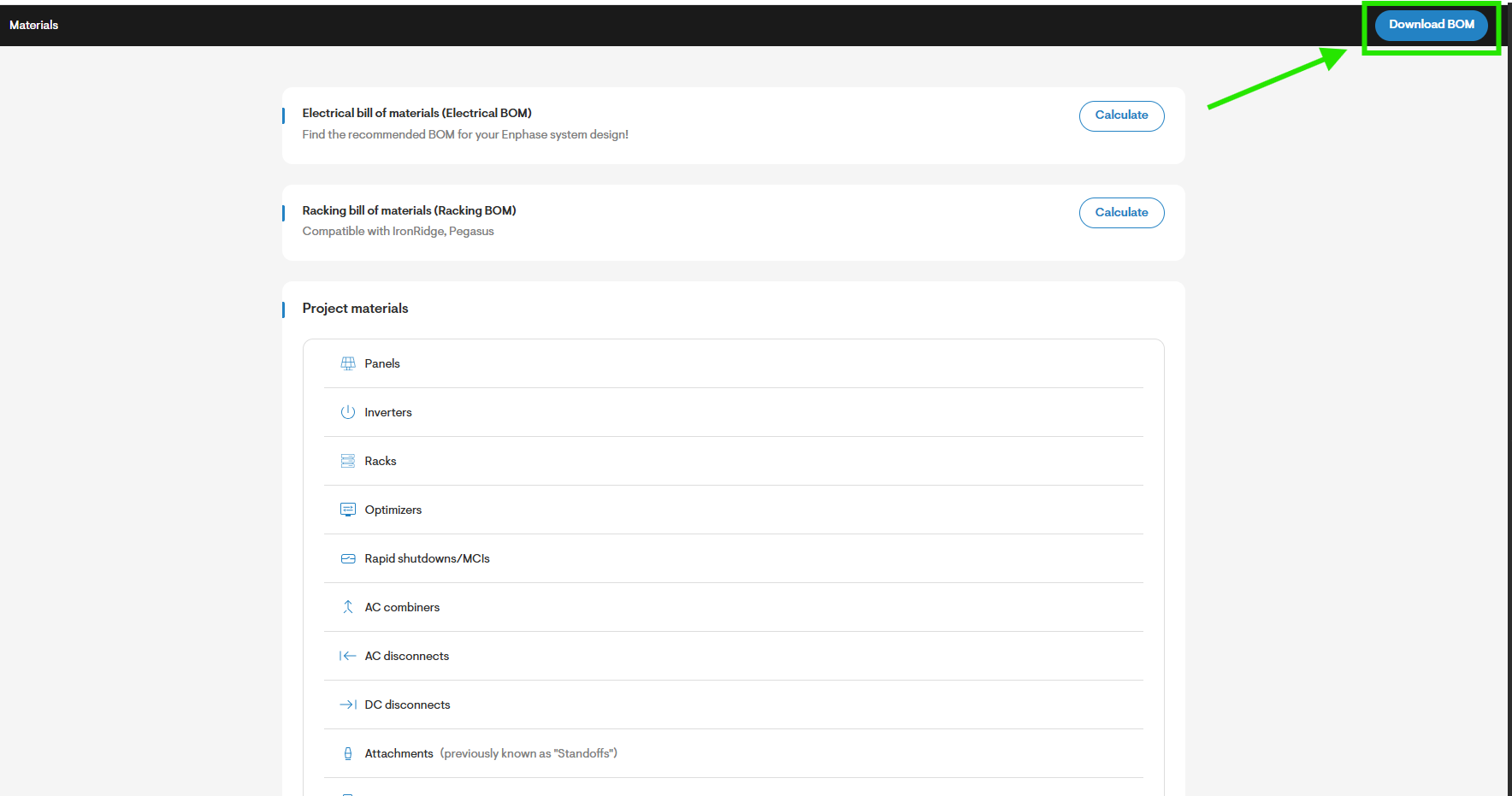
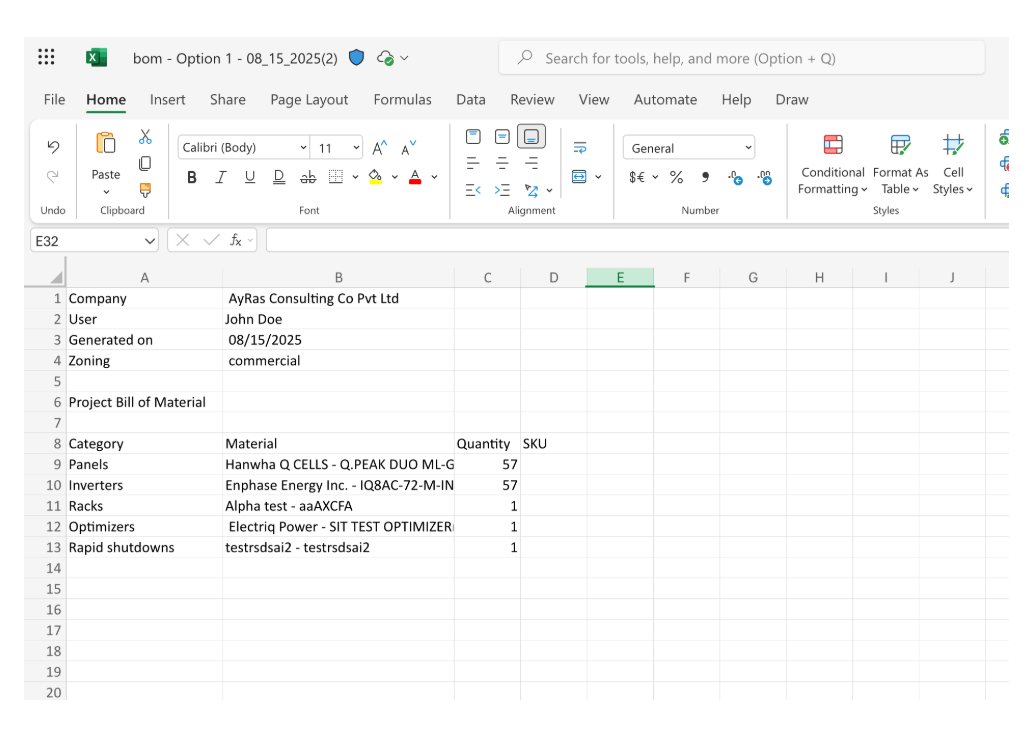
Once the BOM has been calculated, the CSV is added to your design option and can be downloaded in following locations:
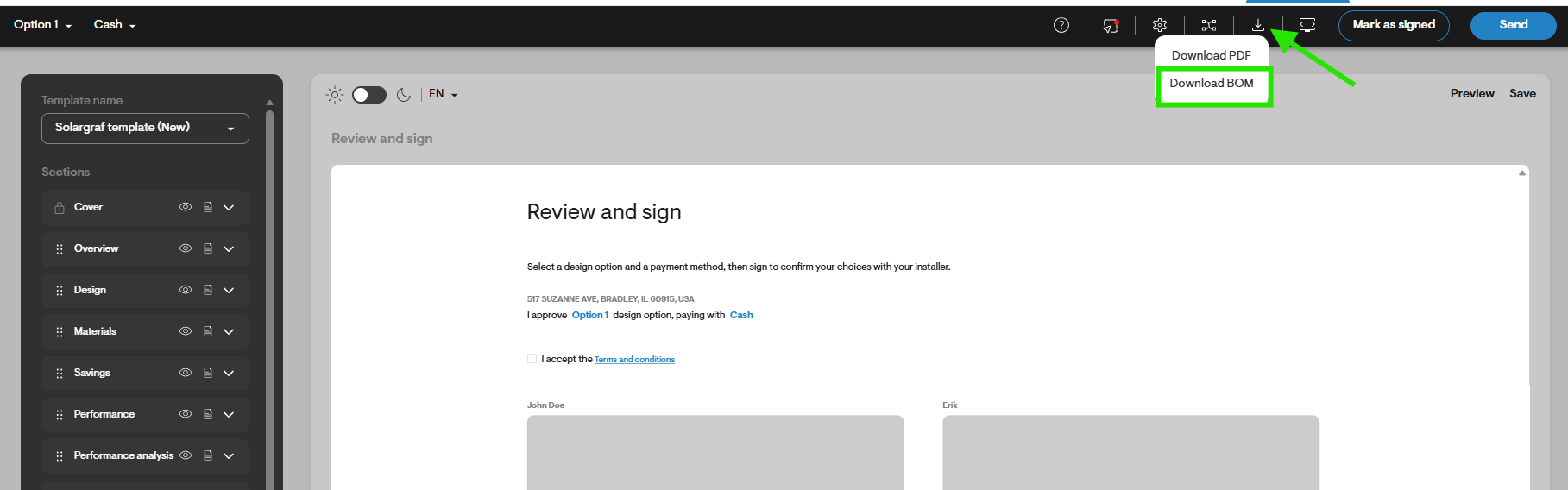
- Project overview > Materials > Download BOM (Shown in the example above).
- Web-Quote > Click the download icon at the top right menu> Download BOM (as seen below).
Recalculate BOM after design changes
- Navigate to Materials and click the Recalculate button to generate the latest bill of materials (BOM) based on the current design changes.