Help Center Design Tool
How to Generate a Roof Report in Expert UX
Published on 7 May 2026
This guide will walk you through generating a roof report using the 3D design tool in Solargraf.
Getting started
Before generating a shade report, you will first need to complete the roof design for your project.
To learn more about completing these steps, seeRoof Design.
Generate the roof report
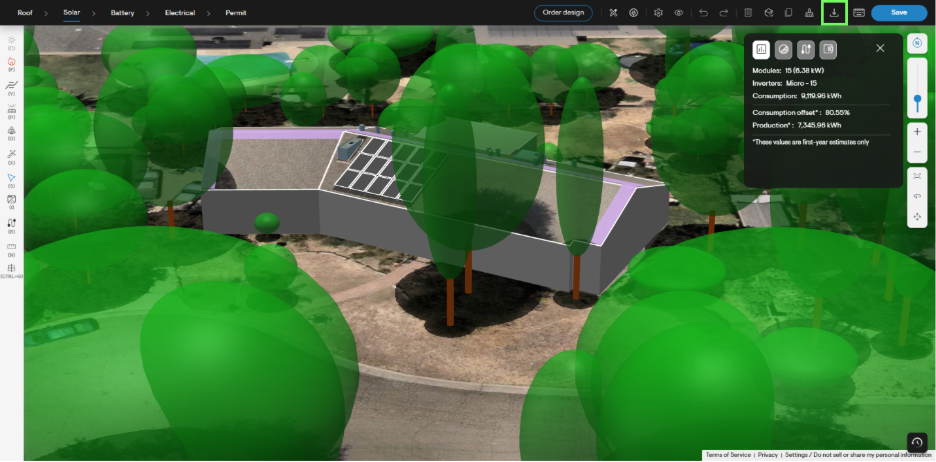
To generate your roof report, first click the Download button in the top right corner of the design tool page. Alternatively, select the D key on your keyboard.
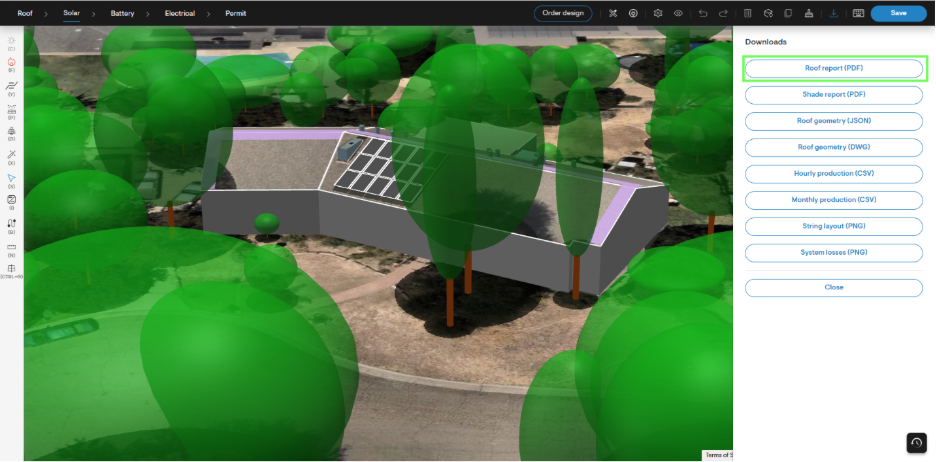
- Next, select the Roof report (PDF) option from the Downloads menu which opens to the right.
Download PDF
- Depending on your browser settings, the report will either download to your device, or open in a new browser tab.