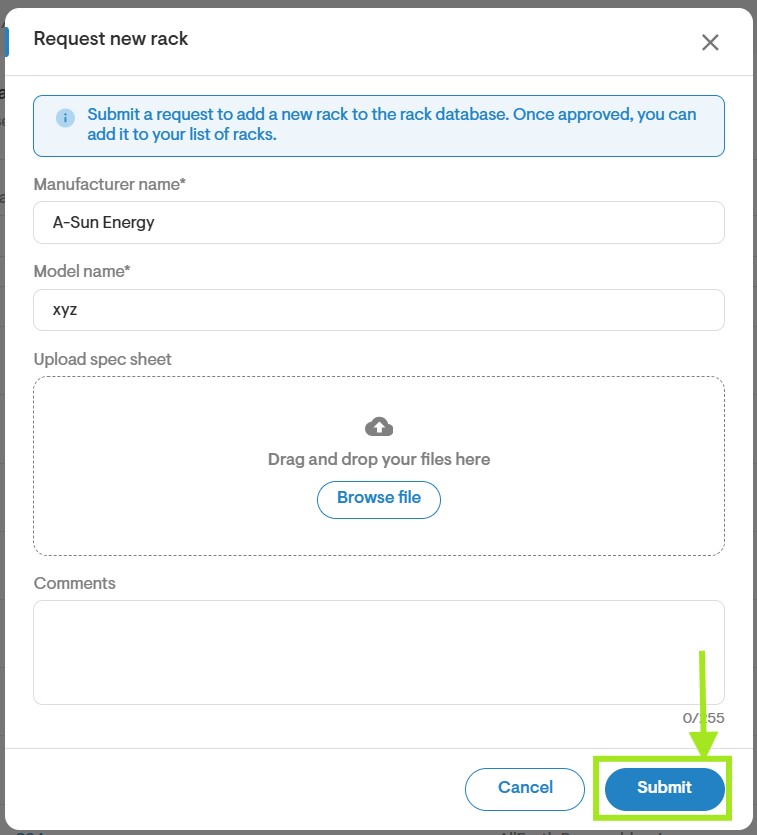
Help Center Materials
How to Add Racking
Published on 15 Jun 2023
The following guide provides information on how to add a racking system to your Solargraf project.
__________________________________________________________________________________________
Add Racking
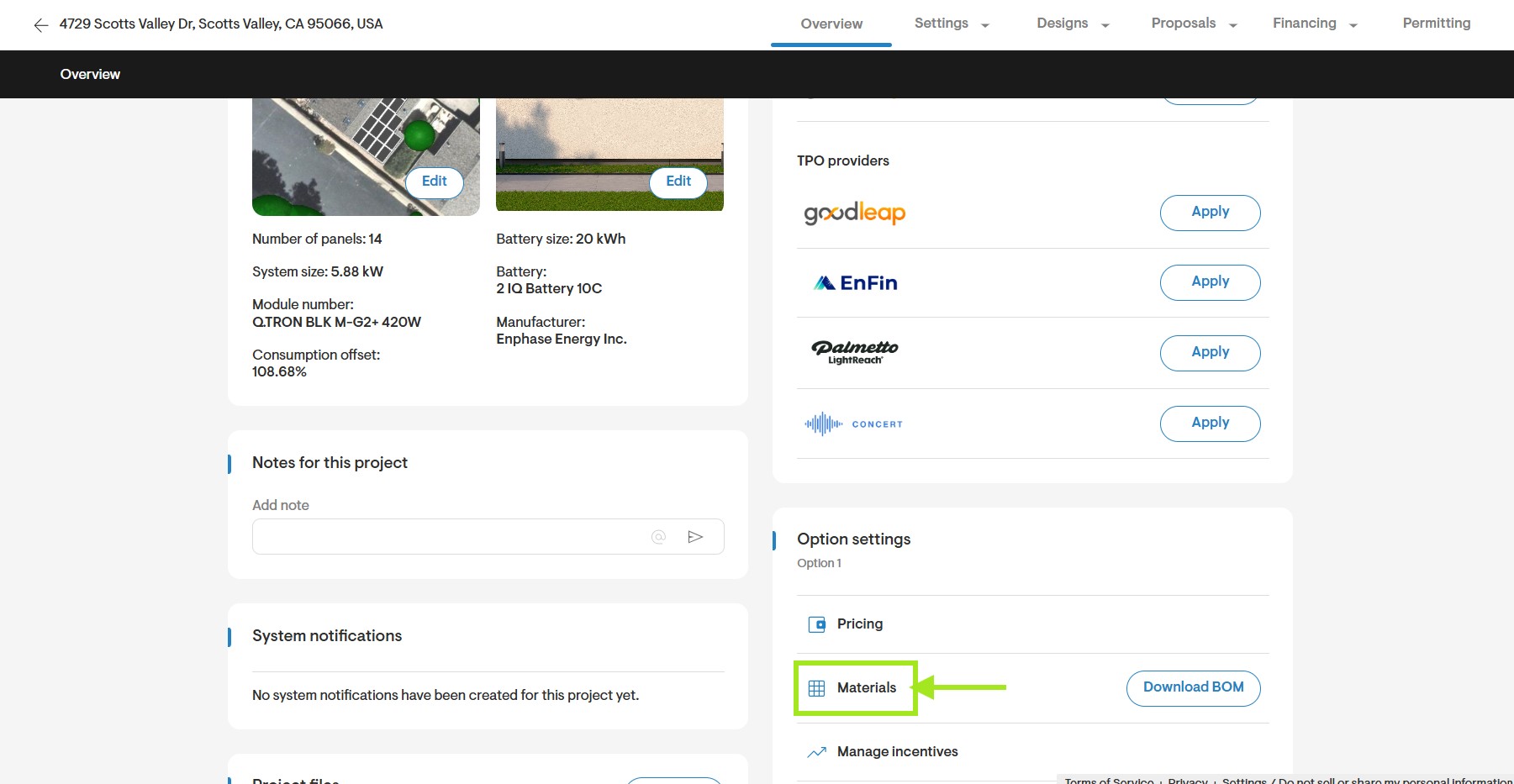
- Start by going to the Materials settings page. This can be accessed on the company Settings page or through the Overview page of your Solargraf project.
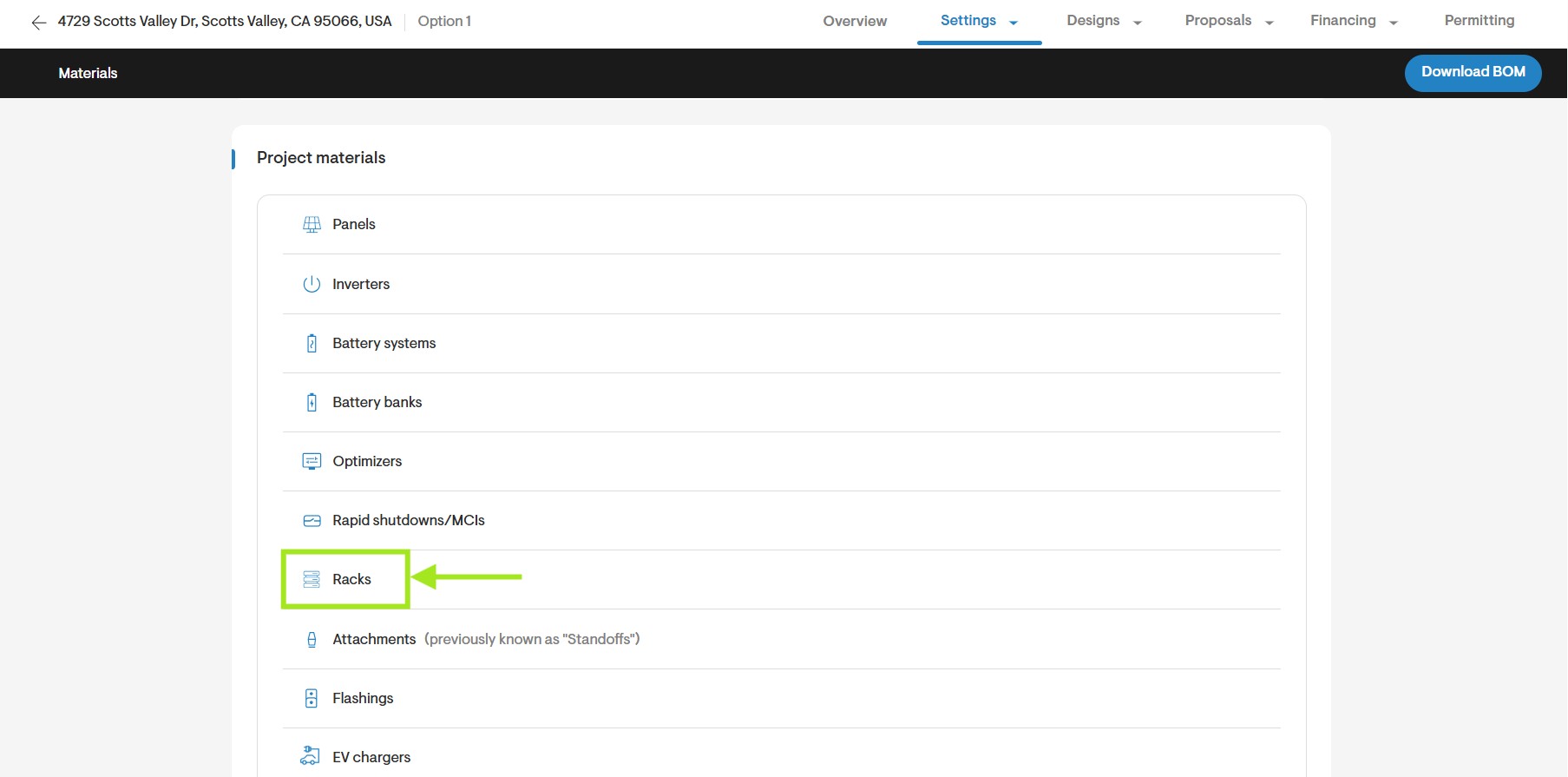
- On the Materials page, click Racks.
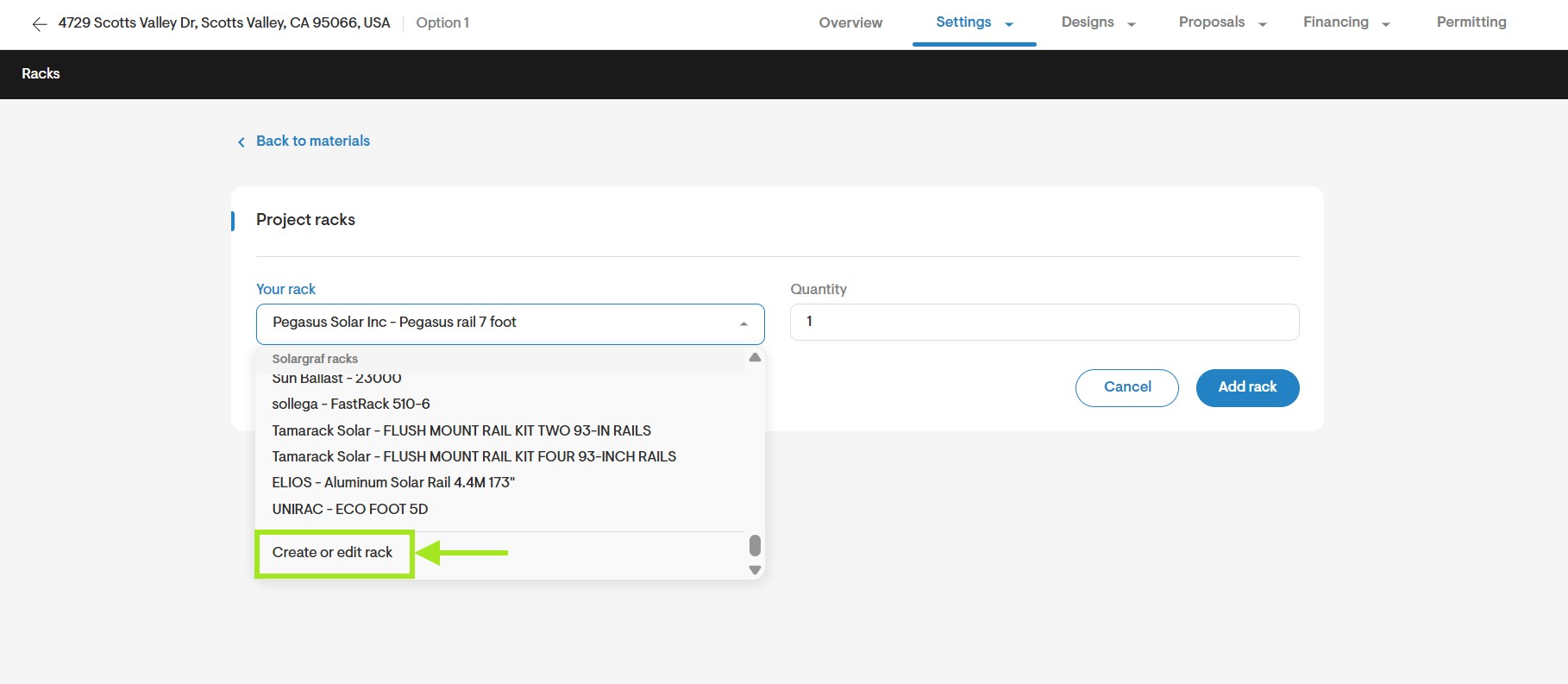
- Under Your Rack, click onto the dropdown menu and scroll to the bottom. Click Edit/Create Rack.
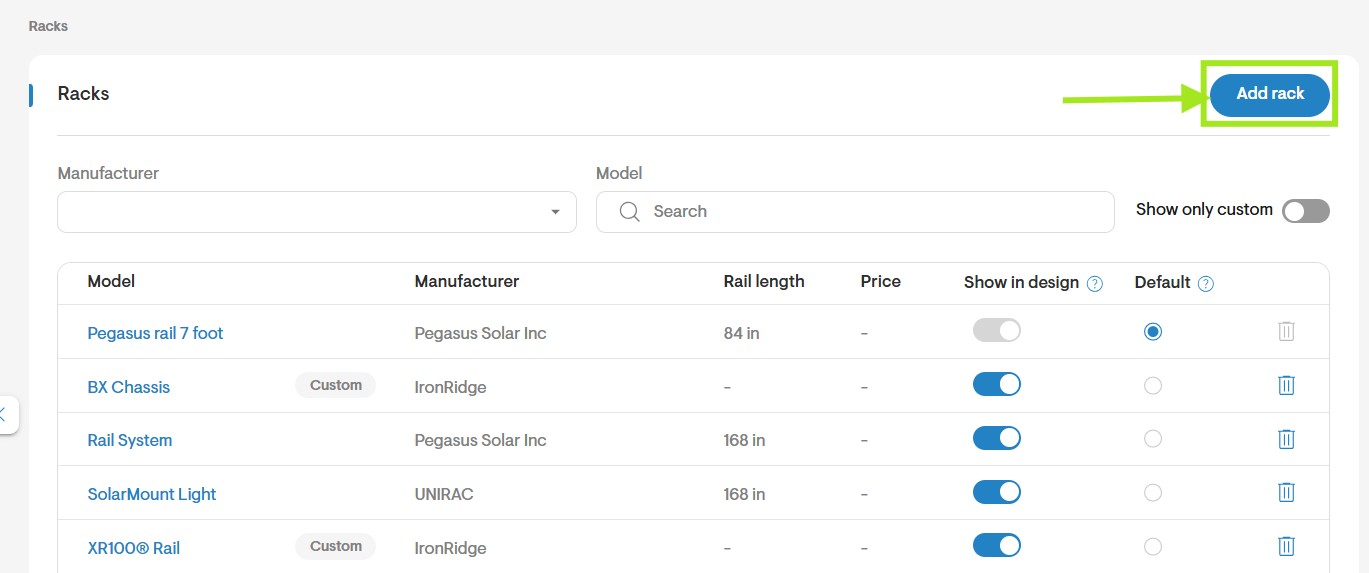
- Scroll to the bottom of the page and click Add Rack.
- Enter the Rack Specifications. Fields that are marked with an asterisk are mandatory.
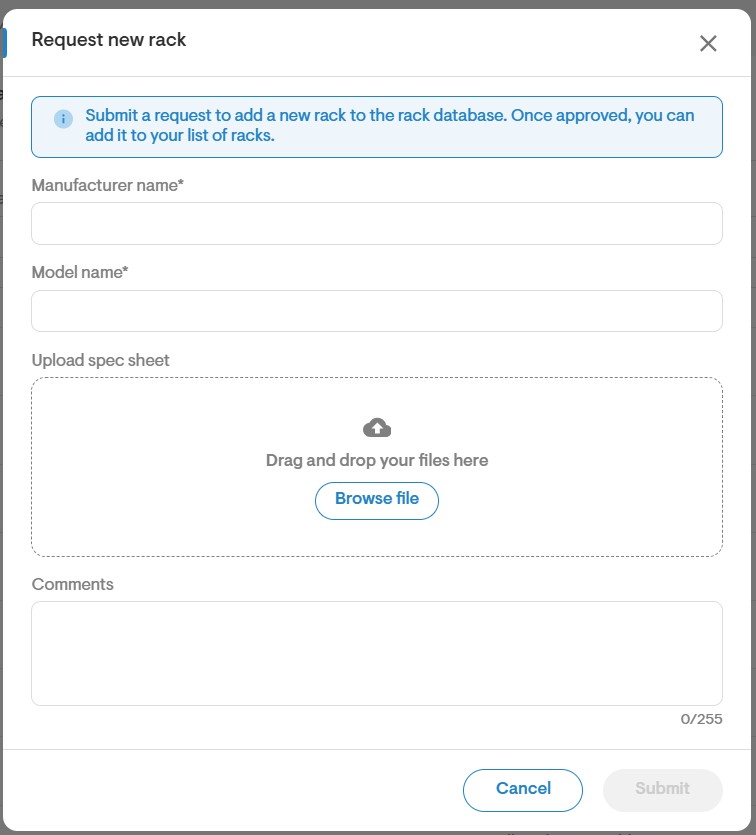
- Once you have entered all specifications, click Save.