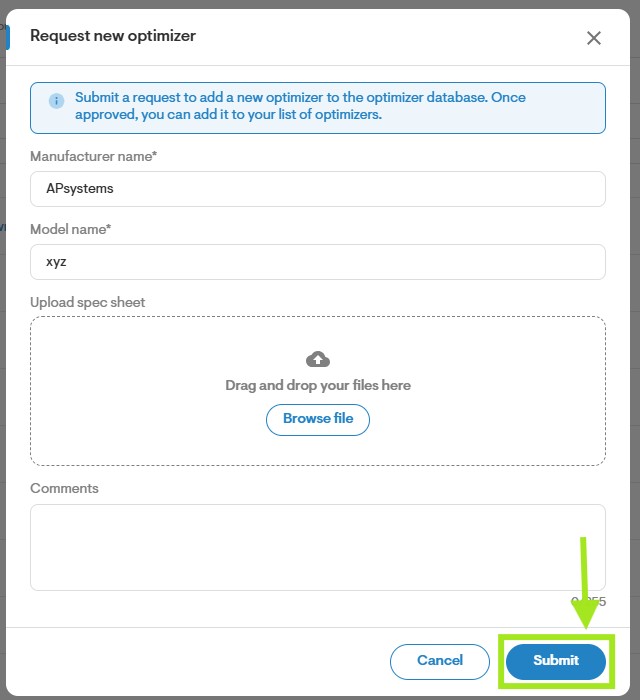
Help Center Materials
How to Add Optimizers
Published on 16 Jun 2023
The following guide provides information on how to add an optimizer to your Solargraf project.
__________________________________________________________________________________________
Add an Optimizer
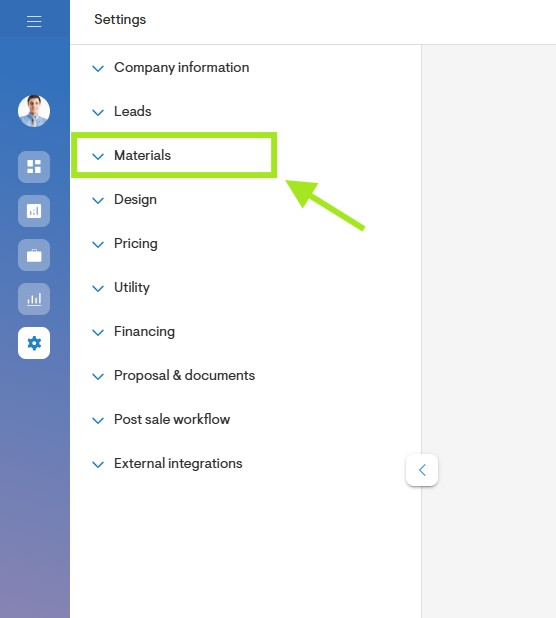
- Start by going to the Materials page on your Solargraf account. This can be accessed from the company Settings page or from the design tool on your Solargraf project.
- Click on My Materials.
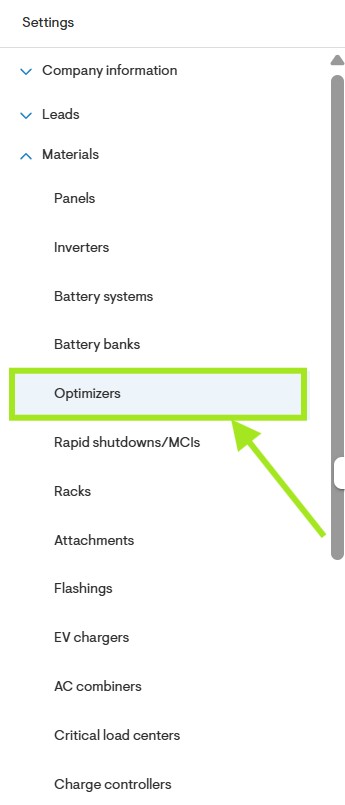
- Click on Optimizers.
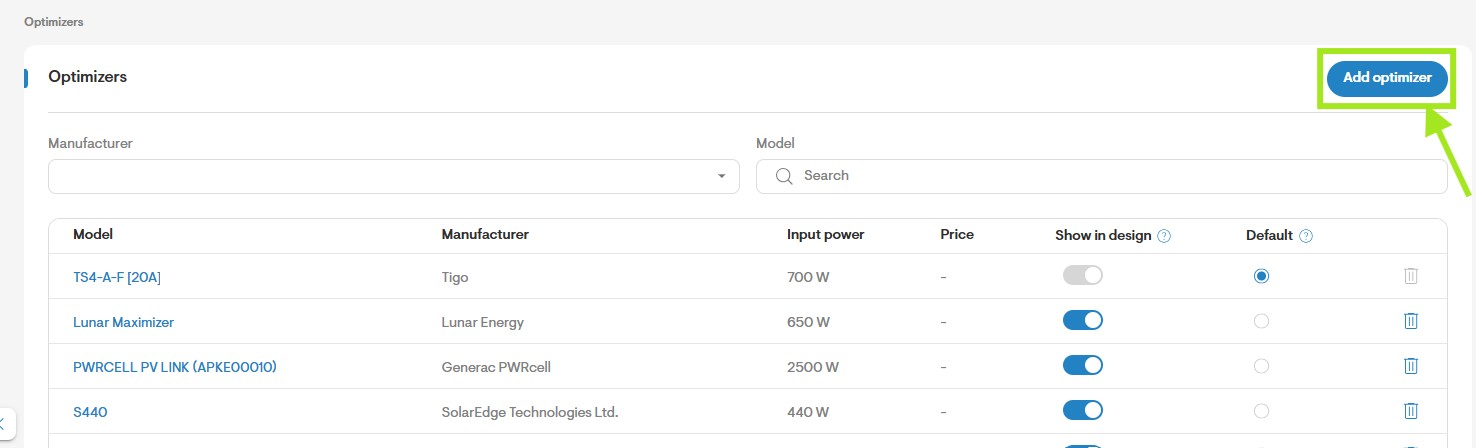
- Scroll down and click Add New Optimizer.
- Complete the optimizer specifications including the Basic Details, Electrical Details, and Physical Details. Fields that are marked with an asterisk are mandatory and must be completed before saving the inverter.
- Once you have completed all fields, click Save.