Help Center
Creating a design via Sol in Solargraf
Published on 21 Sept 2026
Use this guide to learn how Sol, your AI-powered assistant, can now help you create designs and homeowner-ready proposals in Solargraf.
We introduced Sol, your AI-powered assistant, earlier this year. Using Sol, you can get immediate replies to common queries while using Solargraf. Using simple English commands, you can now create designs and homeowner-ready proposals with minimal input.
Creating a design via Sol
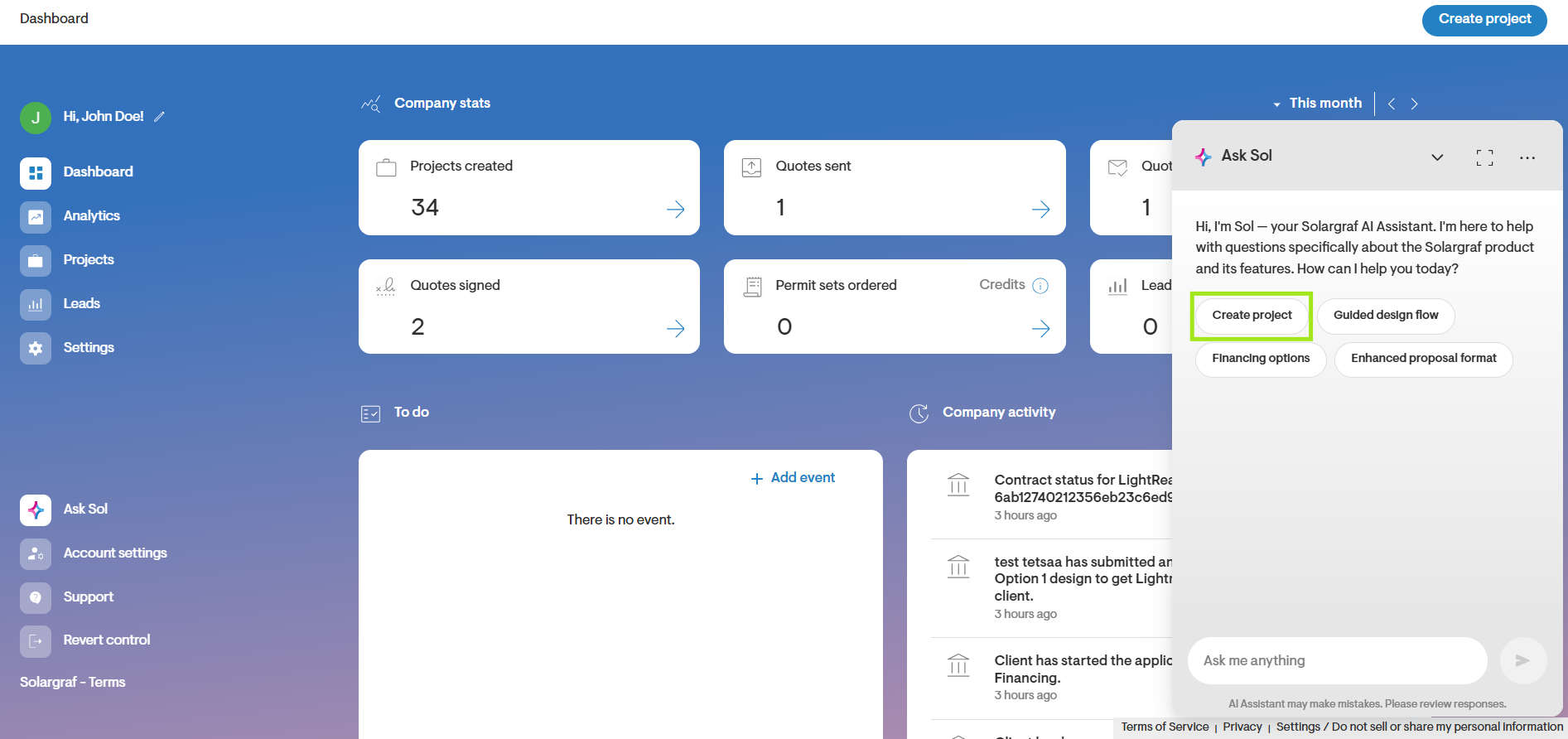
Click the Create project button when you log in to Solargraf. You can also simply type ‘create project’, ‘create design’, or a variation of these, and Sol will understand that you wish to create a project.
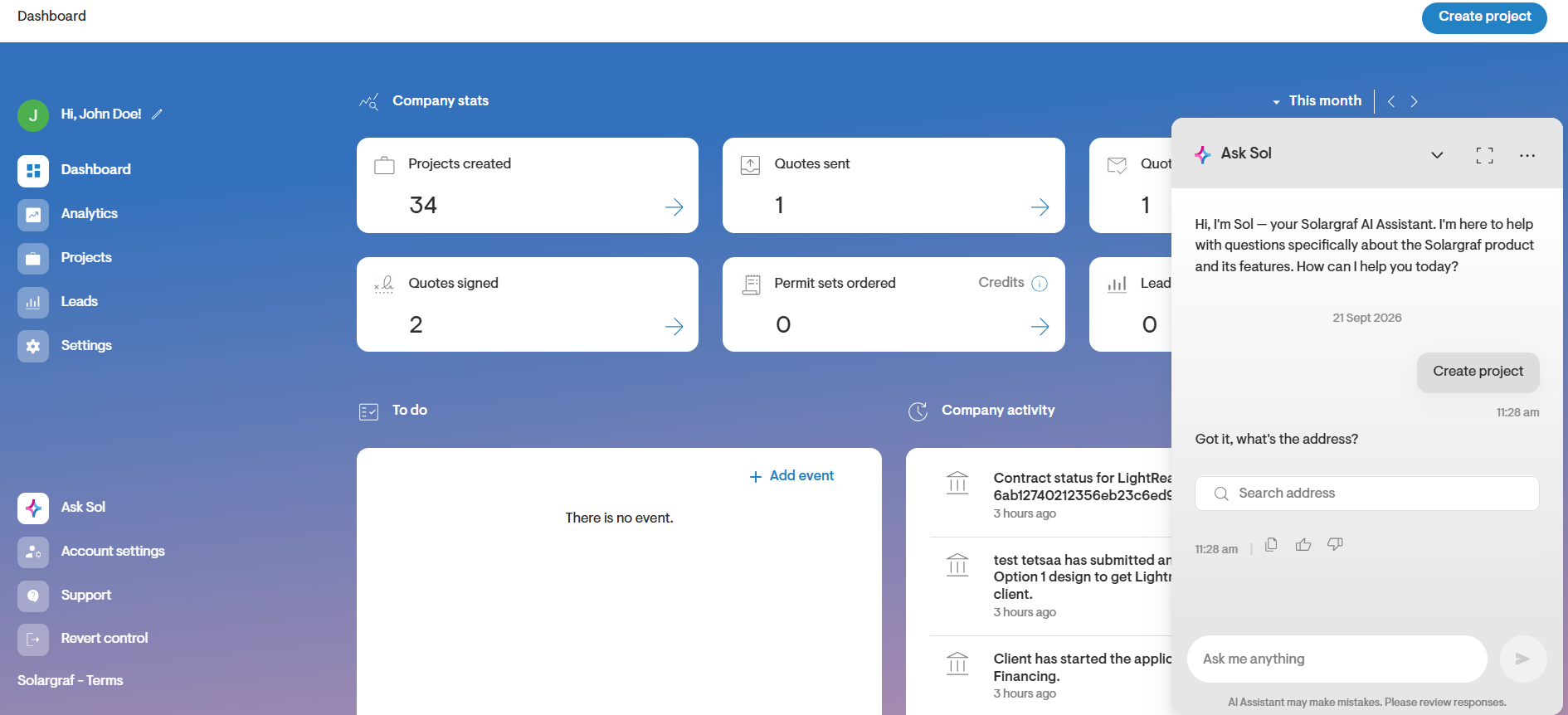
Enter the address for which you wish to create the project.
Once the address is entered, Sol will ask you to verify the location pin. You can click ‘Edit pin’ to move it if needed.
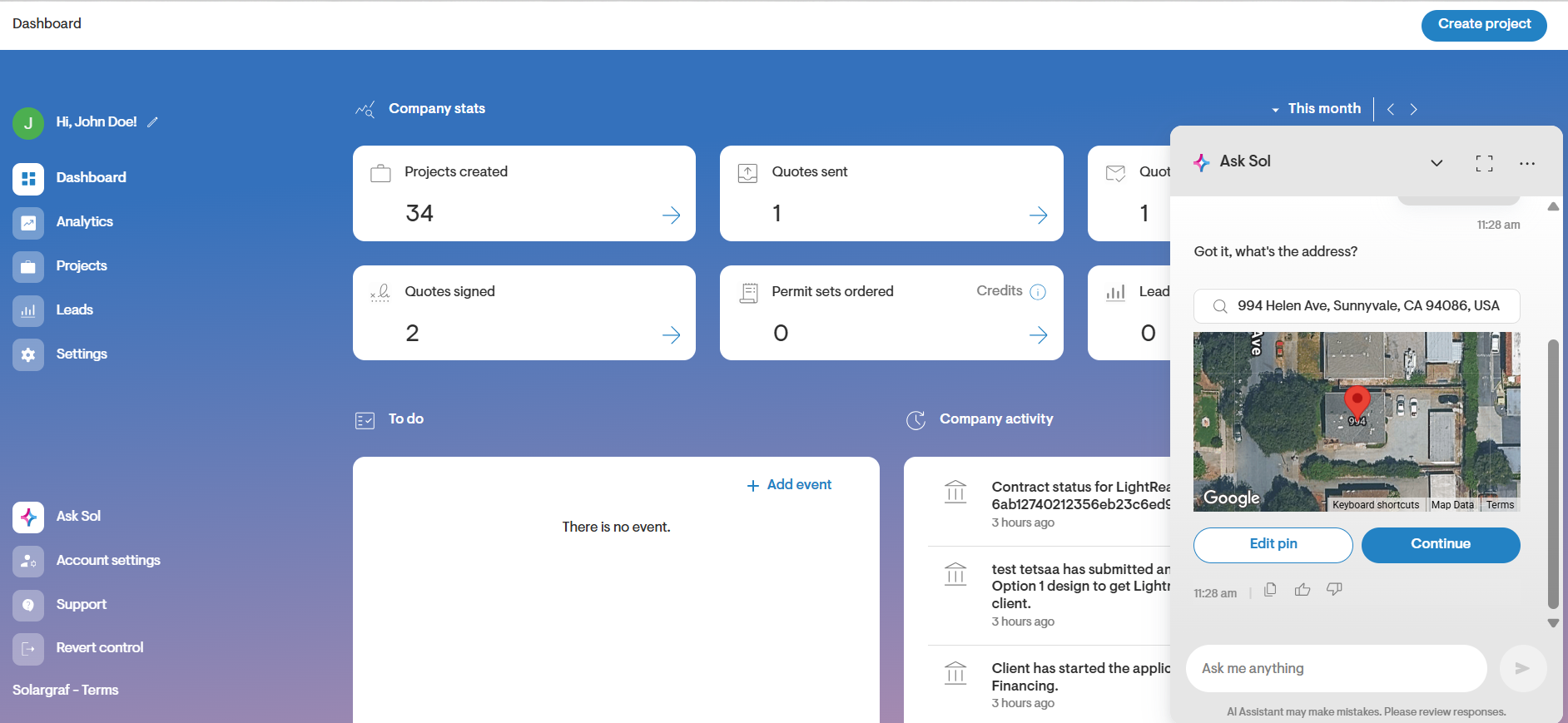
Once you are satisfied with the location pin, click Continue.
At any point, you can click the Fullscreen button in the header bar of the Sol window to maximize the chat window.
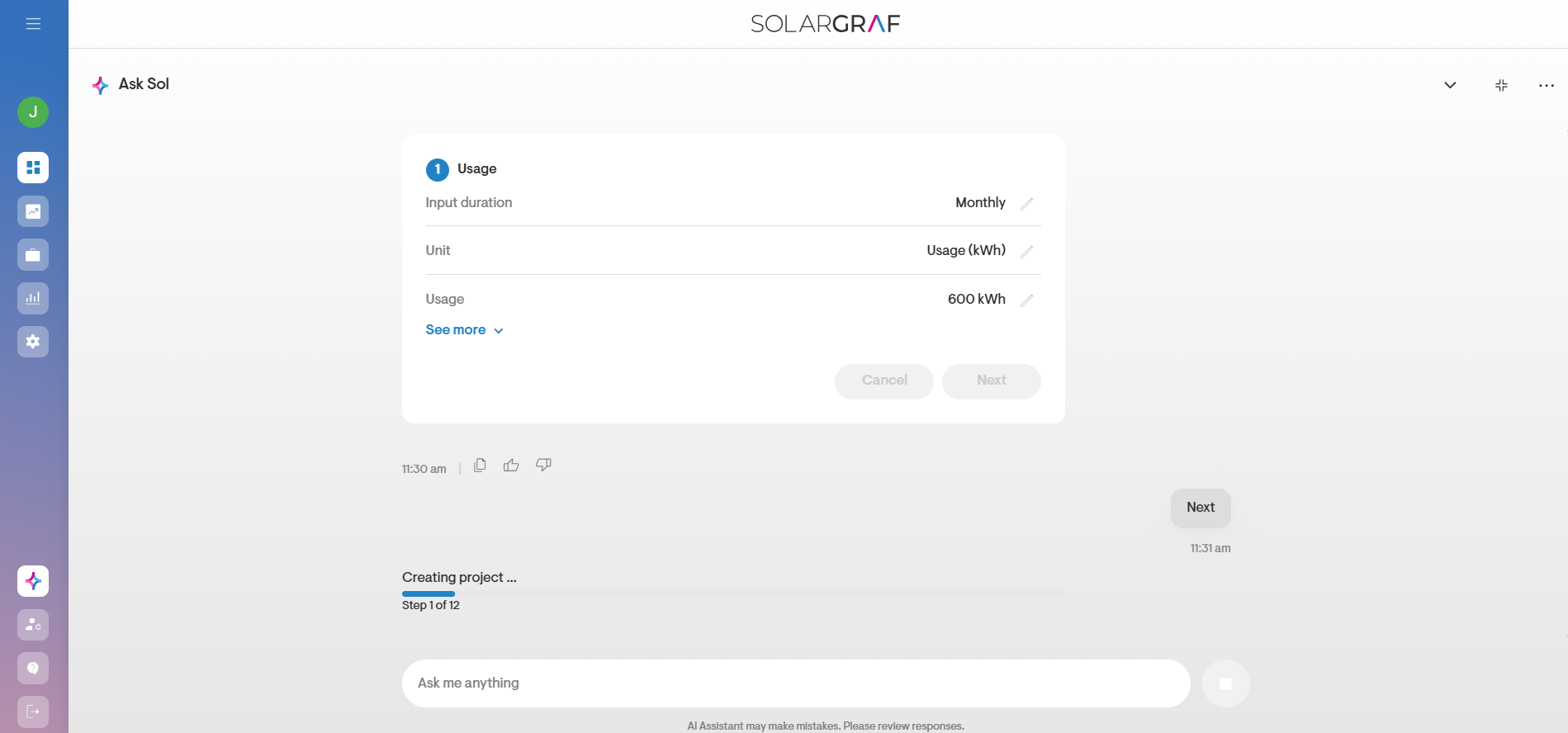
Review the Usage inputs. You can use the pencil icon to change any of them.
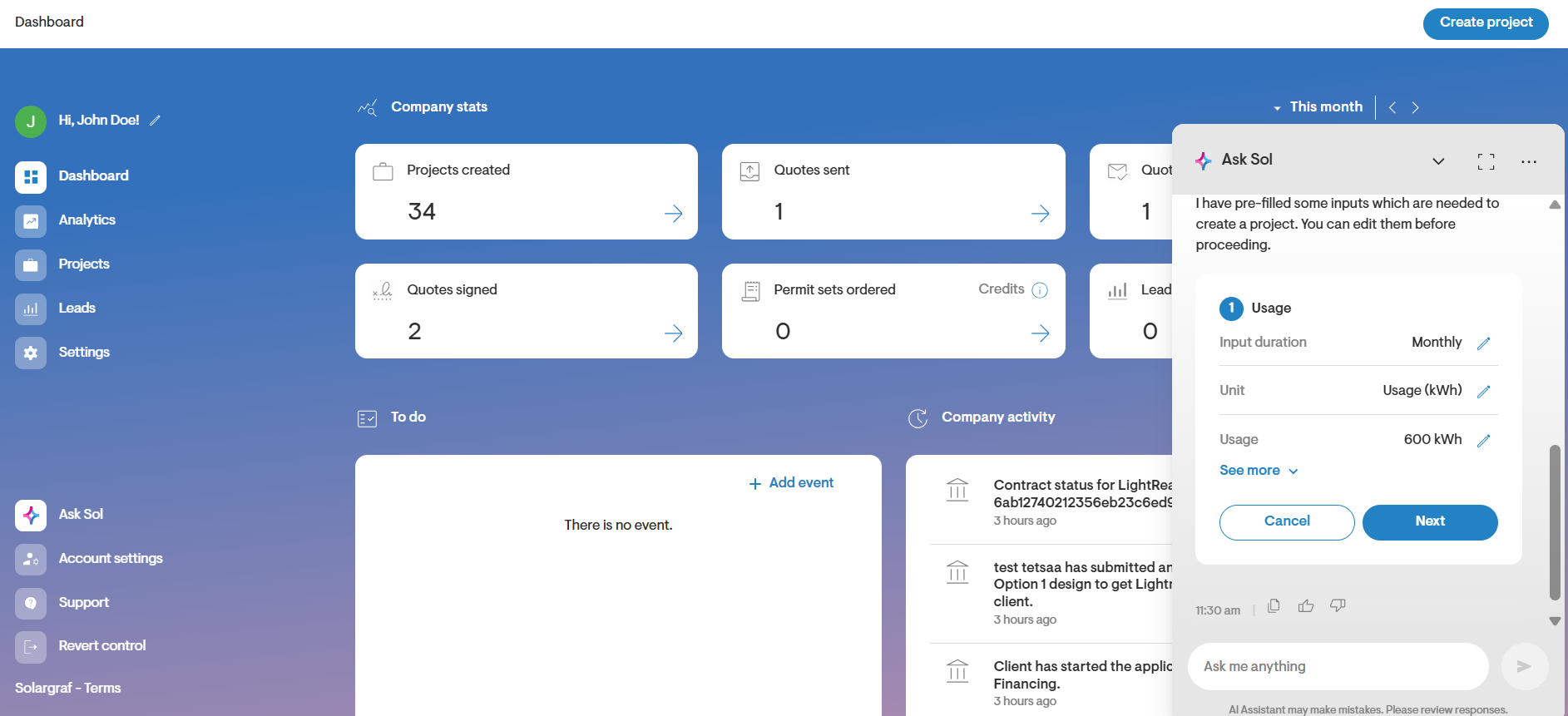
You can also change the inputs by sending instructions to Sol to do so.
Click Next once you have confirmed the Usage inputs.
Project creation will begin.