Help Center Design Tool
Create a System Expansion project
Published on 25 Jun 2024
This guide offers detailed instructions on creating a proposal for an expansion system (PV or PV + Battery) using Solargraf.
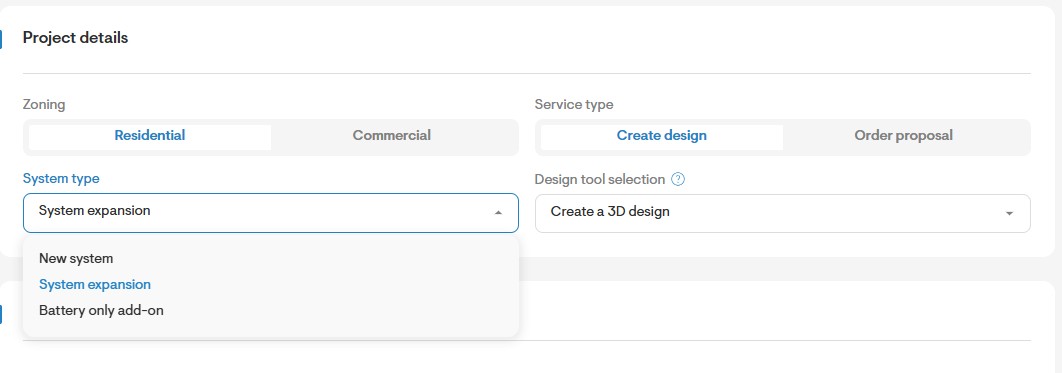
Select System type as System expansion
- Enter the address of the home and select System type as System Expansion.
- You can choose to create a 3D or 2D design under Design tool selection.
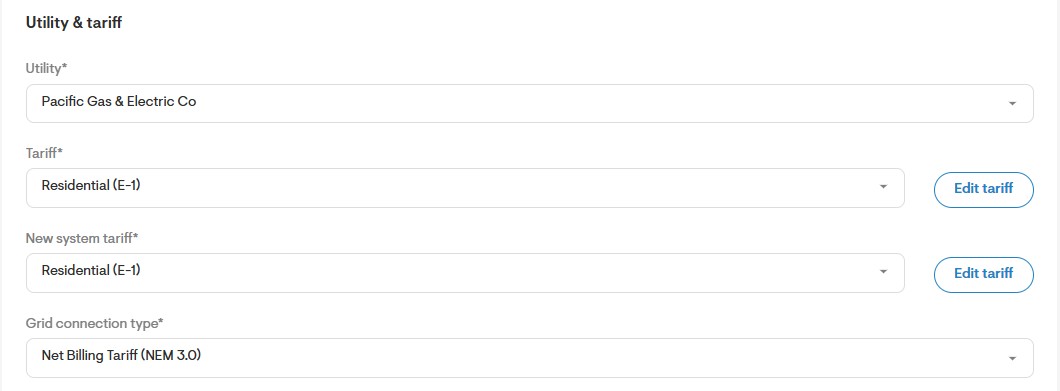
Choose the right solar tariff
- Populate the Tariff field with the current solar tariff of the homeowner.
- Set the New System Tariff to reflect the new tariff the expansion system will use. In most cases, both tariffs will remain the same.
Choose Zero export limit for California NEM expansion system
- Set the Power export limit to zero to make sure the expansion system doesn’t export to the grid. Specifically in the case of expansion projects based in California.

Enter homeowner’s consumption data
Use the Estimate option to enter total load consumption of the home.
Important note: The total load consumption corresponds to the grid imports and self-consumed PV powering the entire loads of the home.
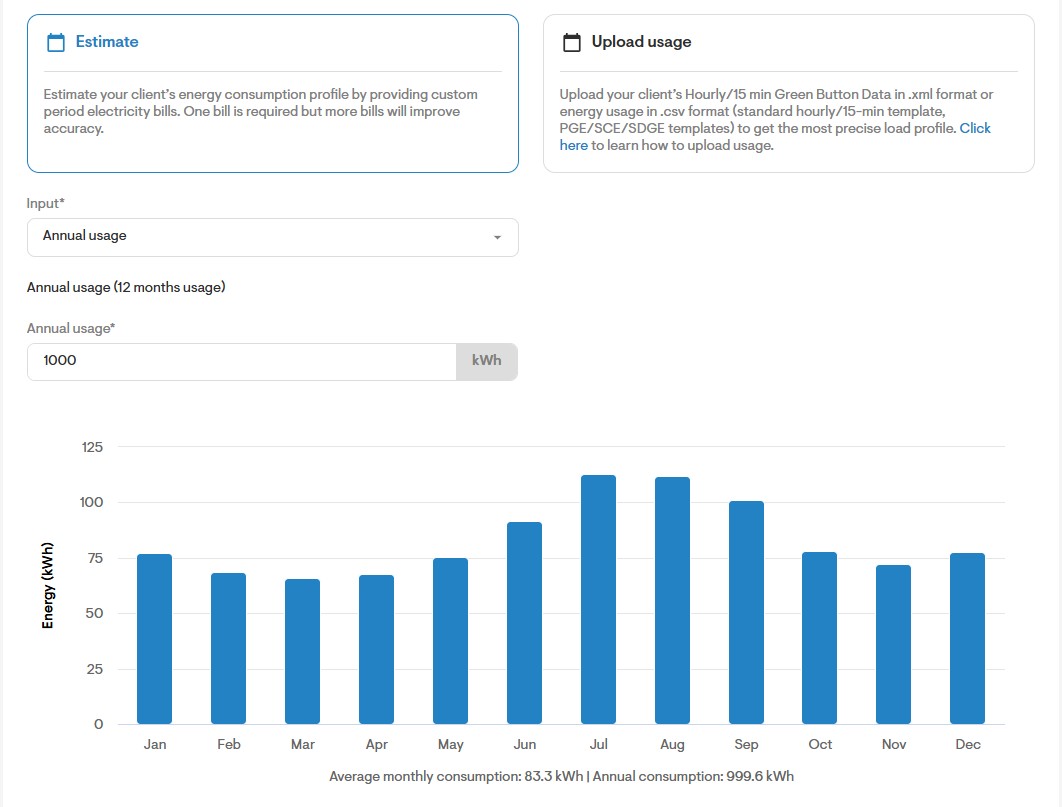
- Use the Upload usage option to enter the home’s grid import/export hourly data.
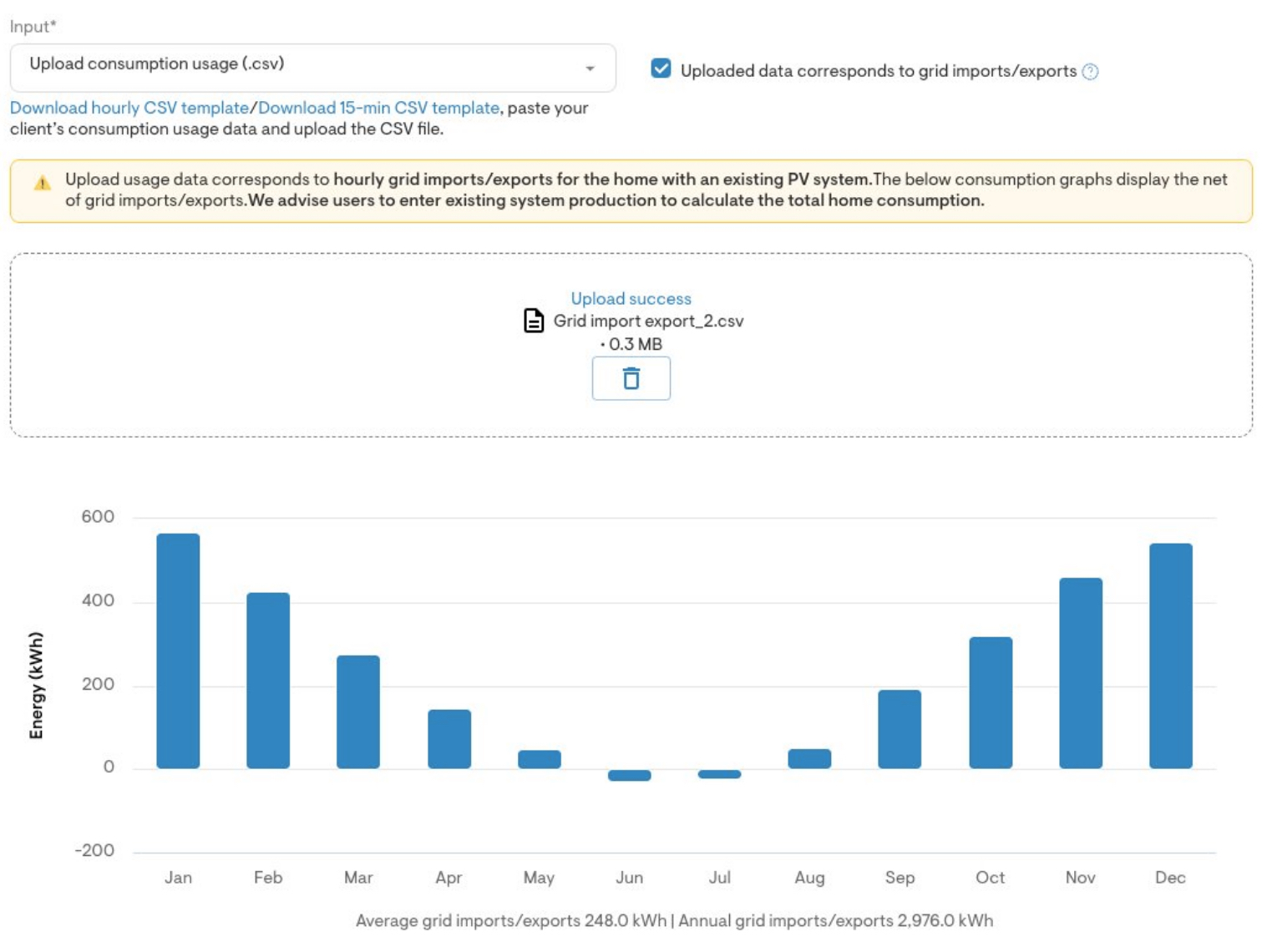
Important Note: Hourly usage data (meter data) for existing PV systems typically captures grid imports and exports at hourly intervals. The data will show positive and negative values alternating based on PV production.
Enter existing PV system production
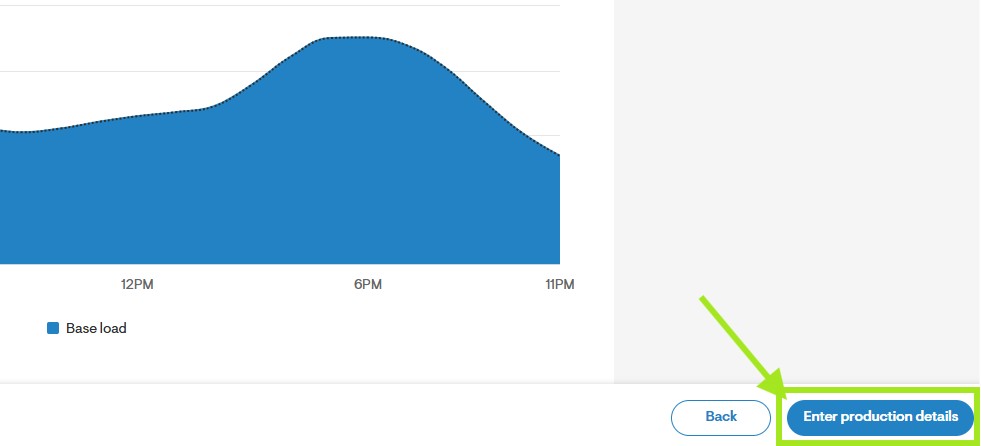
- Click Enter production details button at the bottom right of the screen to move to the system production page.
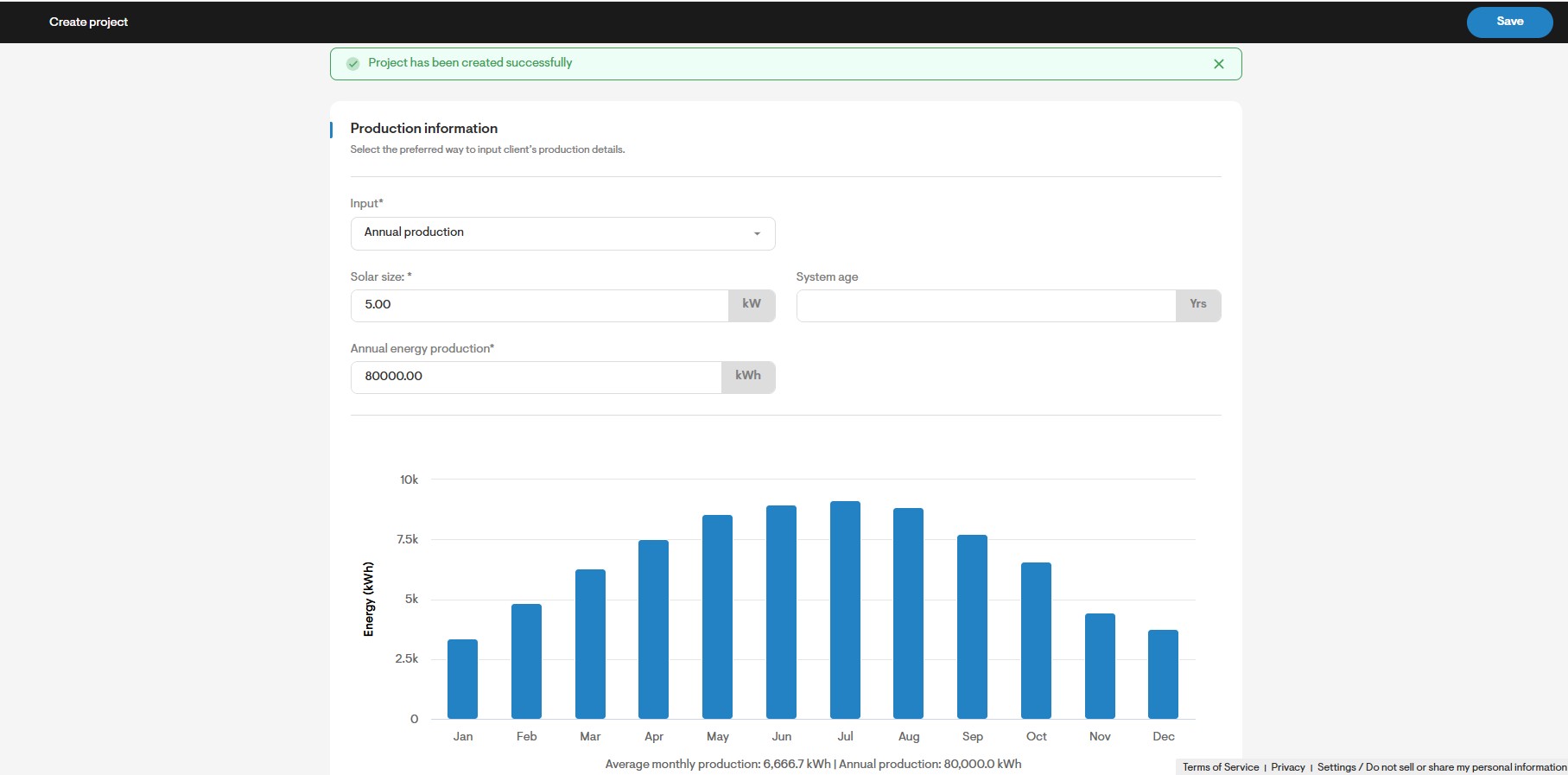
- Enter the existing PV system’s production data to ensure Solargraf applies it in the calculations.
Design Your System with Total Home Consumption and Existing System Production in Mind
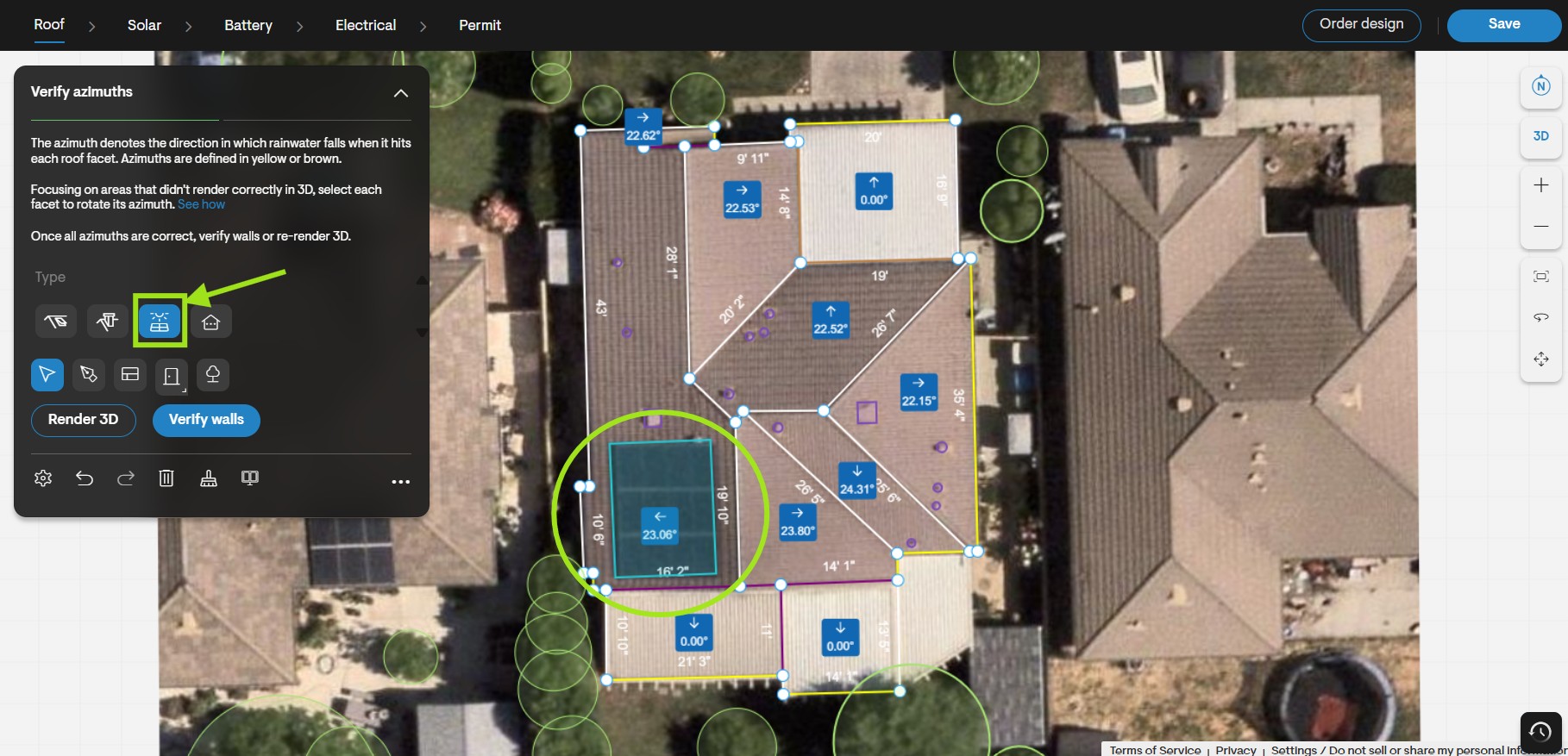
- Design the roof of the house in the Roof Design tab.
- (Optional) You may define the existing PV system as an rectangular obstruction to avoid placing panels on top of it and set the obstruction type as Pre-existing PV array.
Note: This step is a beneficial step, although it has no impact on simulations or design.
Solargraf will now open the solar design tool with pre-loaded total home consumption and the existing system’s production.
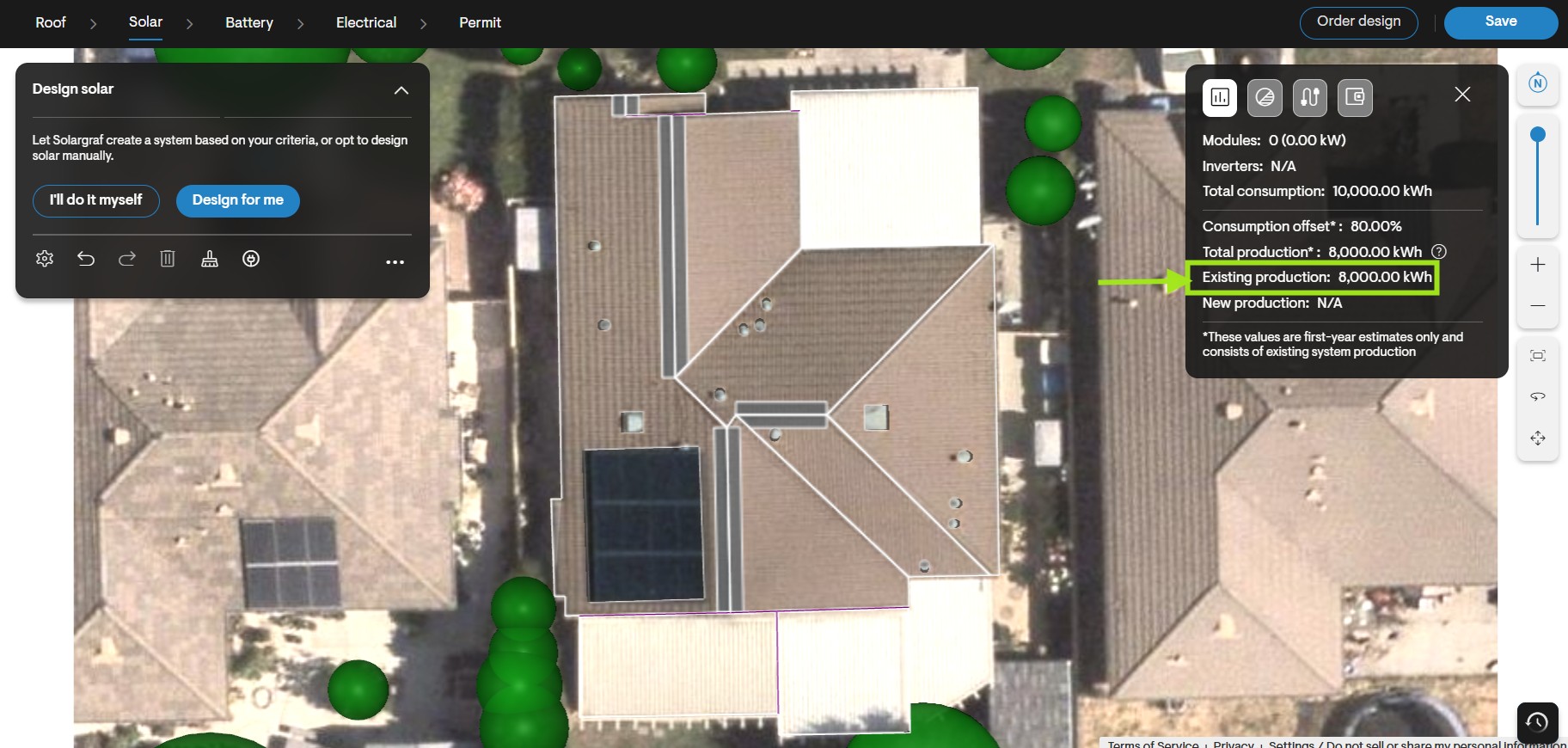
- Design a PV + ESS system that meets the shortfall in consumption demand while maximizing the metering advantages of your current system.
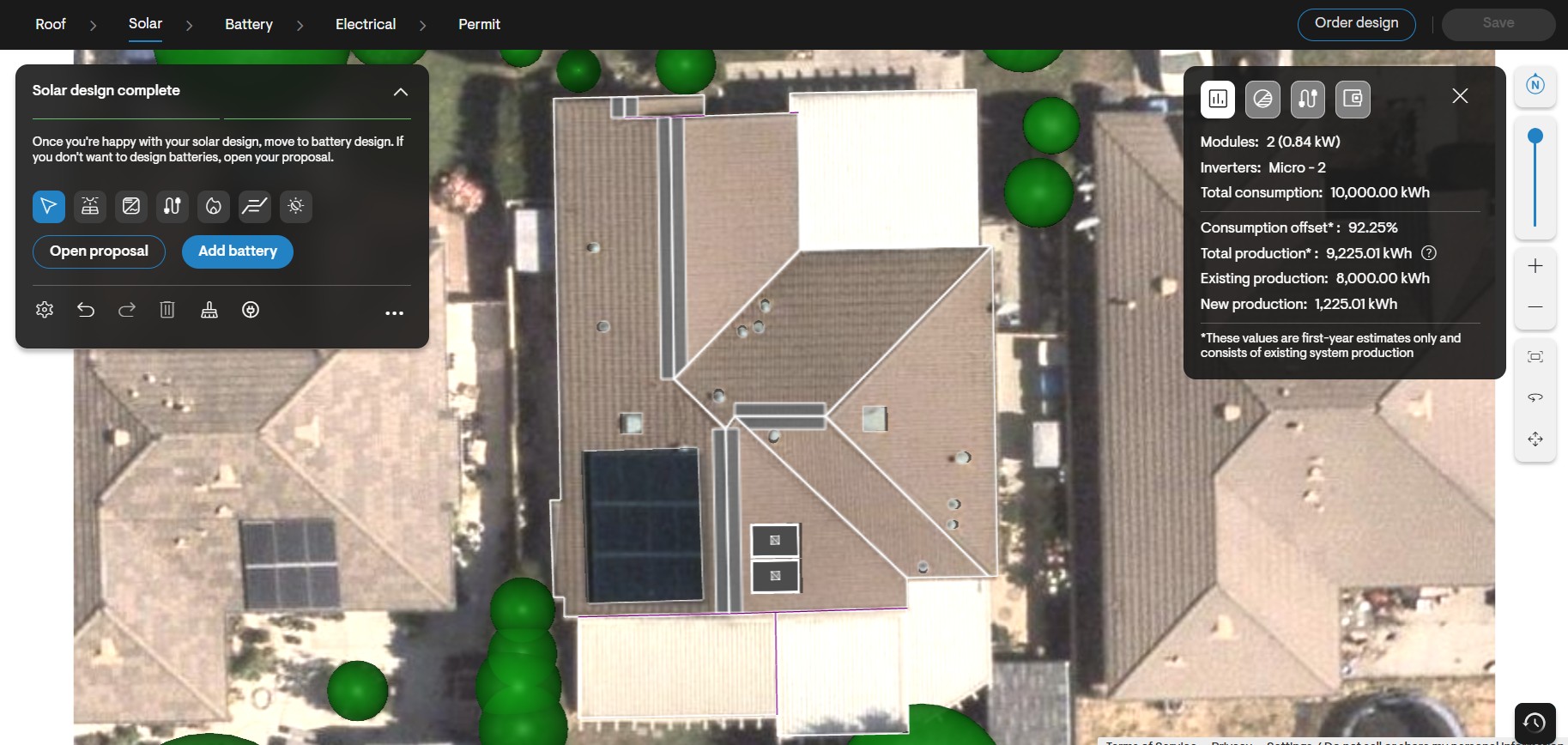
Note to California installers: Power export limit is applied to the new system production so that it adheres to utility limitations.
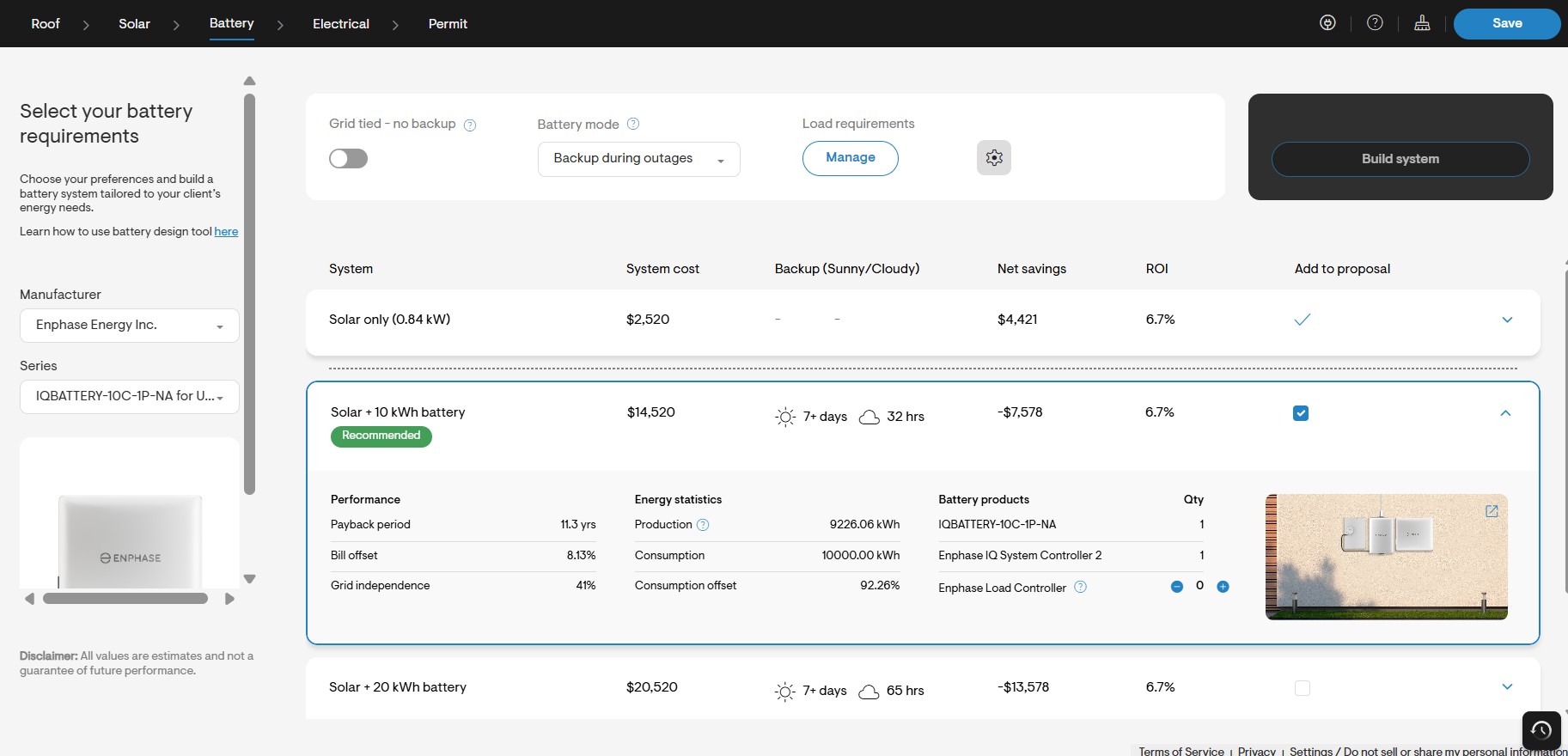
Add battery in battery design tool to reduce the impact of Export limitations
- Add a battery to the design to mitigate the impact of export limitations caused by the power export limit.
Setup the net surplus compensation for net metering utilities
- Set up the net surplus compensation (NSC) rate in the utility settings to determine the value of net excess solar exported back to the grid.

- Uncheck the Use buy rates for net surplus compensation field.
- Enter the relevant NSC rate in Net surplus compensation rate field.
Important note: If the net of grid imports and exports of the home is negative (i.e. export > import), the net export is values at net surplus compensation (NSC) in most utilities. NSC is usually a marginal amount ($0.04 cents on average for California utilities).
Setup the applicable pricing, incentives, and financing information
Set up the pricing, incentives, and financing settings that are applicable for the expansion system.
Submit the Proposal showcasing the bill savings and payback due to expansion system
Open the web quote or download the PDF version of the proposal to view the economic impact of the expansion system.
Important note: The utility bills and savings are calculated based on the current utility bill for the existing PV system, the total home consumption, and the total home production (existing PV plus new expansion PV/battery).