Help Center Roof Design
Color Guideline
Published on 21 Jul 2023
The following guide provides information on the different colors of the lines and objects seen in the design tool on Solargraf.
Color Guideline
- White line. This white line indicates a roof edge. It could either be a ridge, eave, hip, or valley.
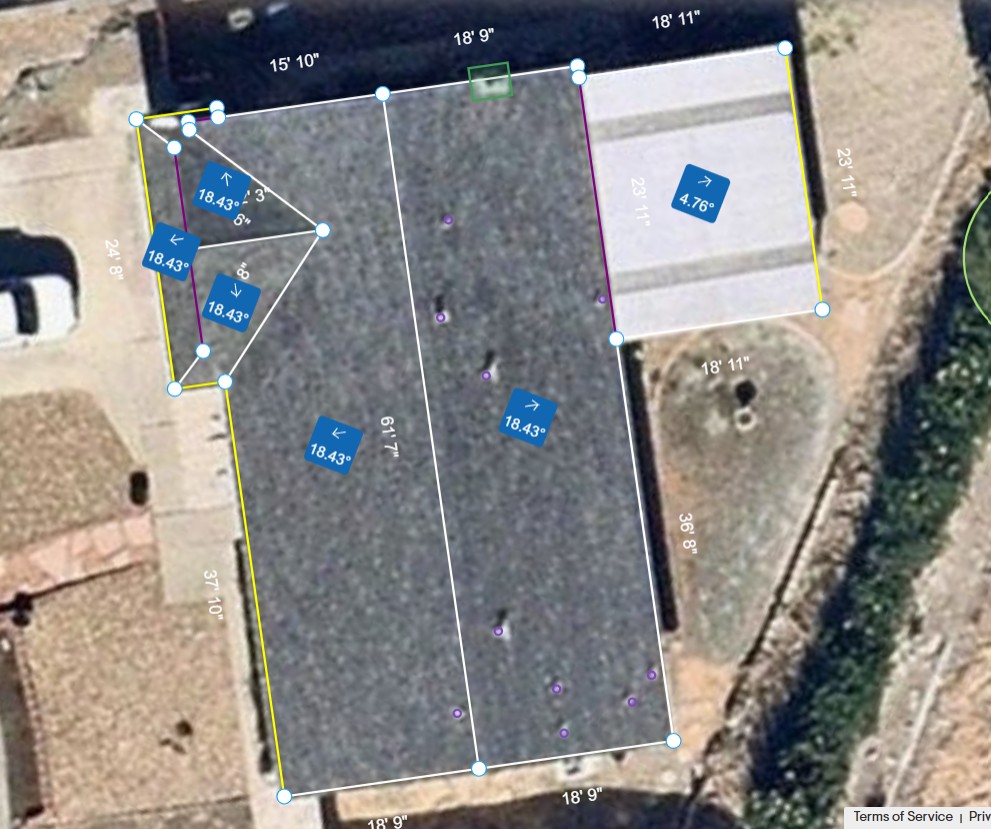
- Yellow line. This indicates the azimuth of the enclosed roof facet.
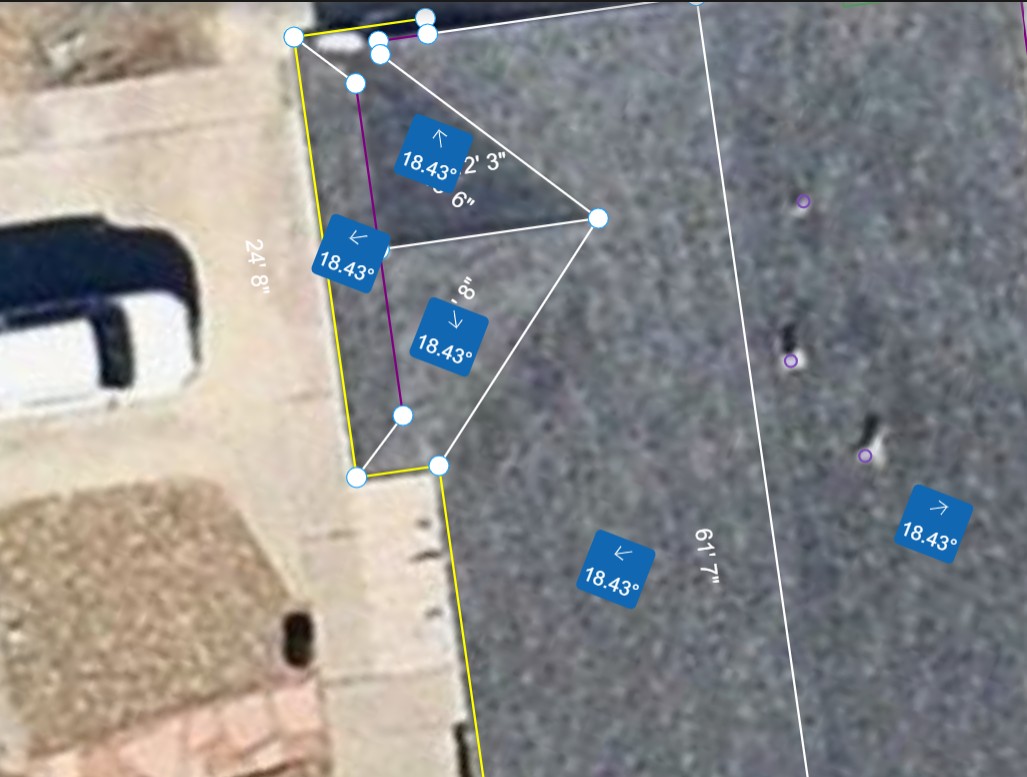
- Blue box with arrow. This indicates the azimuth of the roof and the direction of the slope of the roof. It also labels the degree of tilt of the roof facet.
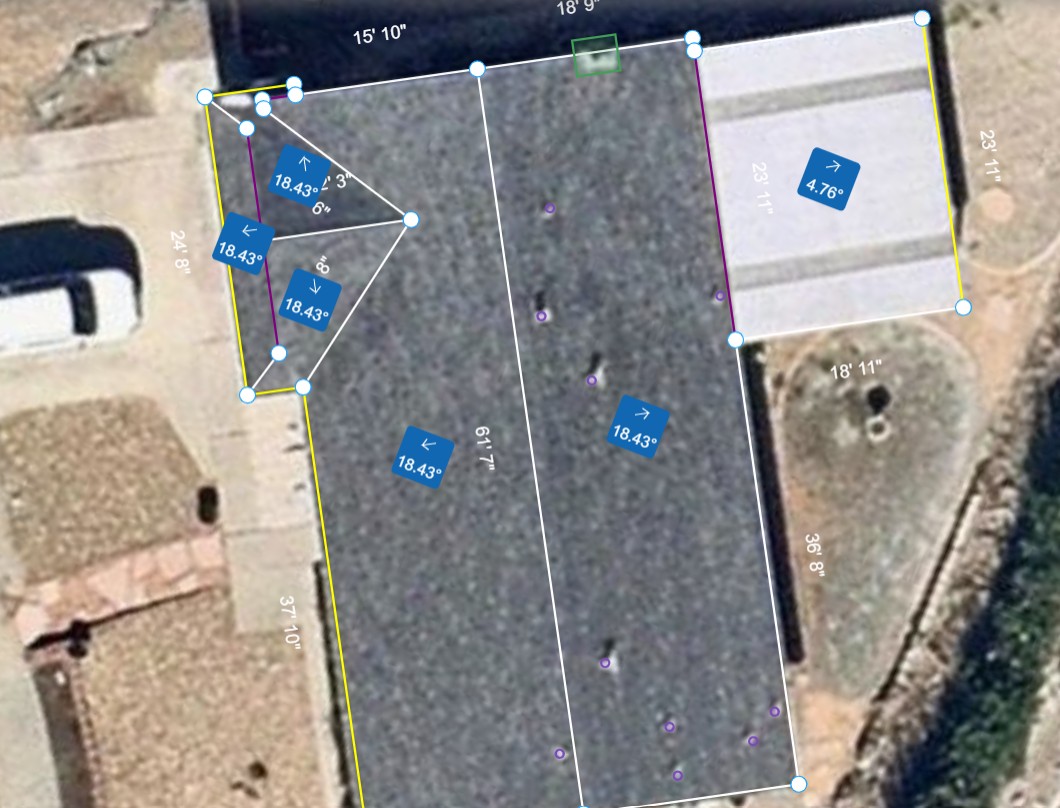
- Purple outline. All obstructions are outlined in purple. These may be circular, rectangular, or of a polygon shape.
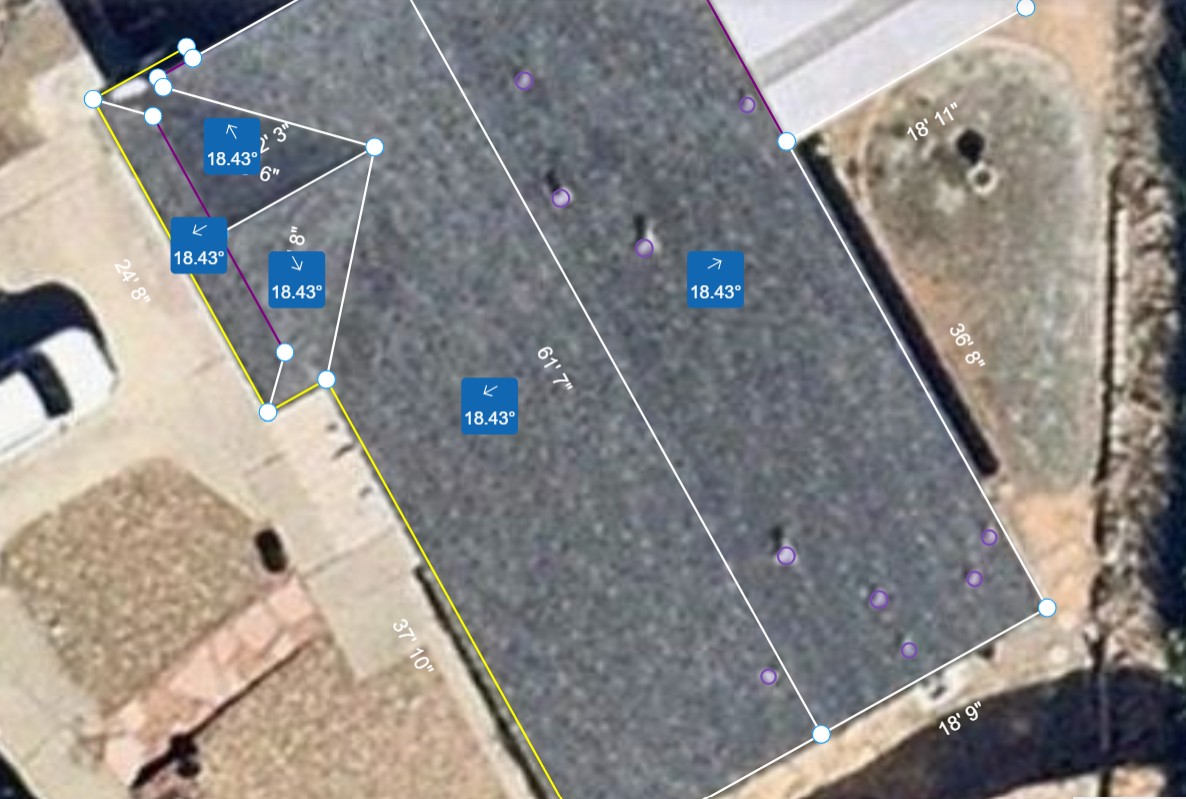
- Green outline. All trees are outlined in green and the shape is filled with a transparent green color.
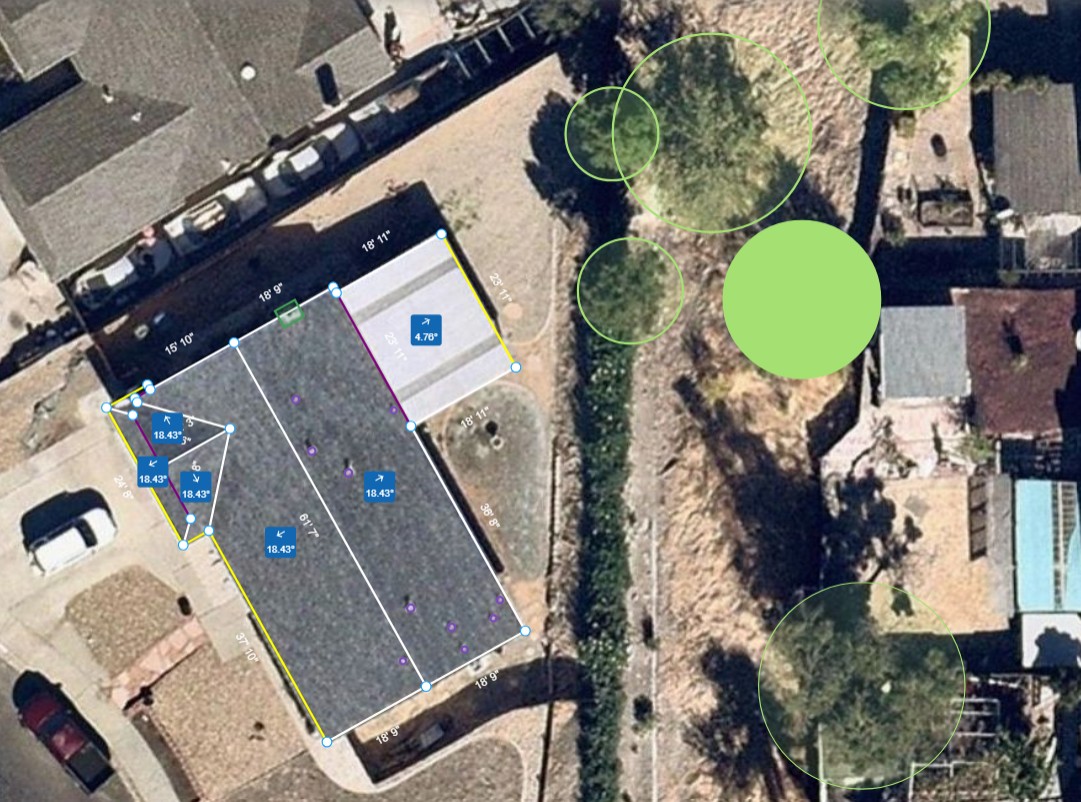
- Dark purple outline. When a wall is added to the roof design it is indicated by a dark purple line.
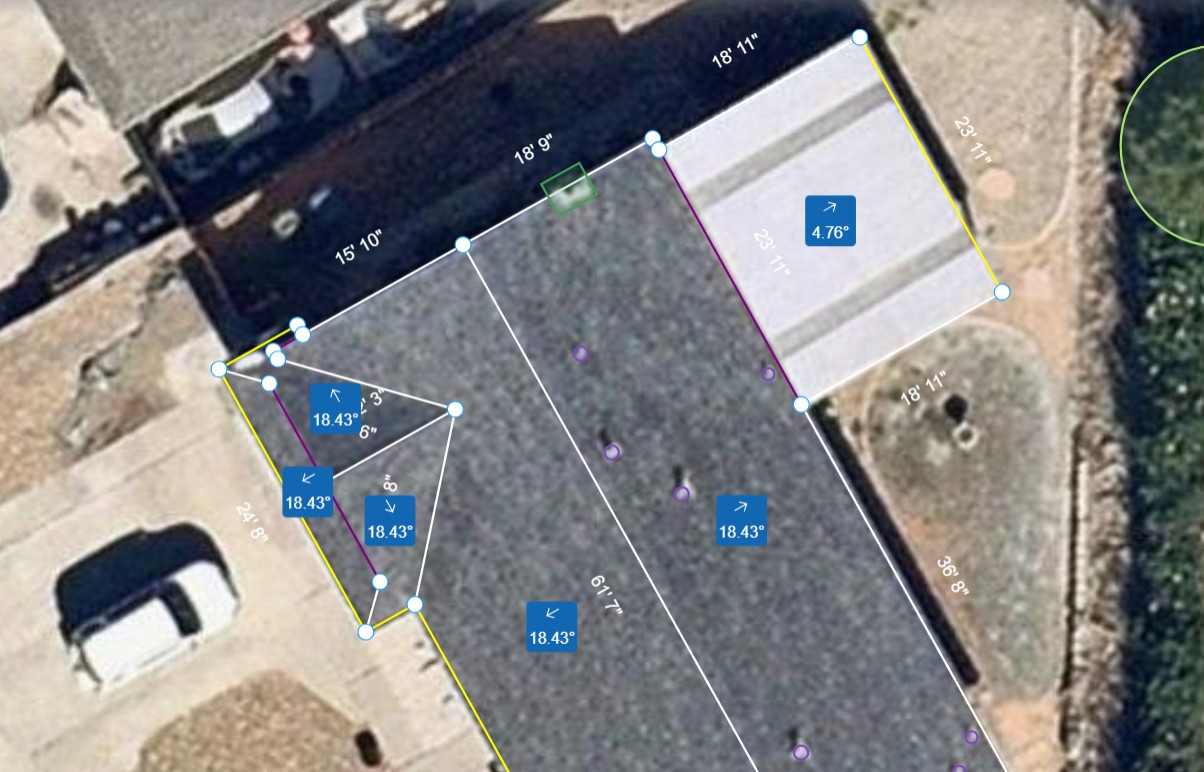
Note: An edge may appear brown when it serves as both an azimuth and a wall.