Help Center Proposal
BOM Calculator
Published on 7 Dec 2022
This guide will walk you through using Solargraf's bill of materials (BOM) calculator. You can use this tool to automate the process of adding the necessary materials to your Solargraf proposal.
Open the Materials page
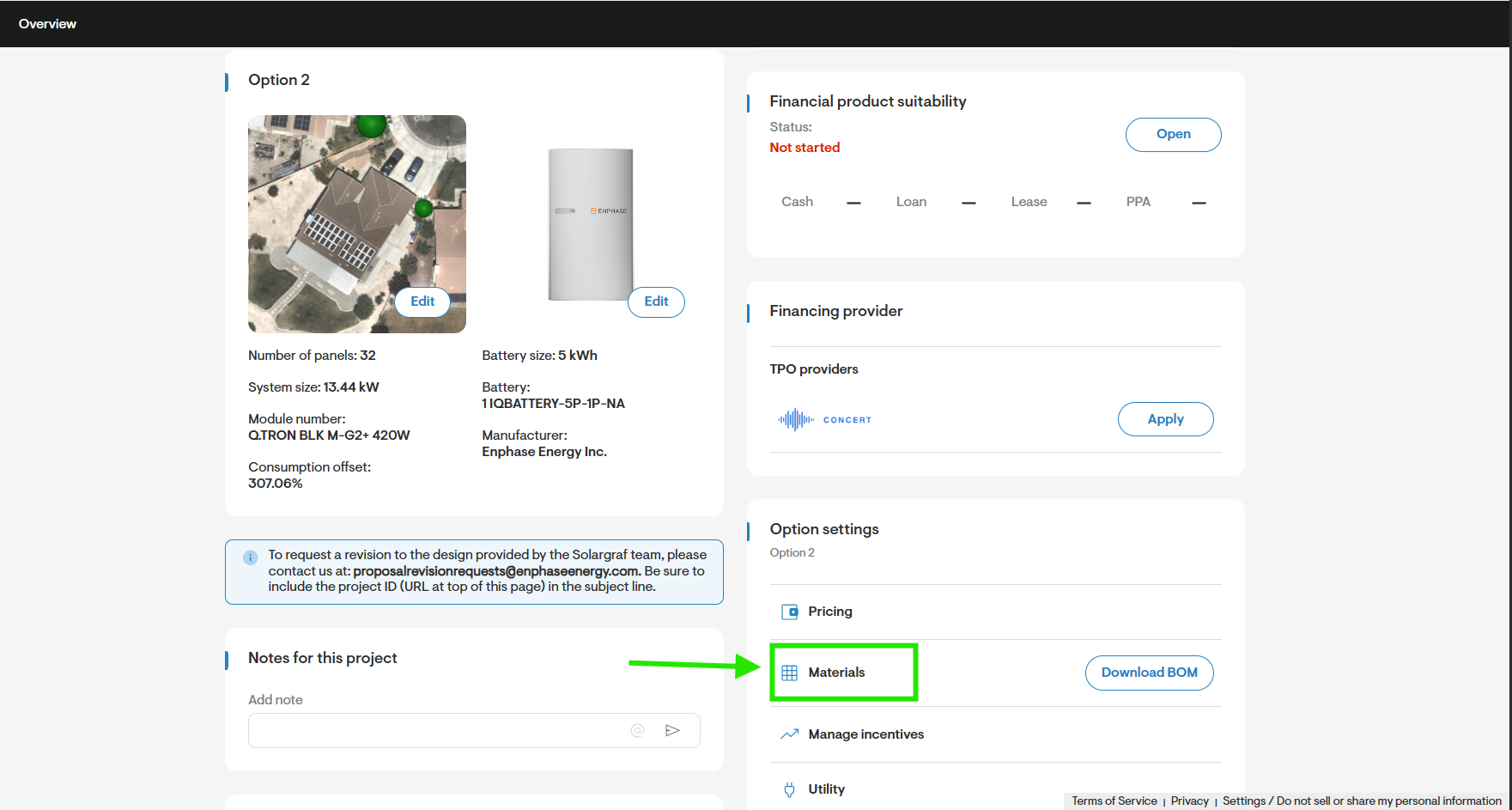
- To get started, navigate to your project's Materials settings.
Calculate bill of materials (BOM)
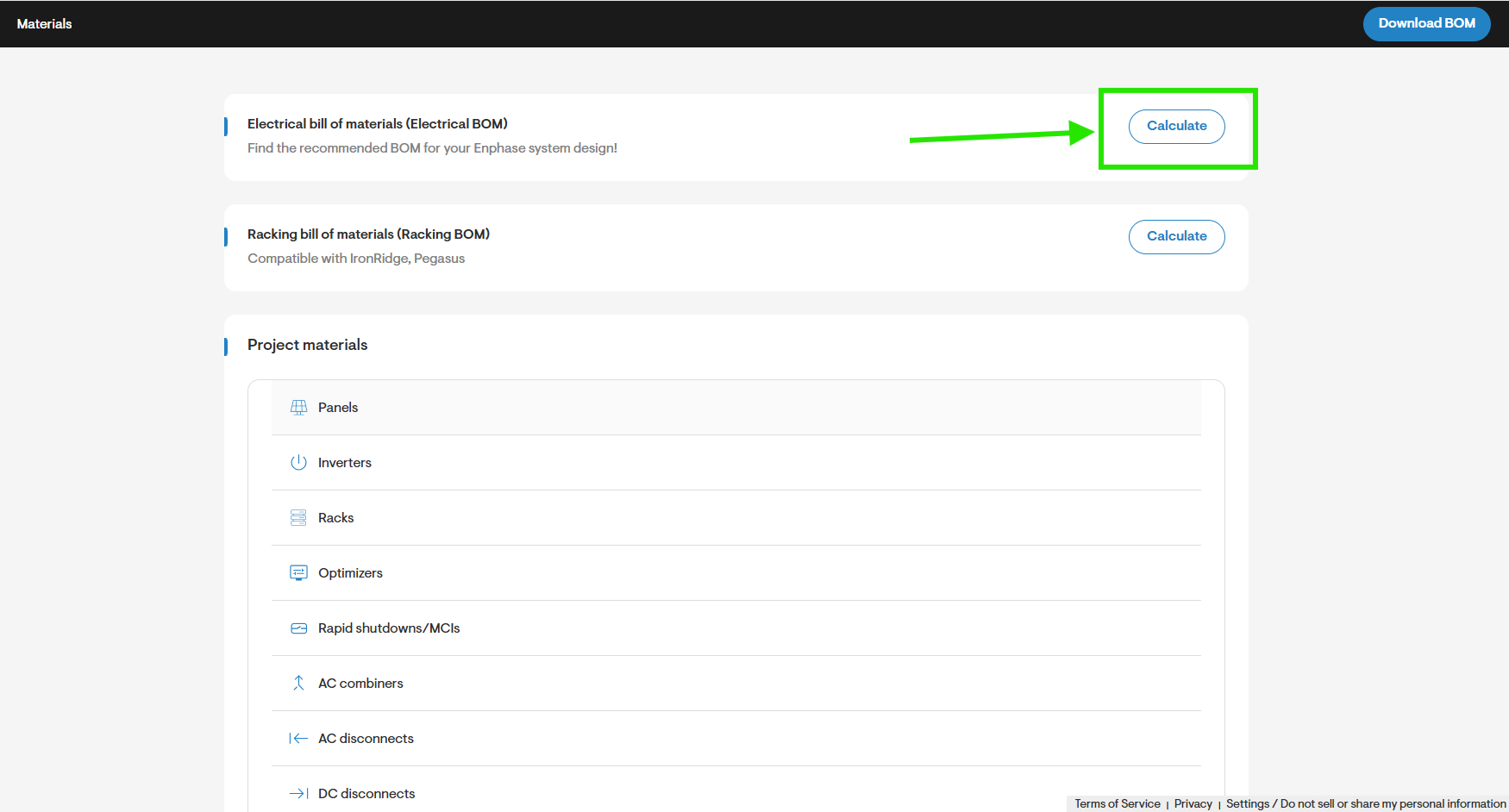
- Near the top of the Materials page, click the Calculate button next to the Electrical bill of materials (Electrical BOM) heading.
Note: This option is only available if you are using Enphase microinverters and/or batteries in your project.
Review estimated BOM
- Review the type and quantity of materials suggested for the project's BOM.
- To adjust the amount of any of the item suggestions, click the + or - buttons for that row, or you can manually enter a new amount in the Quantity field.
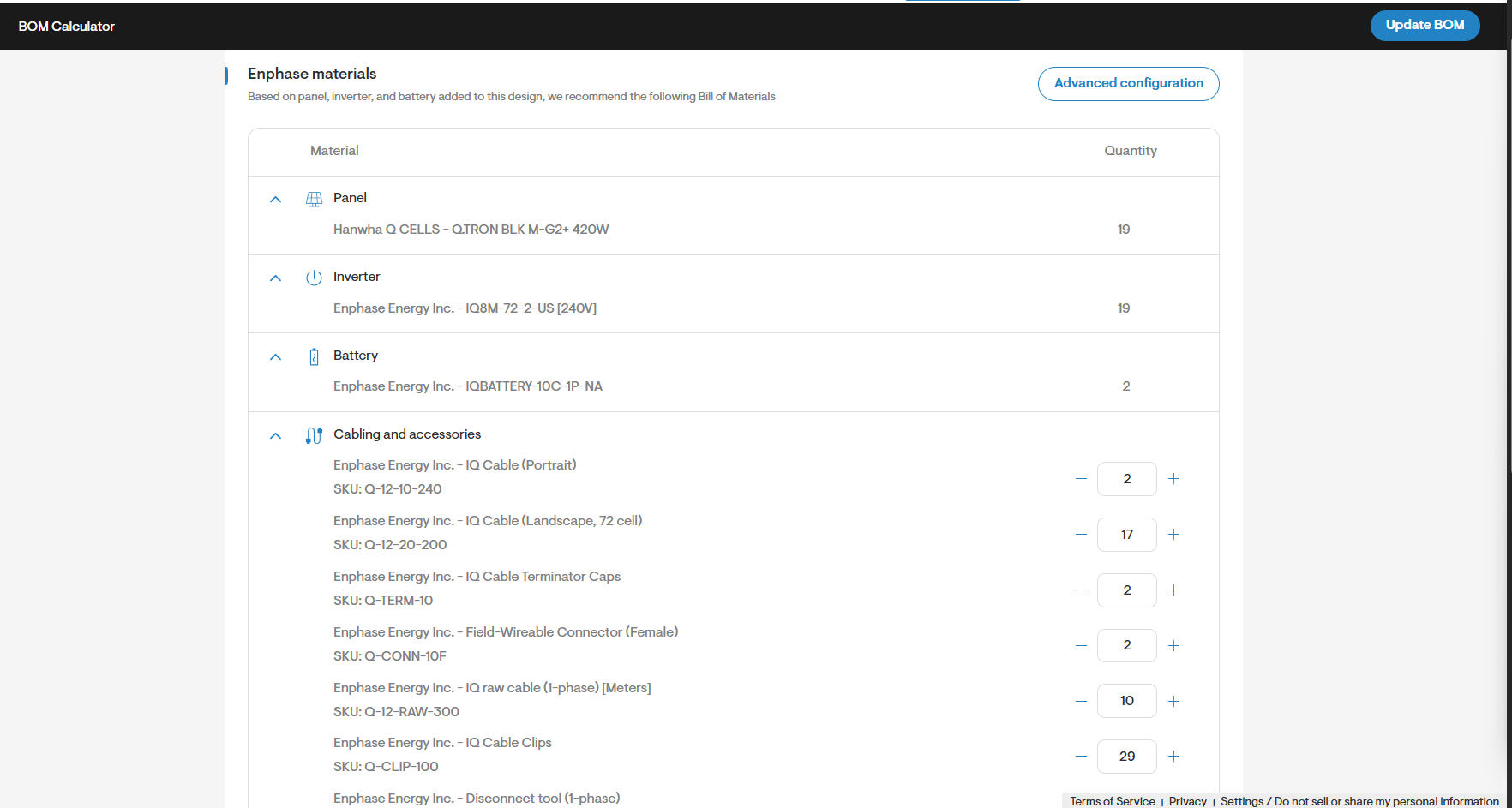
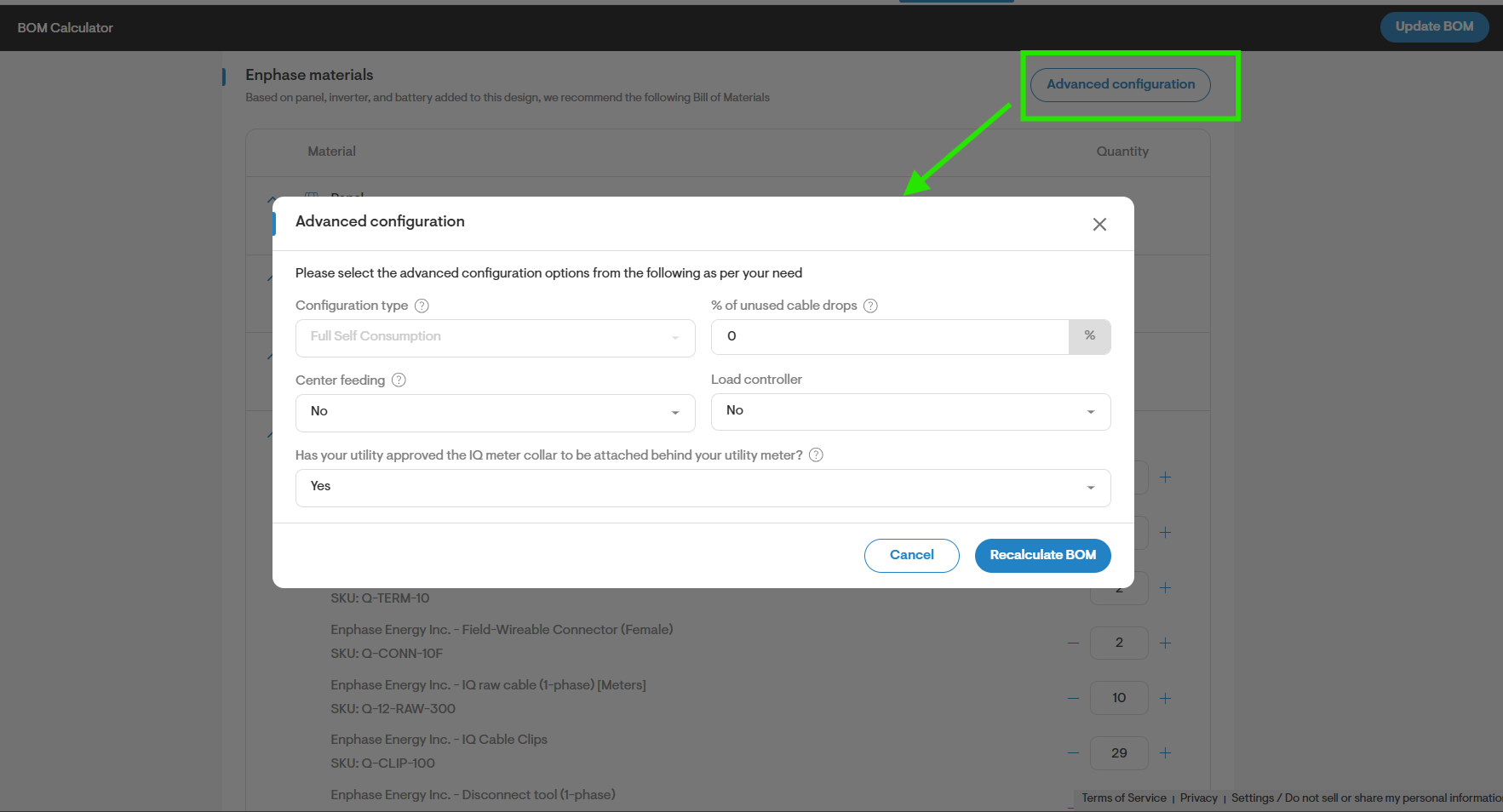
- (Optional) To review additional settings for the estimate, click the Advanced configuration button.
Update BOM with suggested materials
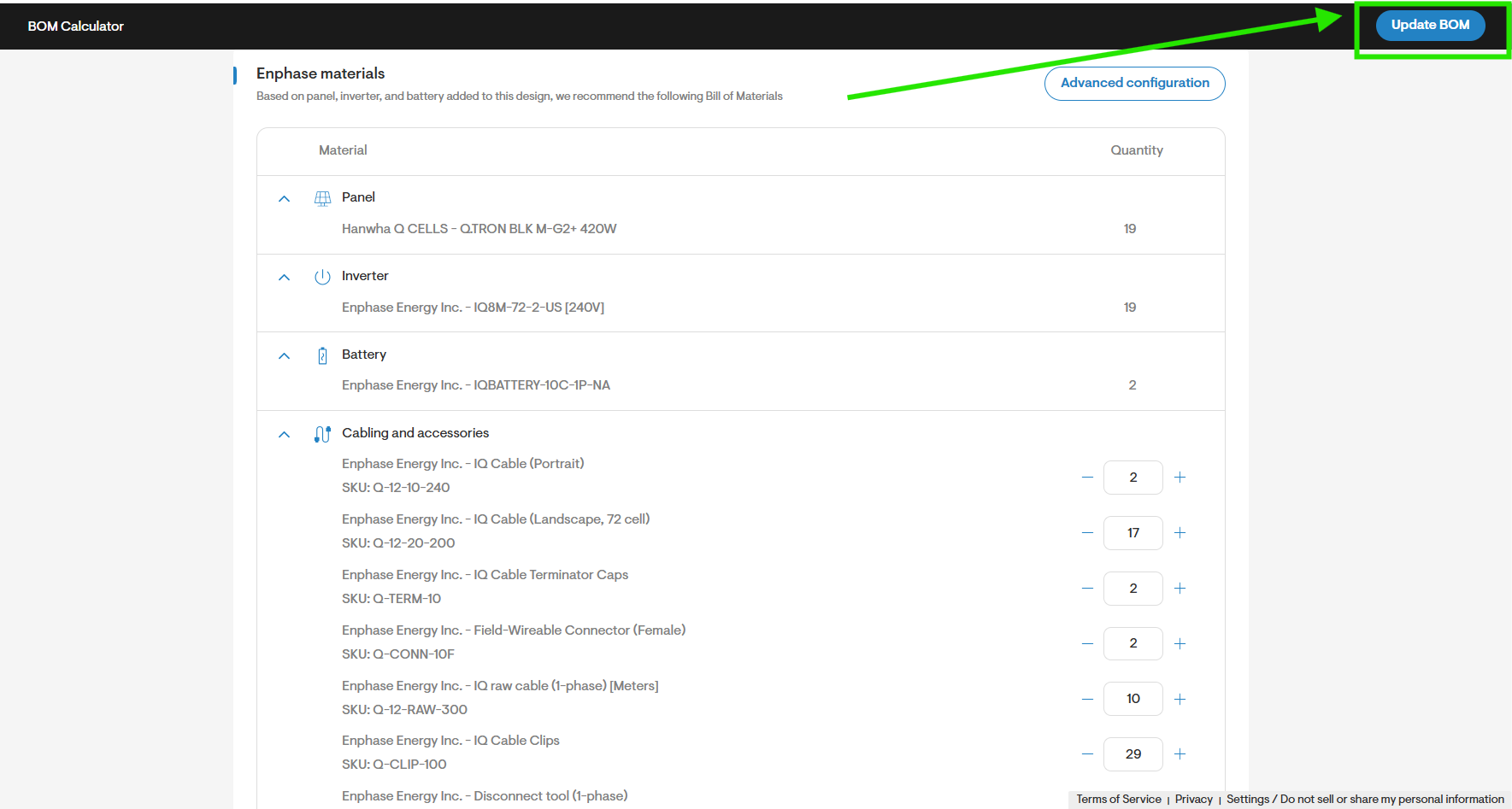
- Once you are ready, click the Update BOM button in the upper-right corner of the page to accept the list and add the new materials to your project.