Help Center Utility
Setting up Intelligent Octopus tariff for your project
Published on 1 Apr 2025
Create a project with “Intelligent Octopus for Solar and Battery”
- Select New project located at the top right of the Dashboard.
- During the project creation go to the Energy consumption section and check the “Fetch Utility/Tariff rates automatically (recommended)” checkbox.
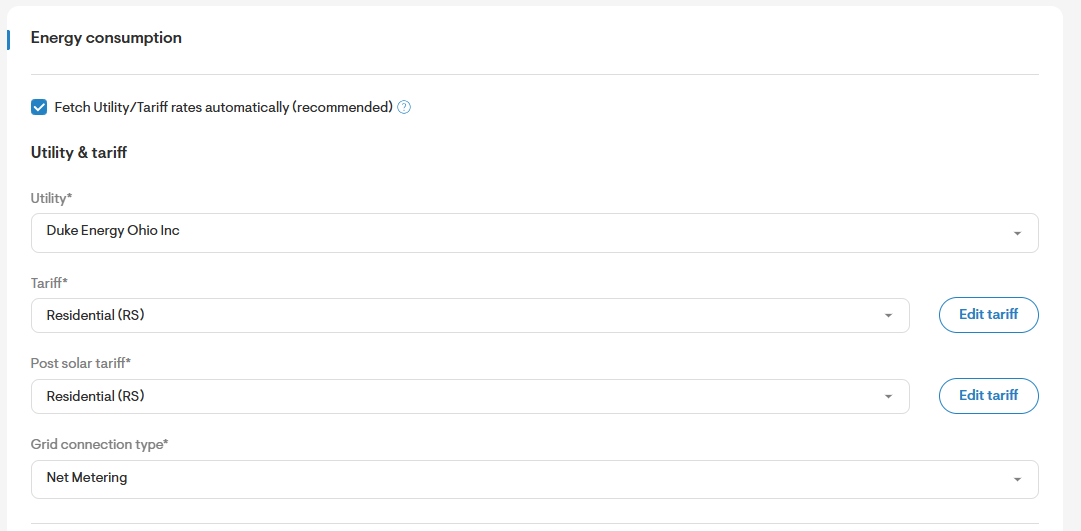
- Select one of the below from the utility dropdown:
Oncor Electric Delivery Company, LLC
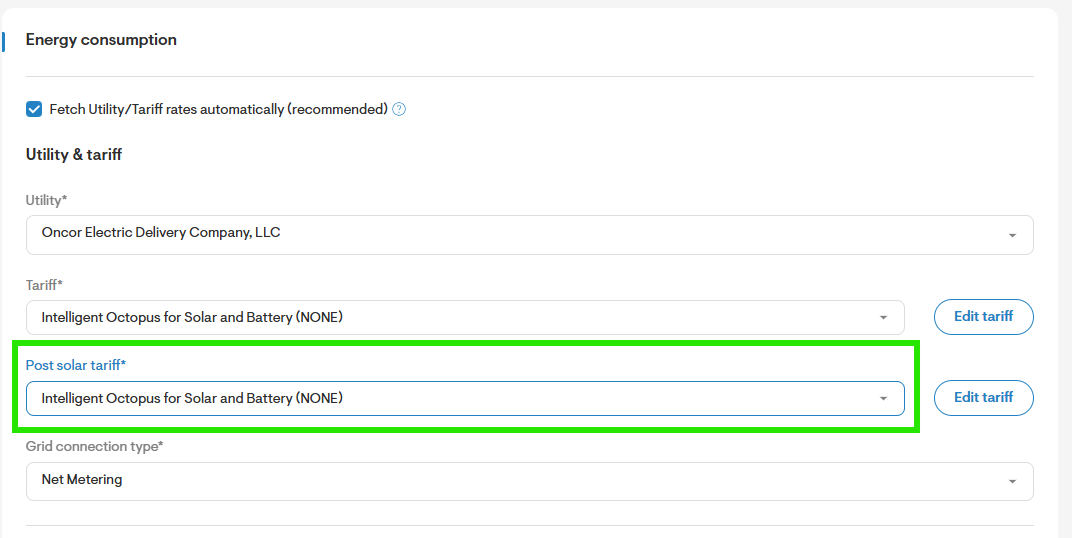
CenterPoint Energy Houston Electric, LLC - Select Intelligent Octopus for Solar and Battery in the tariff and post solar tariff dropdown.
 Solar and Battery Design Process
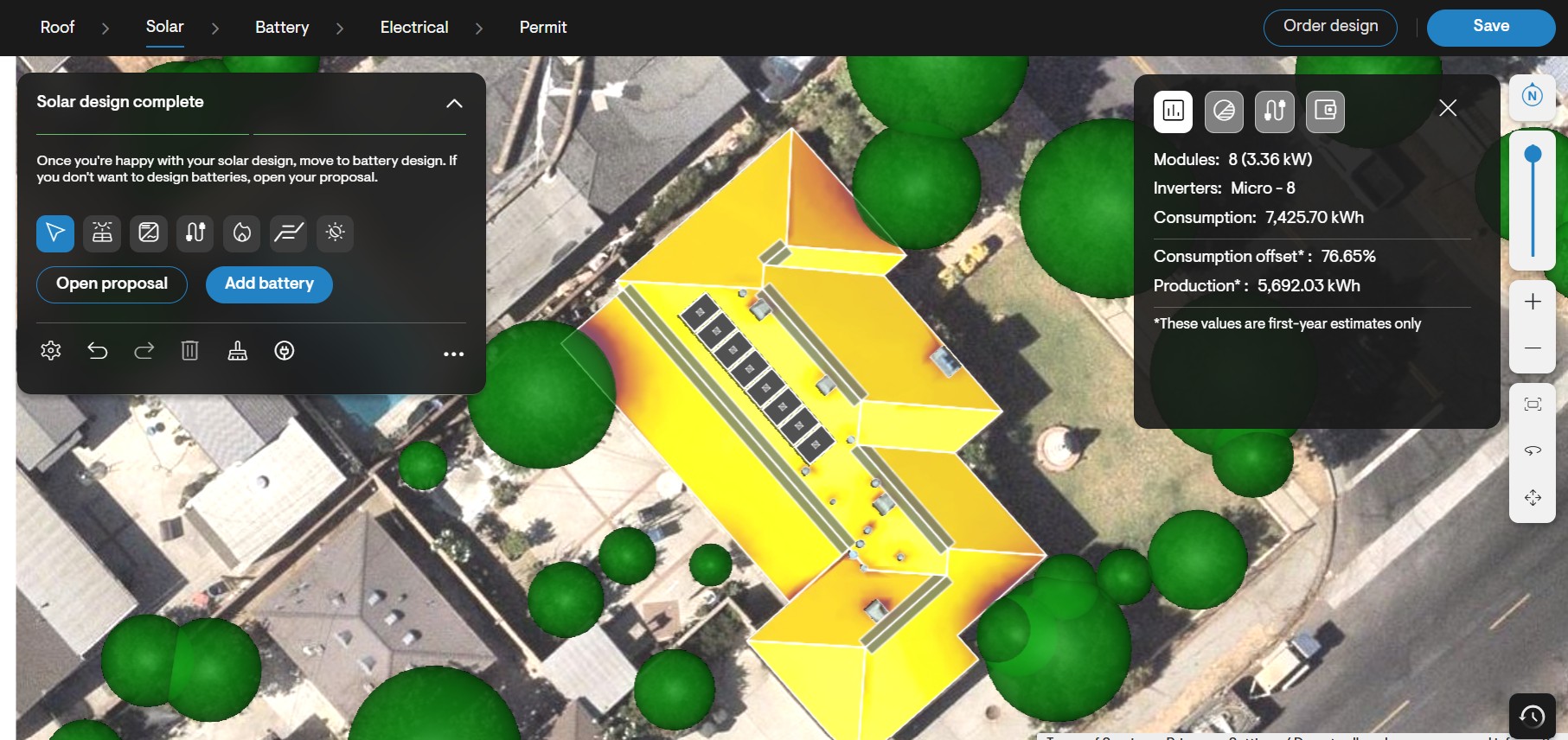
Understand the customer's requirements and create a solar panel layout based on customer needs.
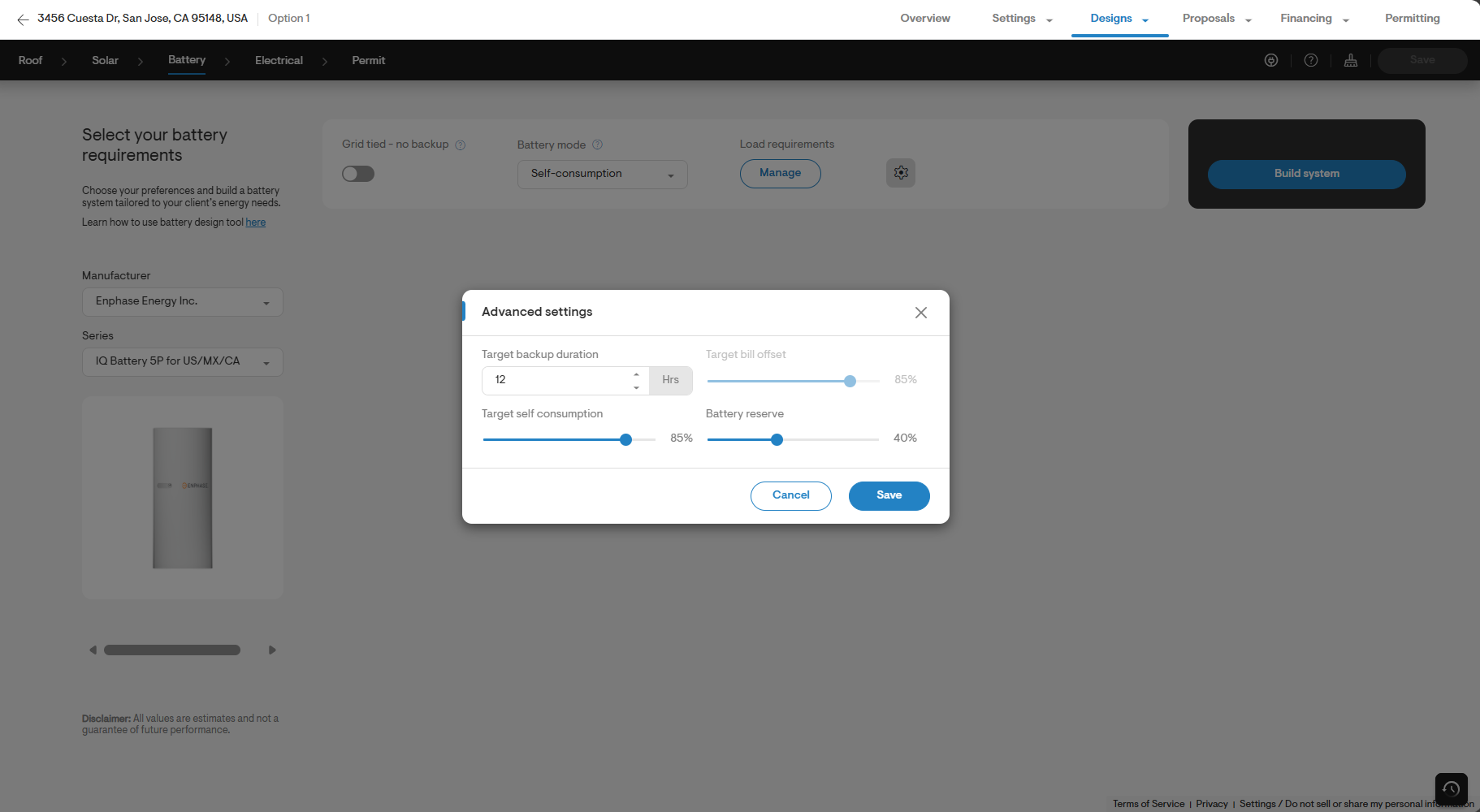
- To improve the accuracy of the savings model, adjust the Battery Reserve SoC setting to 40% - 50% for grid events.
- Adjusting it to 40% will give more conservative results, which somewhatunderestimatesbill savings.
Note: Grid events depend on dynamic hourly varying prices and Octopus battery strategy. The above SoC setting will make the savings model mirror real life bills.
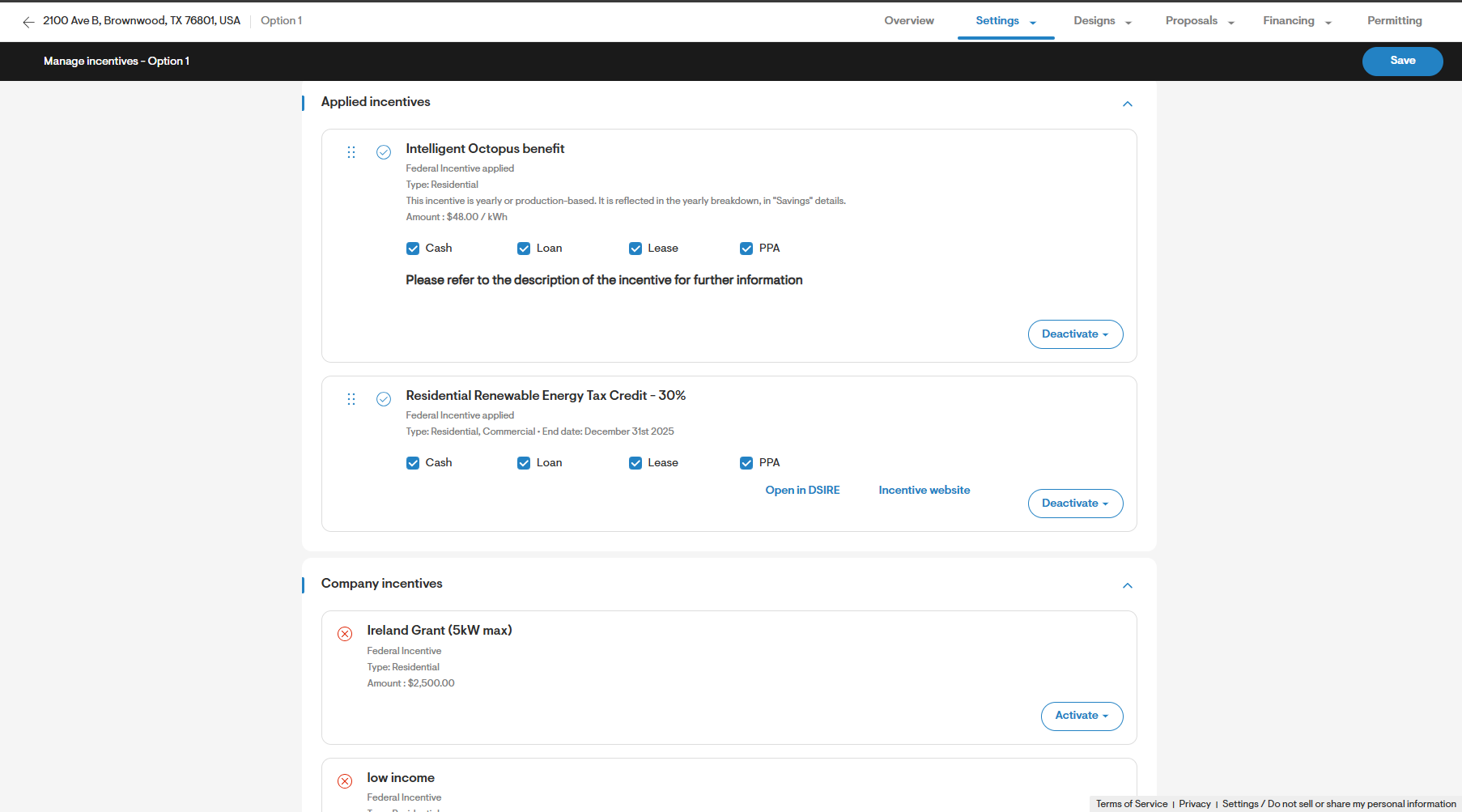
Setup Octopus battery incentive of $4/kWh/month as recurring incentive
- Configure a recurring annual battery incentive of $48/kWh for re-use in projects by navigating to Settings > Pricing > Incentives & rebates > Add an incentive.
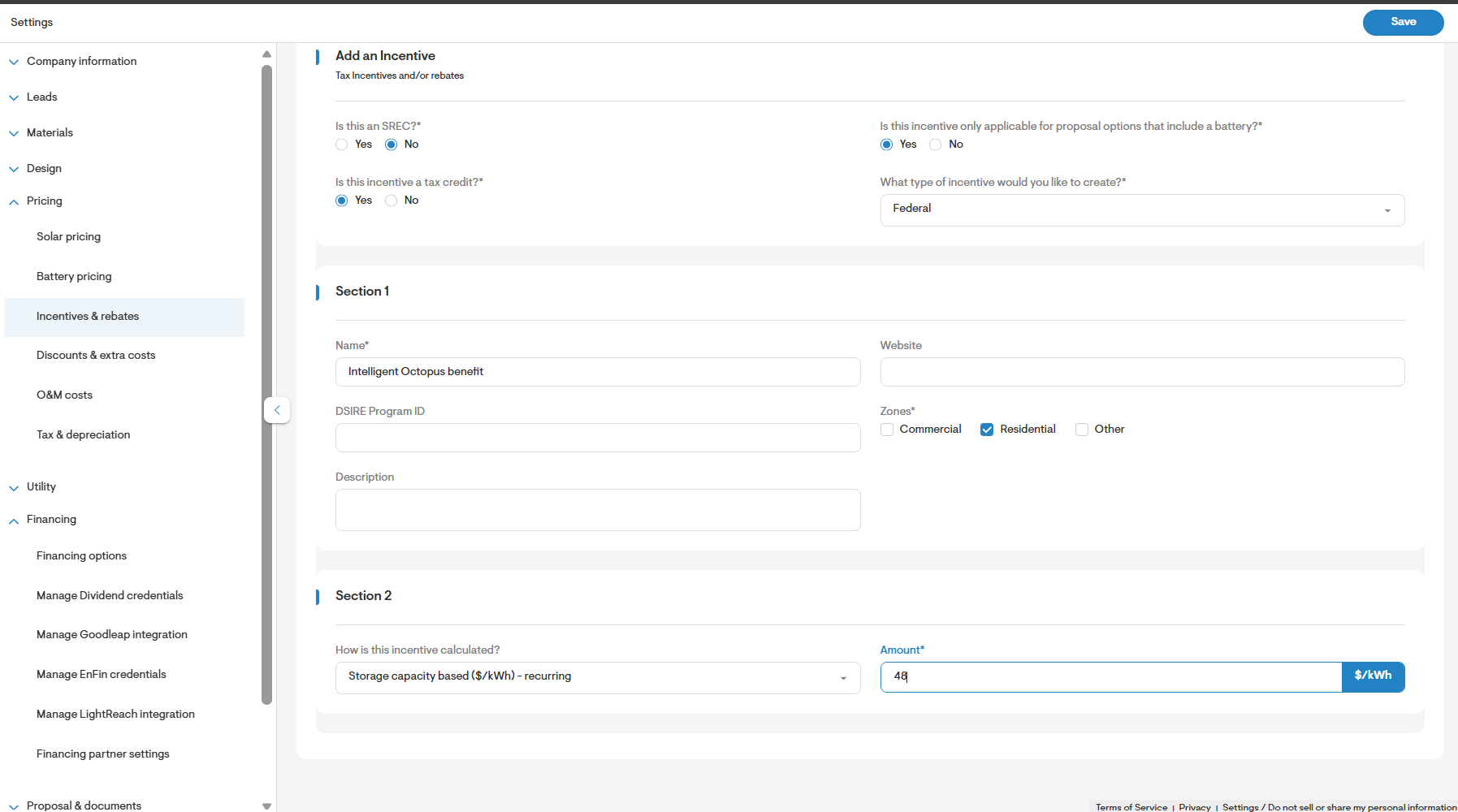
- Add the incentive to the project with the Octopus tariff to ensure the financial calculations reflect the benefit of the incentive.