Help Center Open API
How to Generate an API Token
Published on 12 May 2023
This feature is currently available only upon request. For more information and to request access, please contact us at accounts@solargraf.com.
The following guide provides step-by-step instructions on how to generate an API token on Solargraf.
Overview
The API token serves as a unique key that connects your Solargraf account to a CRM or external software. It's important to note that you'll have a token generated for your Sandbox account and a separate one for your live integration with your production account.
Note: If you are using multiple Solargraf accounts or a parent/child account you will need to generate a unique API token for each account. You can not use the same API token for more than one account.
Walkthrough
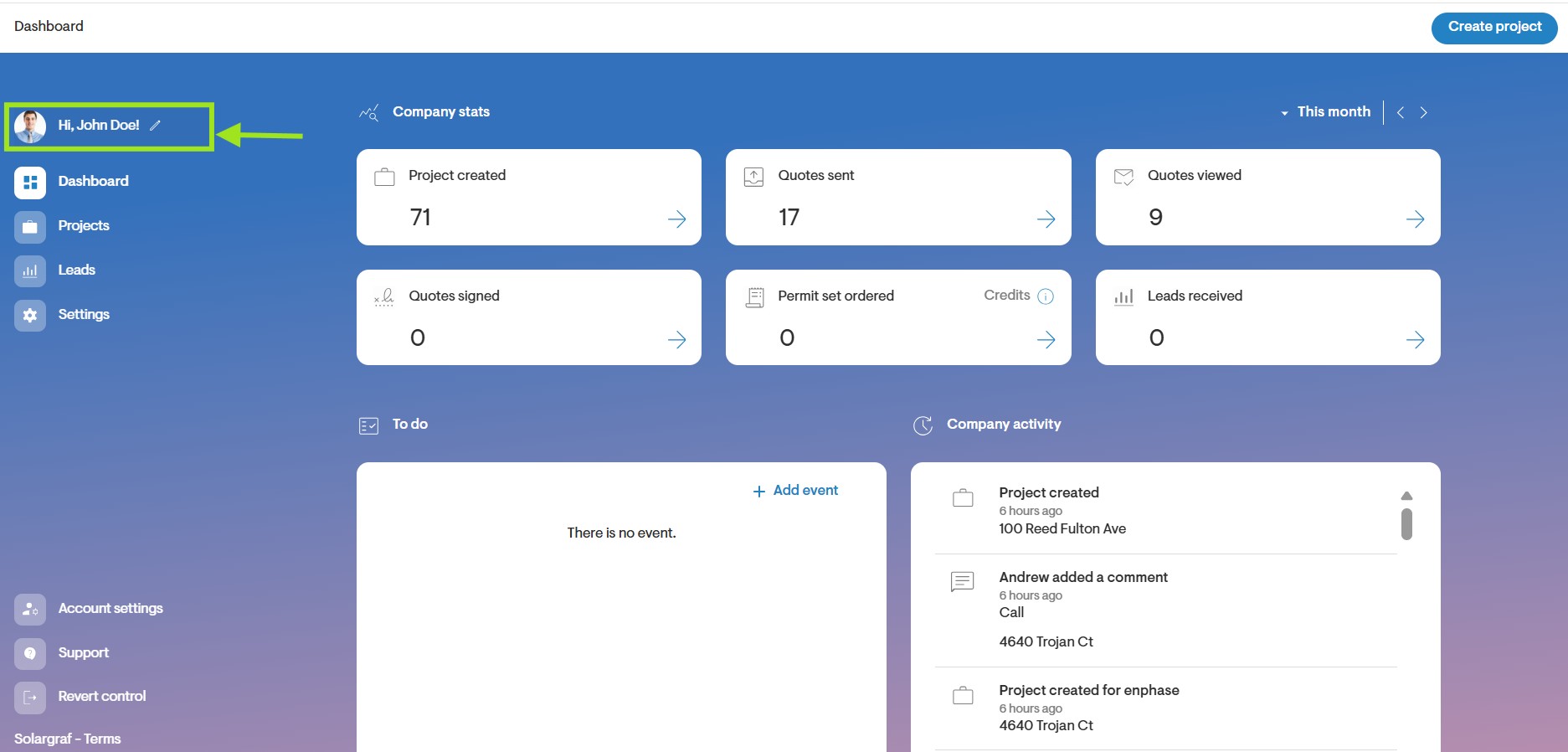
Step 1: Click on user details
- From the Dashboard page, click on the avatar icon at the top left of the screen.
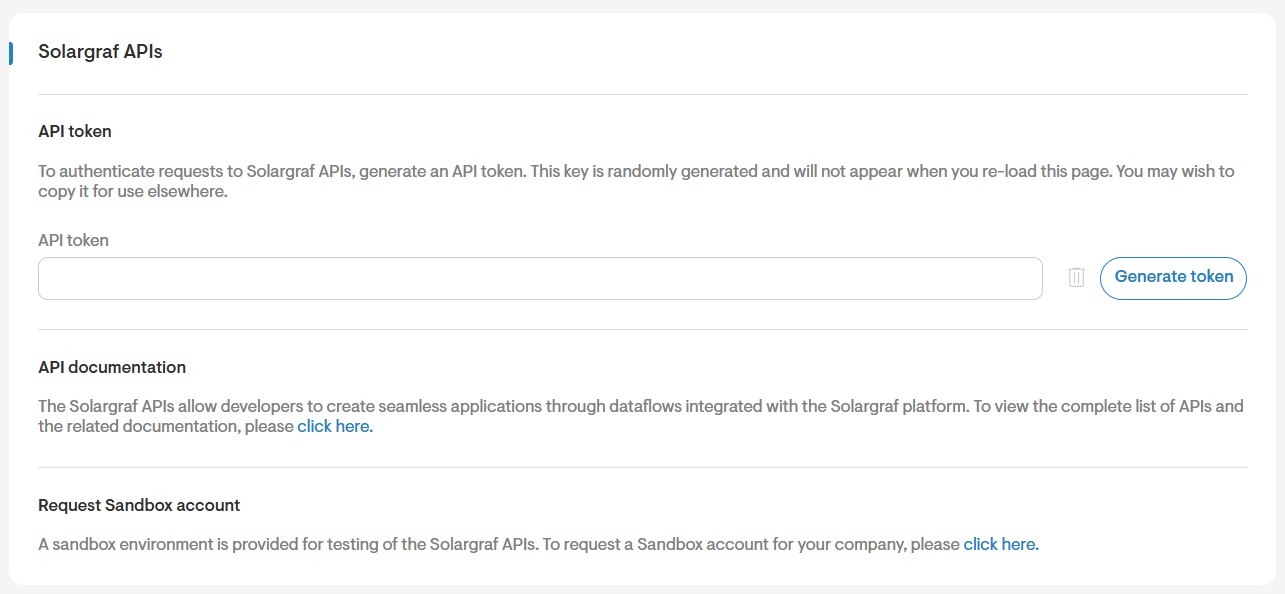
Step 2: Solargraf APIs
- Next, click on Solargraf APIs on the right-hand side of the page.
Step 3: Click Generate
- Navigate to the middle of the page, locate the API token section, and click on "Generate" to create an API token.
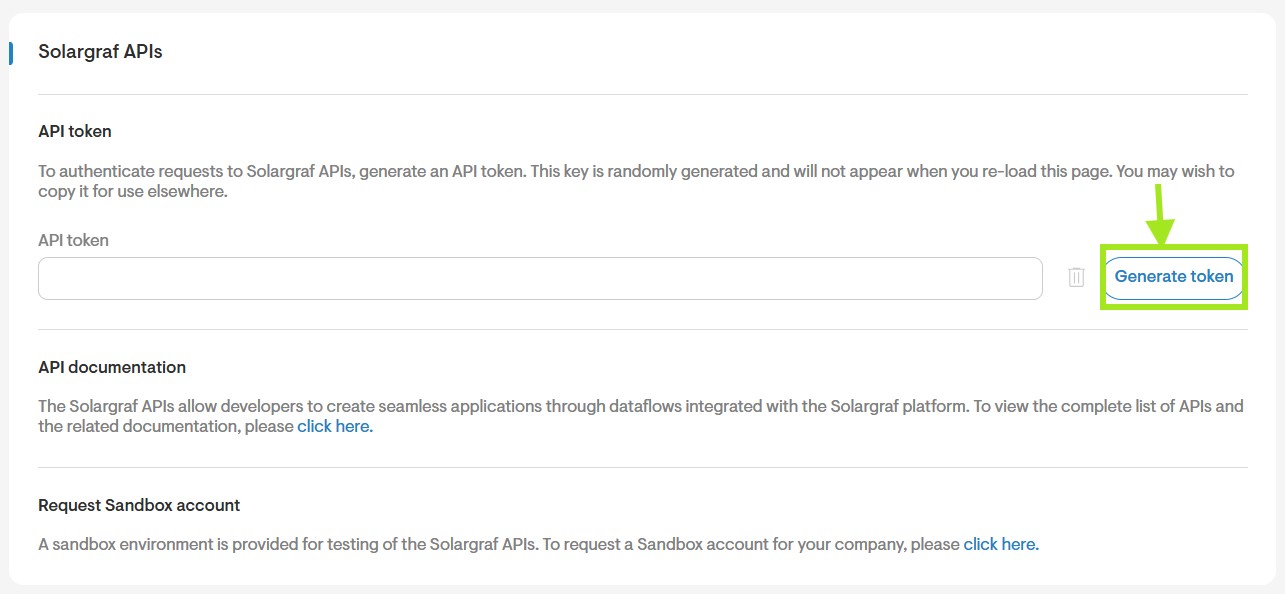
After generating the token, the Copy button will activate, turning blue. Click on it to copy the token, then paste it into your CRM or external software as needed.
Note: Once generated, the API token remains constant and does not change unless explicitly regenerated by the user.