Help Center Design
Create a Losses Template
Published on 22 Sept 2023
To establish default system losses in Solargraf, you must create a template through the company settings. We'll guide you through this process and demonstrate how to access the templates at the project level.
Default System Losses (Company Settings)
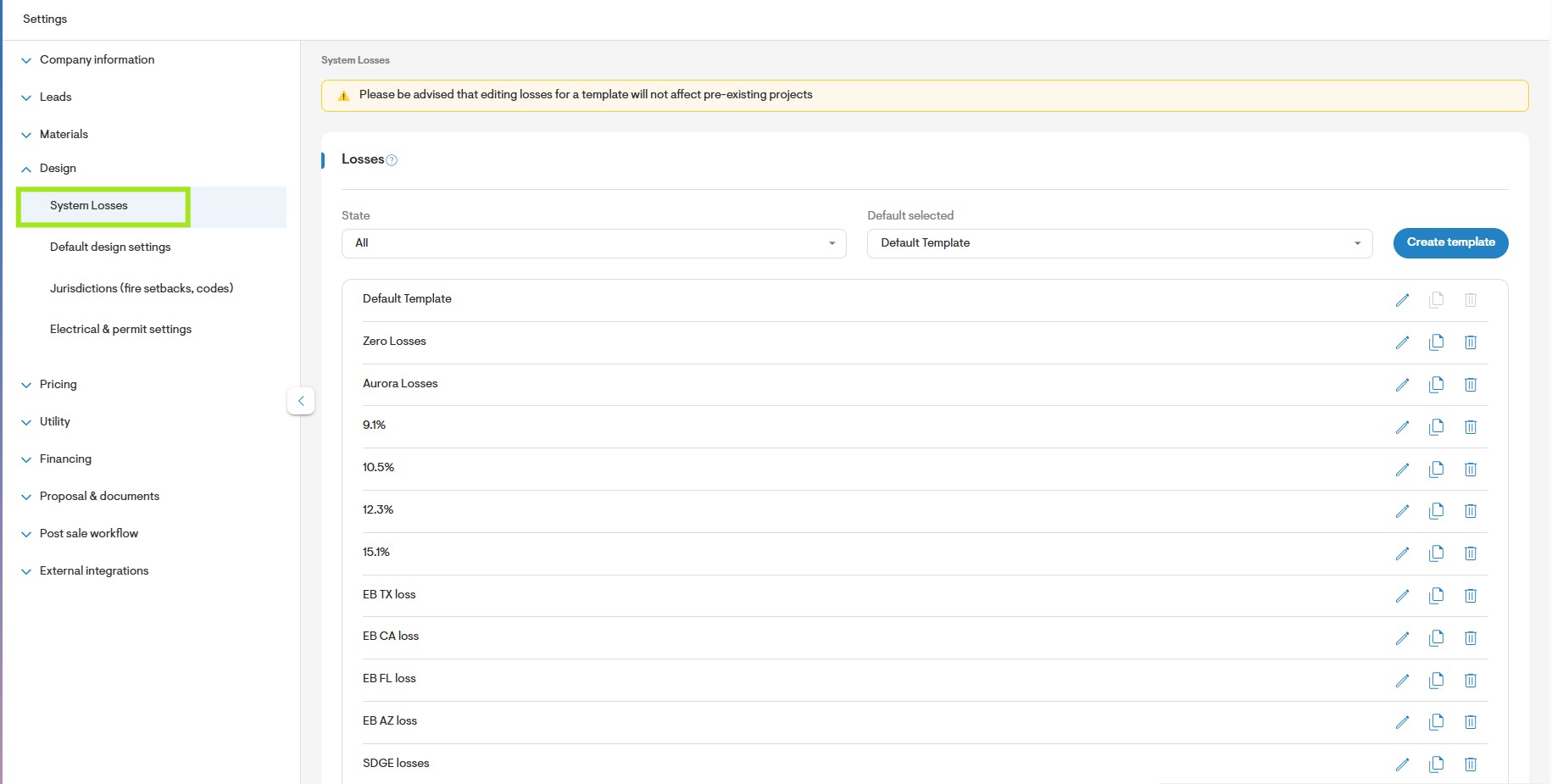
From the Dashboard navigatetoSettings > Design > System Losses.
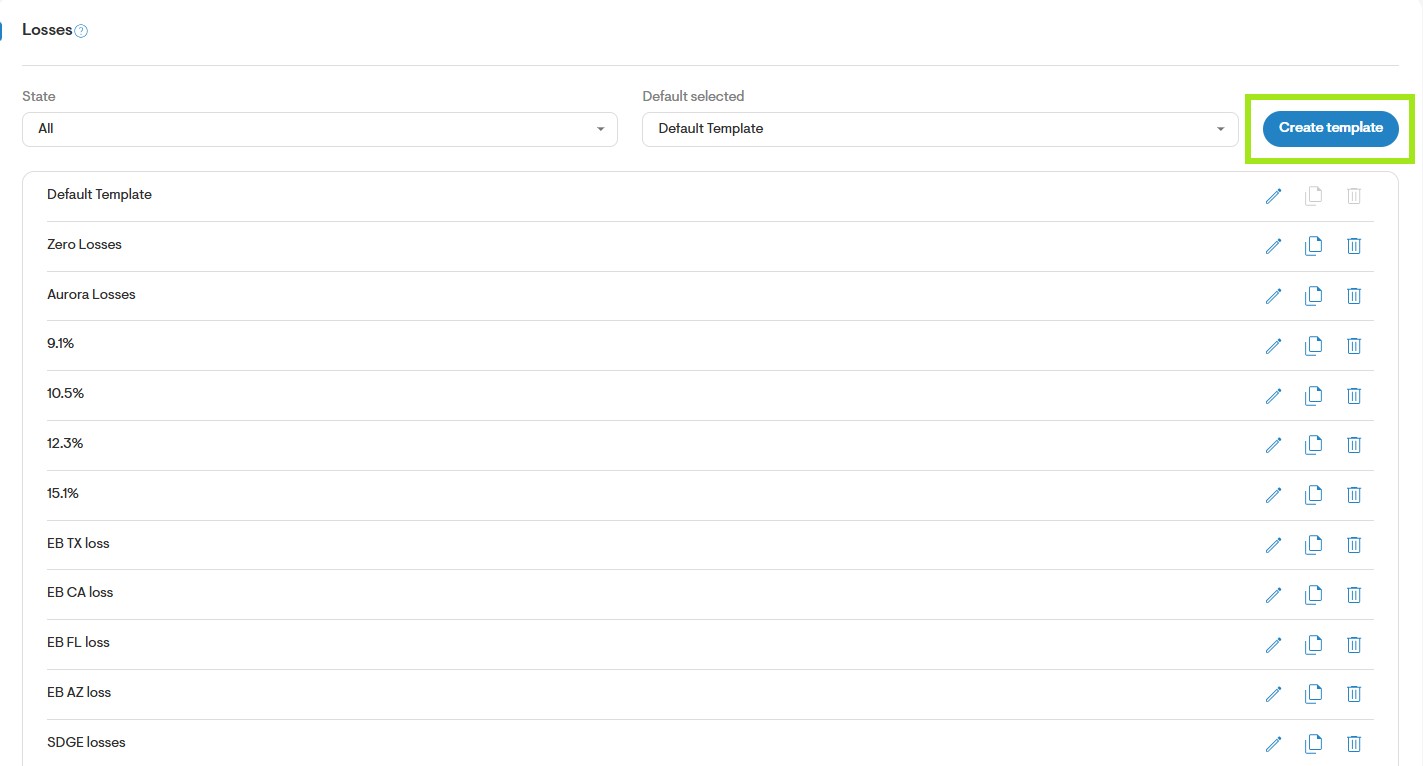
To add a new losses template, click Add New.
Complete the losses template. Starting by entering a unique name for the template and then select the state to which the template applies. You may select ALL if the template applies to all states.
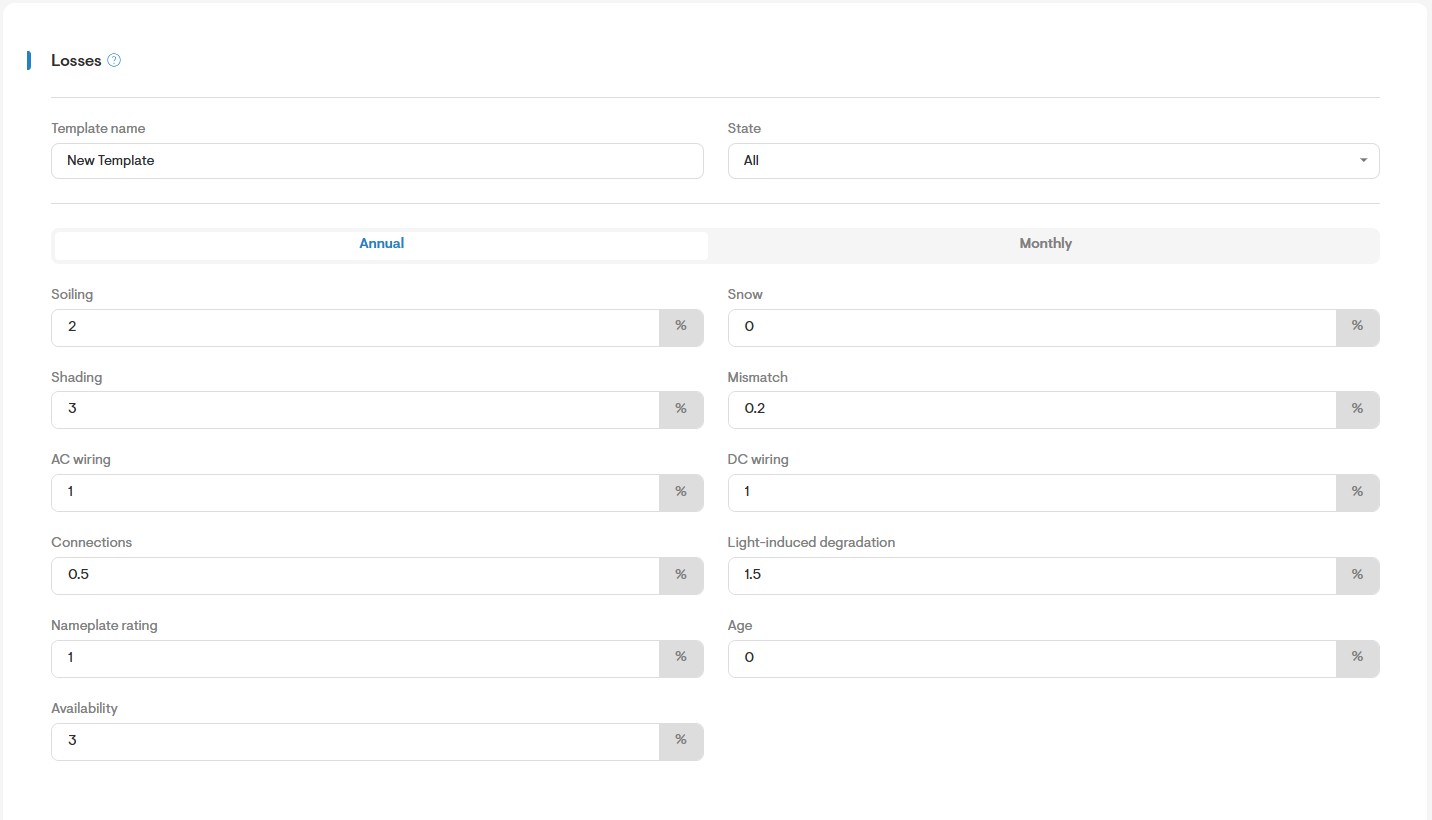
Next, input the percentage values for each loss category. You can choose to enter either annual or monthly values.
Note: Monthly losses are supported only for soiling and snow.
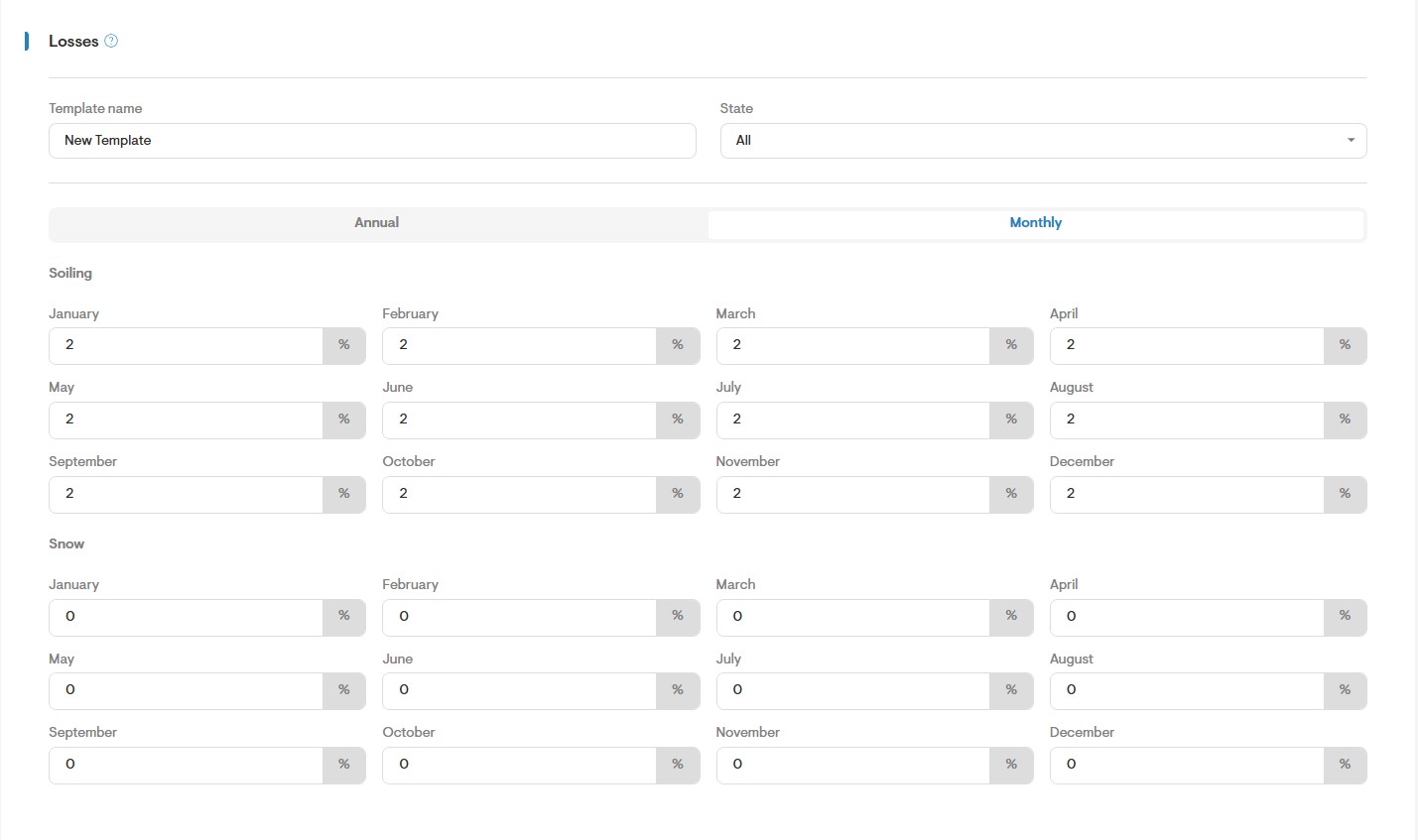
Once you have completed the templates form click the Save button on the top right of the page.
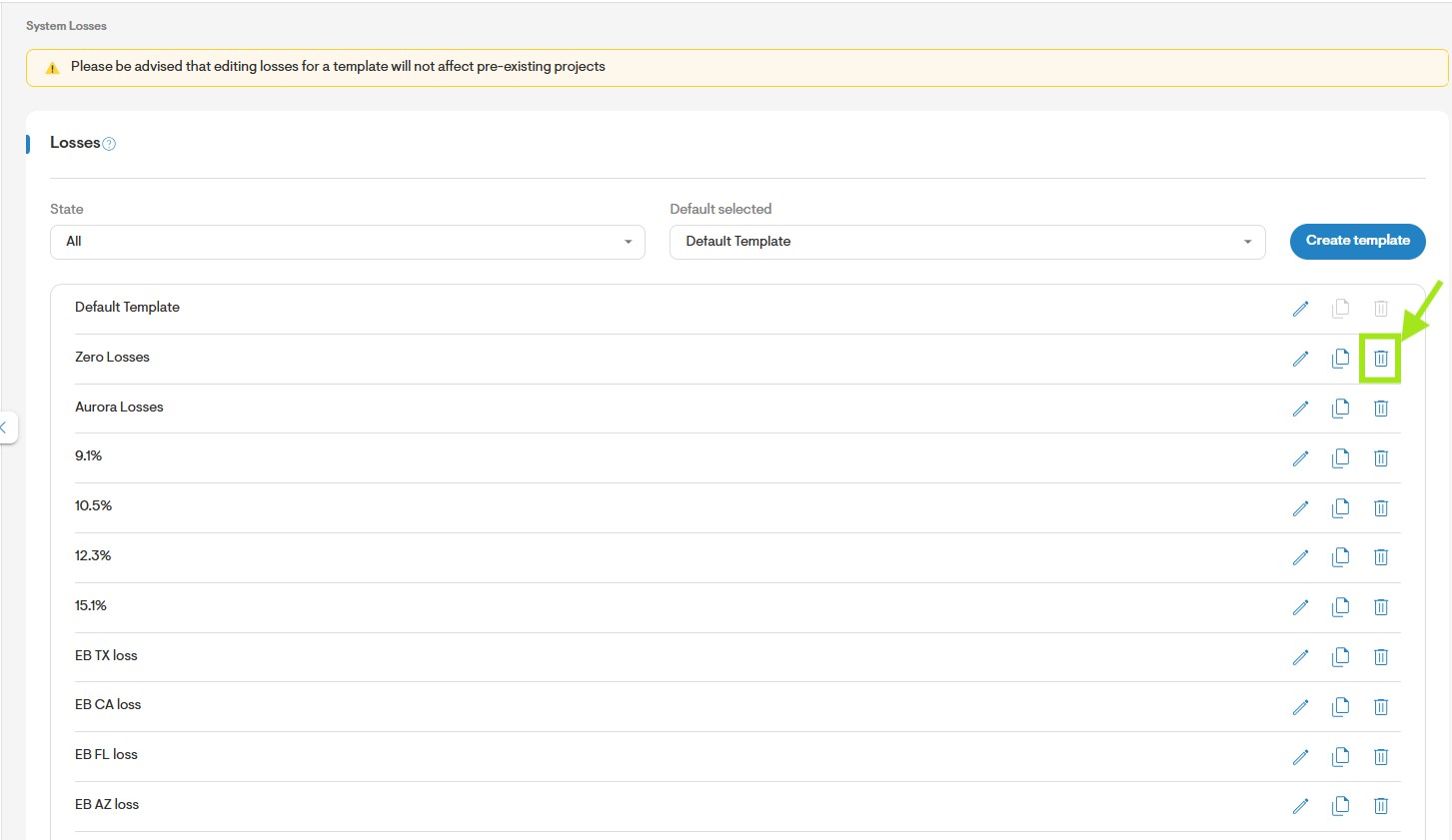
You may edit, copy or delete an existing losses template by selecting any of the icons to the right of the template name.
Shading Losses Glossary
The following are the definitions of each field on the losses template, directly sourced from NREL PVWatt's online calculator:
Soiling: Losses due to dirt and other foreign matter on the surface of the PV module that prevent solar radiation from reaching the cells. Soiling is location- and weather-dependent. There are greater soiling losses in high-traffic, high-pollution areas with infrequent rain. The default value is 2%. You can use monthly irradiance losses for losses that vary by month instead of including soiling in the system losses.
Shading: Reduction in the incident solar radiation from shadows caused by objects near the array such as buildings or trees, or by self-shading for modules arranged in rows when modules in one row cause shadows on those in an adjacent row. The default value of 1% represents an array with little or no shading.
Snow: Reduction in the system's annual output due to snow covering the array. The default value is zero, assuming either that there is never snow on the array, or that the array is kept clear of snow. You can use the monthly irradiance losses to represent snow loss instead of including it in the system losses.
Mismatch: Electrical losses due to slight differences caused by manufacturing imperfections between modules in the array that cause the modules to have slightly different current-voltage characteristics. The default value of is 2%.
Wiring: Resistive losses in the DC and AC wires connecting modules, inverters, and other parts of the system. The default value is 2%.
Connections: Resistive losses in electrical connectors in the system. The default value is 0.5%.
Light-Induced Degradation: Effect of the reduction in the array's power during the first few months of its operation caused by light-induced degradation of photovoltaic cells. The default value is 1.5%.
Nameplate Rating: The nameplate rating loss accounts for the accuracy of the manufacturer's nameplate rating. Field measurements of the electrical characteristics of photovoltaic modules in the array may show that they differ from their nameplate rating. A nameplate rating loss of 5% would indicates that testing yielded power measurements at Standard Test Conditions (STC) that were 5% less than the manufacturer's nameplate rating. The default value is 1%.
Age: Effect of weathering of the photovoltaic modules on the array's performance over time. The default value is zero.
Availability: Reduction in the system's output cause by scheduled and unscheduled system shutdown for maintenance, grid outages, and other operational factors. The default value is 3%.
System Losses Template (Overview Page)
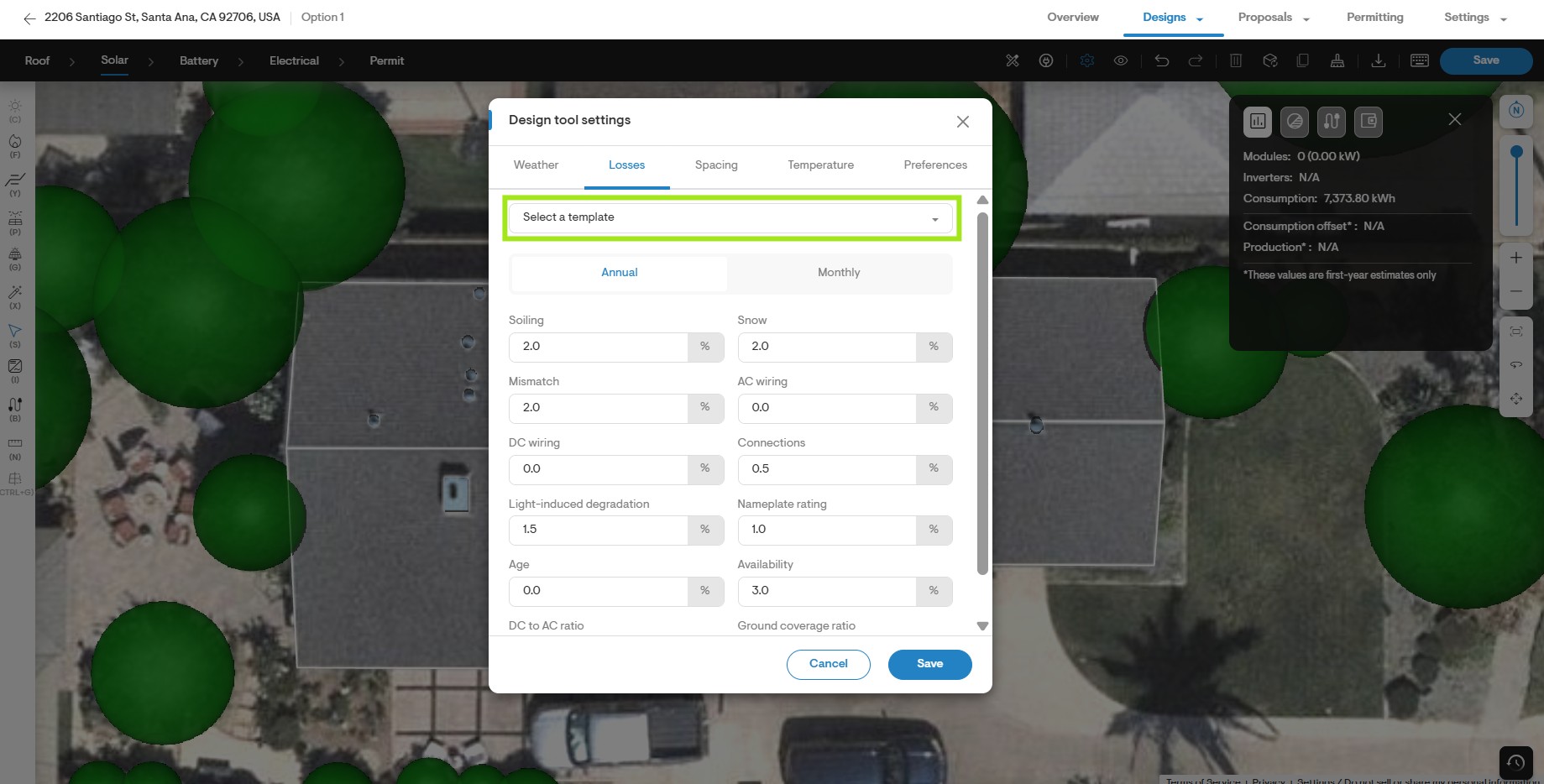
To select the losses template for your Solargraf project, start by opening the Design Tool.
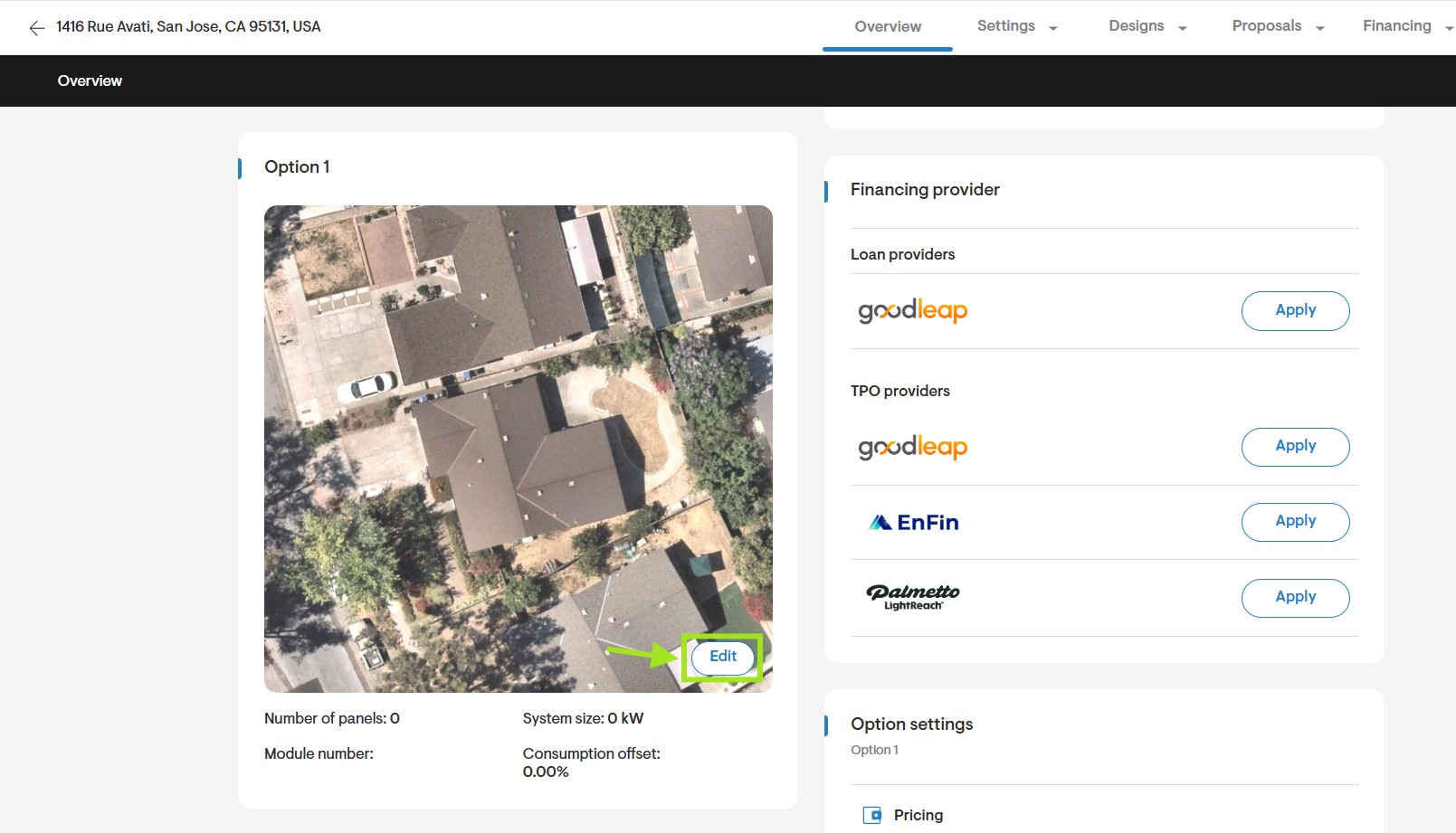
Navigate to the solar design tab and access the Design Tool Settings by clicking on the gear icon.
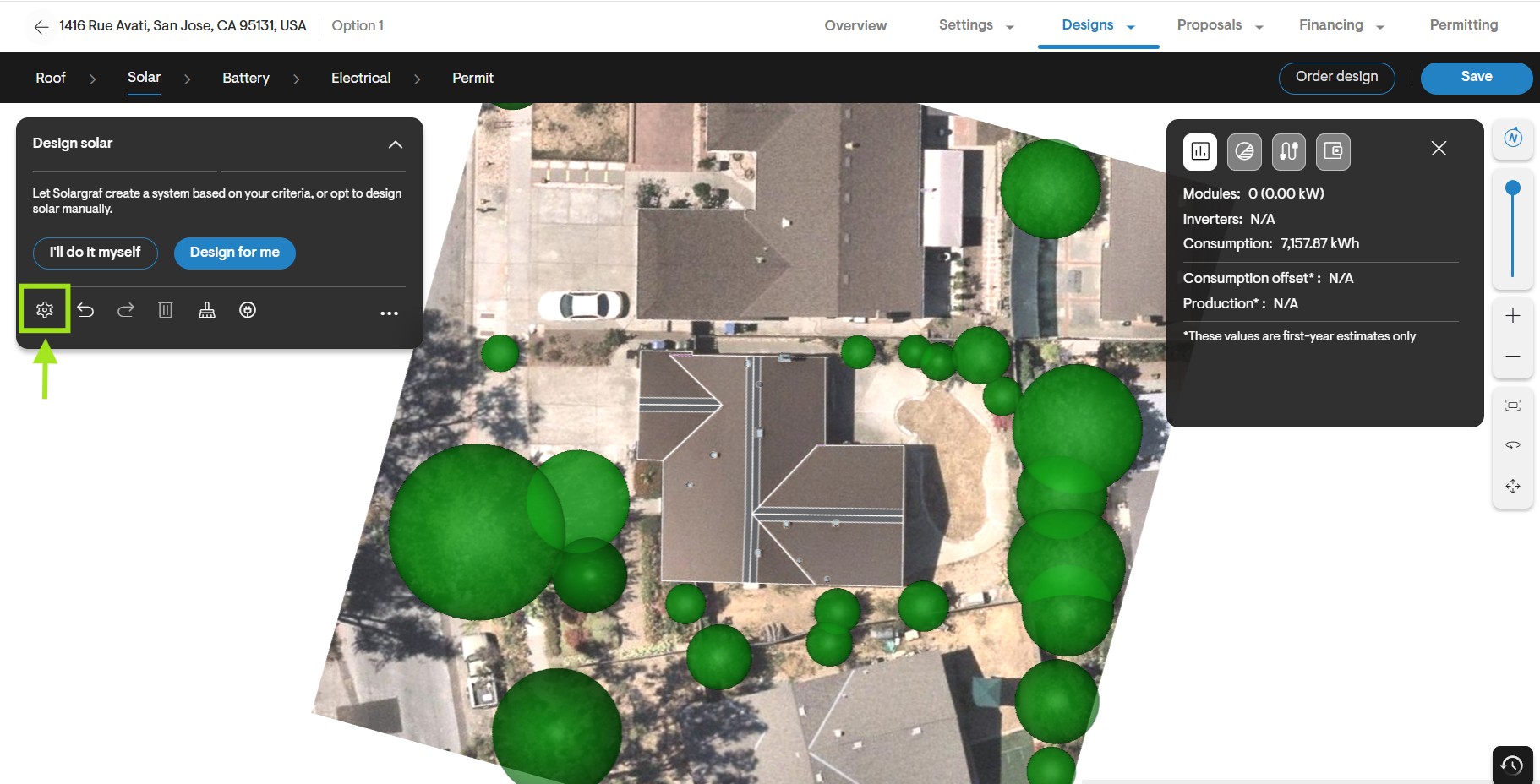
Next, proceed to the Losses tab. Choose the relevant template from the dropdown menu by clicking Select Template.
Alternatively, customize the Annual or Monthly values by overriding them with specific values applicable only to this project.